7 Best App Landing Page Tools in 2026 (Ranked for Mobile App Teams)
Most landing page tools are built for marketers, not app teams. Here are the 7 best tools ranked for mobile app promotion in 2026, and why one of them does in 5 minutes what the others take hours to do.

Cyrus
Most landing page tools are built for marketers running ad campaigns to a generic product. They are good at what they do. But if you are promoting a mobile app, the thing you actually need is different.
You need App Store and Google Play download buttons that work on any device. You need a page that loads under 2 seconds on mobile, because that is where most of your visitors will be. You need something that either connects to your app store listing or is smart enough to auto-detect whether a visitor is on iOS or Android and route them to the right store. And ideally, you need all of that without a 3-hour design session.
I have tested and used most of the tools on this list at various points over the past few years, and what follows is an honest ranking of what actually serves app teams well in 2026, not just what scores well in generic landing page builder comparison articles.
One note before we start: the benchmarks in this article matter. In 2026, iOS cost per install averages $5.84 (Digital Applied, 2026). A landing page that converts at 3% instead of 6% doubles your effective CPI on every dollar of paid traffic you send to it. The tool you choose is not a small decision.
What Makes a Landing Page Tool Good for App Promotion Specifically
Before the rankings, the criteria. Generic landing page features like drag-and-drop editors and A/B testing matter, but app teams need a few additional things that most tools either handle badly or do not handle at all.
Criteria | Why it matters for app teams |
|---|---|
Instant setup from app store URL | App developers do not want to spend 3 hours building. Paste a link and go is the right model. |
Auto-routing by device OS | iOS visitors should hit the App Store. Android visitors should hit Google Play. Automatically. |
Mobile-first rendering | Most of your visitors are on mobile. A page designed for desktop first will lose them. |
App store download buttons | Two-tap path to install: badge buttons that open the correct store without friction. |
Page load speed | 53% of mobile users abandon a page that takes over 3 seconds to load (Google, 2026). |
Email capture | Not everyone installs on first visit. Email capture keeps warm leads in your funnel. |
SEO-indexable output | Your landing page should rank on Google for your app name and related keywords. |
No-code or minimal setup | App teams are shipping product, not websites. The tool needs to get out of the way. |
The 7 Best App Landing Page Tools in 2026
1. Entro (entro.work) — Best for Mobile App Teams
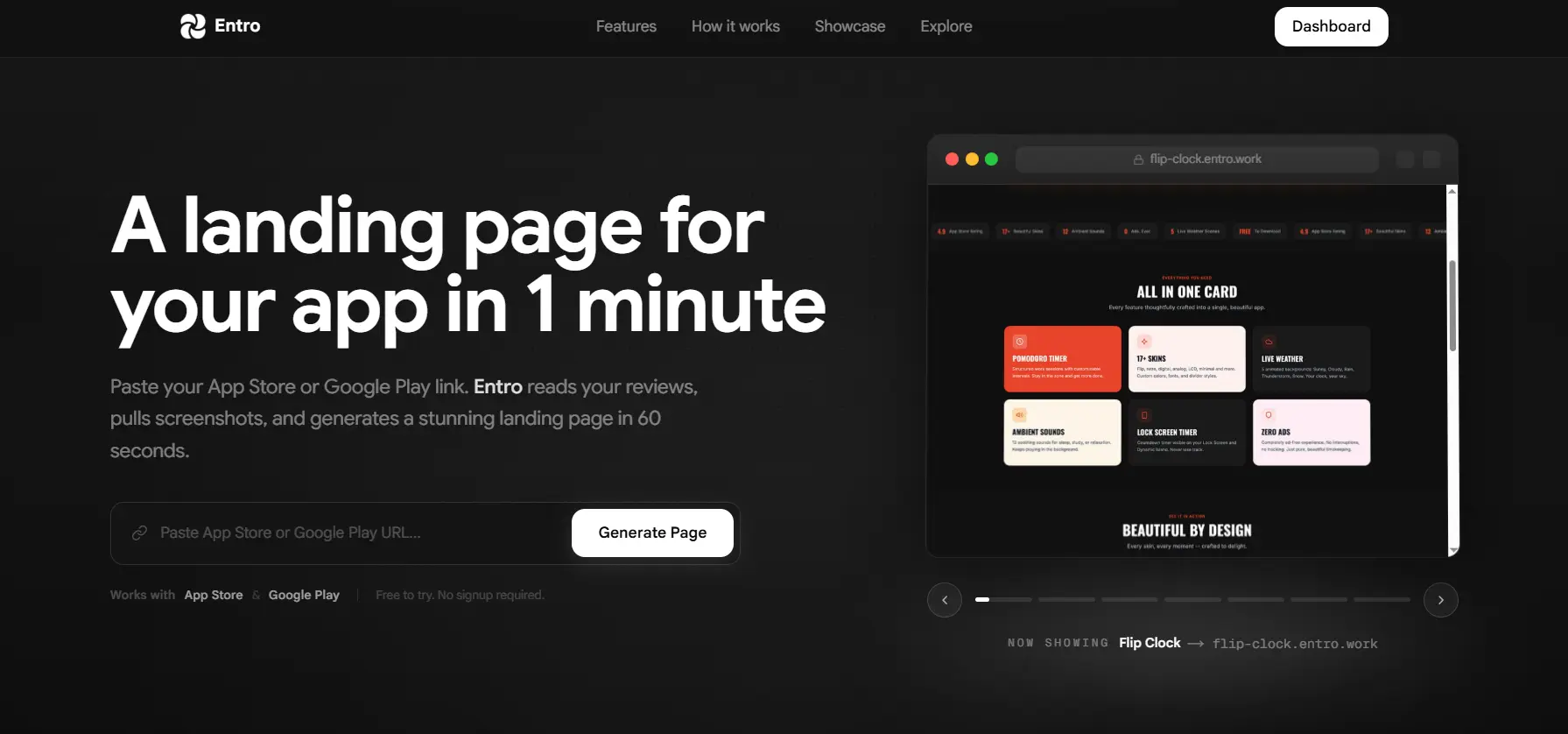
Entro is built for exactly one thing: creating a professional, conversion-ready landing page for a mobile app, fast. You paste your App Store or Google Play link and Entro generates the page automatically. It pulls your app name, description, screenshots, rating, and category directly from the store listing, then builds a structured landing page around them with the right sections in the right order.
I have not seen another tool that handles the specific workflow of an app developer or marketer as cleanly as this. Most tools on this list require you to start from a template, find screenshots, write copy, figure out button linking, and manage mobile responsiveness manually. Entro skips all of that. You go from app store URL to live, functional landing page in under 5 minutes.
It is also the only tool on this list specifically designed around the two-store reality of mobile apps. It handles App Store and Google Play routing natively, which every other tool requires you to configure manually with redirects or conditional logic.
Feature | Entro |
|---|---|
Setup time | Under 5 minutes from app store URL |
App store auto-detection | Yes, native. Reads your listing directly. |
iOS + Android routing | Built in. No manual configuration. |
Screenshots auto-imported | Yes, from your existing store listing |
Mobile-first design | Yes, built for app audiences |
Email capture | Yes |
SEO indexable | Yes |
No-code | Yes, fully |
Best for | Any app developer or marketer who needs a landing page now |
Pros | Cons |
|---|---|
Instant setup from App Store or Google Play URL | Purpose-built for apps, not general marketing pages |
No design work required | Less customization flexibility than a full builder |
Handles iOS and Android routing automatically | Best suited for app landing pages rather than broad campaign pages |
Built specifically for mobile app landing pages | |
Gets you live in minutes, not hours |
Best for: Any mobile app team that wants a professional landing page without the build time. Start at entro.work.
2. Unbounce — Best for Teams Running Paid Ad Campaigns
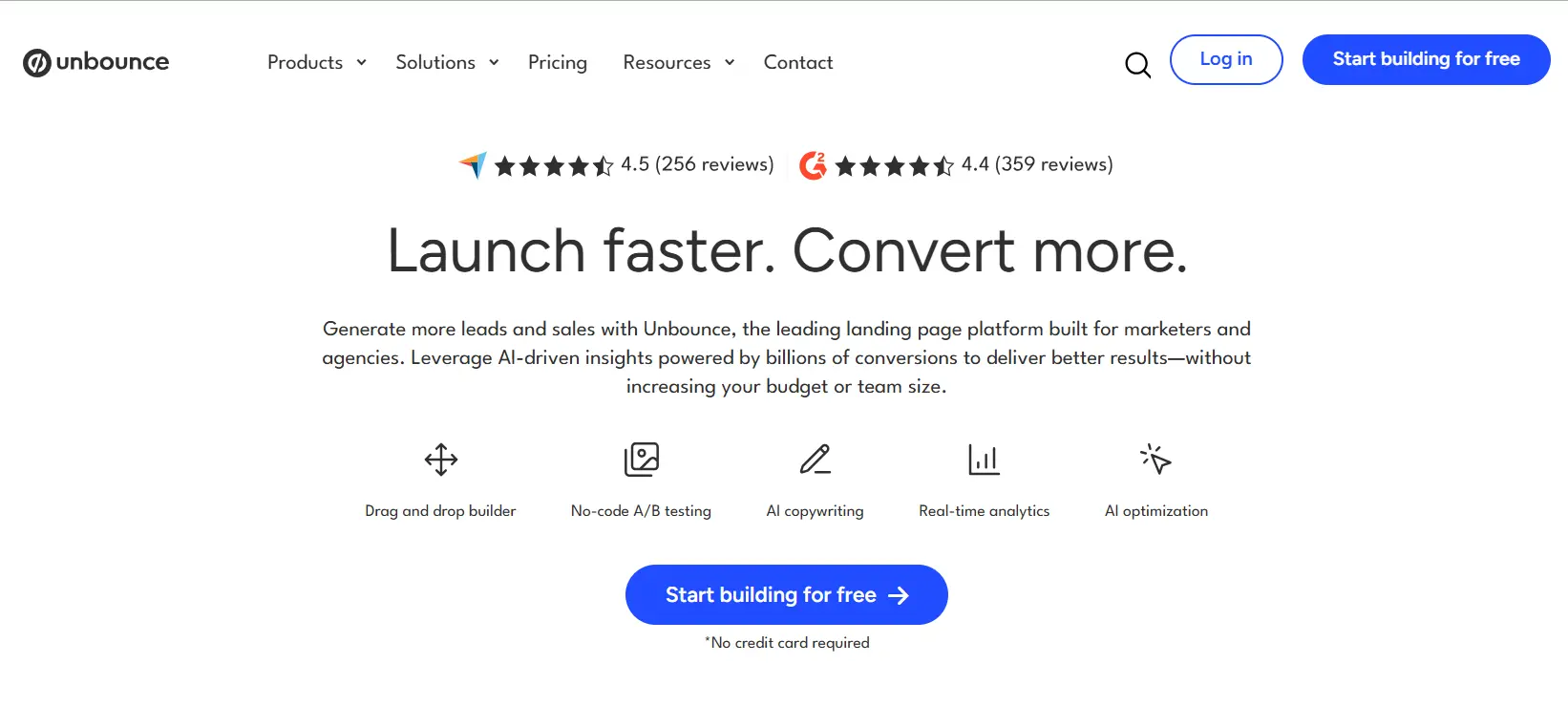
Unbounce has been the gold standard for conversion-focused landing pages for over a decade. In 2026, its Smart Traffic feature automatically routes visitors to the page variant most likely to convert them, based on machine learning from hundreds of millions of data points. For app teams running significant paid spend on Google or Meta, Unbounce is one of the few tools where the optimization infrastructure genuinely justifies the price.
The limitation for app teams is setup. Unbounce is a general-purpose tool. There are app-focused templates in the library, but building a proper mobile app page still takes a few hours and requires you to configure App Store and Google Play buttons manually, manage mobile responsiveness, and write your own copy from scratch.
Pros | Cons |
|---|---|
Smart Traffic AI routing improves CVR automatically | No app-specific setup flow, everything is manual |
Strong A/B testing with statistical confidence indicators | Starts at $74/month, expensive for solo developers |
Dynamic Text Replacement for personalized ad-to-page matching | Overkill for teams not running significant paid campaigns |
Large template library with some app-focused options | Not designed around dual-store (iOS + Android) routing |
Best for: App teams spending $5,000+ per month on paid acquisition who need serious conversion optimization infrastructure.
Unbounce Pricing
From $74/month (Build).
Smart Traffic from $112/month (Experiment).
3. Swipe Pages — Best for Mobile-First Speed
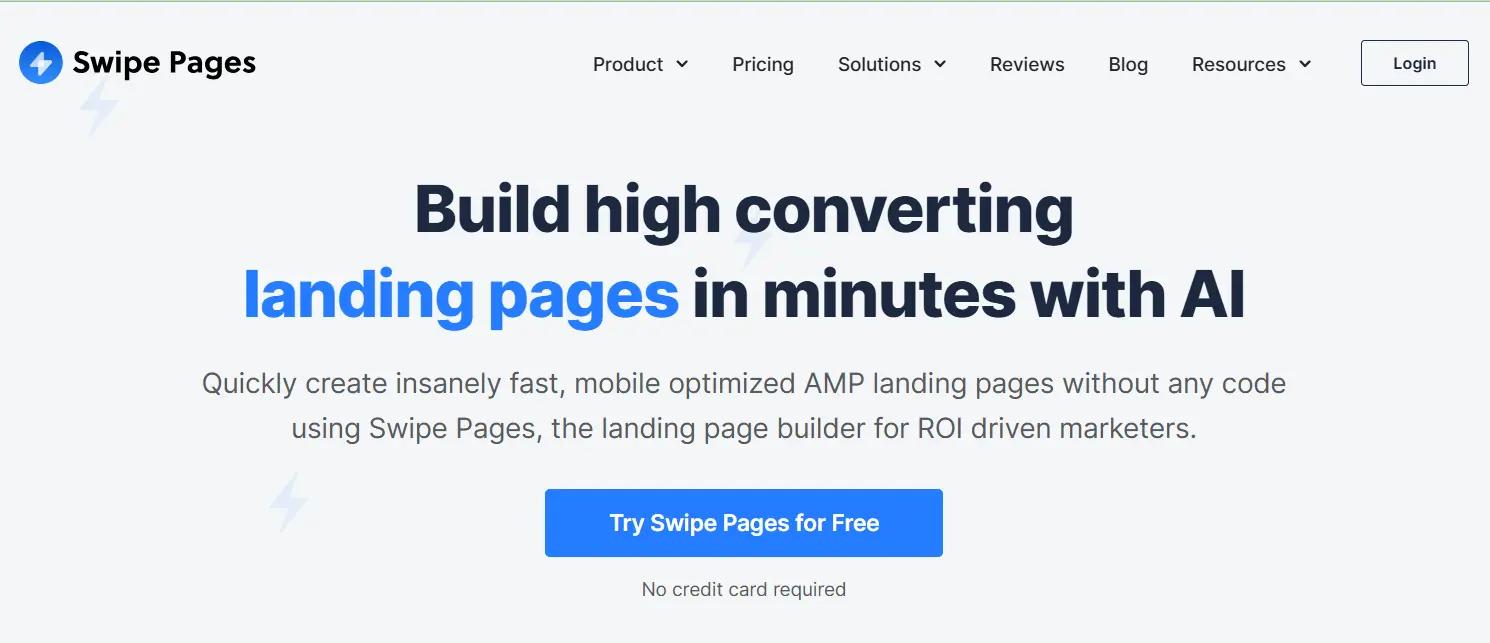
Swipe Pages is built around one obsession: page speed on mobile. AMP support is native. Their Mobile Slide pages create a scroll experience that feels like using an app, not visiting a website. In 2026, with 53% of mobile users abandoning pages that take over 3 seconds to load, the speed advantage Swipe Pages builds into every page is a real conversion lever, not just a spec sheet claim.
For app teams, Swipe Pages is a strong option if speed and mobile experience are your primary concerns and you do not mind spending a few hours in the builder. There are no app-specific workflows. You pick a template, customize it, configure your download buttons, and publish. The end result will be fast and mobile-clean, but the setup process is generic.
Pros | Cons |
|---|---|
Fastest-loading pages of any tool on this list | No app-specific setup or URL-import workflow |
AMP support and Mobile Slide pages built in | Takes hours to build vs minutes with Entro |
A/B testing with conversion reporting included | AI features are early-stage compared to Unbounce |
Solid template library for app launch pages | Traffic limits on lower-tier plans ($39/month for 20K visits) |
Best for: App teams where page speed is the primary concern and who have time to build a custom page.
Pricing:
From $39/month (Starter).
$89/month (Marketer).
$199/month (Agency).
4. Leadpages — Best for Small Teams on a Budget
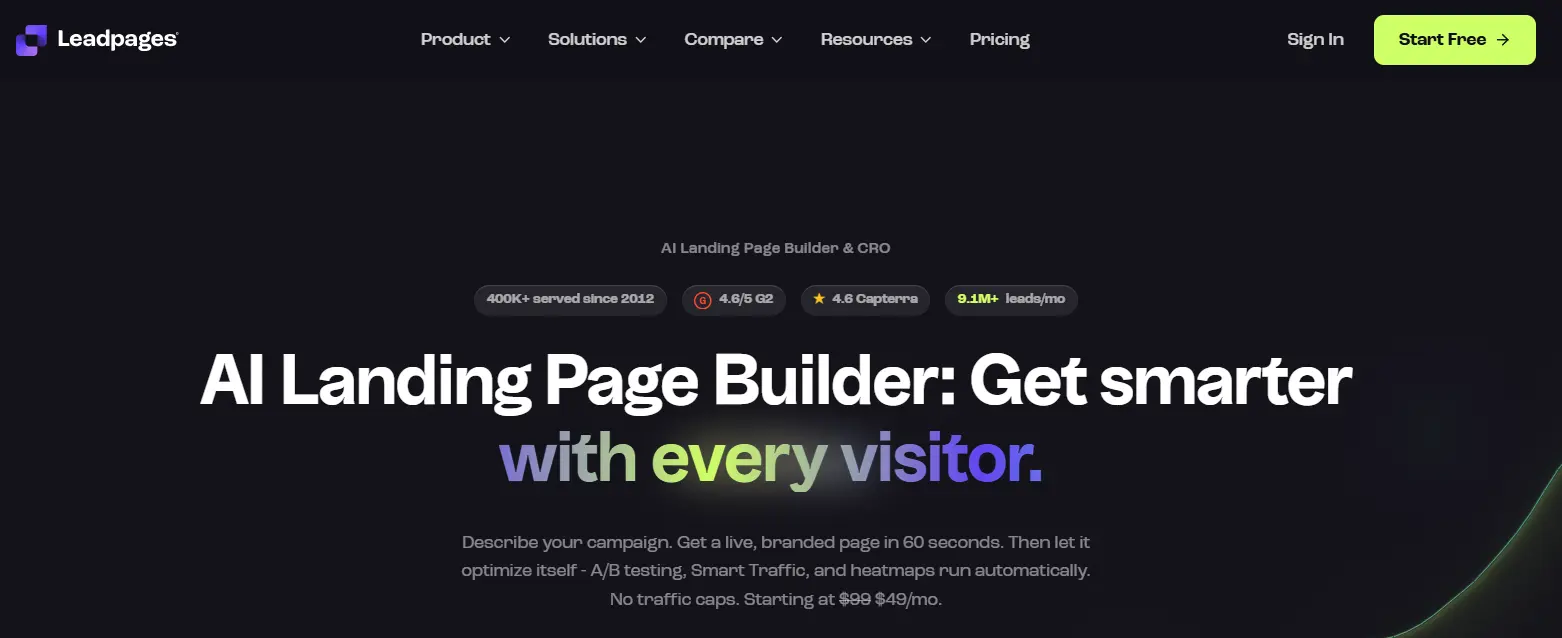
Leadpages is the most accessible dedicated landing page builder on this list. It is focused, it is affordable, and it does what most small app teams actually need without overwhelming them with features they will never use. The template library includes app-focused layouts that are solid starting points, and the AI copywriting assistance in 2026 meaningfully speeds up the page creation process.
The gap between Leadpages and Entro for app teams is the setup time. Leadpages requires you to customize a template, write or generate your copy, upload screenshots, and configure download buttons. Entro imports all of that from your store listing automatically. But if you want a general-purpose tool that handles landing pages well at a reasonable price, Leadpages is the right pick.
Pros | Cons |
|---|---|
Affordable entry point at $37/month | No app store URL import, everything manual |
AI-assisted copywriting speeds up page creation | A/B testing only on higher-tier plans |
Clean drag-and-drop builder, beginner-friendly | Less conversion optimization depth than Unbounce |
Good selection of app-focused templates | App Store and Google Play routing requires manual setup |
Best for: Solo developers or small app teams who want a capable, affordable landing page tool and do not mind spending an hour building.
Pricing:
From $37/month (Standard).
$74/month (Pro) adds A/B testing.
5. Wix — Best for Teams That Also Need a Full Website
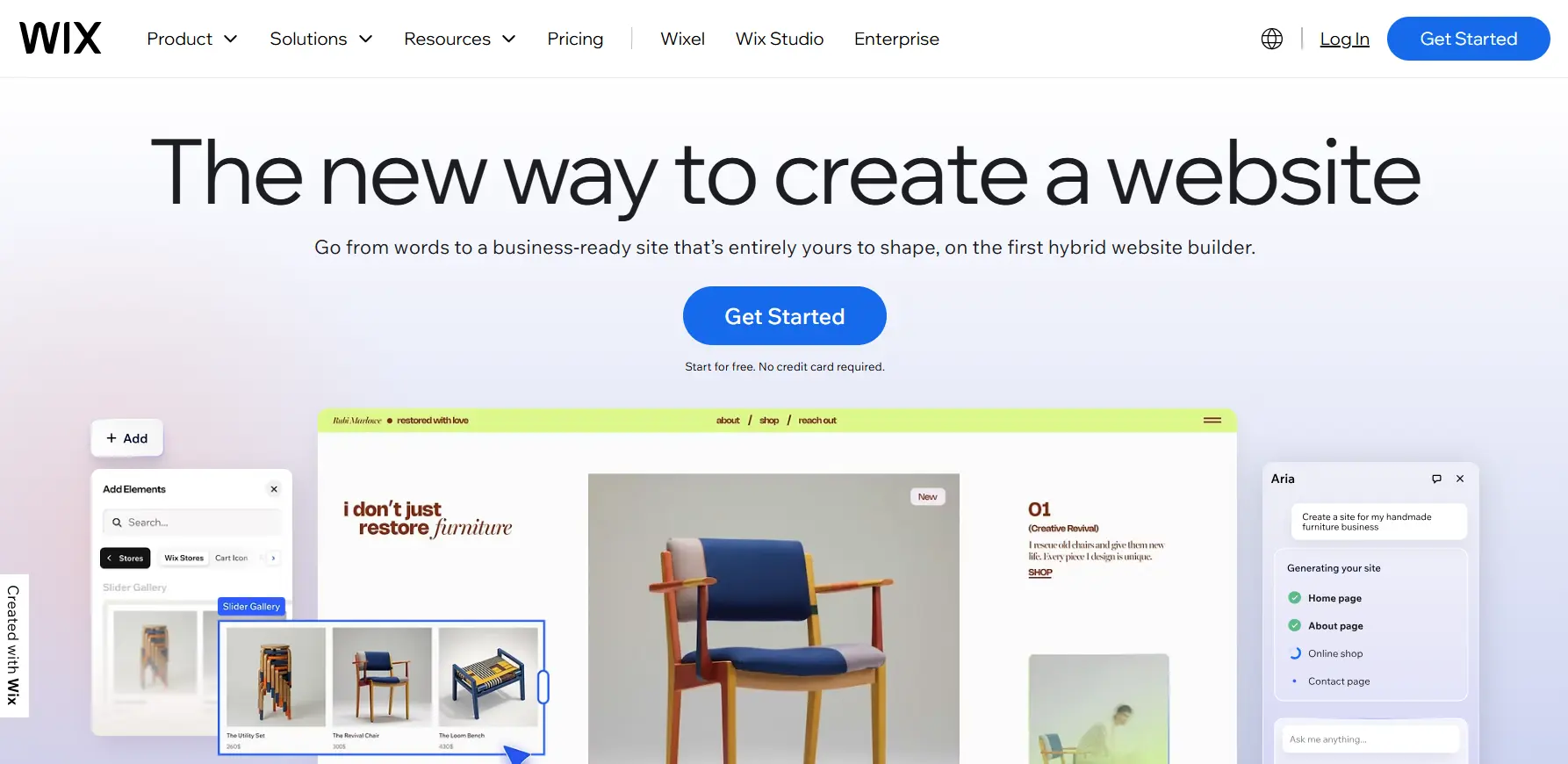
Wix is not primarily a landing page tool. It is a website builder that also builds landing pages. The distinction matters. If you are an app team that wants both a full marketing website and individual landing pages managed in one place, Wix removes the need for separate tools and does both things acceptably well.
In 2026, Wix's AI assistant generates pages from a simple description, which speeds up the creation process. But there is a documented limitation worth knowing: average Wix site load time is around 3.4 seconds (Newly, 2026). For a mobile landing page targeting app installs, where load time directly affects your conversion rate, that is a meaningful disadvantage compared to purpose-built tools. And like every general-purpose builder on this list, Wix has no native app store URL import, no dual-store routing, and no app-specific page structure.
Wix also has a lock-in model worth noting: if you ever want to leave, your landing pages are not exportable. You rebuild from scratch elsewhere.
Pros | Cons |
|---|---|
Free plan available (with Wix branding) | Average load time of 3.4 seconds, below ideal for mobile |
Over 900 templates including some for apps | No app store URL import or dual-store OS routing |
Good for teams that need a full website alongside landing pages | Templates cannot be changed once selected |
AI site generator speeds up initial build | Pages are not exportable if you leave the platform |
A/B testing requires paid plans |
Best for: App teams that need a full website and landing pages from a single platform and can accept slower load times.
Pricing:
Free plan (Wix branding).
Paid from $17/month (Light) to $29/month (Core).
6. Carrd — Best Free Option for Simple Pages
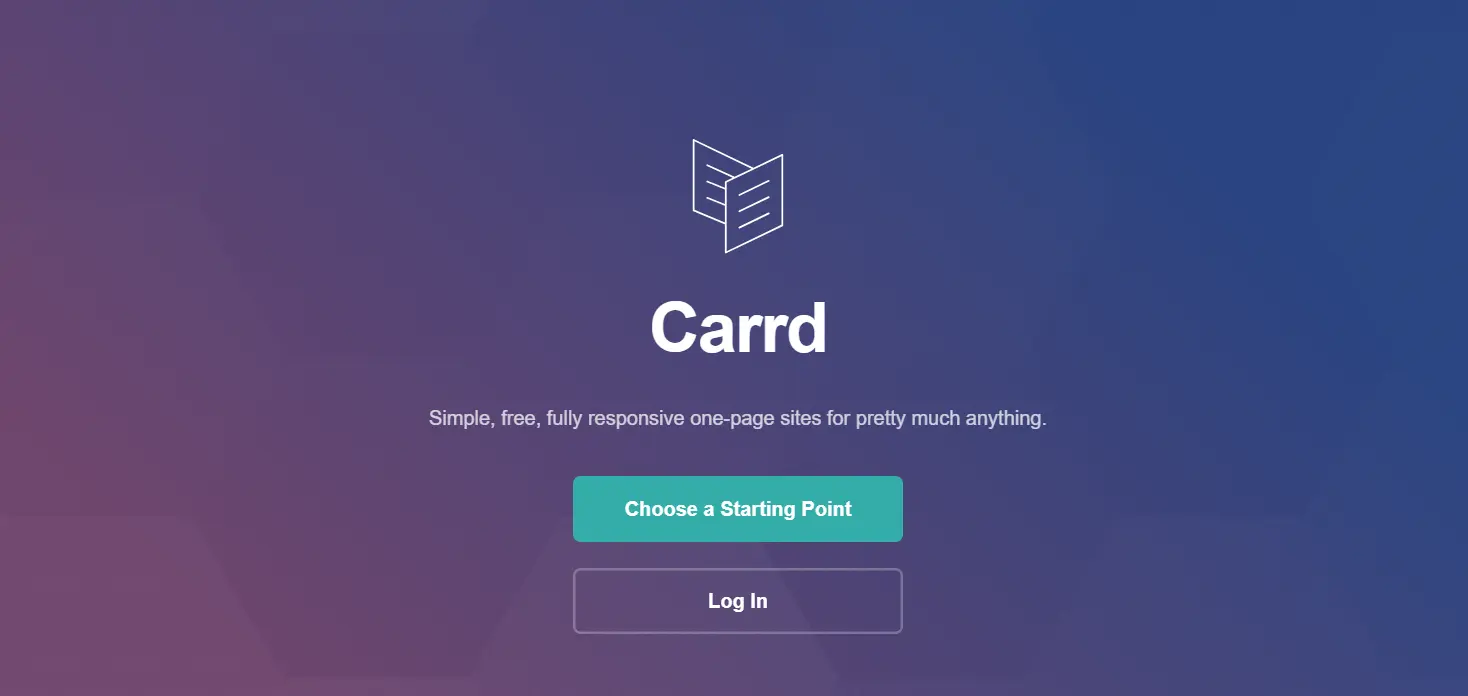
Carrd is the most stripped-down tool on this list. It builds single-page websites that are clean, fast, and free for most use cases. For an indie developer who needs a simple presence page for their app with a headline, a screenshot, a description, and two download buttons, Carrd gets you there in under an hour at essentially zero cost.
The trade-off is depth. Carrd has no A/B testing, no analytics integration, no AI generation, and no app-specific templates. What it does have is simplicity. If your only goal is to have something live quickly and for free, Carrd is the right starting point. If you want it to actually convert visitors into installs at a meaningful rate, you will outgrow it quickly.
Pros | Cons |
|---|---|
Genuinely free for core features | No A/B testing or conversion optimization |
Fast to build, minimal learning curve | No analytics integration |
Clean, mobile-responsive output | Very limited template variety |
No account needed to start building | Not designed for app store download flows |
Free plan publishes on a Carrd subdomain |
Best for: Indie developers who need a simple, free presence page before they are ready to invest in a dedicated tool.
Pricing:
Free.
Pro plans from $19/year.
7. Instapage — Best for Enterprise App Marketing Teams
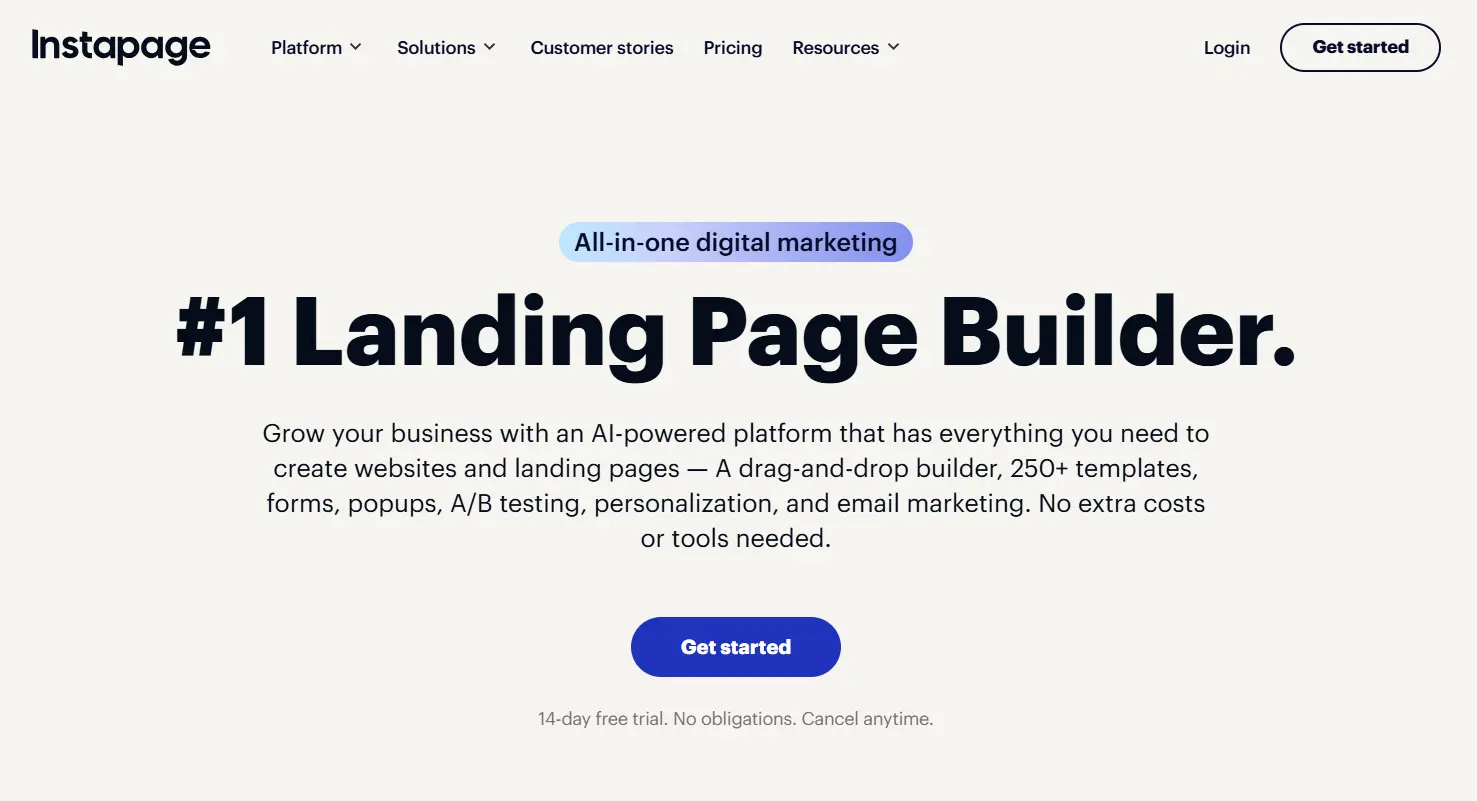
Instapage is the most powerful tool on this list and the most expensive. It is built for marketing teams running high-volume campaigns who need collaboration features, advanced personalization, heatmaps, and conversion analytics all in one place. In 2026, its entry plan is back down to $79/month annually after a period at $300+/month, which makes it more accessible than it was.
For most app teams, Instapage is overkill. The collaboration features and enterprise analytics are designed for teams of 5 or more working on multiple simultaneous campaigns. A solo developer or a small app team will pay for capabilities they will not use. For a large company with a dedicated performance marketing team and a real CPI optimization workflow, Instapage makes sense. For everyone else, the tools above deliver better value.
Pros | Cons |
|---|---|
Best collaboration and team workflow features on this list | $79/month minimum, expensive for solo or small teams |
Advanced analytics with heatmaps and session data built in | No app store URL import or app-specific setup flow |
Strong personalization and Dynamic Text Replacement | Significant overkill for teams without a paid campaign workflow |
Highest-quality templates of any tool reviewed here | Setup still takes hours, not minutes |
Best for: Enterprise app marketing teams with dedicated performance marketers and budgets to match.
Pricing:
From $79/month (Build, billed annually).
$159/month (Optimize) adds advanced analytics.
Full Comparison: All 7 Tools Side by Side
Tool | Setup for Apps | Mobile Speed | App Store Routing | A/B Testing | Price From | Best For |
|---|---|---|---|---|---|---|
Entro | Under 5 min (URL import) | Optimised | Native, automatic | No | Free | All app teams |
Unbounce | 2 to 3 hours | Good | Manual setup | Yes | $74/month | Paid campaign teams |
Swipe Pages | 1 to 2 hours | Best on list | Manual setup | Yes | $39/month | Speed-focused teams |
Leadpages | 1 to 2 hours | Good | Manual setup | Paid plan | $37/month | Small teams, budget |
Wix | 2 to 4 hours | 3.4s avg load | Manual setup | Paid plan | $17/month | Need full website too |
Carrd | 30 to 60 min | Fast | Manual setup | No | Free | Indie devs, simple page |
Instapage | 3 to 5 hours | Good | Manual setup | Yes | $79/month | Enterprise teams |
Which Tool Should You Use?
The answer depends on what you are optimizing for.
If you need a professional app landing page live today without a design session: Entro. Paste your App Store or Google Play link, done.
If you are running $5,000+ per month in paid acquisition and need AI routing and deep conversion analytics: Unbounce.
If page speed is your primary obsession and you have a few hours to build: Swipe Pages.
If you need a full marketing website and landing pages from one platform and can accept Wix's load speed: Wix.
If your budget is essentially zero and you just need something live: Carrd.
A Final Note
The best app landing page tool is the one you actually publish. I have seen more app teams spend two weeks evaluating tools than shipping a page.
The tools at the top of this list, Entro for speed, Unbounce for paid campaign depth, Swipe Pages for mobile performance, all solve the problem well. The difference between them is not quality. It is which problem they are optimised for.
If you are not sure where to start: paste your App Store or Google Play link into Entro and have something live in under 5 minutes. From there, you can always move to a more complex tool once you know what your page needs to do differently.
Frequently asked questions
An app landing page tool is software that lets you create a dedicated web page for your mobile app, separate from the app store listing. It gives you a surface you control entirely, where you can drive paid and organic traffic, collect emails, run retargeting, and build SEO equity. The best app-specific tools also handle App Store and Google Play button routing automatically and pull your app's existing screenshots and description from the store listing.
Entro (entro.work) is the fastest option by a significant margin. You paste your App Store or Google Play link and the tool builds the landing page automatically using your existing store listing data. Most users are live in under 5 minutes. Every other tool on this list requires at least an hour of manual template customization, copy writing, and button configuration before you can publish.
Yes, for two reasons. First, your app store listing is controlled by Apple and Google. A landing page is yours. You can drive paid traffic to it, collect emails, run A/B tests, build backlinks, and rank on Google for your app's keywords. Second, a landing page warms up visitors before they reach the store. Users who arrive at your store listing via a dedicated landing page convert at higher rates than cold traffic because they have already processed your value proposition. In 2026, with iOS CPI averaging $5.84, every improvement to that journey compounds across your entire acquisition budget.
Wix is a general-purpose website builder that can produce an app landing page, but it is not optimised for the task. Documented average load times of around 3.4 seconds put it below ideal performance for mobile-first pages. It has no app store URL import, no native iOS/Android routing, and its templates are not designed around the specific conversion structure an app page needs. It is a reasonable choice if you also need a full marketing website and want to manage everything in one place. For a dedicated app landing page, purpose-built tools like Entro will produce better results in less time.
Not directly, since ASO refers to your ranking within the app stores themselves. But a landing page supports your overall acquisition funnel in ways that indirectly benefit ASO. More qualified traffic arriving at your store listing (via a pre-warmed landing page) means higher conversion rates and better retention metrics, both of which the stores use as ranking signals in 2026. A landing page also lets you build backlinks and SEO equity that drive organic web traffic to your app, which supplements store-based discovery.
The range is wide. Entro and Carrd offer free tiers that cover basic needs. Leadpages starts at $37/month and covers most small-team requirements. Swipe Pages starts at $39/month and prioritises speed. Unbounce starts at $74/month and is built for paid campaign teams. Wix offers a free plan with branding and paid plans from $17/month. Instapage starts at $79/month and targets enterprise teams. The right answer depends on your volume, your team size, and whether you need advanced conversion optimization features or just a clean, fast page for your app.
Written by
Cyrus
Head of Marketing, Entro
Cyrus writes about mobile app marketing, ASO, and conversion optimization. He's spent the last 3+ years helping indie developers and startup founders get more downloads from organic channels, without paid UA budgets.
Before Entro, he ran growth for two consumer apps that together passed 500,000 downloads on the App Store. Most of what he writes comes from mistakes made with his own money first.
Related articles