Best Landing Page Builder for Mobile App Developers in 2026
Compare the best landing page builders for mobile app developers in 2026. Real review mining, custom domains, 60-second generation, and indie-friendly pricing.

Cyrus


If you build mobile apps in 2026, you are competing in the most crowded App Store and Google Play marketplaces in history. There are over 5 million live apps. The discovery story is the same as it has been for a decade: people search outside the store, click a link, and decide in seconds whether to install.
That click goes to your landing page. Most indie and small-team apps do not have one. The ones that do usually have a generic template that says nothing about who the app is for or what it actually does for real users.
This guide compares the realistic options for shipping an app landing page in 2026, with honest tradeoffs and a clear recommendation depending on what stage you are at.
Which builder should you pick?
If you have an existing App Store or Play listing and want a page live today: Entro generates a page from your store URL in under a minute by analyzing real user reviews.
If you have a designer, a brand, and three weeks of runway: Framer or Webflow give you maximum control.
If you want a basic template and do not care about conversion copy: Carrd or applaunchpage.com get the job done at low cost.
If you want the cheapest possible option and are comfortable hand-coding: Static HTML on Vercel or Netlify is free.
The rest of this post explains how I arrived at this list, what each tool is good and bad at, and which one fits the way most indie mobile developers actually work.
What "best" actually means for a mobile app landing page
Before listing tools, it is worth being precise about what a mobile app landing page needs to do. Most "best app landing page builder" lists treat this as a generic website-builder question. It is not.
A mobile app landing page has a narrower job than a generic SaaS landing page. It needs to:
Show the app in motion. Static screenshots are weaker than short looping video or a phone-frame carousel.
Translate store reviews into positioning. Your highest-rated reviews already tell you what users love. Most landing pages ignore them.
Route to the right store. iOS users to App Store, Android users to Play, with smart detection so neither gets the wrong button.
Load fast on mobile. Most clicks come from mobile devices. A 4-second hero animation is a 4-second bounce.
Rank in search. "Best app for [job]" searches are a meaningful traffic source if your page is set up to compete for them.
A good builder makes most of these defaults. A bad builder makes you fight for each one.
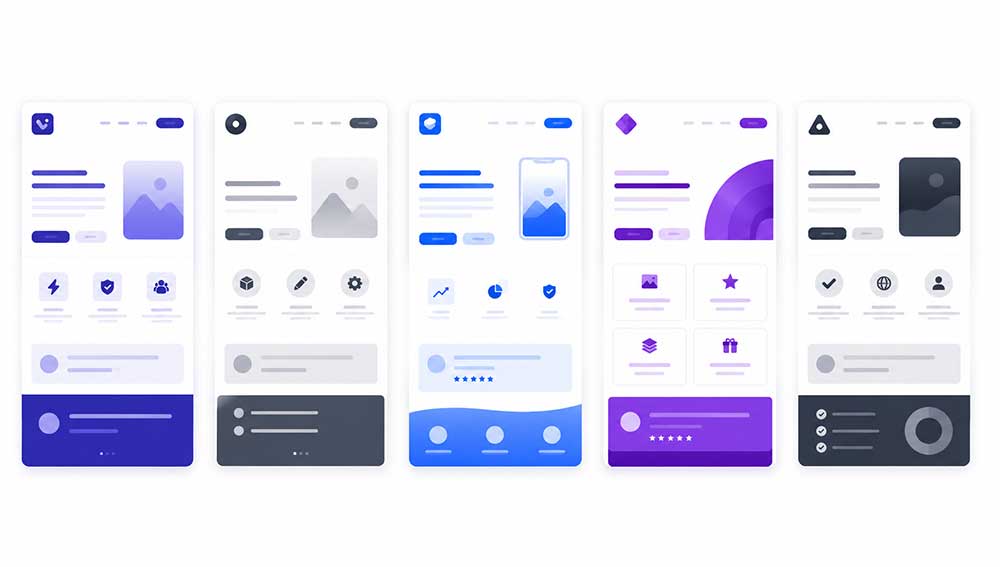
The contenders
1. Entro
Best for: Indie developers and small studios who already have an App Store or Google Play listing and want a real landing page live today, not next month.
Entro is built for one job: turn an existing store listing into a converting landing page in under 60 seconds. You paste the App Store or Google Play URL. Entro scrapes the listing, pulls hundreds of real user reviews, and runs them through a language model that extracts the emotional triggers, the use cases users actually have, and the pain points they say the app solves. Then it generates a designed page that uses that real language instead of generic SaaS filler.
The wedge here is review mining. It is the thing every other builder on this list does not do. Your reviews are already written by the people most qualified to sell your app, your existing users. Most builders ignore that signal entirely. Entro treats it as the primary source.
What is good:
60 seconds from URL to live page
Free tier with an Entro subdomain, no signup required to test
Pro plan at $9.99 per month includes a custom domain, three landing pages, AI editing credits, and analytics
Pay-as-you-go credit model for iterative AI edits if you do not want to subscribe
SEO optimization, version history, and custom domains built in
What is limited:
New product, launched 30 days before this post was written, so the showcase library is still growing
Currently focused on the app vertical (Google Maps and other source listings are on the roadmap)
Best-in-class for app store source data, less of a fit if you do not yet have a listing
Pricing: Free, then $9.99 per month for Pro, with optional $3.99 per 100 AI editing credits.
Try it at entro.work.
2. Framer
Best for: Designers, or developers who have a designer, who want pixel-level control and a strong animation toolkit.
Framer has become the default modern choice for product landing pages, including app landing pages. The output is high quality. The templates are good. The animation primitives are excellent.
The tradeoff is time and skill. Framer is a design tool first, and it asks you to think like a designer. If you already are one, this is a feature. If you are a developer shipping a side-project app on weekends, it is a tax. Most indie devs who start a Framer project either finish it three weeks later or never finish it.
What is good:
Best-in-class animation and interaction primitives
Strong template marketplace
CMS for blog and content sections
Code components if you want to drop in custom React
What is limited:
Requires real design time, not a paste-and-publish flow
Pricing climbs fast once you want a custom domain and CMS features
No native integration with App Store or Play Store data
Generic copy unless you write it yourself
Pricing: Free with Framer subdomain, then $15 to $40 per month depending on features and traffic.
3. Webflow
Best for: Marketing teams at funded startups who need a designer-controlled site with full CMS and integrations.
Webflow is the closest thing to a full website platform on this list. It is overkill for a single app landing page, but if you are running a multi-page marketing site with a blog, a careers section, and integrations into your CRM, it earns its complexity.
What is good:
Production-grade CMS
Strong design fidelity, similar to Framer
Large ecosystem of integrations and developers for hire
What is limited:
Steepest learning curve on this list
Pricing is the highest in this comparison once you add CMS and traffic
No native understanding of app store data, you bring your own copy and screenshots
Pricing: Starts around $14 per month for basic sites, climbs to $39 per month and beyond for CMS and business plans.
4. Carrd
Best for: A single-page placeholder when you are pre-launch and just need a domain to point somewhere.
Carrd is the cheapest serious option. It is a single-page builder, very simple, very fast to set up. For a pre-launch app where you just want to capture emails and link to TestFlight, it is enough.
What is good:
Cheapest paid option on this list
Very simple, very fast
Custom domain support on the paid tier
What is limited:
Single page only, no real CMS
Limited design control
No app store integration, no review mining, no smart download routing
Pricing: Free for basic, $19 per year for Pro.
5. Static HTML on Vercel or Netlify
Best for: Developers who want full control and do not mind writing the HTML themselves.
If you are comfortable writing HTML and CSS, and you want zero recurring cost, hand-coding a landing page and deploying it to Vercel or Netlify is free. The tradeoff is everything you build by hand: SEO meta tags, image optimization, responsive layouts, analytics wiring, A/B test infrastructure.
For most indie app developers, the time cost of this option is higher than the dollar cost of any builder on this list. Your hourly rate, multiplied by the time you spend writing CSS for a hero section, almost always exceeds $9.99 per month.
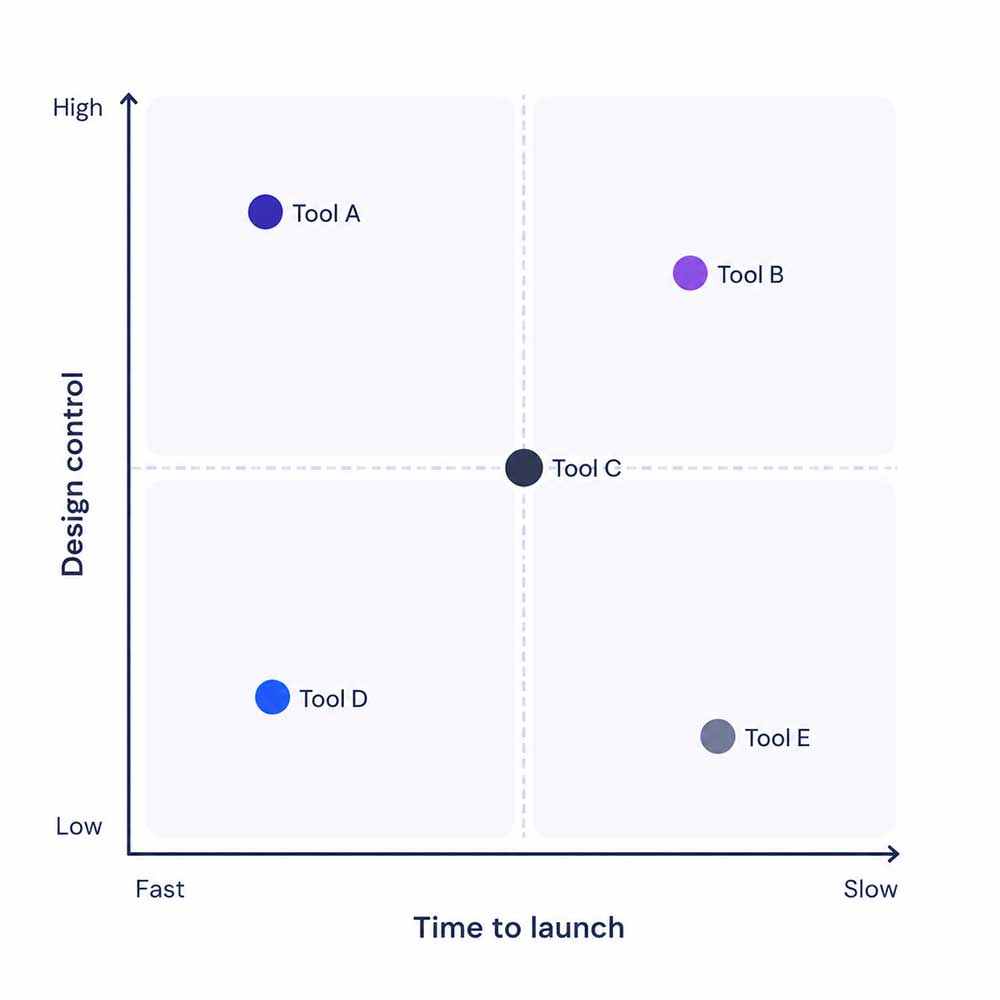
What review mining actually does for your conversion
This is worth a short detour because it is the part of the Entro pitch that is hardest to see without trying it.
Your App Store reviews contain things you cannot easily write yourself:
The specific phrasing your real users use to describe what your app does
The pain points they had before they found you, in their own words
The use cases you did not design for but that users adopted on their own
The emotional language ("finally," "I was about to give up on," "the only one that") that makes a landing page sound like a person wrote it, not a template
When Entro generates a page from your reviews, the headline and feature blocks are built from this raw material. It is the difference between "Track your habits with our beautiful app" and a headline drawn from the exact phrase a five-star review used to describe why your app actually mattered to them.
You cannot get this from a template-based builder. You cannot get it from Framer or Webflow unless you sit down with your review export and write it by hand. Most developers do not do this, which is why most app landing pages sound the same.

Decision framework: which builder fits your situation?
You have a live app on the store and want a page live today. Use Entro. The 60-second flow is built for exactly this case. If you do not like the result, you have lost a minute, not an afternoon.
You are pre-launch and have no reviews yet. Entro is still useful once you launch and have your first reviews. Before that, Carrd or a simple static page is enough. Do not over-invest in a landing page before you have a product and real users.
You have a designer or are one yourself. Framer is the right tool. The output ceiling is higher than any generated page. The cost is real design time.
You are running a multi-page marketing site for a funded startup. Webflow. The CMS and integration story is worth the complexity at that scale.
You are an indie developer with a paid app on the store, no design background, and a few hours per week to spend on marketing. This is the case Entro is built for. Generate the page, pick a template, point a custom domain at it, and move on to building your next feature.
The honest pitch
I built Entro because I watched indie developers ship interesting apps and then quietly give up on marketing them because the gap between "make an app" and "make a converting landing page for the app" was too wide for a weekend.
The product is 30 days old at the time of writing this post. It is not the most polished tool on this list. The template library is smaller than Framer's. The CMS is less mature than Webflow's. What it does that nothing else does is read your reviews and turn them into the kind of copy that makes a stranger install your app.
If you have an app on the store right now, the fastest way to find out whether this is real is to paste your URL into entro.work and see what the page looks like. You do not need to sign up. You do not need to commit to anything. If the page is bad, you have lost 60 seconds. If it is good, you have a landing page.
That is the offer.
Frequently asked questions
Can I use my own domain with Entro? Yes, on the Pro plan at $9.99 per month.
Does Entro work with Google Play, or only the App Store? Both, from day one.
What happens to my page if I cancel? The free tier remains active on an Entro subdomain. Custom domain and Pro features are removed.
How does Entro handle apps with very few reviews? The review-mining engine works best with at least a few dozen reviews. For apps with very few, it falls back to your store listing copy and prompts you to add manual context.
Is the generated page SEO-friendly? Yes. Clean HTML, server-side rendering, meta tag controls, and a structured-data layer designed to rank for "best app for [job]" queries.
Can I edit the AI-generated copy? Yes. The page is fully editable after generation, and Pro plans include AI editing credits for iterative changes.

Try it in 60 seconds
If you have an App Store or Google Play link, go to entro.work, paste it, and watch the page generate. No signup, no credit card.
That is the only honest way to compare landing page builders. Generate a page on the tool you are evaluating, and compare it to a page you would have written yourself. The difference, or the lack of one, is the entire answer.
Written by
Cyrus
Head of Marketing, Entro
Cyrus writes about mobile app marketing, ASO, and conversion optimization. He's spent the last 3+ years helping indie developers and startup founders get more downloads from organic channels, without paid UA budgets.
Before Entro, he ran growth for two consumer apps that together passed 500,000 downloads on the App Store. Most of what he writes comes from mistakes made with his own money first.
Related articles