
How to Use AI for Customer Support Automation (2026 Guide)
AI customer support automation is not just for big tech companies anymore — here is what actually works in 2026, what does not, and how to get started without losing your customers.

Build your first AI Agency with Entro
Start your free trial — no credit card needed. Deploy AI agents that work for you 24/7.
Last year I watched a SaaS startup go from drowning in roughly 600 daily support tickets to handling that same volume with a three-person team. They didn't hire faster. They didn't outsource. They built the right AI support setup — and then spent a month tuning it to actually work.
I've tested a lot of these tools across different industries over the past couple of years. Some were genuinely impressive. Others created more confusion than they solved. This guide is about what actually works in 2026, not what the vendor demos show you.

What We Mean by AI Customer Support Automation
Let's get specific, because this phrase covers a lot of ground. At the basic end, you've got a chatbot that reads your FAQ docs and answers questions. At the more complex end, you have AI agents that can actually take actions — process a return, update a subscription, pull up account history and make a decision. Most businesses in 2026 land somewhere in between.
- Chat and messaging bots that handle questions on your website, mobile app, or channels like WhatsApp
- Email triage and auto-response that reads incoming tickets and either answers them or routes them intelligently
- AI ticket routing that categorizes support requests and sends them to the right team or person
- Action-capable AI agents that can process refunds, update account details, or check order status in real time
- Sentiment detection that flags escalating frustration before a customer leaves or writes a bad review
You don't need all of these at once. Start with the one that addresses your biggest pain point.
Why This Is a Bigger Deal in 2026
Customer expectations have shifted in a way that's hard to ignore. People want answers fast — not fast for a business, but fast by human standards. Waiting hours for an email reply to a simple "where is my order" question feels broken in 2026, even though it was totally normal five years ago.
Gartner projected AI cutting call center labor costs by around $80 billion as conversational AI matures — not because humans are being eliminated, but because AI is absorbing the repetitive, low-complexity volume that used to eat up hours every day. Some leading CX teams believe AI and automation could eventually handle something like 8 out of 10 customer issues automatically, without a human ever touching the ticket.

Real talk: the companies getting the most value here aren't always the biggest ones. A bootstrapped e-commerce brand with one support person fielding 200 tickets a week often benefits more than an enterprise with 50 agents — because the repetitive questions hurt small teams disproportionately.
What AI Can Actually Handle (and What It Can't)
This is where most articles oversell things, so I want to be direct about what you can reasonably expect.
AI is genuinely good at answering the same question for the 500th time with the same quality as the first. It doesn't get tired, frustrated, or distracted. Order status, account lookups, return policies, pricing questions, standard troubleshooting — all solid territory. Support teams in well-documented environments often find AI can handle somewhere around 60-70% of incoming tickets without human involvement. That's a meaningful shift.
Where AI still falls short is anything emotionally charged. Angry customers who feel unheard. Situations requiring genuine judgment — figuring out whether a complaint is a one-off or a pattern, deciding when to bend a policy, handling something genuinely unusual. These still need humans, and rushing to automate them tends to make things worse.
I watched one company push a fully automated first-response system and see their customer satisfaction score drop noticeably within a month because frustrated customers couldn't reach a real person quickly enough. They walked it back. The lesson: let AI handle the easy, repetitive stuff. Keep humans visible and accessible for the hard stuff.
How to Set Up AI Customer Support: A Practical Approach
If you're starting from scratch in 2026, here's the sequence that tends to work.
Step 1: Document your top questions first
Before you touch any tool, go through your last month of tickets and write down the 20 most common questions you get. These become your AI's first training data. If you skip this step, the bot will be mediocre at everything instead of genuinely useful where it matters most. This documentation work takes a few hours. It's also the most important thing you'll do.
Step 2: Pick one channel to start
Don't try to automate email, chat, and social all at once. Pick the channel with the highest volume of repetitive questions — usually website chat or email — and start there. Expand once you know it's working.
Step 3: Connect your knowledge base
Most modern AI support tools pull answers from a knowledge base or help docs. The quality of your documentation determines the quality of the AI's answers. Outdated or thin help docs produce confidently wrong answers, which is worse than no automation at all.
Step 4: Define your escalation path
Decide in advance what happens when the AI can't help. Does it hand off to a live agent? Log a ticket? Send an email? The handoff experience matters almost as much as the AI's performance. A smooth escalation can save the customer relationship even when the bot fails.
Step 5: Run in shadow mode before going live
Some platforms let you run AI in the background — generating responses but not sending them — so you can review what it would've said before real customers see it. This is worth doing for a week or two. You'll catch bad answers before they do damage.

The Tools Worth Considering in 2026
The market has matured enough that you have solid options across different budgets.
For small businesses and early-stage teams, tools like Tidio, Crisp, and Freshdesk's built-in AI features are worth a look. They're affordable, reasonably quick to set up, and don't require a developer. Most connect with common e-commerce and CRM platforms out of the box.
For mid-market teams that already have a helpdesk, Intercom and Zendesk both have solid AI layers now. If you're already using one of them, the native AI is often the path of least resistance — the AI already has access to your ticket history and customer context.
For teams that need AI to actually take actions — not just answer questions — you're looking at more capable platforms or custom agent setups. Entro's AI agents are built for this kind of work: train them on your specific business knowledge, connect them to your backend systems, and have something production-ready without building from scratch.
Regardless of what you choose, don't start with the most complex option. Get something working first.
How to Know If It's Actually Working
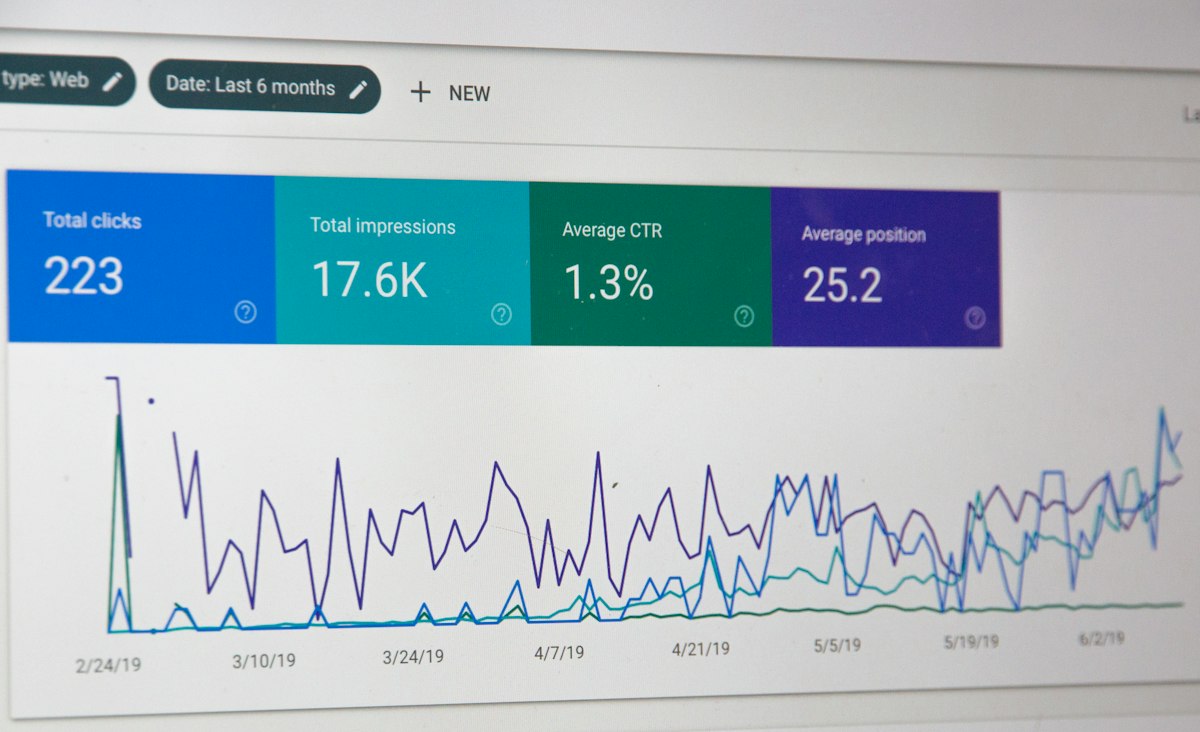
Deflection rate is the headline number — the percentage of tickets the AI resolves without human help. A well-trained system in a content-rich environment might deflect somewhere around half to two-thirds of tickets. That's a meaningful shift from handling everything manually.
CSAT on AI-handled tickets tells you whether the automation is actually helping customers. If AI-handled satisfaction is significantly lower than human-handled, something's wrong — either the answers are off, or the escalation experience is frustrating people.
Escalation rate shows how often the AI passes to a human. High escalation rates often mean the AI isn't trained well enough. Very low escalation rates might mean the bot is closing tickets without actually solving problems.

Honest Expectations
AI customer support automation will save time. Done well, it reduces the repetitive work that burns out support teams. It makes 24/7 availability genuinely possible for businesses that couldn't afford it before.
What it won't do is fix a product with real problems. If customers keep asking the same frustrated questions, the answer isn't to automate the deflection — it's to address what's actually causing the frustration. AI is surprisingly effective at masking product pain at scale, which isn't always useful if the underlying issues are real.
It also won't work well out of the box. Every AI support system I've seen that performs well went through weeks of tuning. The teams that got frustrated and abandoned it usually gave up after the first week. The ones that stuck with it and iterated built something genuinely useful within a month or two.
Where to Start
Pick one channel. Document your top 20 questions. Connect your knowledge base. Run the bot in shadow mode for a week before going live. Measure satisfaction and deflection rate. Fix the gaps. Expand from there.
That's the whole approach. No transformation required — just one small automation that frees up your team's time, and then another.
If you want an AI assistant that can handle customer questions, take actions in your systems, and learn from your specific business context, Entro's AI agents are built for exactly this. Train them on your knowledge base, connect them to your tools, and have something working in hours.

Written by
Mahdi Rasti
I'm a tech writer with over 10 years of experience covering the latest in innovation, gadgets, and digital trends. When not writing, you'll find them testing the newest tech.
AI Customer Support Automation — Common Questions
What is AI customer support automation?
AI customer support automation uses tools like chatbots, AI agents, and machine learning to handle customer inquiries without human intervention. These systems can answer common questions, resolve tickets, route complex issues to the right team member, and even process simple requests like refunds or password resets — all automatically, 24 hours a day.
Can AI fully replace human customer support agents?
Not really — at least not yet. AI handles repetitive, well-defined questions well, but it struggles with emotionally complex situations, nuanced complaints, and anything that requires real judgment. Most businesses in 2026 use a hybrid model: AI handles the routine volume while human agents focus on the tricky stuff.
How much does AI customer support cost?
It varies a lot depending on the platform and ticket volume. Many tools start around $50-100 per month for small teams, while enterprise-grade solutions can run into thousands. The more useful question is ROI — if AI deflects a few hundred tickets a month that would have cost $5-10 each to handle manually, the math usually works out in favor of automating.
How long does it take to set up AI customer support?
A basic setup — chatbot connected to a knowledge base — can be live in a day or two. Getting it working well takes longer, usually a few weeks of training and tuning based on real conversations. The more detailed your documentation, the faster the AI learns. Rushing the setup is the most common mistake teams make.
What types of customer questions can AI answer automatically?
AI is great at handling high-volume, repetitive questions: order status, pricing, how-to questions, return policies, account issues, and anything with a clear consistent answer. Where it typically struggles: billing disputes, emotional complaints, anything requiring account-specific context not in its data, and multi-step problems requiring back-and-forth judgment.
Is AI customer support good for small businesses?
Yes, often more so than for large enterprises, because small teams feel the pain of repetitive tickets most acutely. If your support inbox has 50-200 tickets a week and many of them are the same questions over and over, an AI bot can free up serious time. The key is starting simple — one use case, one channel — rather than trying to automate everything at once.
Build your first AI Agency
Create powerful AI agents that automate your workflows, manage content, and handle tasks around the clock.
No credit card needed · Cancel anytime