App Screenshot to Landing Page: What Actually Works in 2026
Pasting screenshots into a landing page builder is not a conversion strategy. Here's what actually turns your app's visuals into pages that get installs.

Cyrus
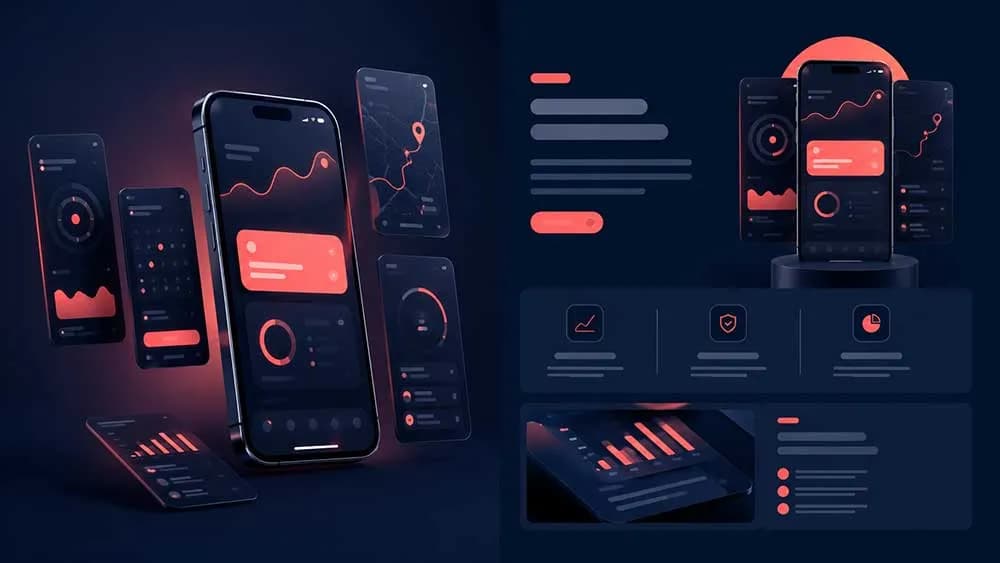
Most indie developers build a landing page the same wrong way. They export screenshots from Xcode or Android Studio, drop them into Framer or Webflow, write a headline that says something like "The app that changes everything", and ship it. Then they wonder why nobody downloads.
Screenshots are not copy. They are evidence. The gap between those two things is where most landing pages die.
Why Screenshots Alone Convert Nobody
A screenshot of your meditation app's home screen tells a visitor nothing about why they should care. They see a UI. They do not see themselves sleeping better, feeling less anxious, or getting through a Monday without a breakdown.
The conversion problem is not visual. It is emotional. A screenshot of a language learning app showing a flashcard deck is a feature. A five-star review that says "I passed my DELF B2 after three months" is a reason to download.
This is the core mistake: treating the screenshot as the message, when the screenshot is only the proof.
The message comes from your reviews. The screenshots confirm it.
What a Screenshot-to-Landing-Page Converter Actually Needs to Do
The phrase "screenshot to landing page" is everywhere in 2026. Half the tools using it are just drag-and-drop builders with a mobile preview. That is not a converter. That is a canvas.
A real converter does three things:
Pulls the emotional language out of your real user reviews and builds headlines from it
Places screenshots as proof points inside a narrative, not as a gallery at the top
Outputs a page that a cold visitor can scan in eight seconds and understand why they should install
If the tool you are evaluating cannot do all three, you are still writing the landing page yourself. You are just doing it inside a different editor.
This is exactly the problem that turning your App Store listing into a landing page solves when done right: your listing already contains the reviews, the screenshots, and the description. The job is to reformat that signal into something that converts cold traffic.
How the Best Tools Handle Screenshots in 2026
The tools that actually work in 2026 treat screenshots as assets inside a system, not as the starting point.
Here is the difference in practice:
Wrong flow: Upload screenshot, position it, write copy around it, guess at the headline.
Right flow: Mine reviews for the three highest-frequency emotional outcomes (sleep, focus, productivity, whatever your app delivers). Build three sections, each anchored by one outcome. Drop the screenshot into each section as the visual proof of that outcome.
Entro does this automatically by reading your App Store and Google Play reviews, extracting the actual language users use, and generating a page where screenshots are placed inside sections that already have a reason to exist. The page knows what it is trying to say before the screenshot appears.
For game developers specifically, the review mining approach is even more important. A screenshot of your puzzle game's level select screen means nothing to someone who has never heard of you. A section headlined with "finally a mobile game that respects my time" (pulled from a real review) with a screenshot of your clean, ad-free UI underneath it, that converts. If you are building games and still figuring out which tool to use, the landing page builder comparison for indie game devs breaks down exactly what to look for.
The Section Structure That Works
When you are placing screenshots inside a landing page, position matters more than quantity. Three screenshots used correctly beat ten screenshots used randomly.
Here is the structure that consistently outperforms the gallery approach:
Above the fold: No screenshot. A headline from your best review language, a subhead, and a single CTA button. The visitor's first question is "is this for me", not "what does the UI look like".
First content section: One screenshot, paired with the problem it solves. Not a feature list. One problem, one screenshot, two sentences.
Social proof section: A grid of three to five real reviews. No screenshots here. Let users speak.
Second content section: One or two screenshots showing the outcome, not the onboarding. Show the result screen, not the signup flow.
Final CTA: App Store and Google Play badges. Nothing else.
This structure works because it follows the visitor's decision process, not the developer's pride in their UI.
The 60-Second Build vs. The Two-Week Build
Two years ago, building a landing page for your app took either two weeks of your own time or $500 to a freelancer. Neither made sense for a solo founder with an app generating $800 a month.
In 2026, the gap between those two options has collapsed. Tools like Entro can generate a full landing page from your App Store URL in under a minute. The best landing page builders for mobile app developers have moved toward this model because indie developers stopped accepting the old tradeoff.
The catch is that speed only matters if the output is good. A bad page in 60 seconds is still a bad page. The question to ask any tool before you use it: does it read my reviews, or does it just import my screenshots?
If the answer is only screenshots, close the tab.
The One Thing to Change This Week
Go to your current landing page. Look at the first thing above the fold. If it is a screenshot, move it down one section and replace it with a sentence from your best review. Run that version for two weeks and check your install conversion rate.
That single change, review language above the fold, screenshot below as proof, is the whole lesson. Everything else is just tooling around that principle.
If you want to skip the manual work, Entro builds the page with that structure for you starting from your App Store URL. It is worth reading how turning your App Store listing into a landing page works before you start, so you understand what the tool is pulling from and why it places things where it does.
Written by
Cyrus
Head of Marketing, Entro
Cyrus writes about mobile app marketing, ASO, and conversion optimization. He's spent the last 3+ years helping indie developers and startup founders get more downloads from organic channels, without paid UA budgets.
Before Entro, he ran growth for two consumer apps that together passed 500,000 downloads on the App Store. Most of what he writes comes from mistakes made with his own money first.
Related articles