7 Best Coffee Shop Website Builders for Cafés and Coffee Shops in 2026
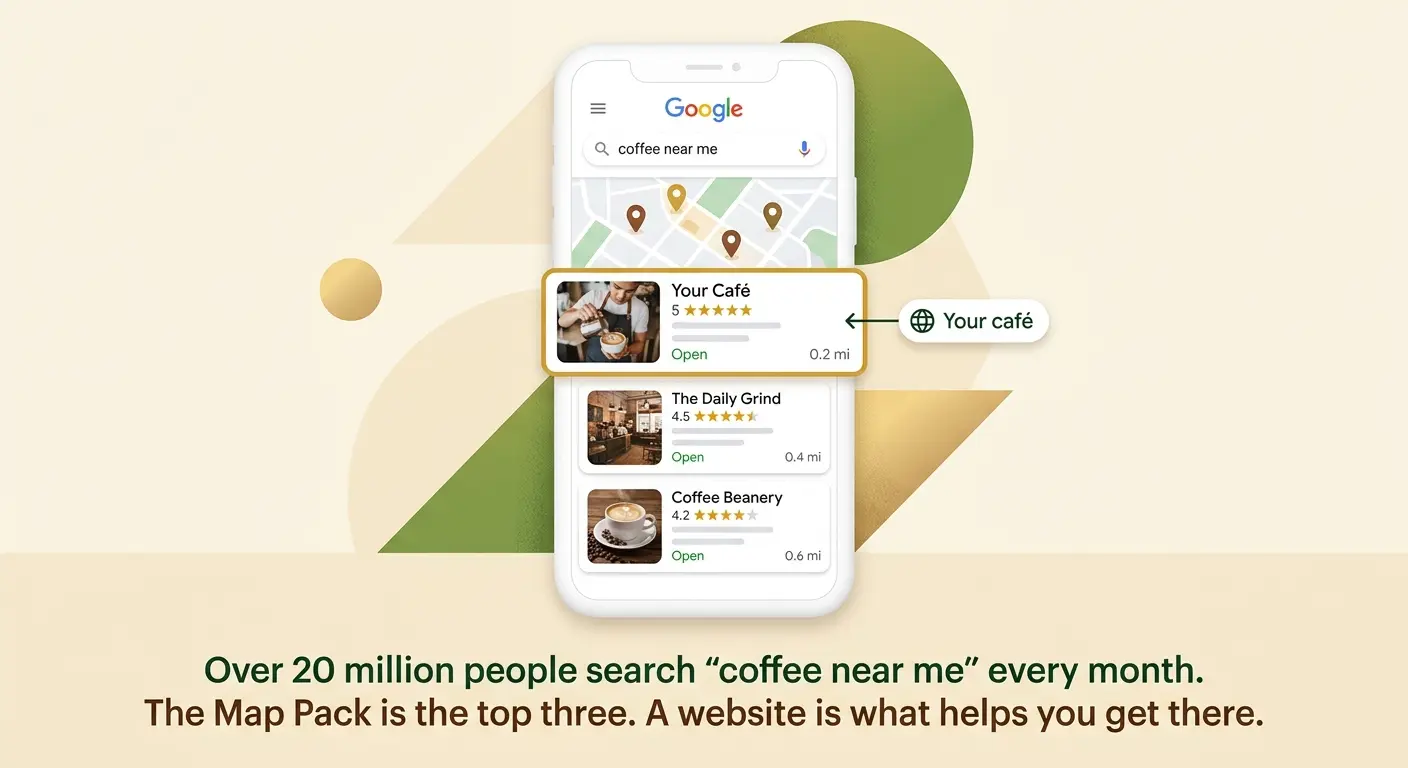
Someone new to your neighbourhood pulls out their phone, types “coffee near me”, and picks one of the three cafés that come up first. They don’t scroll. They tap the one with good photos, clear hours, and a menu they can actually read on a phone.

Cyrus
Someone new to your neighbourhood pulls out their phone, types 'coffee near me', and picks one of the three cafés that come up first. They do not scroll. They tap the one with good photos, clear hours, and a menu they can actually read on their phone. By the time they have finished their first flat white, they have decided whether they are coming back.
That whole decision happens before they ever walk through a door, and most of it rests on what shows up in that search. This is where a lot of café owners lose customers they never knew they had: they have great coffee and a Google listing, but no real website behind it, so they never make it into those top three results.
The search volume is enormous. 'Coffee near me' gets around 13.6 million US searches a month, and 'coffee shop near me' another 7.5 million, which is over 20 million local coffee searches every 30 days, and more than 70% of them happen on a phone (Link Tech Solutions, 2026). Nearly all of those searches trigger Google's Map Pack, the three-listing local block at the top of the results. Getting into that block is the single biggest lever a café has, and a real website is what supports your listing enough to rank there.
So this guide ranks the 7 best coffee shop website builders in 2026 by how well they do the jobs a café actually needs: get you found in local search, show your menu and hours clearly on a phone, and make your café look like somewhere worth the walk. Online ordering matters for some cafés and we cover it, but for most, being found is the whole game.
What a Coffee Shop Website Actually Needs to Do
A café website is not a restaurant website. Most cafés live on walk-in traffic and local discovery, not reservations or heavy delivery. The jobs that matter are specific, and the right builder is the one that does these well without drowning you in features you will never use.
The job | What it means | Why it matters for cafés specifically |
Get found locally | Rank in Google's Map Pack for 'coffee near me' and '[your area] café', with a linked Google Business Profile | Over 20 million monthly 'coffee near me' searches, 70% on mobile. This is how most new customers find you. |
Show the menu and hours | A fast, readable HTML menu (not a PDF) and current opening hours visible on a phone in one tap | People check your menu and hours before deciding. A PDF menu that pinch-zooms on a phone loses them. |
Look like somewhere worth visiting | Real photos of your space, drinks, and food that load fast and set the mood | Cafés sell atmosphere as much as coffee. Good photos justify the walk and the premium price. |
Take orders (optional) | Online ordering or pickup, keeping the margin instead of paying delivery apps 15 to 30% | Useful for cafés with a strong takeaway or beans-and-merch trade. Secondary for most sit-in cafés. |
The one that matters most is almost always the first: get found. A beautiful café website that does not help you rank in the Map Pack is a nice business card that no one sees. A simple, fast website that supports your Google listing and shows your menu clearly will bring in more customers than an elaborate site that search engines and phones struggle with. Rank builders by findability first, features second.
Best Coffee Shop Website Builders at a Glance
Best Overall Squarespace Beautiful café templates, menu blocks, strong local SEO From $16/month | Best Fast Showcase Site Entro Builds from your Google Maps link in about a minute Free to start |
Best All-in-One Wix Menu, online ordering, and Map-Pack-friendly SEO in one From $17/month | Best for Online Ordering Square Online Pickup and delivery tied to Square POS, low fees Free (fees on orders) |
Best for Selling Beans Shopify Best for cafés selling beans and merch online From $29/month | Best Budget Option GoDaddy Fastest guided setup for a simple café site From $12/month |
Quick Comparison: All 7 Coffee Shop Website Builders
Builder | Local SEO / Map Pack | Menu display | Online ordering | Builds from real data | Starting price |
Squarespace | Strong | Menu blocks (HTML) | Via integration | No (prompt) | $16/month |
Entro | Strong | Editable sections | Via integration | Yes (Google Maps) | Free to start |
Wix | Strong | Native menu + ordering | Native | No (prompt) | $17/month |
Square Online | Good | Menu + ordering | Native (Square) | No | Free |
Shopify | Good | Product-style menu | Native (commerce) | No | $29/month |
GoDaddy | Good | Basic menu | Basic | No | $12/month |
WordPress.com | Best with effort | Via plugins | Via plugins | No | $4/month |
Detailed Reviews: Every Coffee Shop Website Builder Tested
Ranked by how well each gets a café found and turns a search into a visit. Each review has a Not right for you if row so you can rule options in or out fast.
1. Squarespace

1. Squarespace Best overall coffee shop website builder for design and local visibility | |
A café sells atmosphere, and Squarespace builds the best-looking café sites of any option here with the least effort. The templates are warm, image-led, and make a photo of your space, your pastries, and your signature pour-over look like an editorial spread. For a café whose vibe is the draw, that visual quality is not vanity: it is what convinces someone scrolling on their phone that your place is worth the ten-minute walk over the chain on the corner. | |
Beyond looks, Squarespace handles the café essentials well. Menu blocks let you build a clean, searchable HTML menu that reads perfectly on a phone, which beats the PDF menu that so many cafés still link to and that nobody can read while standing at a crossing. The SEO tools are strong, and a well-built Squarespace site with a linked Google Business Profile, consistent name, address, and hours, and local content gives you a real shot at the Map Pack for '[your neighbourhood] coffee'. Blueprint AI generates a coherent starting design from a short description of your café in minutes. | |
Online ordering is handled through integrations (Square, ChowNow, or similar) rather than natively, which is fine for most sit-in cafés where ordering is secondary. If takeaway ordering is central to your business, Wix or Square Online bundle it more tightly. For the majority of cafés whose priority is being found and looking inviting, Squarespace is the strongest all-round choice. | |
Not right for you if: takeaway online ordering is central to your café. Wix or Square Online bundle ordering more tightly than Squarespace's integrations. | |
Our verdict: The best all-round coffee shop website builder. Beautiful enough to sell your atmosphere, strong enough on SEO to help you rank, and clean menus that work on a phone. The default pick for most cafés. | |
Pricing: Personal $16/month. Business $23/month. 14-day free trial. Best for: Cafés whose atmosphere and brand are the draw and whose priority is being found and looking inviting. |
Pros
- Best-looking café templates of any builder here
- Menu blocks for a clean, searchable HTML menu that reads well on a phone
- Strong SEO tools and Map-Pack support with a linked Google Business Profile
- Blueprint AI for a fast, coherent starting design
- Good blogging for local content that helps search visibility
Cons
- Online ordering is via integration, not native
- Template cannot be changed after the site goes live without rebuilding
- Builds from a prompt, not from your existing café data
- Slightly more setup than a guided builder like GoDaddy
Before the next option, one worth knowing if your café is already on Google Maps: Entro builds your site from the photos and reviews you already have there, which is the same data that helps you rank locally.
2. Entro
2. Entro Best coffee shop website builder for a fast site built from your Google data | |
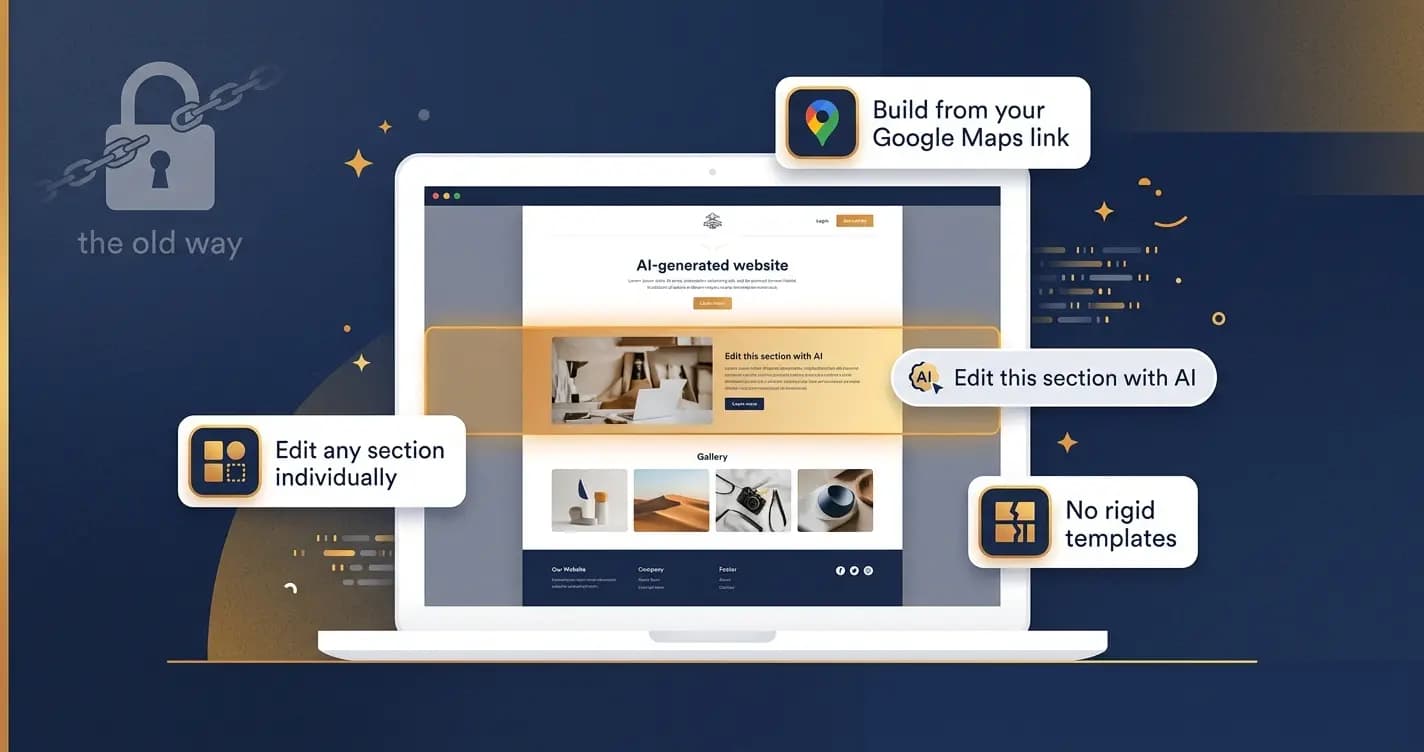
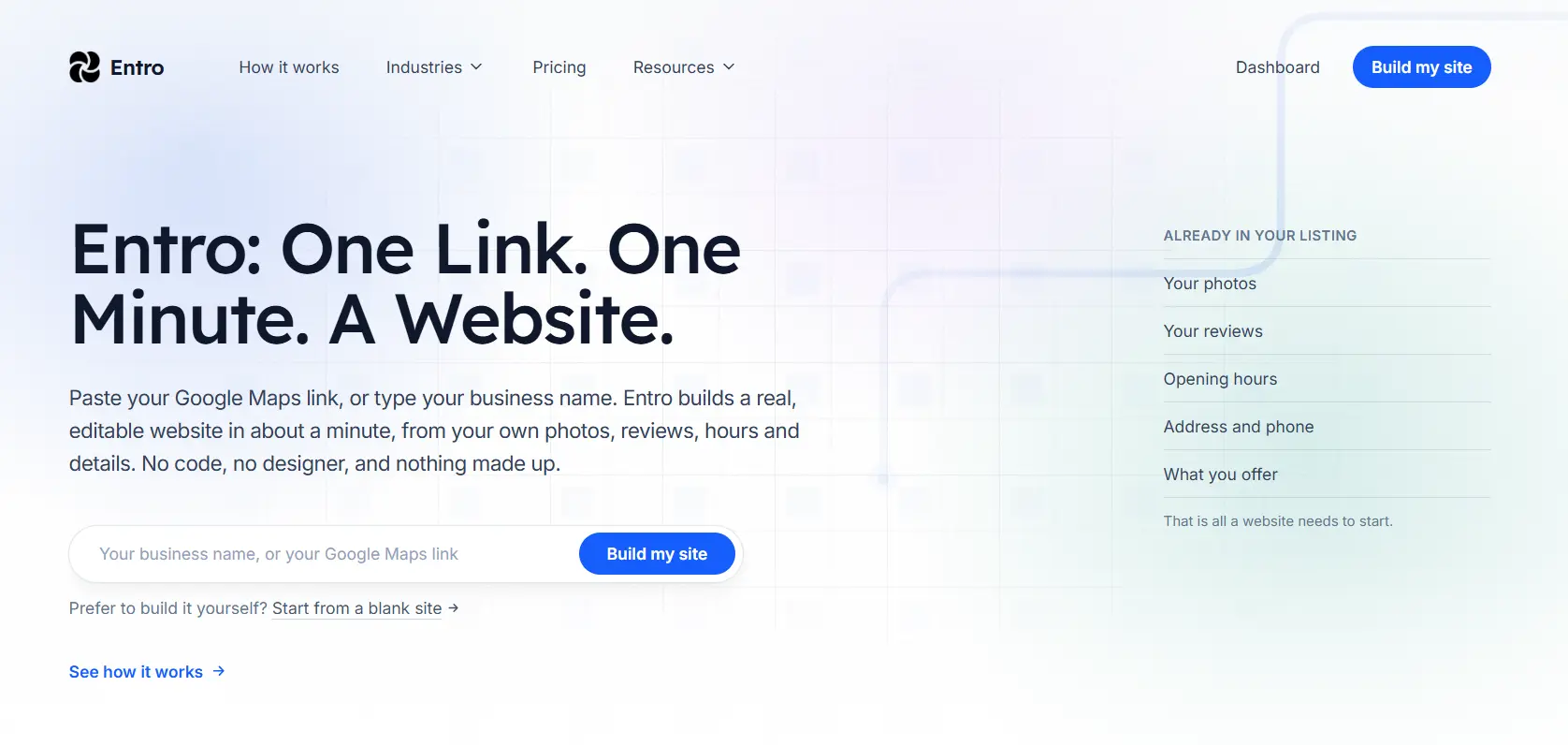
If your café is already on Google Maps, with photos of your space and drinks and a stack of customer reviews, you are most of the way to a website already. Entro turns that into a real, editable site in about a minute. You paste your Google Maps link into the input on the Entro homepage, and Entro pulls in your café name, your photos, and your reviews, then builds a designed website from them. For an owner who has been meaning to get a website up for a year but never had an afternoon to gather photos and write copy, that removes the whole blank-page problem: your site starts populated with your real café. | |
This matters for cafés specifically because the same Google Business Profile data that Entro builds from is what supports your Map Pack ranking. A real website linked to your listing, with your photos and consistent details, strengthens the listing that puts you in the top three for 'coffee near me'. And because every section is editable individually with a plain-language AI editor, you can add a menu section, update your hours for a holiday, or change the headline yourself in seconds, without wrestling a template or calling anyone. | |
The honest placement: Entro is showcase-first. Online ordering is handled by linking a tool like Square or ChowNow with an Order button, not by a native ordering engine. So if takeaway ordering is the core of your business, Wix or Square Online fit better. But if what you need is a fast, good-looking site that shows your café, keeps your hours current, and supports your local ranking, built from the Google data you already have, Entro is the quickest route there, and it is free to start. | |
Not right for you if: takeaway online ordering is the core of your business. A platform with native ordering like Wix or Square Online fits that better. | |
Our verdict: The fastest way to a professional café site when you are already on Google Maps. Pulls your real photos and reviews in automatically, supports the listing that gets you found, and is free to try before you decide. | |
Pricing: Free to start. Paid plans for publishing and custom domains. See entro.work for current pricing. Best for: Cafés already on Google Maps that want a fast, editable site that shows their space and supports local search. |
Pros
- Builds from your Google Maps link: pulls in your real café photos and reviews
- Live, editable site in about a minute, no blank page
- Supports your Google listing, which is what drives Map Pack ranking
- Every section editable individually with a plain-language AI editor
- Free to start: generate and edit before you commit
- Built for non-technical café owners, no design or code skills
Cons
- Online ordering is via linking a tool, not a native ordering engine
- Menu is an editable section rather than a dedicated ordering menu system
- Newer platform with a smaller template library than Squarespace or Wix
3. Wix
3. Wix Best all-in-one coffee shop website builder with native menu and ordering | |
Wix is the strongest choice for a café that wants its website, its menu, and its online ordering all in one place. The Wix Restaurants tools let you build a proper digital menu, take pickup and delivery orders, and manage it all from one dashboard, without stitching together separate services. For a café with a meaningful takeaway or order-ahead trade, having ordering native to the site, rather than through an integration, keeps the experience smooth and the margin yours. | |
On the findability side, Wix holds its own: strong SEO tools, and in 2026 Wix listings surface in Google Maps and Search directly, which helps with the 'coffee near me' intent that drives café discovery. There are café and coffee-shop templates, a solid gallery for your space and drinks, and the usual large app market for adding loyalty programmes, reservations for larger cafés, or email marketing. | |
The trade-off is that Wix asks more of you at setup than a guided builder or a fast-build tool, and the number of options can feel like a lot for a small café owner who just wants to be online. For a café where ordering is central and you want everything under one roof, that setup time pays back. For a café that just needs to be found and look good, simpler options get you there faster. | |
Not right for you if: you just need to be found and look good without online ordering. A simpler or faster option will get you there with less setup. | |
Our verdict: The best all-in-one for cafés with a real takeaway or order-ahead trade. Native menu and ordering plus solid local SEO, if you are willing to invest the setup time. | |
Pricing: Light $17/month. Core $29/month. Business $36/month. Free plan to start. Best for: Cafés with meaningful takeaway or order-ahead business that want menu, ordering, and website in one platform. |
Pros
- Native digital menu plus pickup and delivery ordering in one platform
- Wix listings appear in Google Maps and Search (2026)
- Café and coffee-shop templates with a strong gallery
- Large app market for loyalty, reservations, and marketing
- Everything in one subscription: no separate ordering tool
Cons
- More setup than a guided or fast-build tool
- Can feel overwhelming for a small café owner
- Template cannot be changed after the site goes live
- Builds from a prompt, not from your existing café data
4. Square Online
4. Square Online Best coffee shop website builder for pickup ordering tied to your POS | |
If your café already rings up sales on Square, Square Online is the smoothest path to online ordering. It ties directly into your Square POS, so your menu, inventory, and pickup or delivery orders all flow through the system you already use at the counter. An order placed online lands in the same place as a walk-in order, and a pastry that sells out is reflected online without you touching anything. The website builder is free to use, with fees taken on orders rather than a monthly subscription. | |
For a café, the ordering experience is the strength here. Order-ahead for the morning rush, pickup for regulars, and simple delivery are all handled cleanly, and the fees are far lower than the 15 to 30% that delivery apps take. The site itself is clean and functional, sitting between the basic look of a bare ordering page and the polish of Squarespace. | |
The main reason to choose Square Online is existing Square usage. If you are not on Square, you can still use it, but the big advantage, the POS and inventory integration, does not apply, and other options give you either better design or a faster build. As a website for pure discovery and atmosphere, it is good rather than exceptional; its real edge is ordering tied to the counter. | |
Not right for you if: you do not use Square and your priority is a beautiful, discovery-focused site. Squarespace or Entro will look better and get set up without tying you to one POS. | |
Our verdict: The obvious choice for cafés already on Square that want order-ahead and pickup tied to the counter, with far lower fees than delivery apps. | |
Pricing: Free to use. Square payment and order fees apply. Paid plans remove some limits. Best for: Cafés already using Square POS that want online ordering and pickup tied to their counter system. |
Pros
- Ties online ordering, menu, and inventory to your existing Square POS
- Free to use: fees on orders, far lower than delivery apps' 15 to 30%
- Order-ahead and pickup handled cleanly for the morning rush
- Online and walk-in orders flow through one system
Cons
- Main advantage only applies if you already use Square
- Design is functional rather than exceptional for atmosphere
- Less design flexibility than Squarespace or Wix
- Builds from your inputs, not from existing café data
5. Shopify
5. Shopify Best coffee shop website builder for cafés selling beans and merch online | |
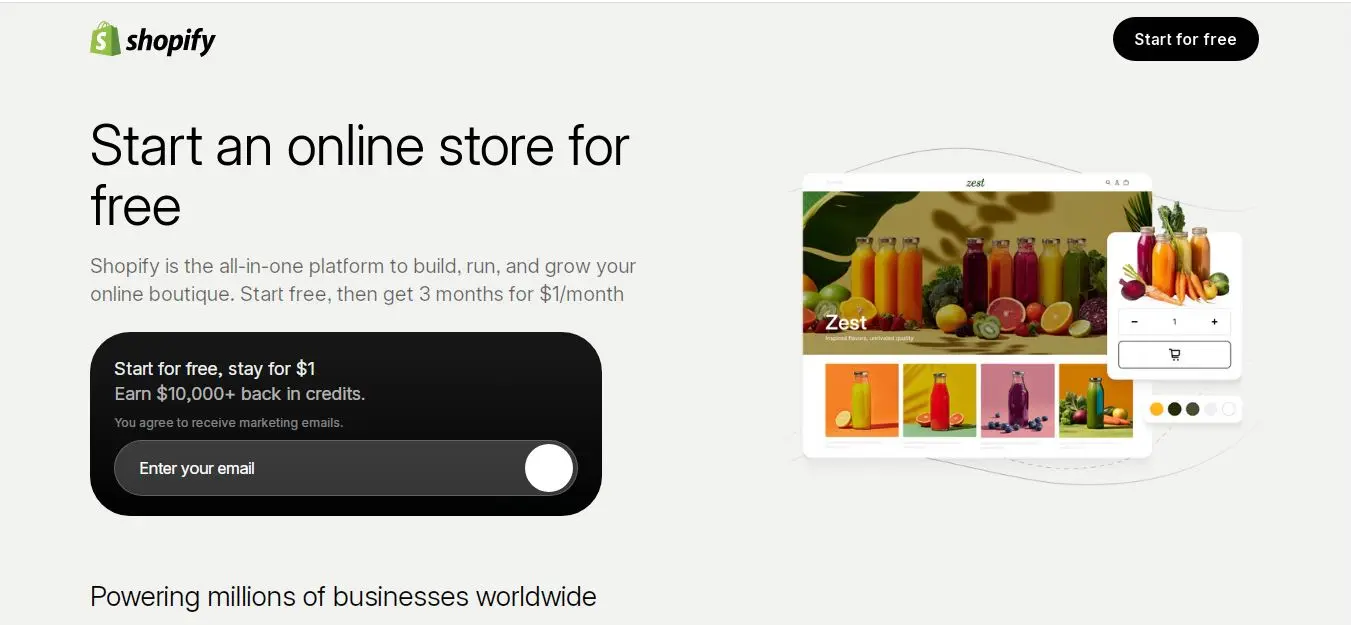
Some cafés are also small retail businesses: they roast or sell beans, ship subscriptions, and move branded mugs, tote bags, and merch. For those cafés, Shopify is the best platform here, because it is built first and foremost for selling physical products online. If a meaningful part of your revenue comes from people buying your beans to brew at home or ordering a bag shipped across the country, Shopify's commerce tools, inventory, and shipping handling are stronger than any general website builder's. | |
Shopify can present your café menu and story too, and with its themes the site looks professional. But its real strength is the online store: product pages, subscriptions for a monthly bean club, discount codes, and abundant shipping and payment options. For a café building a retail brand around its coffee, that infrastructure is worth the $29/month starting cost. | |
The honest caveat: for a café whose business is almost entirely in-store coffee and whose website just needs to help people find and visit, Shopify is more machinery than you need. The commerce tools you are paying for sit unused. In that case a discovery-focused builder is a better fit, and Shopify becomes the right answer only when selling products online is a real part of the plan. | |
Not right for you if: your café is almost entirely in-store and your website just needs to help people find and visit. A discovery-focused builder fits that better and costs less. | |
Our verdict: The right choice for cafés building a retail coffee brand: beans, subscriptions, and merch sold online. Overkill for a purely in-store café. | |
Pricing: Basic $29/month. Shopify $79/month. 3-day free trial, then introductory offers. Best for: Cafés and roasters selling beans, subscriptions, or merch online as a real part of the business. |
Pros
- Best platform here for selling beans, subscriptions, and merch online
- Strong inventory, shipping, and subscription tools for a bean club
- Professional themes that present menu and story well
- Scales smoothly as the retail side of the café grows
Cons
- More than needed for a café that only wants to be found and visited
- Highest starting price here at $29/month
- Commerce tools go unused if you do not sell products online
- Builds from a prompt, not from your existing café data
6. GoDaddy
6. GoDaddy Best coffee shop website builder for the fastest, simplest setup | |
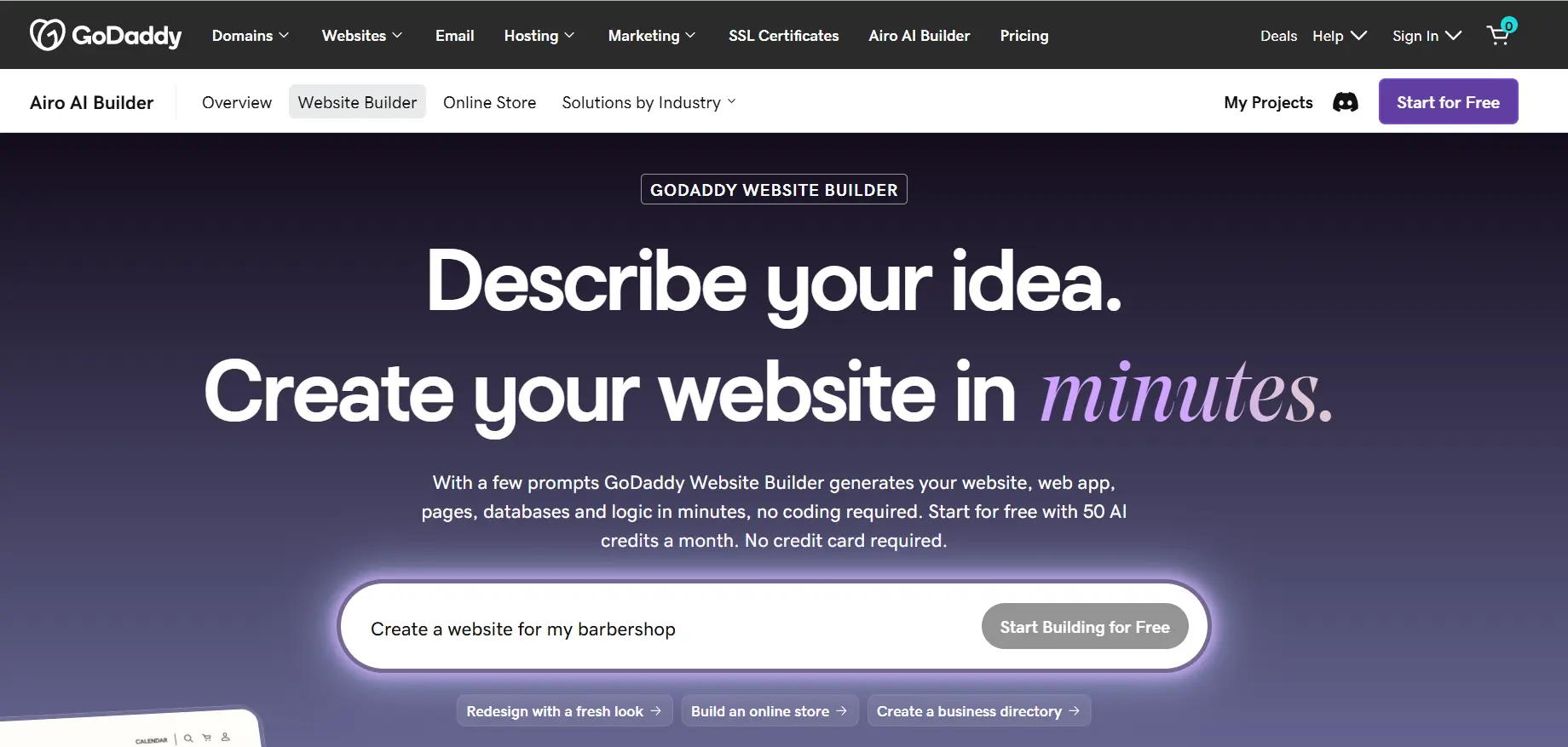
GoDaddy's builder is made for speed. Its guided setup asks a few questions about your café and assembles a working site with your hours, location, a basic menu, and contact details, with almost no decisions required. For an owner who wants a simple, correct web presence online today and has zero interest in design or configuration, GoDaddy delivers that faster than anything else here. | |
The essentials for a café are covered at a basic level: you can show your menu, your hours, and your location, link your Google Business Profile, and add basic marketing tools. It is enough to support your listing and give visitors what they need before they walk over. The built-in marketing features (social posts, email) are a convenience for owners who want one simple dashboard. | |
The trade-off is ceiling. GoDaddy is functional rather than distinctive: the design is fair, the menu and features are basic, and a café that wants to stand out on atmosphere or grow into online ordering often outgrows it. For getting a correct, findable site up quickly and cheaply, it works well. For looking exceptional or selling online, the options above fit better. | |
Not right for you if: you want your café to stand out on design or plan to add online ordering. GoDaddy is built for speed and simplicity, not distinctiveness or depth. | |
Our verdict: The right choice for an owner who wants a simple, correct, findable café site up today with minimal effort. Functional and fast, with a lower ceiling than the options above. | |
Pricing: From $12/month. Higher tiers add marketing and basic commerce features. Best for: Café owners who want the simplest, fastest route to a basic working site that shows hours, menu, and location. |
Pros
- Fastest, most guided setup of any option here
- Covers café essentials: hours, location, basic menu, contact
- Low starting price for a simple working site
- Minimal decisions required: good for the design-averse owner
Cons
- Design is functional rather than distinctive
- Menu and features are basic compared to Squarespace or Wix
- Cafés wanting atmosphere or ordering often outgrow it
- Builds from your inputs, not from existing café data
7. WordPress.com
7. WordPress.com Best coffee shop website builder for content and long-term SEO control | |
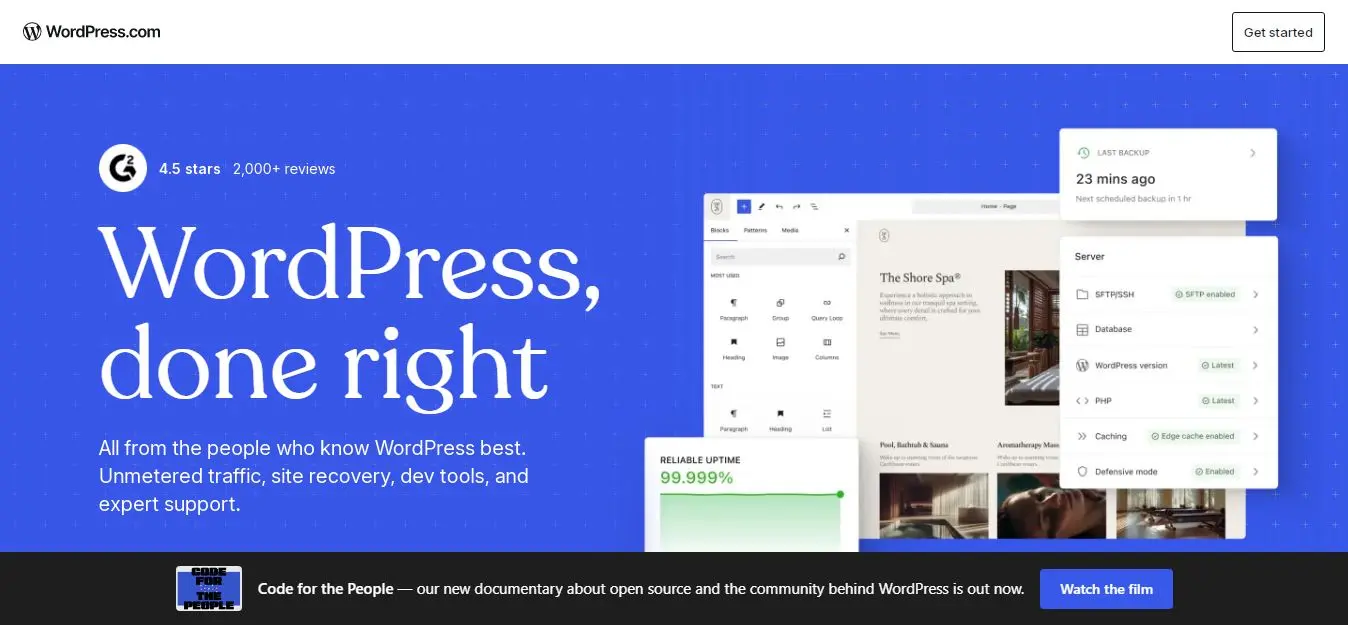
If your café plans to lean into content, a blog about your roasters, brewing guides, event write-ups, a story behind each single-origin, WordPress.com gives you the strongest content and SEO foundation of any option here. For a café building a following around its coffee knowledge and wanting to rank for more than just 'coffee near me', the content infrastructure and SEO control are unmatched, especially with Yoast or Rank Math on a paid plan. | |
WordPress can do everything a café needs: a menu (via plugins or page content), a gallery, hours, and even online ordering through plugins like WooCommerce or a dedicated food-ordering add-on. The 2026 plugin expansion on paid plans means almost any feature is available. The Personal plan at $4/month is the lowest serious entry price here. | |
The trade-off is effort. WordPress is not a 30-second builder; it rewards ongoing work and is more involved to set up and maintain than Squarespace, Entro, or GoDaddy. For a café whose owner enjoys content and wants long-term search growth, that investment pays back. For a café that just wants to be online and findable without fuss, a simpler platform is the better call. | |
Not right for you if: you want a simple, findable café site without ongoing upkeep. WordPress rewards content work; for set-and-go, Entro or GoDaddy fits better. | |
Our verdict: The right long-term platform for content-driven cafés that want to build an audience around their coffee and rank for more than local searches. More effort, more reward. | |
Pricing: Personal $4/month. Business $40/month for full plugin and ordering access. Best for: Content-driven cafés and roasters that want to blog, build an audience, and own their long-term SEO. |
Pros
- Best content and SEO foundation for cafés that blog or want to rank widely
- 60,000-plus plugins on paid plans for menus, ordering, and more
- Full control over content, structure, and search optimisation
- Lowest serious entry price at $4/month
Cons
- Not a fast builder: more setup and ongoing maintenance
- Steeper learning curve than Squarespace or Entro
- Menu and ordering require plugins rather than native tools
- Builds from your inputs, not from existing café data
Which Coffee Shop Website Builder Is Right for You
Your situation | Best choice | Why |
You want the best all-round café site and to be found locally | Squarespace | Beautiful templates, clean HTML menus, strong local SEO |
You are already on Google Maps and want a fast site | Entro | Builds from your Google Maps link in about a minute, supports your listing |
Takeaway or order-ahead is central to your café | Wix | Native digital menu and pickup/delivery ordering in one platform |
You already use Square at the counter | Square Online | Online ordering and inventory tied to your Square POS, low fees |
You sell beans, subscriptions, or merch online | Shopify | Best commerce tools for a retail coffee brand |
You want the simplest possible setup today | GoDaddy | Fastest guided setup for a basic, findable café site |
You want to blog and own your long-term SEO | WordPress.com | Best content and SEO foundation for content-driven cafés |
What Makes a Coffee Shop Website Actually Bring in Customers
Whichever builder you choose, the café sites that fill tables share the same habits. Get these right and the platform matters less than you would think.
because that is the first thing someone checks before walking over. Current hours, address, and a map pin should be visible the second the page loads on a phone.Put your hours and location above the fold
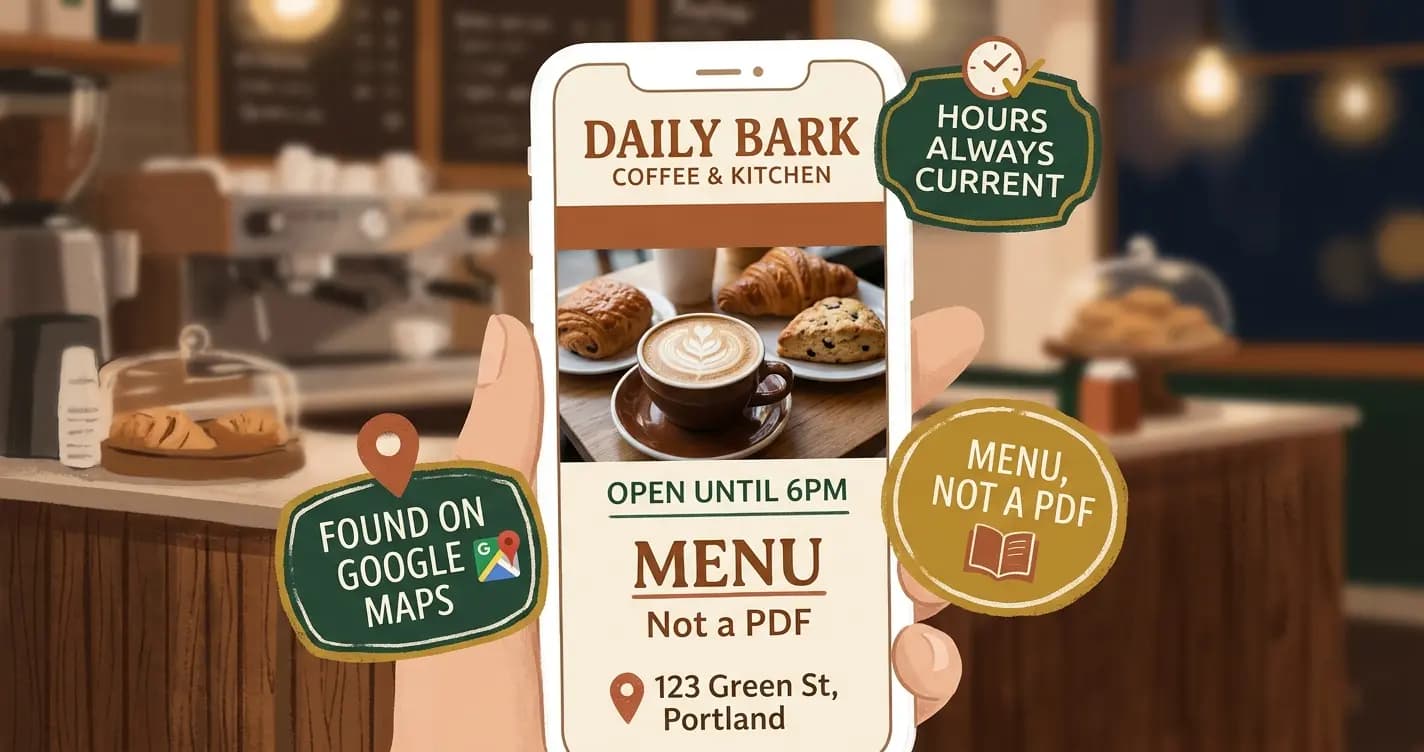
so it loads instantly, reads cleanly on a phone, and can be found in search. A PDF menu that forces pinch-zooming is the most common café website mistake.Make your menu an HTML page, not a PDF
not stock images of generic lattes. People are deciding whether your café is the kind of place they want to sit in. Show them the actual place.Use real photos of your space and drinks
and keep your name, address, and hours identical across your site and Google, because that consistency is what helps you rank in the Map Pack for 'coffee near me'.Link your Google Business Profile
since over 70% of coffee searches happen on a phone, often while someone is walking. A slow-loading site loses them before the photos even appear.Keep it fast on mobile
The highest-return move for most café websites: a clean HTML menu and current hours, both visible on mobile in one tap, on a site linked to your Google Business Profile. That combination is what turns a 'coffee near me' search into someone walking through your door. Everything else, ordering, blog, merch, is secondary to being found and showing up clearly.
The Fastest Way to Get Your Café Online
If your café is already on Google Maps with photos of your space and a stack of reviews, you are most of the way to a website already. You do not need to gather photos, write copy, or start from a blank template.
Paste your Google Maps link into the input on the Entro homepage. Entro pulls in your photos and reviews and builds an editable café site in about a minute. Add your menu and hours, edit any section with AI, and link it to your Google listing to help you show up for 'coffee near me'.
Paste your Google Maps link at entro.work and get your café website in about a minute.
Final Note
The customer who typed 'coffee near me' and picked one of the top three never saw the café down the street that has better coffee but no website to support its listing. That is the quiet cost of not being online properly: you do not lose a visible argument, you just never appear in the choice at all.
Choose by your main need. For the best all-round café site, Squarespace. If you are already on Google Maps and want it fast, Entro. If takeaway ordering is central, Wix or Square Online. If you sell beans and merch, Shopify. If you want the simplest setup, GoDaddy.
Whatever you pick, get your hours and menu clear on a phone, use real photos of your space, and link your Google Business Profile. The café that shows up first, loads fast, and looks worth the walk is the one that gets the next 'coffee near me' search.
Frequently asked questions
The best coffee shop website builder depends on your main need. Squarespace is the best all-round choice, with beautiful café templates, clean HTML menus, and strong local SEO to help you rank for 'coffee near me'. Entro is best if your café is already on Google Maps and you want a fast site built from your existing photos and reviews. Wix is best if takeaway or order-ahead ordering is central, thanks to its native menu and ordering tools. Square Online is best for cafés already using Square at the counter. For most cafés whose priority is being found and looking inviting, Squarespace or Entro is the strongest pick.
Yes. Over 20 million people search 'coffee near me' and 'coffee shop near me' every month in the US, and more than 70% of those searches happen on a phone. Nearly all of them trigger Google's Map Pack, the top three local listings, and a real website is what supports your Google Business Profile enough to rank there. Without one, you rely on a bare listing and are far less likely to appear in that top three. A website also lets you show a readable menu, current hours, and photos of your space, which is what people check before deciding where to get their coffee.
If your café is already on Google Maps, the fastest way is to paste your Google Maps link into Entro. It pulls in your café name, your photos, and your customer reviews and builds an editable website from them in about a minute, so you are not gathering images or writing copy from scratch. You then edit any section with a plain-language AI editor, add your menu and hours, and link it to your Google listing. No designer or technical skills needed, and it is free to start.
A web page, always. A PDF menu is the most common café website mistake: it loads slowly, forces people to pinch and zoom on a phone, and cannot be read by search engines, so it does nothing for your visibility. An HTML menu built into your site loads instantly, reads cleanly on any phone, and can be indexed by Google, which helps people find you when they search for a specific drink or your café by name. Most builders here, including Squarespace's menu blocks and Wix's restaurant tools, make building an HTML menu straightforward.
Claim and complete your Google Business Profile at business.google.com, with your café name, address, hours, phone, category, and plenty of real photos. Then link a real website to it and keep your name, address, and hours identical across both, because that consistency is a ranking signal for the Map Pack. Encourage happy customers to leave Google reviews, respond to them, and keep your hours current, especially around holidays. A real website, even a simple one, supports the listing and meaningfully improves your chances of appearing in the top three for 'coffee near me' in your area.
Most cafés spend between $0 and $30 per month. Square Online is free to use with fees on orders, and Entro is free to start. GoDaddy begins around $12/month, Squarespace at $16/month, Wix at $17/month, and WordPress.com at $4/month. Shopify, best for cafés selling beans and merch online, starts at $29/month. For most cafés, the cost is easily covered: if a findable website brings in even a handful of extra walk-ins a week, it pays for itself many times over.
Written by
Cyrus
Head of Marketing, Entro
Cyrus writes about mobile app marketing, ASO, and conversion optimization. He's spent the last 3+ years helping indie developers and startup founders get more downloads from organic channels, without paid UA budgets.
Before Entro, he ran growth for two consumer apps that together passed 500,000 downloads on the App Store. Most of what he writes comes from mistakes made with his own money first.
Related articles