10 Best Website Builders for Small Business in 2026 (Tested Honestly)
I helped a personal trainer, a florist, and a copywriter each build their first business website. They needed completely different things from the same type of tool. Here is how to pick based on what your business actually needs in 2026.

Cyrus
I have helped three different small business owners build their first websites. A personal trainer, a freelance copywriter, and a florist. Three very different businesses, three very different things they needed from their website.
The personal trainer needed an online booking system above everything else. She was losing clients who could not book outside business hours. The florist needed a visual showcase and a way to take orders online without paying platform commission. The copywriter needed something that looked credible when a potential client Googled her name before deciding whether to hire her.
Same category of tool. Completely different problems. And the mistake I see most small business owners make is treating website builders as interchangeable and picking based on price or name recognition rather than which one actually solves the problem their specific business has.
The numbers make the stakes clear. 72% of consumers judge a business by the quality of its website, according to a 2026 Clutch survey. Most small businesses spend $15 to $50/month on a website builder. The one that fits your business type and growth trajectory at that price is worth finding before you build, not after you have spent an afternoon in the wrong editor.
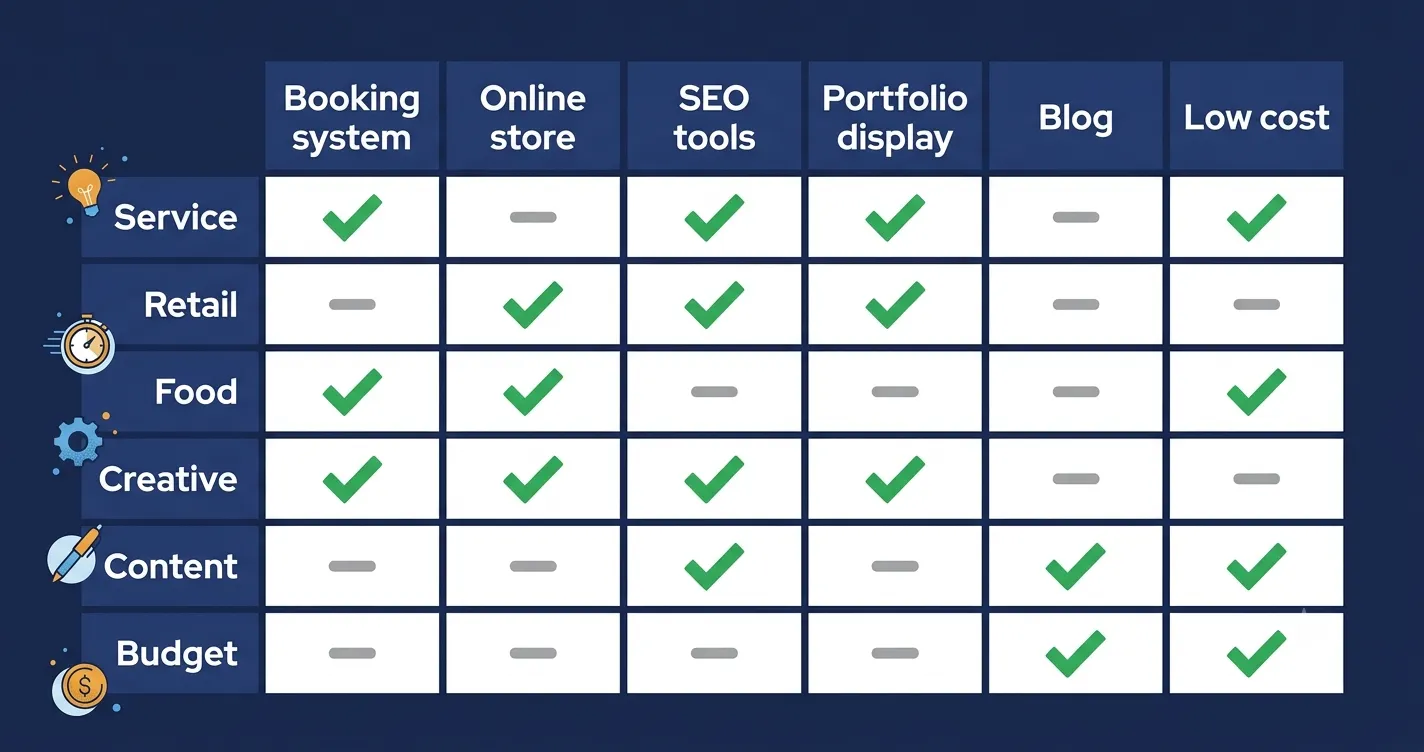
How to Choose: Match the Tool to Your Business Type
Business type | What you need most | Best fit from this list |
|---|---|---|
Service business (plumber, trainer, consultant) | Online booking, contact forms, local SEO, clear services pages | Wix or Squarespace |
Retail / product-based (shop, maker, boutique) | Online store, inventory, payments, product photography display | Shopify or Wix eCommerce |
Food and hospitality | Menu display, online ordering, reservations, local SEO | Wix Restaurants or Squarespace |
Creative / freelancer (photographer, designer, writer) | Portfolio display, testimonials, contact form, professional look | Squarespace or Webflow |
Content and knowledge business (blogger, coach, course creator) | Blog, email list, membership, SEO tools | WordPress.com or Squarespace |
Budget-conscious startup or side hustle | Core web presence at minimum monthly cost | Hostinger or IONOS |
Business needing maximum long-term control | Full data ownership, SEO flexibility, no lock-in | WordPress.org + hosting |
The 10 Best Website Builders for Small Business in 2026
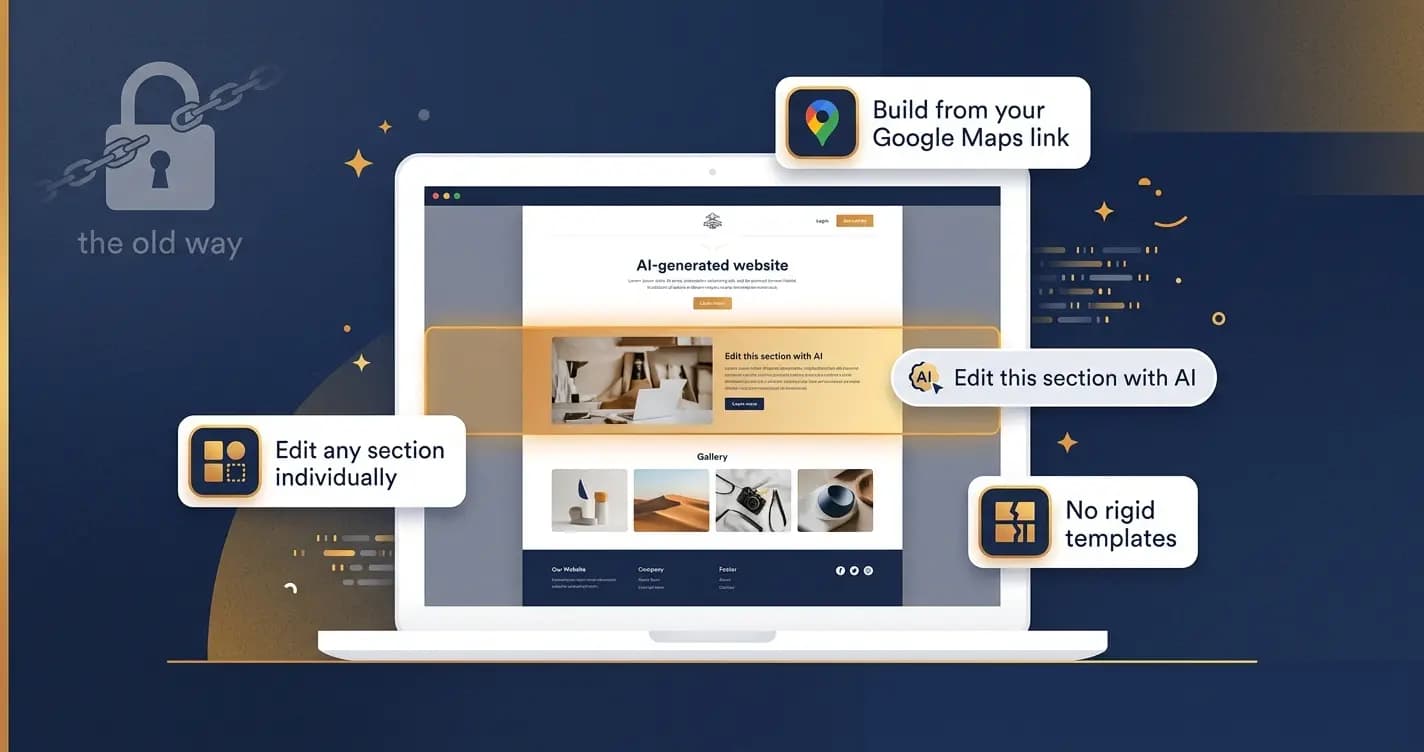
Wix — Best overall for small businesses
Wix is the most consistently recommended website builder for small businesses for a reason that is hard to argue with: it does more in one place than anything else at its price point. The drag-and-drop editor is genuinely flexible. The Wix App Market adds booking, email marketing, loyalty programs, live chat, and hundreds of other features without platform migration. Wix Restaurants handles food businesses specifically. The AI builder generates a complete starting site in minutes. For a small business owner who does not want to manage multiple tools, Wix is the strongest all-in-one option available.
Pros | Cons |
|---|---|
Most complete feature set for small businesses in one platform | Template cannot be changed once the site is live |
900+ templates across every small business category | Pages are not exportable if you decide to move platforms |
Wix App Market: add booking, email, loyalty, chat as needed | Some advanced marketing features only on higher-tier plans |
AI builder generates a complete starting site from a description | Can feel overwhelming for small businesses that only need 3 pages |
Strong built-in SEO tools and Google Analytics integration | |
24/7 live chat support |
Pricing: Free plan (limited). Light $17/month. Core $29/month. Business $36/month.
Best for: Most small businesses, especially those that need an integrated ecosystem of features.
Squarespace — Best for brand-forward and creative small businesses
If your business's visual identity matters to customers before they buy, Squarespace is where that investment pays off. The templates are the most polished of any builder on this list. Portfolio layouts, gallery displays, and editorial-quality product photography support make it the natural choice for photographers, designers, florists, food brands, and any business where aesthetics are a conversion factor. Blueprint AI generates a coherent brand-consistent starting site. The all-in-one nature of Squarespace, with scheduling, email marketing, courses, and basic ecommerce all included at various tiers, means fewer separate tool subscriptions.
Pros | Cons |
|---|---|
Most visually polished templates of any builder on this list | More expensive than Wix for equivalent feature sets |
All-in-one: scheduling, email, ecommerce, courses, members area | Online store capabilities less developed than Shopify |
Blueprint AI generates a tailored starting site | Less flexible editor than Wix for non-standard layouts |
Strong blogging tools for content-driven businesses | No free plan beyond the trial period |
14-day free trial, no credit card required |
Pricing: From $16/month (Personal). $23/month (Business). $28/month (Commerce Basic).
Best for: Creative businesses, portfolios, service businesses, and any small business where aesthetics matter.
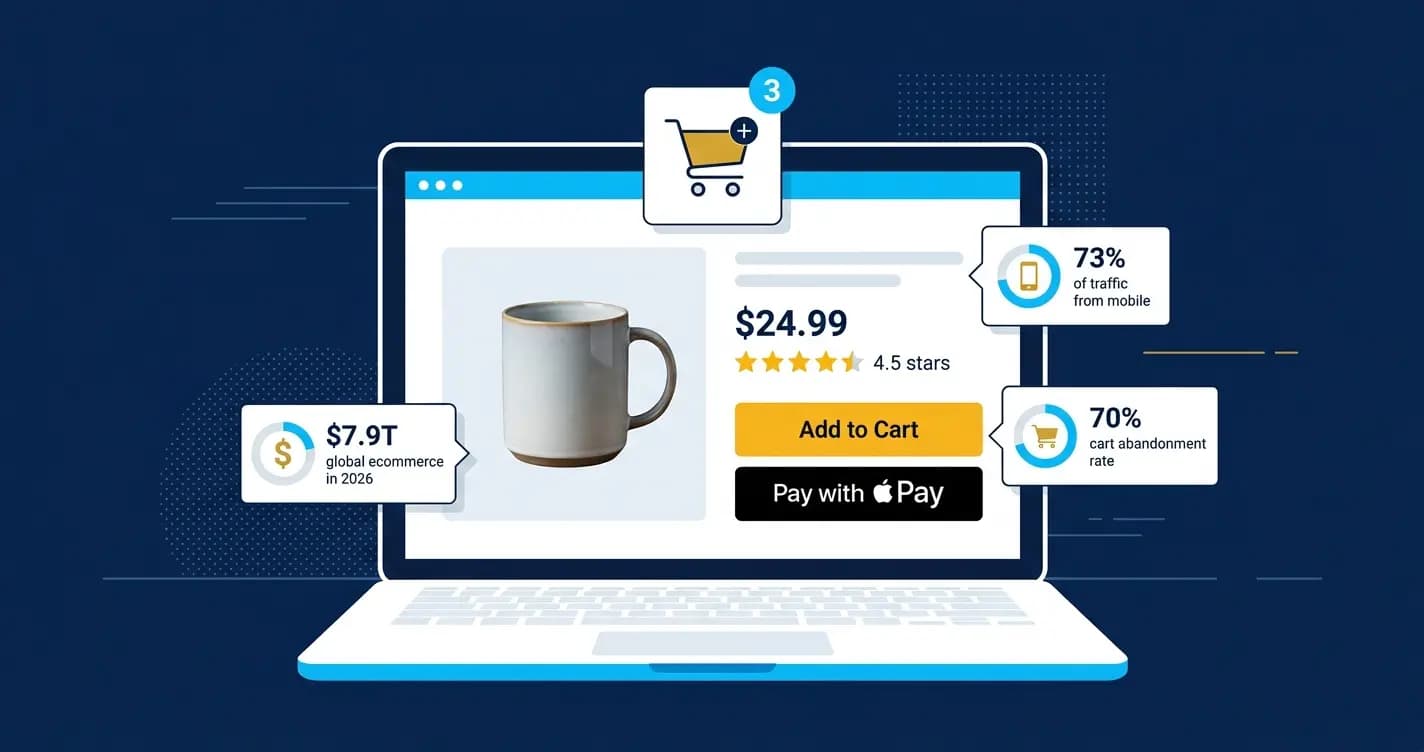
Shopify — Best for product-based and ecommerce small businesses

If your business sells physical or digital products online and that is its primary revenue model, Shopify is the right choice. It is not the best website builder in the general sense. The blog and content tools are less developed than WordPress or Squarespace. But it is the most complete ecommerce infrastructure available to a small business at this price point: payment processing, inventory management, abandoned cart recovery, multi-channel selling across social and marketplaces, and the largest app ecosystem for ecommerce-specific features. When your business is primarily a store, Shopify is built for exactly that.
Pros | Cons |
|---|---|
Most complete ecommerce infrastructure of any builder on this list | Transaction fees on non-Shopify Payments payment providers |
Multi-channel selling: website, Instagram, TikTok, Amazon, eBay integrated | Blog and content tools less developed than Squarespace or WordPress |
Abandoned cart recovery included on all plans | More expensive than Wix once you factor in app costs |
Largest ecommerce app ecosystem available | Not the right choice for service businesses with no products to sell |
Built-in payment processing: Shopify Payments avoids transaction fees |
Pricing: From $29/month (Basic). $79/month (Shopify). $299/month (Advanced). 3-month trial at $1/month available.
Best for: Product-based small businesses and online stores where ecommerce is the primary function.
WordPress.com — Best for content-driven and SEO-focused small businesses
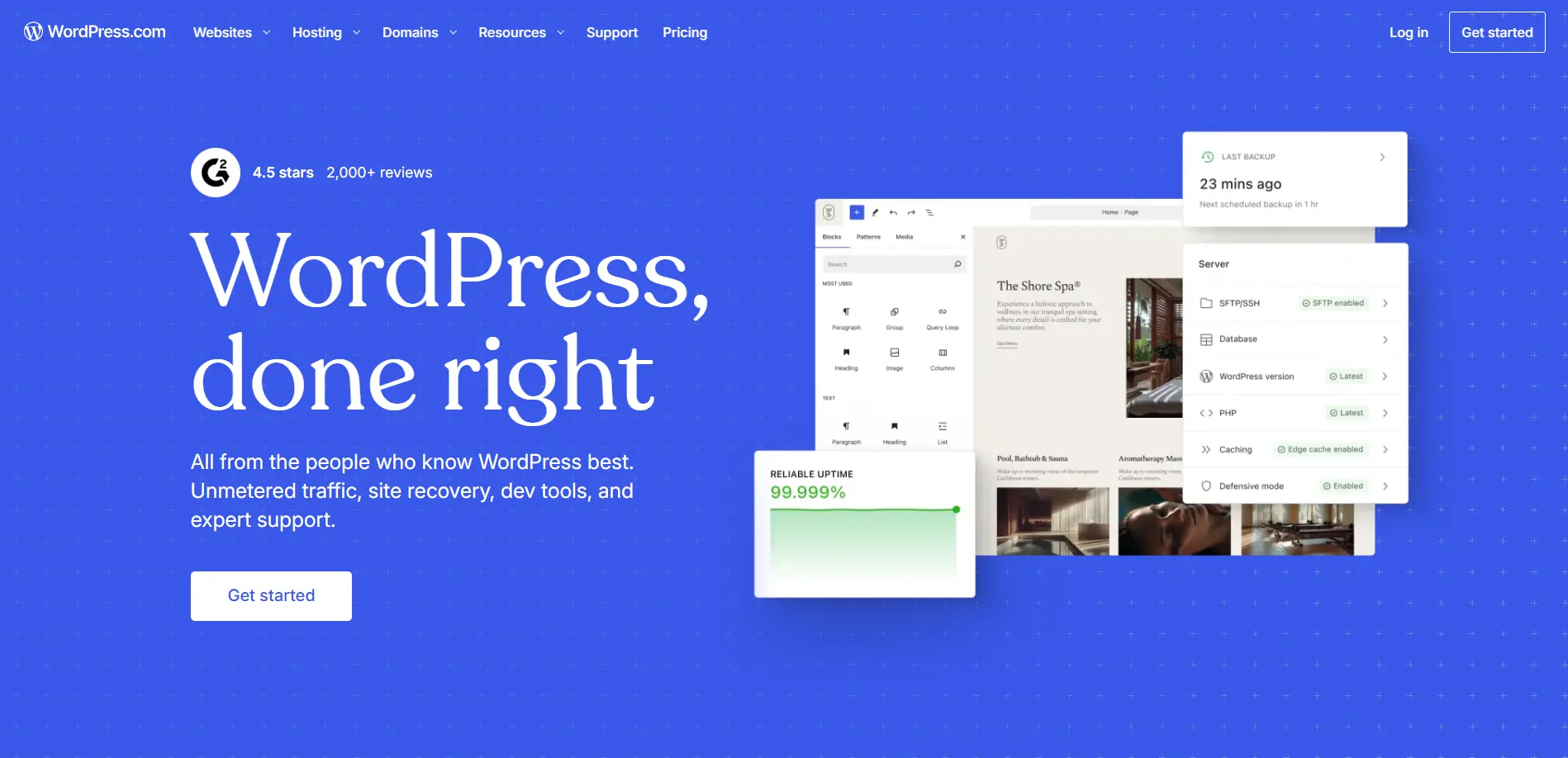
WordPress.com is not the same as self-hosted WordPress.org. It is a hosted, no-code-required platform that gives small businesses the content management depth of WordPress without managing servers or plugins. In 2026, WordPress.com unlocked plugins on all paid plans from April, which was a significant upgrade. For a small business that relies on blog content, SEO traffic, and organic search to find customers, WordPress.com has more content infrastructure than any other builder on this list. The blogging tools, category management, and SEO plugin access are category-leading.
Pros | Cons |
|---|---|
Best blogging and content management tools on this list | Less intuitive editor than Wix or Squarespace for page building |
60,000+ plugins now available on paid plans (since April 2026) | eCommerce requires the $40/month Business plan minimum |
Strongest long-term SEO infrastructure | Template designs less polished than Squarespace out of the box |
99.999% uptime and real-time backups on Business plan | Can feel complex for businesses that only need a simple website |
Most trusted platform for content-driven businesses |
Pricing: Personal $4/month. Premium $18/month. Business $40/month (eCommerce unlocked). Commerce $70/month.
Best for: Blogs, coaches, knowledge businesses, and any small business where content and SEO drive customer acquisition.
Hostinger Website Builder — Best value for budget-conscious small businesses
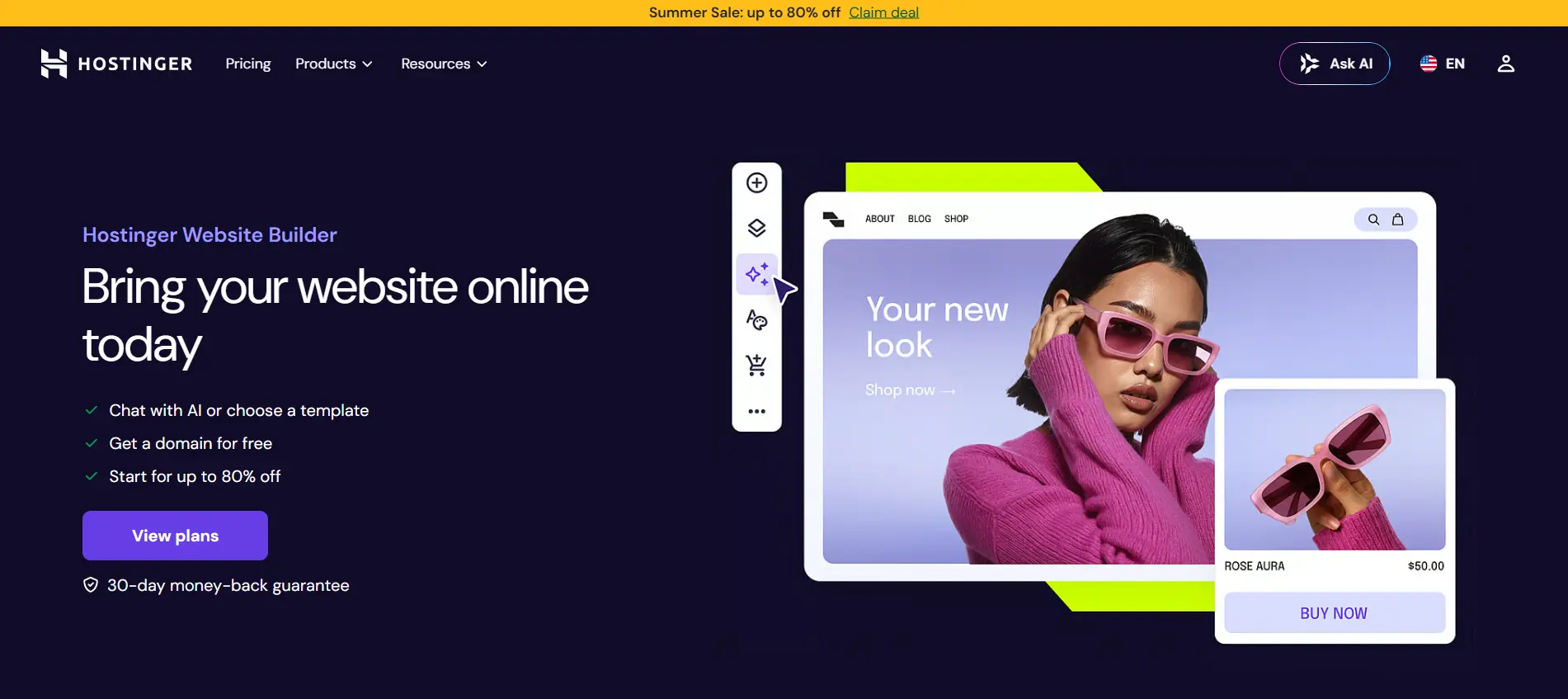
Hostinger starts at $2.99/month and the AI builder genuinely delivers at that price. A full site with relevant content, layout, and images generated in under a minute. For a small business in its first year that needs a professional web presence without significant monthly cost while revenue is still building, Hostinger's combination of AI generation, fast hosting, free domain, and SSL at $2.99/month is the strongest budget option available in 2026.
Pros | Cons |
|---|---|
From $2.99/month with AI builder, free domain, and SSL included | Limited design customization compared to Wix or Squarespace |
AI generates a complete professional site in under 1 minute | No app store: features at launch are what you get |
AI SEO, content writing, and image generation tools built in | Renewal pricing significantly higher than introductory rate |
Fast hosting infrastructure included in the price | Less suitable for complex sites that need to grow significantly |
Good starting point for businesses testing an idea before investing |
Pricing: From $2.99/month (introductory). Check renewal rates before committing to a long term.
Best for: Budget-conscious small businesses and startups in their first year of trading.
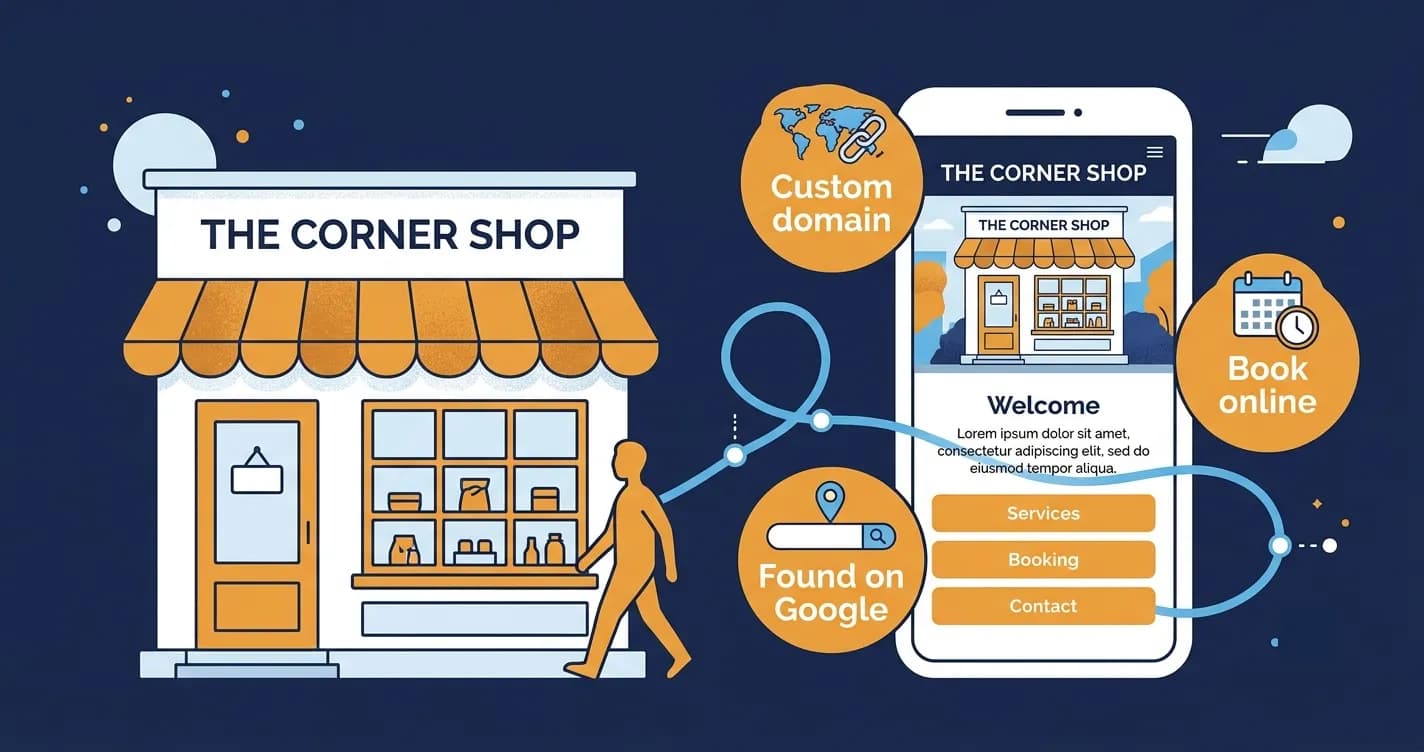
GoDaddy + Airo — Best for service businesses that need to be found locally

GoDaddy's strength for small businesses is local SEO and speed to launch. The Airo platform has an AI Receptionist that handles common customer enquiries automatically. The integration between GoDaddy's domain management, hosting, email, and website builder makes it the simplest single-vendor solution for a small business that wants to buy a domain, get professional email, and build a website without managing multiple accounts. For a local service business (plumber, electrician, cleaner, contractor) that primarily needs to be found on Google and contacted, GoDaddy delivers that faster than any alternative.
Pros | Cons |
|---|---|
Fastest time from signup to live website with custom domain | Less design flexibility than Wix or Squarespace |
AI Receptionist for automated customer enquiry handling | Less suitable for content-heavy or visually complex sites |
Single-vendor: domain, email, hosting, website in one account | Pricing is less transparent than some competitors |
Good local SEO tools and Google Business Profile integration | Feature depth is less than Wix for businesses that need to grow |
24/7 phone support included |
Pricing: From $9.99/month. Check current GoDaddy promotional pricing.
Best for: Local service businesses that need to be found on Google and contacted quickly.
Webflow — Best for small businesses that need custom design without a developer
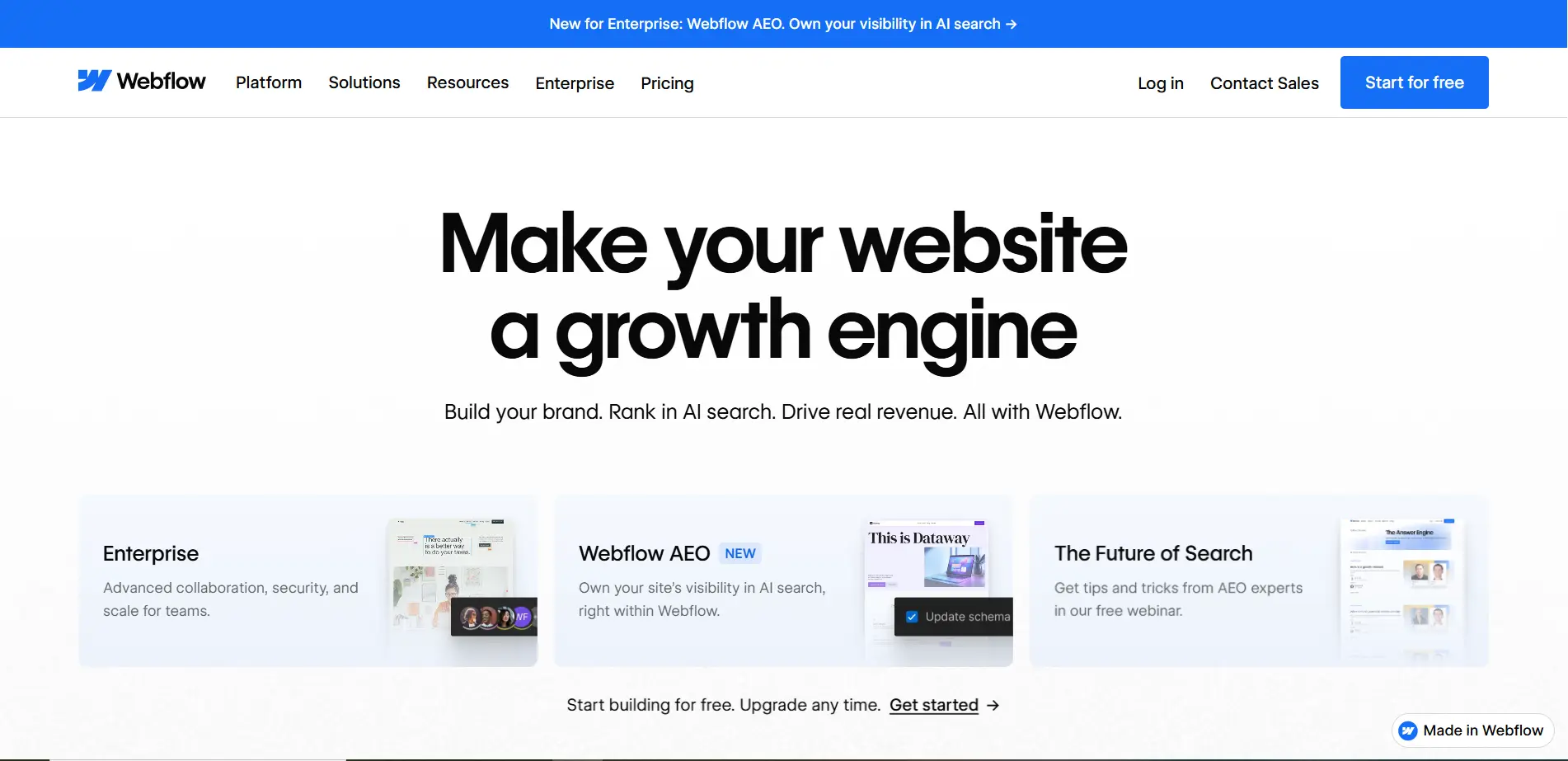
Webflow is not for every small business. But for businesses where the website is a primary sales tool and generic templates are simply not good enough, Webflow is the only no-code builder that produces truly custom design at developer quality. If your business operates in a competitive market where website quality signals credibility (law, finance, consulting, design, technology), Webflow's output is categorically different from what template-based builders produce.
Pros | Cons |
|---|---|
Most professionally customizable website of any no-code builder | Steepest learning curve on this list by a significant margin |
Produces clean, semantic code that works correctly at all sizes | Not suitable for business owners who need to be live this week |
Strong free plan for testing before committing | More expensive at commercial tiers than template-based builders |
CMS built in for structured content management | eCommerce less developed than Shopify |
Best choice for businesses where site quality is a competitive signal |
Pricing: Free (Webflow branding). Basic $14/month. CMS $23/month. Business $39/month.
Best for: Small businesses in competitive markets where website quality is a meaningful differentiator.
IONOS Website Builder — Best for businesses that need professional presence at minimum cost
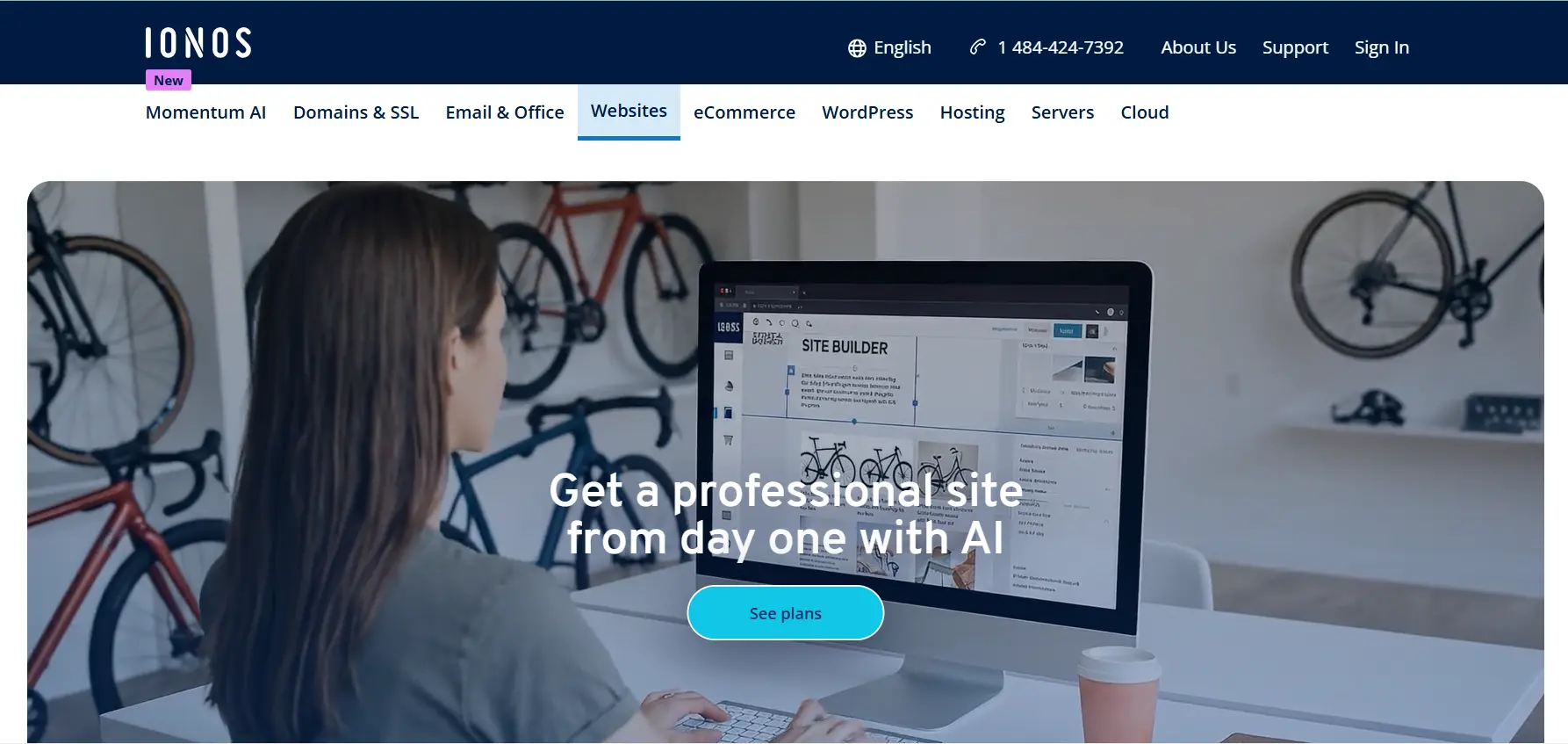
IONOS at $1/month introductory (renewing at a higher rate) with an AI SEO dashboard, AI content generation, and an AI Receptionist chatbot covers more ground at a lower price than most competitors on this list. The AIO SEO Dashboard introduced in 2026 helps small business owners optimize their site for both traditional search and AI search agents, which is a meaningful 2026 development. For a very small business or sole trader who needs a professional web presence with basic AI tools at minimum cost, IONOS is the most aggressive value on this list.
Pros | Cons |
|---|---|
$1/month introductory pricing with AI SEO and content tools included | Limited design customization vs Wix or Squarespace |
AIO SEO Dashboard for traditional and AI search optimization (2026) | Introductory pricing significantly lower than renewal rate |
AI Receptionist for automated customer chat | Less suitable for complex or growing sites |
Simple, beginner-friendly setup | Smaller ecosystem than Wix for adding features over time |
24/7 support |
Pricing: From $1/month (introductory). Check current renewal pricing.
Best for: Sole traders and very small businesses that need a professional presence at minimum ongoing cost.
HubSpot Website Builder — Best for small businesses with a CRM and sales focus
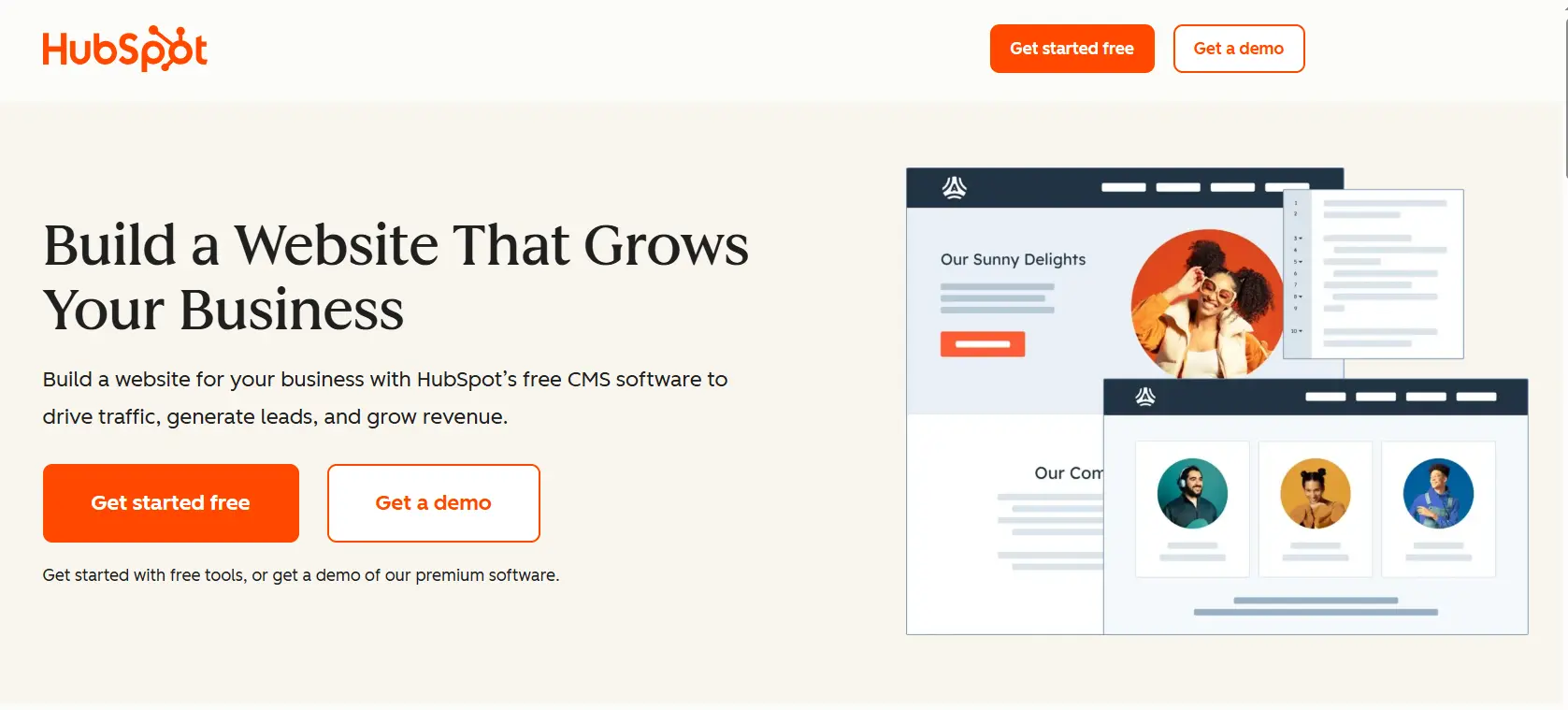
HubSpot is not primarily a website builder. It is a CRM platform with a website builder included. For small businesses where the website is part of a sales pipeline, where you want to track which visitors become leads and which leads become customers, HubSpot's native integration between your site and your CRM is a meaningful advantage over any standalone builder. The free CRM is genuinely powerful. The website builder is competent rather than exceptional. But the combination is the right choice for sales-focused businesses.
Pros | Cons |
|---|---|
Website and CRM integrated natively from day one | Website design flexibility less than Wix or Squarespace |
Free CRM with contact tracking and deal pipeline included | CMS Hub (website building) requires paid plan for full features |
Lead capture forms connect directly to CRM without setup | More complex to learn than pure website builders |
Email marketing and live chat built in | Overkill for businesses that do not need CRM functionality |
Scales into a full marketing and sales platform as the business grows |
Pricing: Free CRM + basic website. CMS Hub Starter from $23/month. Professional from $360/month.
Best for: Sales-focused small businesses and service companies where lead tracking matters from day one.
WordPress.org + Hostinger / SiteGround — Best for small businesses that want full control and no lock-in
Self-hosted WordPress is not a website builder in the drag-and-drop sense. It is the platform that powers 43.5% of the internet in 2026. Paired with a hosting provider like Hostinger, SiteGround, or Kinsta, and a page builder like Elementor or Divi, self-hosted WordPress gives a small business complete data ownership, the deepest SEO infrastructure available, no monthly builder fee beyond hosting, and zero platform lock-in. The trade-off is setup complexity and ongoing maintenance. For businesses with a developer relationship or technical comfort, it is the best long-term choice.
Pros | Cons |
|---|---|
Complete data ownership: your content is always fully exportable | Most complex setup and ongoing maintenance of anything on this list |
No platform lock-in: your site can move to any host | Requires hosting management, plugin updates, and security monitoring |
Best long-term SEO infrastructure and plugin ecosystem | No single support contact: support is fragmented across hosting, plugins, and themes |
43.5% of all websites run on WordPress for good reasons | Higher upfront time and cost if using a developer |
Lower long-term cost than subscription builders at scale |
Pricing: WordPress.org is free. Hosting from $3 to $30/month. Elementor from $59/year.
Best for: Small businesses with technical resources or a developer, focused on long-term SEO and data ownership.
Full Comparison: All 10 Builders
Builder | Best business type | eCommerce | Booking | SEO tools | Starting price |
|---|---|---|---|---|---|
Wix | Most small businesses | Yes | Yes (app) | Strong | $17/month |
Squarespace | Creative, brand-forward | Yes | Via Acuity | Good | $16/month |
Shopify | Online stores | Best on list | Via apps | Good | $29/month |
WordPress.com | Content / SEO-driven | On $40+ plan | Via plugins | Best | $4/month |
Hostinger | Budget-conscious | Basic | Basic | AI-powered | $2.99/month |
GoDaddy Airo | Local service businesses | Basic | Via apps | Good local | $9.99/month |
Webflow | Custom design needed | Growing | Via apps | Clean code | $14/month |
IONOS | Sole traders, low budget | Basic | Basic | AI SEO dash | $1/month (intro) |
HubSpot | Sales-focused businesses | Via apps | Via apps | Integrated CRM | $23/month |
Full control, SEO-focused | WooCommerce | Via plugins | Best | $3 to $30/month hosting |
Frequently asked questions
Wix is the best overall website builder for most small businesses in 2026. It combines the most comprehensive feature set, the best app ecosystem for adding capabilities as your business grows, strong AI tools for initial setup, and 900+ templates at a price point most small businesses can justify. Squarespace is the better choice for creative and design-forward businesses where aesthetics matter to customer conversion. Shopify is the right choice for businesses whose primary function is selling products online. WordPress.com is best for businesses that rely on blog content and organic search. For pure budget, Hostinger delivers a professional AI-generated site from $2.99/month.
Most small businesses spend $15 to $50/month on a website builder. That range covers a professional web presence on Wix, Squarespace, or Shopify with the features a small business actually needs. Budget options like Hostinger at $2.99/month and IONOS at $1/month introductory are real options but typically at the cost of design flexibility or feature depth. The 2026 Clutch survey found 61% of buyers spent under $10,000 on their most recent site, which confirms that DIY builders are the dominant approach for small businesses at this stage.
Yes. 72% of consumers judge a business by the quality of its website before deciding to contact or purchase. Social media is rented land: algorithms change, accounts get restricted, and you do not control the customer experience. A website is a digital asset you own. It builds credibility, drives local SEO traffic from customers searching 'near me' phrases, and gives you a central destination to send customers from every other channel. The question in 2026 is not whether to have a website but which builder solves the specific problems your business type faces.
Yes, for the vast majority of small business needs. Wix, Squarespace, Hostinger, and GoDaddy are all designed for non-technical business owners. AI builders in 2026 generate complete starting sites from a description. The scenarios where you need a developer are: complex custom functionality that no builder natively supports, ecommerce with unusual inventory logic, and sites that need to outperform competitors in highly technical, high-budget competitive markets. Most small businesses do not face any of those scenarios.
Written by
Cyrus
Head of Marketing, Entro
Cyrus writes about mobile app marketing, ASO, and conversion optimization. He's spent the last 3+ years helping indie developers and startup founders get more downloads from organic channels, without paid UA budgets.
Before Entro, he ran growth for two consumer apps that together passed 500,000 downloads on the App Store. Most of what he writes comes from mistakes made with his own money first.
Related articles