7 Best Website Builders for Churches in 2026 (Sermons, Giving, and Local Search)
The administrator at a mid-sized church I know spent six months trying to update their website. Every change, every new sermon, every updated service time required a phone call to the original developer at $75 an hour.

Cyrus
The administrator at a mid-sized church I know spent six months trying to update their website. Every change, every new sermon upload, every updated service time required a call to the web developer who had originally built the site. The developer charged $75 per hour. Availability was not guaranteed.
A Sunday morning announcement about a changed service time would go online four days later, if at all. New members searching for the church online found outdated information. Visitors who streamed services during COVID never got directed to an updated schedule when in-person services resumed. The website was technically functional. Practically, it was a liability.
When they moved to a platform their communications team could update themselves, the change was immediate. Service times updated in minutes. New sermons were live by Sunday afternoon. The church's Google Business Profile, linked to the new site, started showing accurate hours for people searching 'church near me' in their area. Within three months, they were receiving 40 to 50 new visitor enquiries per month from people who had found them through Google.
That local search opportunity is larger than most church leaders realise. The phrase 'church near me' is searched over 1.5 million times per month in the United States alone, with additional millions of searches for denomination-specific terms like 'Baptist church near me' or 'Catholic church near me' (Google Trends, 2026). A church without a website that is findable, current, and mobile-optimised is invisible to every one of those searches.
The online giving picture makes the stakes even clearer. 70% of US churches now use online giving platforms, and churches that offer digital giving report approximately 30% higher per-capita contributions than those that do not (Hartford Institute via Lake Institute on Faith & Giving, 2023). Half of all churchgoers now give digitally, and 60% of those digital donations are made on a mobile phone (Ministry Brands, 2026). A church website that does not handle online giving on mobile is leaving a significant portion of its congregation's generosity on the table.
This guide covers 7 website builders for churches in 2026, evaluated on the features that actually matter for a faith community: sermon management, online giving, event calendars, local SEO, and whether a non-technical volunteer can update it on a Thursday night without calling anyone.
The State of Church Websites in 2026: What the Data Shows
Before comparing platforms, the data on where churches stand digitally in 2026 is worth understanding. It changes which features you should prioritise.
Statistic | Source | What it means for your website |
70% of US churches now use online giving platforms | Worldmetrics, July 2026 | If you are in the 30% without it, you are missing the giving behaviour of your digital congregation |
Churches on unified digital platforms see 50% more sermon plays and 15% more giving | Subsplash, 2026 | A single integrated platform outperforms scattered tools in both engagement and revenue |
75% of churches projected to stream services in 2026 | Apollos projection, 2026 | Livestream is no longer a pandemic feature. It is a permanent ministry channel |
60% of online donations are made on mobile phones | Ministry Brands, 2026 | Your giving page must work perfectly on a phone, not just a desktop |
Churches offering digital giving earn ~30% more per capita | Hartford Institute via Lake Institute, 2023 | Digital giving is not just convenient. It materially increases generosity |
'Church near me' searched over 1.5 million times per month in the US | Google Trends, 2026 | Local SEO is a primary discovery channel for new visitors, not a technical afterthought |
Over 70% of US religious organisations run a website or app | Statista, 2026 | Having a website is table stakes. The question is whether yours works for the people you are trying to reach |
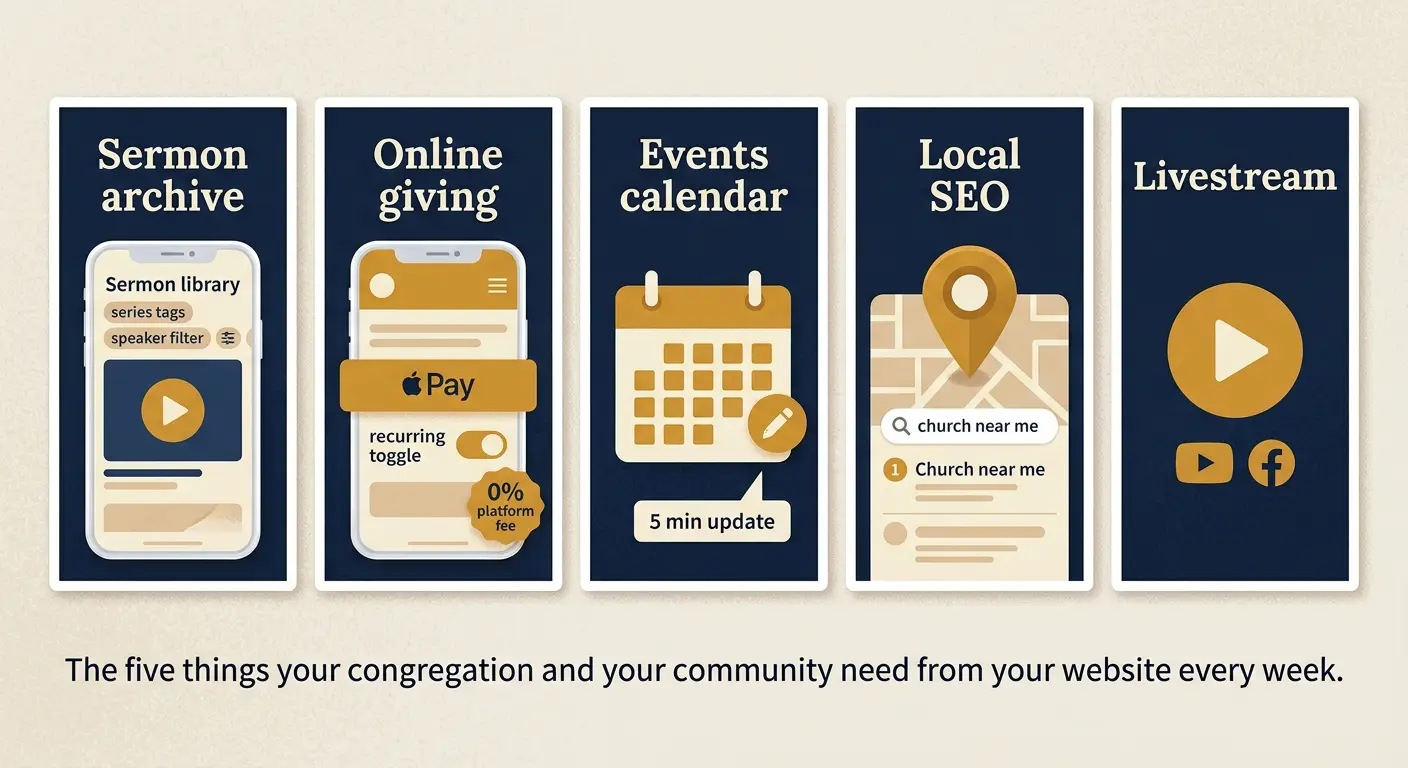
What a Church Website Actually Needs: The 5 Non-Negotiables
Most general website builders can build a page with a cross on it. That is not the same as a church website. These are the five features that separate a functional church website from a generic small business page with religious content on it.
1. Sermon Archive With Search and Streaming
The sermon library is the most unique and most important content feature of a church website. It needs to support audio and video uploads, tagging by speaker, series, date, and scripture reference, and on-demand playback that works on mobile. A church with five years of weekly sermons has 250 plus pieces of content. They need to be findable, not just listed.
Good: dedicated sermon management system with series organisation, speaker tags, and mobile-optimised playback
Good: podcast feed generation so subscribers can access sermons through Apple Podcasts or Spotify automatically
Bad: a page with YouTube embeds and no search or organisation capability
Bad: sermon audio files uploaded to a general media library with no metadata
2. Online Giving With Mobile Optimisation
Half of your congregation already gives digitally. Of those who give digitally, 60% do so on their phone. Your giving page needs to load fast on mobile, support Apple Pay and Google Pay alongside card payments, and offer recurring giving options. Text-to-give is now standard at churches actively managing digital generosity.
Good: native giving tools with recurring giving, digital wallet support, and donor management built in
Good: Tithe.ly or Stripe integration that connects to your existing donor database
Bad: a PayPal donate button with no recurring giving option and a 3% transaction fee eating into every gift
3. An Events Calendar a Volunteer Can Update
Church calendars change constantly. Service times shift for holidays. Special events are added on short notice. The volunteer who manages the website on top of their other responsibilities needs to update the calendar in under five minutes without calling anyone. If that is not possible, the calendar will always be wrong.
4. Local SEO That Gets You Found in Your Area
When someone new to your area searches 'church near me' or '[denomination] church in [city]', your website's local SEO determines whether they find you. This requires a Google Business Profile linked to your website, consistent name, address, and phone number across your site and Google listing, location-specific page titles, and structured data markup for religious organisations.
Most purpose-built church platforms handle this better than general builders by default, because they are pre-configured with the schema markup that tells Google what your organisation is and where it meets.
5. Livestream Integration
75% of churches are projected to stream services in 2026. For many members, especially those who are elderly, immunocompromised, or living far from the church building, the livestream is their primary way of participating. Your website needs to integrate cleanly with YouTube Live, Facebook Live, or a dedicated streaming service so viewers do not have to leave your site to watch.
Choosing a Church Website Builder by Congregation Size
Platform cost and complexity should match your congregation size and technical resources. A 50-member church plant and a 2,000-member multi-campus church have genuinely different needs.
Congregation size | Primary needs | Recommended approach | Budget range |
Under 100 members (small church or plant) | Simple, low-cost, volunteer-manageable. Service times, contact info, and a giving link are 90% of what's needed. | General builder (Wix, Squarespace) or Nucleus free tier | $0 to $30/month |
100 to 500 members (growing church) | Sermon archive, online giving, events calendar, and newsletter. Non-technical staff must be able to manage updates. | Nucleus, Ministry Designs, or Breeze + website | $39 to $79/month |
500 to 2,000 members (established church) | Integrated giving, sermon management, member directory, small group management, and livestream. Multiple staff managing the site. | Subsplash, Clover Sites, or REACHRIGHT | $79 to $200/month |
2,000 plus members (large church or multi-campus) | Full church management system including app, giving platform, media hosting, and campus management. | Subsplash, Faithlife, or custom WordPress | $200 to $500 plus/month |
Best Church Website Builders at a Glance
Best Overall Nucleus Modern design, non-technical editing, Planning Center integrated Free to $149/month | Best Managed Service REACHRIGHT Done-for-you on WordPress, 9.0/10 from 1,000+ church evaluations From $97/month |
Best All-in-One Subsplash Website, app, giving, and media on one integrated platform From $99/month | Best Value Ministry Designs Purpose-built for churches, full feature set at accessible pricing From $39/month |
Best General Builder Wix Most design flexibility, TechSoup free plan for eligible churches Free via TechSoup | Best for SEO Control WordPress + plugins Maximum local search control, full data ownership, no lock-in From $30/month |
Quick Comparison: All 7 Platforms
Platform | Sermon mgmt | Online giving | Events | Local SEO | Non-tech friendly | Starting price |
Nucleus | Yes (native) | Via integration | Yes (native) | Strong | Yes | Free / $49/month |
REACHRIGHT | Yes (WordPress plugins) | Via integration | Yes | Best on list | Yes (managed) | $97/month |
Subsplash | Yes (native) | Yes (native) | Yes (native) | Good | Yes | $99/month |
Ministry Designs | Yes (native) | Yes (native) | Yes (native) | Good | Yes | $39/month |
Breeze + website | Via integration | Yes (native ChMS) | Yes | Good | Yes | $72/month |
Wix | Via embed | Via app/integration | Yes (native) | Good | Yes | Free via TechSoup |
WordPress + plugins | Via Sermon Manager | Via GiveWP | Via Events Calendar | Best with config | Requires training | $30 to $80/month |
Detailed Reviews: Every Platform Tested
Every review includes a 'Not right for you if' row so you can rule platforms out quickly. The reviews below reflect what each platform actually delivers for a church communications team, not just what the marketing page says.
1. Nucleus
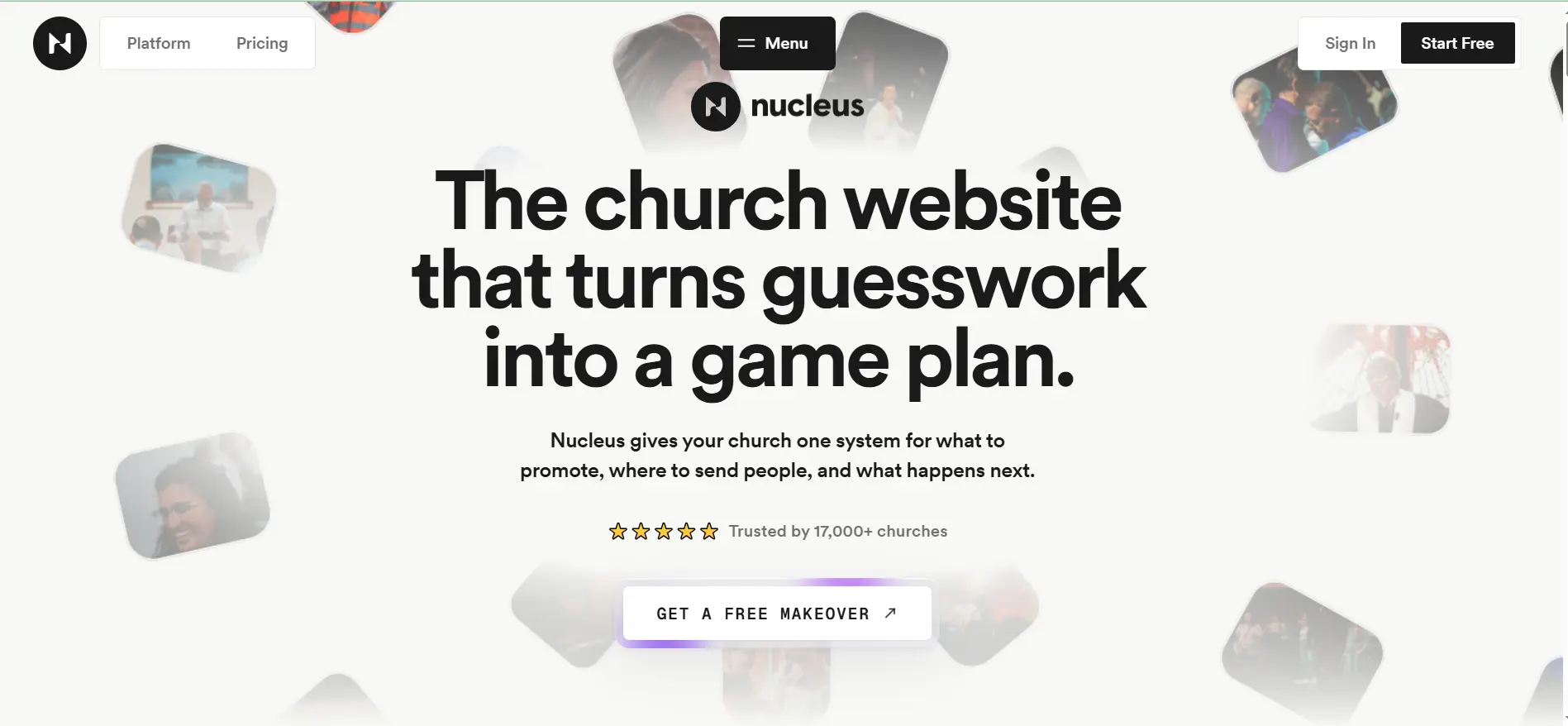
1. Nucleus Best overall church website builder for modern design and non-technical teams | |
Nucleus has become the platform of choice among tech-forward churches in 2026, and the reason is visible the moment you look at a Nucleus site: the design is genuinely contemporary in a way that purpose-built church platforms rarely manage. Most dedicated church website tools produce sites that look dated. Nucleus produces sites that look like they belong in 2026. For a church that understands that a young visitor's first impression of the community often comes from the website, that visual quality matters. | |
The signature feature is the Launcher: a persistent next-steps hub that appears on every page of the site, giving visitors a clear pathway from first visit to getting connected, regardless of which page they landed on. A visitor who arrives on the sermon page can still see 'Plan a Visit' and 'Join a Small Group' without navigating back to the homepage. PrayerFlow handles private prayer requests securely. Flows (Nucleus's form system) replace traditional web forms with a cleaner, app-like experience for event signups, volunteer applications, and connection cards. | |
Nucleus integrates natively with Planning Center, which is the most widely used church management system among evangelical and non-denominational churches. For churches already running Planning Center for people management, groups, and check-in, the Nucleus integration means the website and the back-office system share data without manual transfer. Service times pulled from Planning Center appear automatically on the site. New people who fill out a connection form on the site appear automatically in Planning Center as contacts. | |
Pros | Cons |
Most visually contemporary design of any purpose-built church platform | Online giving is not native: requires Tithe.ly, Stripe, or a third-party integration |
The Launcher: persistent next-steps hub on every page keeps visitors moving toward connection | Free plan is limited: full features require $49 to $149/month depending on congregation size |
Native Planning Center integration: website and church management share data automatically | Less suitable for Catholic or liturgical traditions that need specific structural features |
PrayerFlow for secure, private prayer request submission and management | Smaller customer base than Subsplash or Ministry Designs, fewer case studies at very large church scale |
Google and Apple Calendar integration for event sync |
|
Podcast distribution built in: sermons automatically distributed to Apple Podcasts and Spotify |
|
Not right for you if: your church is already committed to a giving platform that does not integrate well with Nucleus, or your congregation is over 5,000 members and needs full church management integration beyond Planning Center. | |
Our verdict: The best first choice for non-denominational and evangelical churches under 2,000 members that want a professional, modern website with Planning Center integration and do not need native giving built into the same platform. | |
Pricing: Free (basic, Nucleus subdomain). Starter $49/month. Growth $99/month. Pro $149/month. Best for: Tech-forward churches under 2,000 members, non-denominational and evangelical congregations already using Planning Center. | |
2. REACHRIGHT
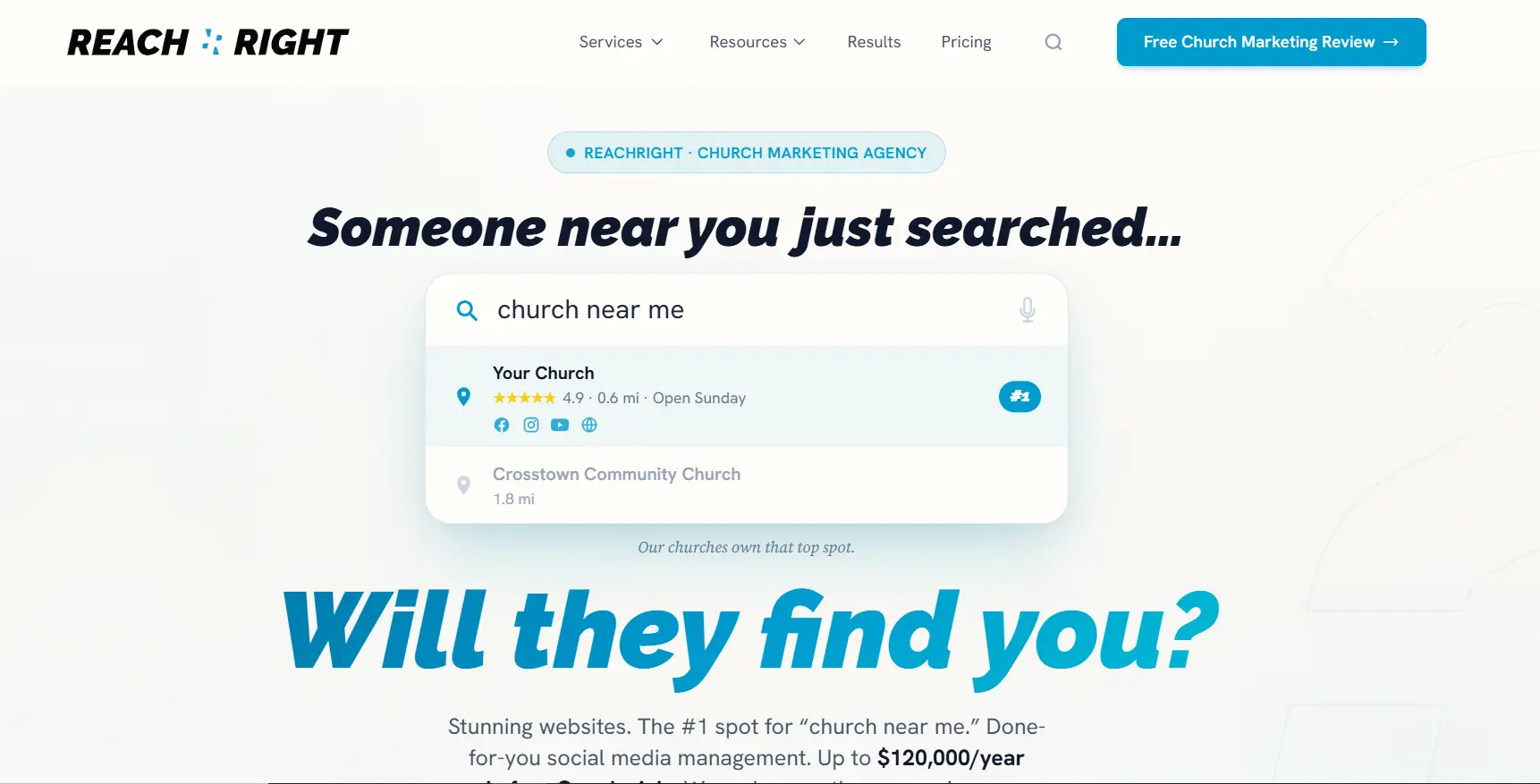
2. REACHRIGHT Best managed church website service for churches that want it done for them | |
REACHRIGHT is not a self-service platform. It is a managed service that builds your church website on WordPress and handles the ongoing support, maintenance, and SEO for you. The founder has spent over 20 years in the church website industry and currently serves as Executive Pastor at New Hope Hawaii Kai, which gives the platform a practitioner's credibility that most agency services lack. In a May 2026 review of 11 church website builders tested against five criteria (ease of use, SEO, mobile, integrations, and pricing), REACHRIGHT scored 9.0 out of 10. | |
The local SEO capability is the strongest on this list. REACHRIGHT configures schema markup for religious organisations, optimises your Google Business Profile, builds consistent local citation listings, and monitors keyword rankings for your denomination and location. For a church in a competitive urban area where 'church near me' searches return dozens of results, having this configuration done correctly and maintained over time is what determines whether new visitors find you or your neighbours. | |
At $97/month, REACHRIGHT is priced higher than most self-service platforms. What you are paying for is time and expertise: the church staff does not need to learn the platform, manage plugin updates, monitor security, or build local SEO knowledge. For a church whose communications staff are stretched and whose technical volunteers have already rotated out twice, the managed service model is often the most cost-effective option when you account for the actual cost of self-managing a WordPress site. | |
Pros | Cons |
Best local SEO capability on this list: schema, GBP optimisation, and citation management | Fully managed: churches do not need technical knowledge or developer relationships |
9.0 out of 10 score across ease of use, SEO, mobile, integrations, and pricing (May 2026 review) | Built on WordPress: full data ownership, no proprietary lock-in |
| Founder has 20 plus years of church website industry experience and current pastoral role |
Not right for you if: | |
Our verdict: your church has a technically capable volunteer who is committed long-term and can manage a WordPress site reliably. In that case, self-hosted WordPress with plugins delivers similar results at lower cost. | |
Pricing: The right choice for churches that need local SEO results and cannot afford the internal technical resource to achieve them independently. REACHRIGHT's managed service delivers what most churches cannot build themselves. Best for: From $97/month (includes hosting, support, and SEO). Contact REACHRIGHT for current plans at reachrightstudios.com. | |
3. Subsplash
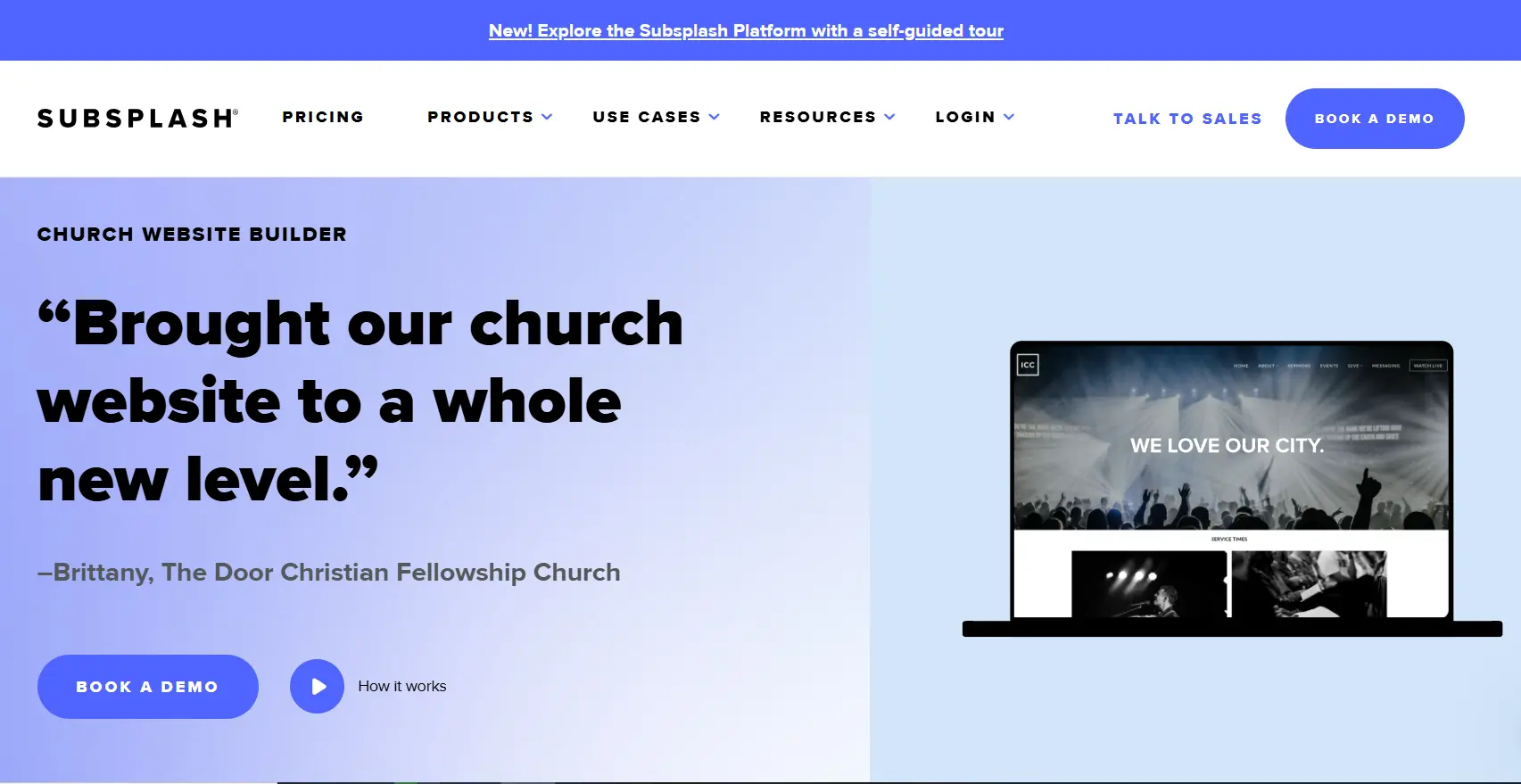
3. Subsplash Best all-in-one platform for established churches that want website, app, giving, and media combined | |
Subsplash is the data leader on this list. The company's own research shows that churches moving from scattered digital tools to the Subsplash unified platform see a 50% increase in sermon and media plays and a 15% increase in giving. Those are not marketing claims: they reflect the measurable difference between a congregation managing its digital presence across five separate tools versus one integrated platform where everything connects. | |
The platform covers more ground than any other option on this list: website, mobile app, online giving, media hosting, messaging, event management, and small group tools are all included. For a church of 500 to 2,000 members with an active digital congregation including members who primarily participate online, the Subsplash app means those members have the full church experience on their phone: live services, on-demand sermons, giving, group messaging, and event registration in one place. | |
The giving platform is Subsplash Giving, which supports recurring giving, text-to-give, digital wallets (Apple Pay and Google Pay), and a donor management dashboard. Churches that are serious about digital generosity as a ministry strategy, not just a convenience feature, will find Subsplash's giving tools the most complete on this list. The honest trade-off is cost: Subsplash's full platform is priced for established churches with a budget that reflects its comprehensive nature. | |
Pros | Cons |
Unified platform: website, app, giving, media, and messaging in one subscription | Higher cost than most options on this list: full platform pricing scales with congregation size |
50% more media plays and 15% more giving reported by churches switching to unified platform | More platform than a small church or plant typically needs |
Subsplash Giving: recurring gifts, text-to-give, Apple Pay, Google Pay, and donor management | Deep platform dependency: migrating away requires moving media, giving history, and member data |
Mobile app included: members access sermons, giving, groups, and events on one app | Website design less flexible than Nucleus or a custom build for brand-specific requirements |
Sermon hosting with podcast distribution and branded media player built in |
|
Not right for you if: your church is under 200 members or on a tight budget. Subsplash's value emerges at the point where the integrated app, giving, and media features are all actively used. For smaller churches, Nucleus or Ministry Designs delivers better cost-to-value. | |
Our verdict: The right platform for established churches with an active digital congregation where sermon streaming, digital giving, and a branded mobile app are all part of the ministry strategy. | |
Pricing: From $99/month. Pricing scales with congregation size and features. Contact Subsplash for current plans. Best for: Established churches of 300 plus members with an active online congregation who want website, app, giving, and media in one integrated platform. | |
4. Ministry Designs
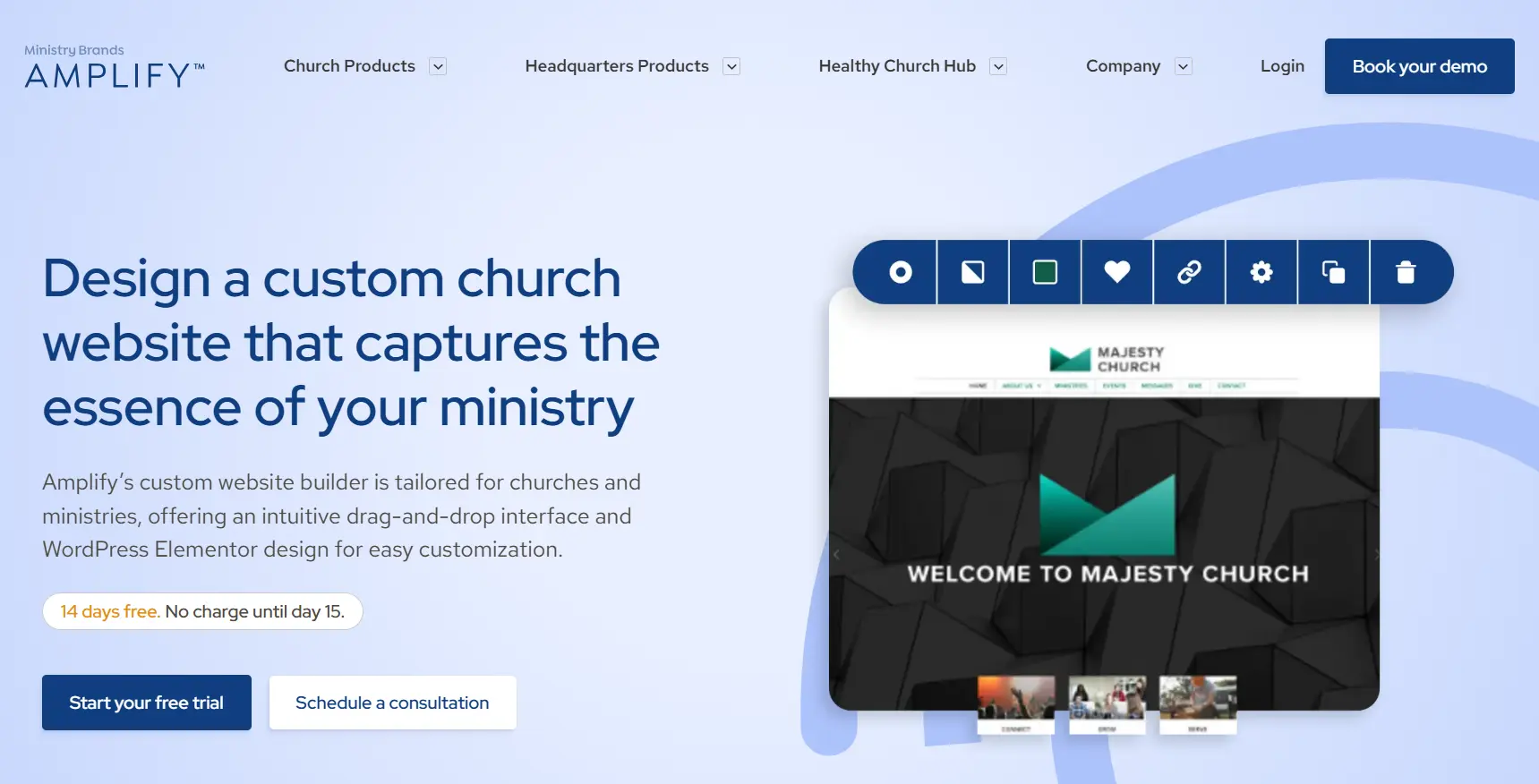
4. Ministry Designs Best value purpose-built church website platform for small to mid-size congregations | |
Ministry Designs is the most accessible dedicated church platform on this list at $39/month. The feature set at that price is genuinely comprehensive: sermon archive with audio and video support, native online giving, event management, volunteer sign-ups, newsletter, and a codeless editor that non-technical church staff can manage without training. For a church of 100 to 500 members that wants a purpose-built platform without the cost of Subsplash or the complexity of WordPress, Ministry Designs is the clearest fit. | |
The SEO tools include a structured ranking guarantee on higher plans: Ministry Designs claims to get your church ranking for local search terms within a defined timeframe, which no other platform on this list offers as a formal commitment. The built-in SEO configuration handles schema markup, meta tags, and sitemap generation without requiring plugin knowledge. For a church in a smaller city or suburb where local competition is limited, the built-in SEO tools are often sufficient to achieve page 1 rankings for 'church near me' plus your denomination. | |
Customer support is the standout operational advantage. Ministry Designs is staffed by people who understand the church context: they know what a stewardship campaign is, they understand why Sunday morning content updates matter more than any other day, and they can troubleshoot sermon upload issues in a conversation that does not require explaining what a sermon is. That contextual support quality is difficult to quantify but genuinely useful for church communications staff who are managing a website alongside many other responsibilities. | |
Pros | Cons |
Most affordable dedicated church platform with full feature set at $39/month | Less visually contemporary than Nucleus by default |
Sermon archive, online giving, events, and volunteer sign-ups all native | Less integrated with major church management systems than Nucleus or Subsplash |
SEO ranking guarantee on higher plans: a commitment no other platform on this list makes | Mobile app not included: website-only platform at the base tier |
Support team with specific church context: understands stewardship, sermon archives, and ministry structure | Smaller market presence than Subsplash for very large church deployments |
Codeless editor manageable by non-technical church staff without training |
|
Not right for you if: your church is over 1,000 members and needs a full church management system, branded mobile app, and multi-campus support. Subsplash serves that scale better. | |
Our verdict: The most cost-effective purpose-built church website for small to mid-size congregations. At $39/month with a feature set that covers sermon management, giving, events, and SEO, it replaces multiple separate tools at a price most churches can justify. | |
Pricing: Starter $39/month. Standard $59/month. Growth $99/month. Contact Ministry Designs for current plan details. Best for: Churches of 100 to 800 members that want a dedicated church platform with sermon management, online giving, and local SEO at an accessible monthly price. | |
5. Breeze ChMS
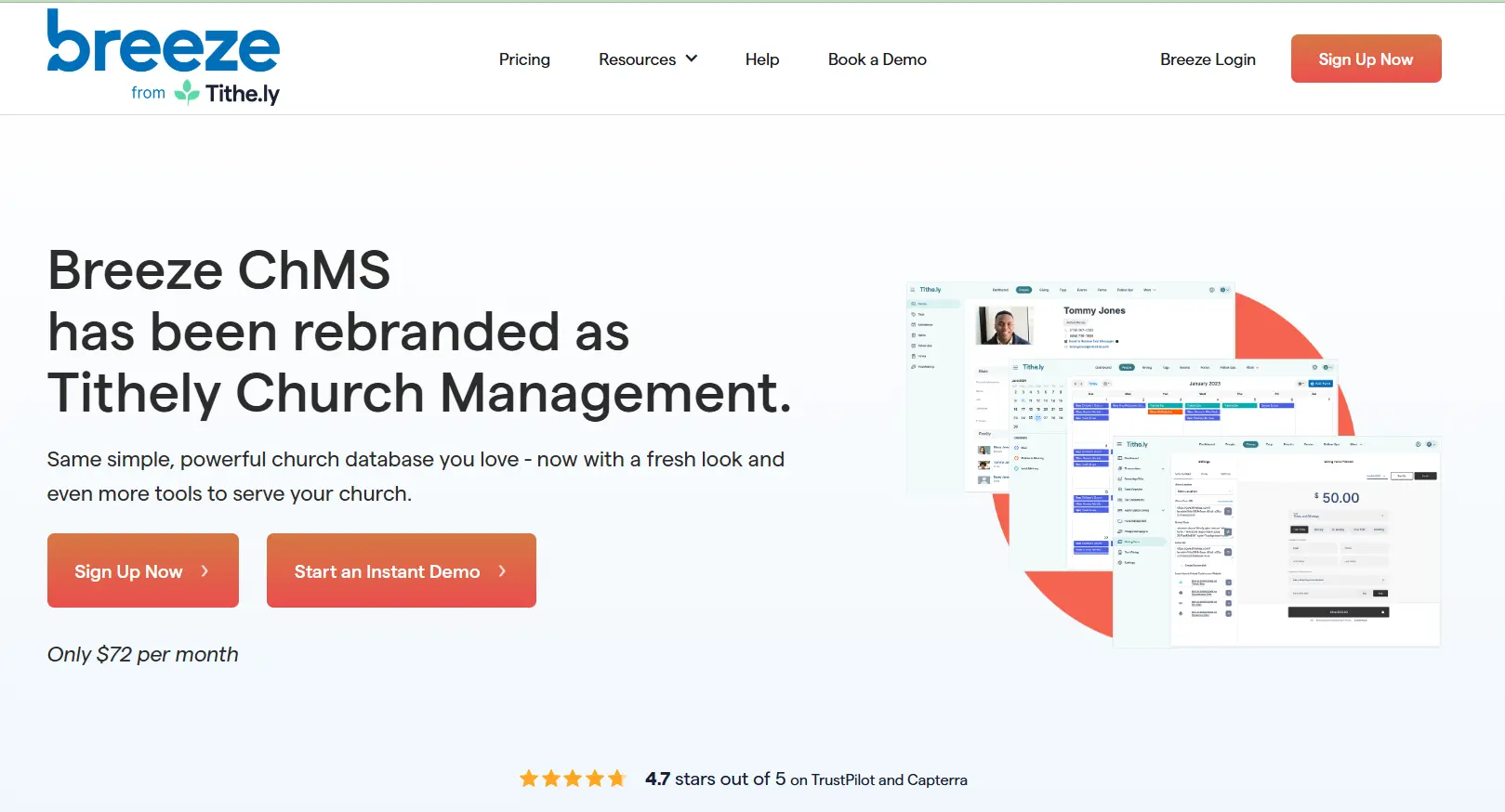
5. Breeze ChMS Best platform for churches that want website and congregation management in one system | |
Breeze is a Church Management System (ChMS) that includes a public-facing website as part of its subscription. For churches that are also managing their congregation data, giving records, attendance tracking, and event registration in a separate system, Breeze consolidates everything. The giving platform is fully integrated with the congregation database: every online donation automatically updates a giving record, generates a tax receipt, and appears in the donor's giving history without manual data transfer. | |
The reason Breeze earns a place on this list alongside dedicated website builders is the operational efficiency it creates for churches that have been managing a website and a ChMS as two separate, unconnected systems. A new visitor who fills out a connection card on the website appears as a contact in Breeze. A member who signs up for a small group on the website appears in the group roster. A donor who gives through the website appears in the giving dashboard. That connectivity reduces administrative work that most church staff know well: copying contact information from a website form into a spreadsheet. | |
The website component is clean and professional rather than visually exceptional. It handles the standard church website functions well: service times, sermon archive, events, staff directory, and contact. It is not the platform to choose if the website's visual quality is a strategic priority. It is the platform to choose if eliminating data silos between your website, giving records, and people management is the operational goal. | |
Pros | Cons |
Website and congregation management (ChMS) in one integrated subscription | Website design less visually polished than Nucleus or Subsplash |
Giving records, event signups, and new visitor data all connect to the member database automatically | Less sermon management depth than dedicated platforms like Nucleus or Ministry Designs |
Tax receipt automation reduces administrative burden on finance staff | No mobile app: members access content through the website only |
$72/month covers unlimited members, no per-member pricing surprises | Less local SEO configuration than REACHRIGHT or Ministry Designs |
Strong customer support specifically for church administration contexts |
|
Not right for you if: your church only needs a website and already has a separate ChMS you are satisfied with. In that case, a dedicated website platform like Nucleus or Ministry Designs is a better fit. | |
Our verdict: The right platform for churches that want to eliminate the gap between their public website and their internal congregation management. The integration value is most clear for finance staff who currently copy donation data manually between systems. | |
Pricing: $72/month (unlimited members). No setup fee. 30-day free trial available. Best for: Churches of any size that want website and congregation management unified, particularly those with active giving programs and regular event registration. | |
6. Wix
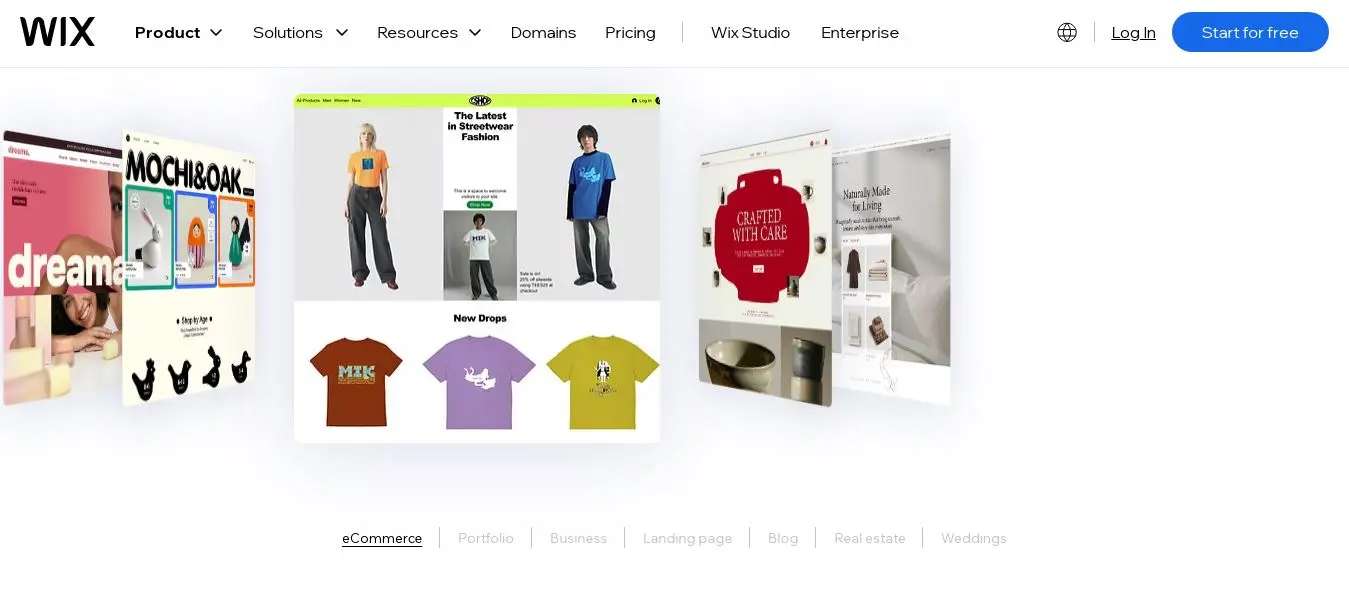
6. Wix Best general website builder for churches, including a free plan for eligible organisations | |
Wix is the most widely used general website builder in the world and for churches that qualify for TechSoup's technology donation program, it is available at no cost on plans that typically cost up to $159/month. TechSoup is a nonprofit that connects eligible organisations, including registered churches and religious nonprofits, with technology at reduced or zero cost. For a church plant, a small congregation on a very limited budget, or a church that is building its first website and wants to evaluate the platform before committing, this makes Wix the lowest-cost serious option on this list. | |
The Wix App Market is the key advantage over purpose-built church platforms for congregations that need specific integrations. Tithe.ly, which is the most widely used church giving platform in the US, has a Wix integration. YouTube and Vimeo livestream embedding works cleanly. The Wix Events app handles service calendars and event registration. Google Maps integration and local SEO configuration are available within the platform. What Wix covers through its app ecosystem, purpose-built church platforms cover natively, but the result is comparable for most church website functions. | |
The honest trade-off: Wix requires more configuration to achieve what purpose-built church platforms deliver out of the box. Sermon management on Wix is typically a blog-style page with embedded media rather than a dedicated sermon library with search, tagging, and podcast distribution. A volunteer who joins the church communications team and needs to update the Wix site will need onboarding. A volunteer joining a Ministry Designs or Nucleus team can update content the same day with minimal instruction. | |
Pros | Cons |
Free for eligible churches via TechSoup (plans up to $159/month at no cost) | Requires more configuration than purpose-built platforms to achieve the same church-specific features |
Wix App Market: Tithe.ly, Mailchimp, YouTube Live, and calendar integrations available | Sermon management is less developed than dedicated platforms without significant custom setup |
900 plus templates including community and faith-focused designs | TechSoup eligibility requires verified nonprofit or religious organisation status |
Strong local SEO tools including Google Maps integration and schema options | Template cannot be changed once the site goes live without rebuilding |
AI website builder generates a starting design from a church description in minutes |
|
Not right for you if: your church has a realistic technical volunteer who can configure and maintain the platform ongoing. If your volunteer pool is unpredictable, a managed service like REACHRIGHT or a purpose-built platform like Ministry Designs will be more reliably maintained. | |
Our verdict: The right choice for budget-constrained churches that qualify for TechSoup access and have a capable volunteer who can configure the platform. The zero-cost entry point makes it worth evaluating before committing to a paid platform. | |
Pricing: Free for eligible churches via TechSoup. Standard pricing from $17/month (Light) if TechSoup does not apply. Best for: Budget-constrained churches, church plants, and small congregations that qualify for TechSoup's technology donation program. | |
7. WordPress + Church Plugins
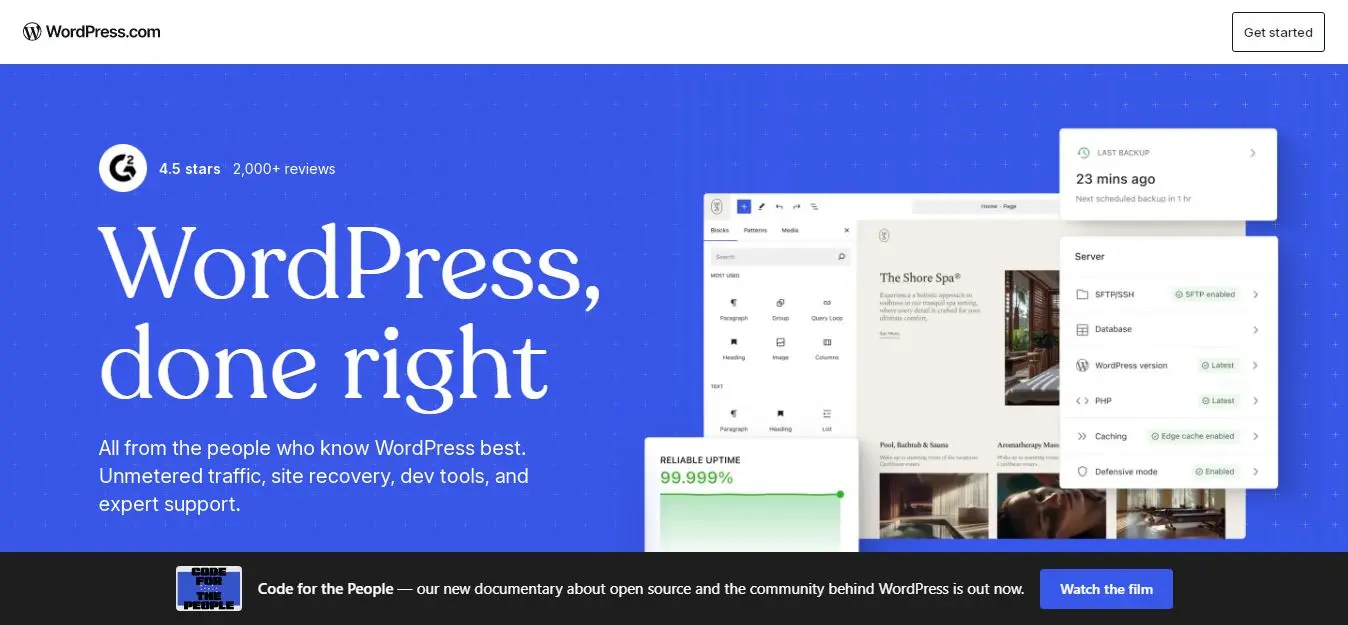
7. WordPress + Church Plugins (Sermon Manager, GiveWP, The Events Calendar) Best for churches that want maximum local SEO control and full data ownership | |
Self-hosted WordPress with dedicated church plugins gives churches the most local search control and complete data ownership of any option on this list. Sermon Manager Pro handles sermon upload, tagging, series management, and podcast feed generation. GiveWP handles online giving with recurring gifts, donor management, and 35 plus payment gateways. The Events Calendar manages service schedules and special events. Together, these three plugins cover the core church website functions on a foundation that is the strongest SEO platform available. | |
The local SEO case for WordPress is direct. With Yoast Local SEO or Rank Math installed, your church's name, address, phone number, service times, and denomination can all be marked up with LocalBusiness and Church schema markup that tells Google exactly what your organisation is, where it meets, and when. This structured data configuration is what powers the rich local search results (with service times, ratings, and directions) that appear for 'church near me' searches. Most purpose-built platforms apply this markup automatically but less granularly. WordPress exposes full control. | |
The practical barrier is the same as for every WordPress recommendation: setup complexity, fragmented support, and the need for ongoing technical maintenance. Sermon Manager needs configuration. GiveWP needs a payment gateway connected and tested. The Events Calendar needs to match your service schedule. Security updates need monitoring. For a church with a reliable, long-term technical volunteer or a developer relationship, WordPress delivers the highest-ceiling outcome. For a church whose technical volunteers rotate every 18 months, a managed platform will be more reliably maintained. | |
Pros | Cons |
Best local SEO configuration available: full schema markup control, structured data for service times and location | Most complex setup and ongoing maintenance of any option on this list |
Sermon Manager Pro: complete sermon library with tagging, series, and podcast distribution | Fragmented support across hosting, Sermon Manager, GiveWP, and Events Calendar providers |
GiveWP: 35 plus payment gateways, recurring giving, and donor management | Security updates and plugin compatibility management are the church's responsibility |
Complete data ownership: all content, giving history, and contact data is fully portable | Requires a reliable long-term technical volunteer or a developer relationship |
No monthly platform fee beyond hosting and plugin subscriptions |
|
Not right for you if: your technical volunteer base is unpredictable or rotates frequently. In that case, a managed platform or a purpose-built service like REACHRIGHT delivers more reliable long-term results. | |
Our verdict: The right choice for churches with a committed technical volunteer or developer relationship who want the strongest local search position and complete control over their platform. The difficulty of setting it up correctly is also what makes it difficult for competing churches to replicate once established. | |
Pricing: Hosting from $10 to $30/month. Sermon Manager Pro $69/year. GiveWP from free (basic) to $199/year. The Events Calendar from free to $99/year. Best for: Churches with reliable technical volunteers or a developer relationship who want maximum local SEO control and full data ownership. | |
Which Church Website Builder Is Right for You
Your situation | Best platform | Key reason |
Small church plant or congregation under 100, limited budget | Wix (free via TechSoup) or Nucleus free tier | Zero or near-zero cost, non-technical setup, expandable as the church grows |
Growing church, 100 to 500 members, need sermon and giving built in | Ministry Designs | Best value purpose-built platform with sermon archive, online giving, and local SEO at $39/month |
Established church already using Planning Center | Nucleus | Native Planning Center integration: website and ChMS share data automatically |
Church that wants website and congregation management unified | Breeze ChMS | Giving, events, and new visitor data all connect to member database without manual transfer |
Church where website and app are both active ministry channels | Subsplash | Unified platform for website, app, giving, and media with proven 15% giving increase on switch |
Church in a competitive local market needing local SEO results | REACHRIGHT | Managed service that handles schema, GBP optimisation, and citation management professionally |
Church with a committed technical volunteer, wants full SEO control | WordPress + plugins | Best local search architecture, full data ownership, no platform lock-in |
5 Church Website Mistakes That Hurt Your Community and Your Search Ranking
Mistake | What it costs the church | How to fix it |
Outdated service times on the website | New visitors show up at the wrong time or miss a cancelled service. Google shows incorrect hours in local search results. | Update service times as the first task after any schedule change. Link your Google Business Profile to the website so hours stay consistent. |
No online giving or a giving page that does not work on mobile | 60% of digital donations are made on mobile. A giving page that requires a desktop to complete loses half of your digital givers. | Use a giving platform with Apple Pay and Google Pay support. Test the giving flow on your own phone before Sunday. |
Sermon content buried in a general media page with no search | Members who want to revisit a sermon from three months ago cannot find it. New visitors cannot sample your preaching before deciding to visit. | Use a dedicated sermon management system with search, speaker tags, and series organisation. Nucleus, Ministry Designs, and Subsplash all handle this natively. |
No Google Business Profile linked to the website | 'Church near me' searches show your competitors, not you. New residents to the area cannot find you through the most common search entry point. | Claim and complete your Google Business Profile at business.google.com. Add your website URL, service times, denomination, phone number, and photos. |
Website managed by a single volunteer with no backup access | When that volunteer leaves or becomes unavailable, the website becomes unupdatable. This is how outdated websites happen. | Ensure at least two staff members have admin access. Choose a platform that non-technical staff can update without help. |
Final Note
The church administrator who spent six months unable to update the website now updates it herself. Service times are current. New sermons are live by Sunday afternoon. And the church is receiving 40 to 50 new visitor enquiries per month from people who found them through Google. The website cost $39 a month and a weekend to set up. The return is a stream of first-time visitors that referrals alone were never producing.
Start with the right size match. A church plant does not need Subsplash. A 2,000-member church should not be on Wix. Match the platform's cost and complexity to your congregation size and technical resources. Then prioritise in this order: can a non-technical volunteer update it reliably, does it have native sermon management and online giving, and does it help new people find you through local search.
The website is your church's digital front door. 1.5 million people search 'church near me' every month in the United States. Whether any of them find you depends almost entirely on whether your website is current, findable, and welcoming. That is worth getting right.
Frequently asked questions
For small churches under 100 members, Wix via TechSoup (free for eligible organisations) or Nucleus's free tier is the strongest starting point. Wix provides full website building capability at no cost if your church qualifies as a registered religious organisation through TechSoup. Nucleus's free tier provides a purpose-built church design with sermon embedding and event management. For small churches that want native online giving and a sermon archive built in, Ministry Designs at $39/month is the most affordable dedicated church platform with a complete feature set.
Yes. Several major platforms offer significant discounts for eligible churches and religious organisations. Wix offers free premium plans (normally up to $159/month) for eligible organisations through TechSoup.org. WordPress.com offers 50% off via TechSoup or direct application. Squarespace offers up to 50% off annual plans for verified nonprofits. Google Workspace (email, Drive, and collaboration tools) is completely free for eligible nonprofits, including many churches, through Google for Nonprofits. To qualify, churches typically need verified registered charity or religious organisation status in their country. Apply through TechSoup.org as the primary clearinghouse.
Subsplash has the most complete native giving platform on this list, supporting recurring giving, text-to-give, Apple Pay, Google Pay, and a full donor management dashboard. Breeze integrates giving directly with the member database so donation records connect to contact records automatically. Ministry Designs includes native giving at $39/month, making it the best value for churches that want giving built in. For churches on general builders like Wix or Squarespace, Tithe.ly is the most widely used third-party giving integration, supporting all major payment methods and integrating with most church management systems.
No. HIPAA applies to healthcare providers, not religious organisations. A church website that collects prayer requests, contact forms, or general personal information is not subject to HIPAA. However, data privacy best practices still apply: use SSL encryption (all platforms on this list include this), do not collect more personal information than you need, and ensure that prayer request systems like Nucleus PrayerFlow store sensitive information securely rather than passing it through unencrypted email. If your church has a pastoral counselling ministry that collects health-related information, consult a legal advisor about the specific data handling requirements for that context.
Claim and complete your Google Business Profile at business.google.com. Add your church name, address, phone number, service times, denomination, website URL, and at least five photos. Make sure the name, address, and phone number on your Google Business Profile match exactly what is on your website. Add your denomination and service style to the business description. Ask existing members to leave reviews mentioning the neighbourhood and the type of services you offer. Respond to all reviews. If you are on WordPress, install Yoast Local SEO to add schema markup that tells Google your service times and location. If you are on a purpose-built platform like Ministry Designs or REACHRIGHT, this configuration is typically included in the setup.
Yes, on the right platform. Nucleus, Ministry Designs, Breeze, and Wix are all designed for non-technical staff to update content independently. Adding a new sermon, updating service times, publishing an event, or changing a staff photo should take 5 to 10 minutes on any of these platforms without training. WordPress requires more initial setup and occasional maintenance that benefits from technical knowledge. REACHRIGHT's managed service means the church staff does not need to manage the platform at all. The key question to ask before choosing a platform: if your most technical volunteer left tomorrow, could the remaining team update the website this Sunday? If not, choose a simpler platform.
At minimum: service times (prominently displayed on the homepage, not buried in an About page), physical address with an embedded Google Map, phone number and email contact, an about page that explains your theological tradition and what a first visit looks like, and a sermon archive or current series page. Beyond the minimum: online giving with recurring options, an events calendar updated weekly, a staff directory with photos and roles, a newsletter or email signup, and a livestream link that is live on Sunday mornings. The single most common mistake is a church website where the service time is not visible without scrolling or clicking.
Written by
Cyrus
Head of Marketing, Entro
Cyrus writes about mobile app marketing, ASO, and conversion optimization. He's spent the last 3+ years helping indie developers and startup founders get more downloads from organic channels, without paid UA budgets.
Before Entro, he ran growth for two consumer apps that together passed 500,000 downloads on the App Store. Most of what he writes comes from mistakes made with his own money first.
Related articles