How to Create a Website From a Google Maps Link (2026)
Yes, you can turn a Google Maps link into a website. Paste your listing's link into Entro, an AI website builder, and get a complete, editable site built from your photos, reviews and hours in about a minute.

Cyrus
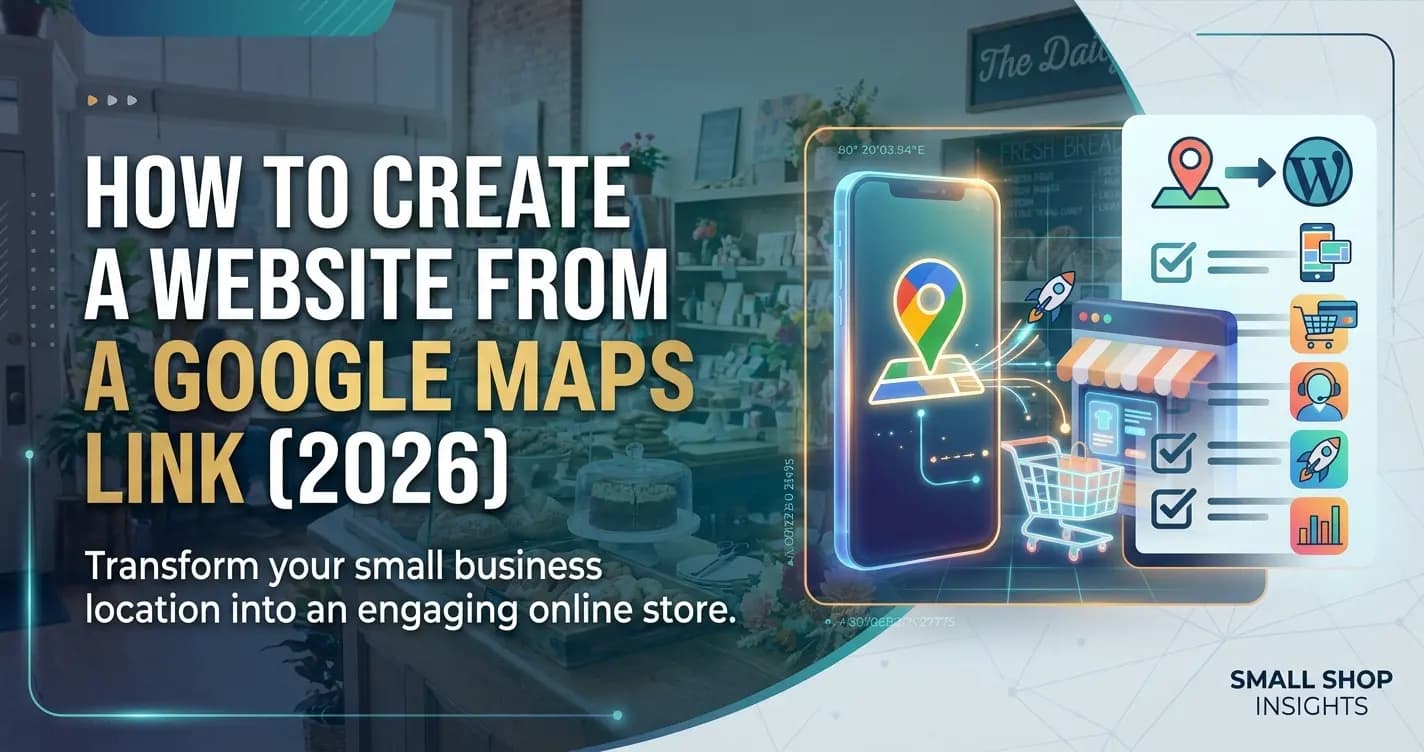
Yes, you can create a website from a Google Maps link: copy your listing's share link, paste it into an AI website builder like Entro, and you get a complete, editable website built from your photos, reviews and hours in about a minute. Here is something most business owners never realise: if you are on Google Maps, you already have most of a website.
Your name, your category, your photos, your reviews, your hours, and your location are all sitting on your listing right now.The hard part of building a website was never the design. It was the blank page: gathering photos, writing the copy, and deciding how to lay it all out. All of that already exists on your Google Maps listing. The trick is turning it into a real, editable website instead of re-typing it into a template.
That is exactly what you can do by pasting your Google Maps link into Entro. This guide covers the whole thing: whether it is actually possible, why your listing is already most of a site, the step-by-step, what you get, how to connect it to Google for local search, and the mistakes to avoid.
Can You Really Turn a Google Maps Link Into a Website?
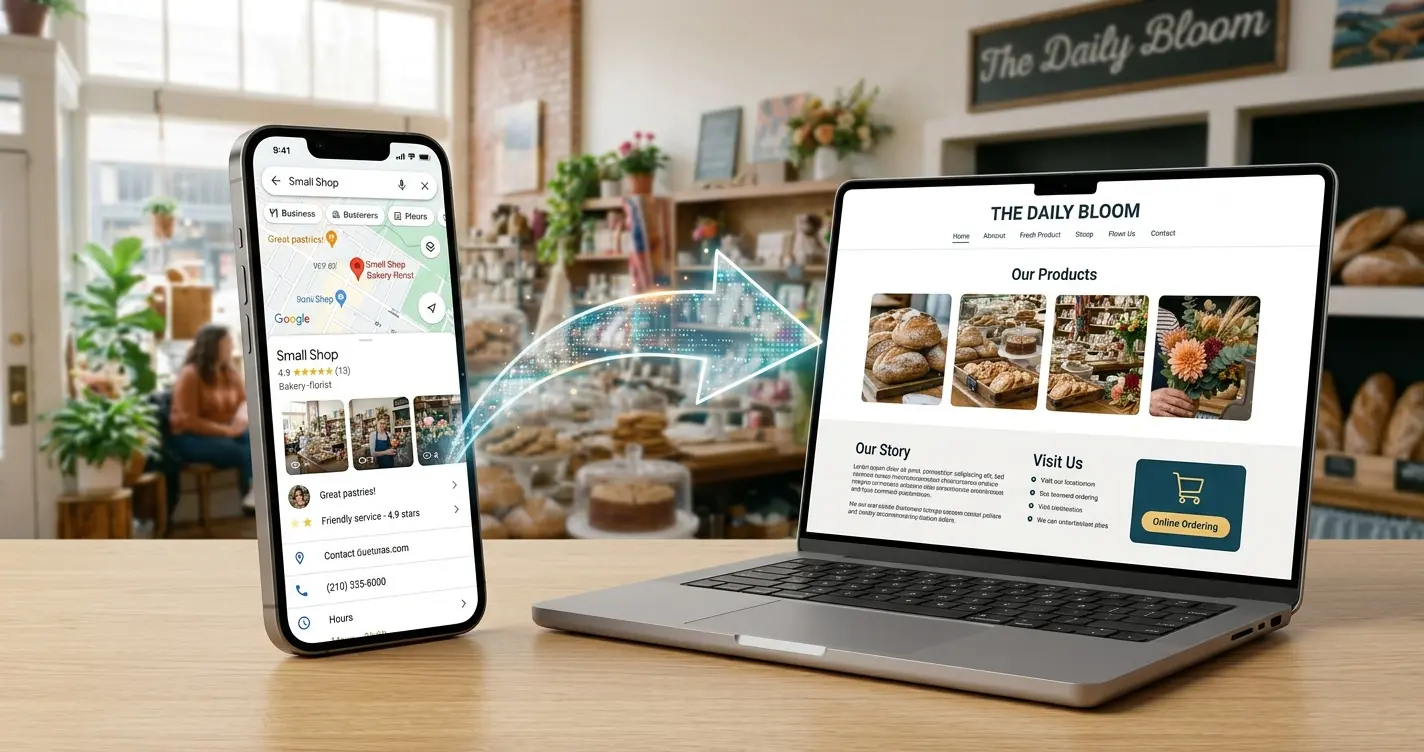
Yes. If your business is listed on Google Maps, you can paste your Maps link into an AI website builder and have a complete, editable website in about a minute. The builder reads the public information on your listing, your business name, photos, reviews, hours, and description, and turns each piece into the matching part of a website. You do not fill in a form, upload photos, or write copy from scratch. You start from a finished first draft built from your real business, and then edit it.
This is newer than most people realise, and it is especially useful for local businesses, because a local business is exactly the kind that already has a rich Google Maps listing to build from.
Why Your Google Maps Listing Is Already Most of a Website
Think about what a basic business website needs, then look at what is already on your Google listing. They are almost the same thing.
| On your Google Maps listing | Becomes on your website |
|---|---|
| Business name and category | Site title and headline |
| Your photos | Hero image and gallery |
| Google reviews | A reviews section that builds trust |
| Hours, address, and phone | Contact section and map |
| Description and services | About and services sections |
Why You Still Need a Website, Not Just a Listing
If the listing already holds so much, why build a website at all? Because a listing and a website do different jobs. Your Google Maps listing is how people find you. Your website is where you convince them. The listing gets you into the search results; the website is where a visitor checks your work, reads your reviews, sees your prices, and decides to call, book, or visit.
A complete listing matters. According to Google's own Business Profile guidance, customers are 2.7 times more likely to consider a business reputable if they find a complete profile on Google Search and Maps, and 70% more likely to visit it. A listing puts you in that race.
A website is what turns the click into a customer, and it is the thing that lets you say far more than Google's fixed layout allows.| A Google Maps listing | Your own website |
|---|---|
| Shows your name, hours, and location | Does all that, plus everything below |
| Google controls the layout and content | You control the design, message, and offers |
| Cannot show your full services or prices | Full services, prices, and packages |
| No room to tell your story or brand | An about section, photos, and your voice |
| Cannot capture leads with your own forms | Contact and booking forms you own |
| One listing among many in the Map Pack | A destination that ranks for what you offer |
How to Create a Website From Your Google Maps Link With Entro
The whole process takes about a minute of work and no design or technical skill. You do not fill out a form or upload anything.
Copy your Google Maps link
Open Google Maps, find your business, tap Share, then Copy link. If your business is on Maps, you already have everything you need.
Paste it into Entro
On the Entro homepage there is an input box. Paste your Google Maps link into it. No forms, no uploads.
Entro reads your business data
It pulls your name, description, photos, and reviews straight from your listing, so you never start from a blank page.
Get your editable site in about a minute
Entro generates a complete, designed website: hero, gallery, reviews, hours, and a contact call to action, all filled with your real information.
Edit any section with AI, then publish
Change a headline, add a services section, or adjust the tone in plain language. The AI edits just that section. Then publish and add the link to your Google Business Profile.
Why this beats starting from a template
A blank template makes you gather photos, write copy, and arrange everything yourself. Starting from your Google Maps link means the first version is already built from your real business, so you edit instead of create. For a busy owner, that is the difference between finishing and never starting.
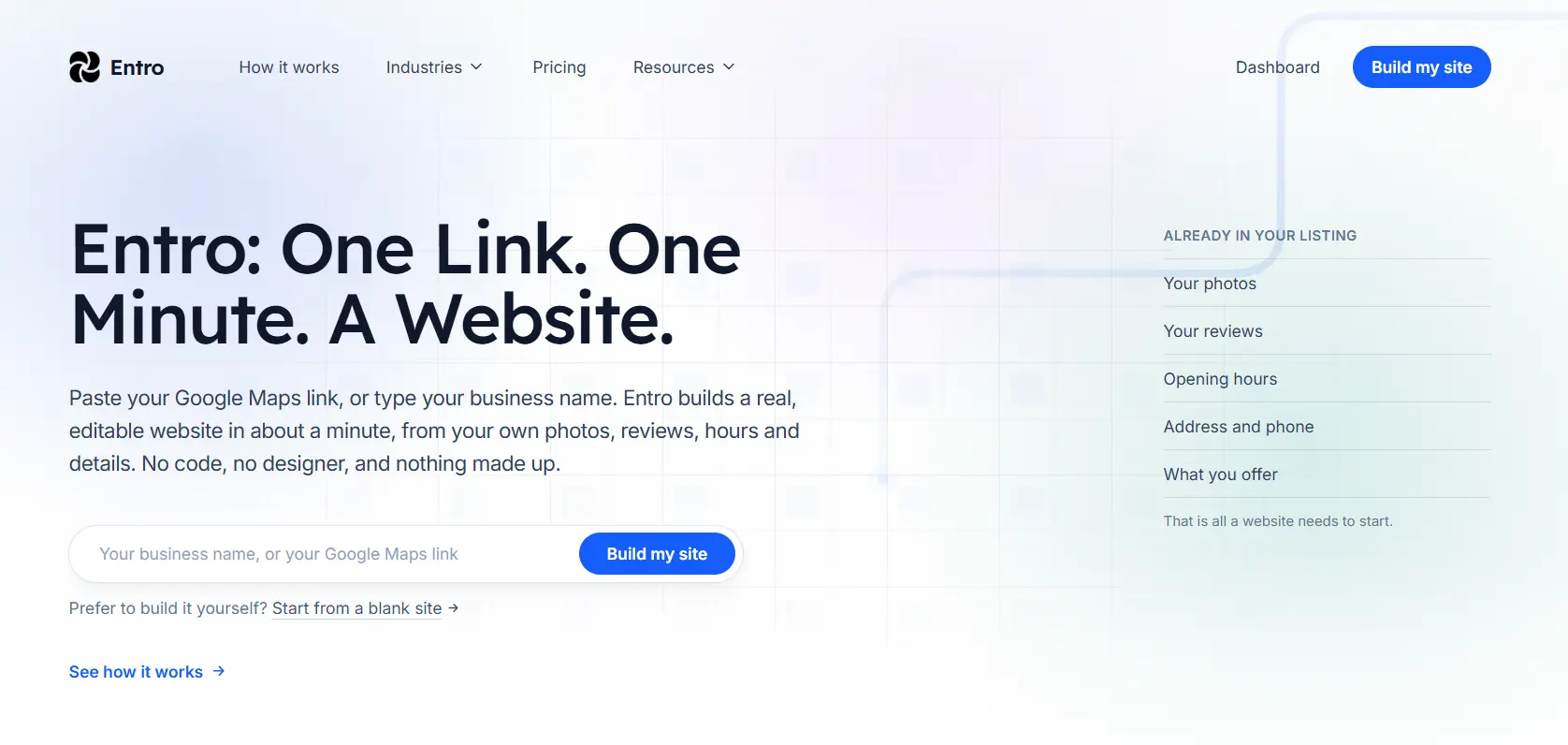
What Entro Builds From Your Listing
The site Entro generates is not a blank shell. It is a complete, designed page filled with your real information, ready to edit. Here is what the finished first draft includes.
What your finished site includes
- A hero with your business name and a clear headline
- A gallery built from your Google photos
- A reviews section pulled from your Google reviews
- Your services, and prices if you add them
- Hours, address, and a map in a contact section
- A clear call to action: call, book, or get directions
Each part is built from your listing: your photos become the hero and gallery, your Google reviews become the proof section, and your hours and address become a contact block with a map. From there, everything is yours to change.
What You Can Change After It Builds
The Google data gives you a complete first version. It is a starting point, not a limit. Because every section is editable individually with a plain-language AI editor, you can shape the site into exactly what you want without touching a template or writing code. Ask for a different headline, a new section for your services and prices, a different tone on your about page, or the reviews moved higher up. The AI changes only the section you asked about and leaves the rest alone.
Google Maps Link vs the Other Ways to Build a Site
There are three realistic ways to get a local business website online. They differ mostly in how much of the work falls on you.
| Way to build | Time to a live site | Effort and cost |
|---|---|---|
| Paste your Google Maps link (Entro) | About a minute | Lowest: your content is pulled in for you, free to start |
| Template builder | Several hours to days | You gather photos, write copy, and arrange every section yourself |
| Hire a freelancer | Days to weeks | About $2,000 to $7,600, and you still have to supply the content |
For a local business that already has a listing, pasting the Maps link is the fastest and cheapest route, and it is free to start, so you see the finished site before paying anything.
The freelancer range comes from WebsiteSetup's 2026 website cost guide: around $50 to $95 an hour, with a small site taking roughly 40 to 80 hours. If you want to see every option side by side, our guide to building a website with no coding skills walks through each one.
Here is the honest trade-off of building from your listing.
Building from Google Maps: pros
- No content to gather: your photos, reviews and hours are already on your listing
- Free to start, and you see the finished site before paying
- Every section can be changed in plain language, no designer needed
Building from Google Maps: cons
- The first draft is only as good as your listing: few or poor photos mean more editing
- You need a Google Maps listing first, or you describe your business instead
- Not built for large online stores with hundreds of products
If you run a large store or need custom features, compare the options in our roundup of the best website builders for small business.
After You Build: Connect Your Site to Google for Local Search
Once your site is live, link it to your listing so the two reinforce each other. This is also the step that helps you rank locally.
Make it work for local search
After you publish, add your new website URL to your Google Business Profile and make sure your business name, address, and phone are identical on both. That consistency is one of the signals Google uses to rank you in the local Map Pack when someone nearby searches for what you offer. A real website linked to your listing gives you more reasons to show up, and gives a searcher more reasons to choose you.
In short: add your website URL to your Google Business Profile, keep your name, address, and hours identical on both, put your services and prices on the page as real text (not a PDF), and keep collecting Google reviews. Each of these gives Google more reason to show you when someone nearby searches for what you offer.
Common Mistakes When Turning a Listing Into a Website
The process is simple, but a few avoidable mistakes blunt the result. Here is what to watch for.
| Mistake | Why it hurts | The fix |
|---|---|---|
| Leaving your website field empty on Google | People who want more than the listing have nowhere to go | Add your new site URL to your Google Business Profile |
| A different name or address on your site vs Google | Inconsistency weakens local ranking and confuses visitors | Keep your name, address, and phone identical across both |
| Treating the first draft as final | A site that never changes looks stale and outdated | Edit sections with AI as your offers and hours change |
| A PDF menu or price list | Slow and unreadable on a phone, and invisible to search | Put your services and prices in the page as text |
| No clear next step | Visitors do not know what you want them to do | Add one clear call to action: call, book, or get directions |
Who This Is For
Building from a Google Maps link works best for local and service businesses that already have a presence on Google: shops, cafes and restaurants, salons and barbershops, clinics and dentists, tradespeople, gyms, studios, and the like. If customers find you by searching nearby and you already have photos and reviews on your listing, you are the ideal case. If your business is brand new and not yet on Google Maps, you can still build a site by describing your business instead, then add the Maps connection once your listing exists.
Get Started
Turn your Google Maps link into a website
Paste your Google Maps link into Entro and get a complete, editable website built from your photos and reviews in about a minute. Edit any section with AI and publish when ready.
Final Thought
The reason most small businesses never build a website is not cost or complexity. It is the blank page and the hours of gathering and writing it seems to demand. Starting from your Google Maps link removes that entirely, because the work is already done. Your listing is the first draft.
If you are on Google Maps, you are one paste away from a real, editable website. The rest is just making it sound like you.
Updated October 2026.
Frequently asked questions
Yes. If your business is on Google Maps, you can paste your Maps link into Entro and it builds a complete, editable website from your listing in about a minute. It pulls in your business name, photos, reviews, hours, and description, so you start from a finished page rather than a blank template. You then edit any section with a plain-language AI editor and publish when you are ready.
Open Google Maps, find your business, tap Share, and copy the link. Go to the Entro homepage and paste that link into the input box. Entro reads your listing and generates a complete website, hero, photo gallery, reviews, hours, and a contact call to action, in about a minute. Review it, change any section by describing what you want to the AI, then publish and add the new website URL to your Google Business Profile. There are no forms to fill in and no photos to upload.
Entro reads the public information on your Google Business Profile: your business name and category, your photos, your Google reviews, your hours, address, and phone, and your description and services. It maps each of these to the right part of a website, so your name becomes the site title and headline, your photos become the hero image and gallery, your reviews become a testimonials section, and your contact details become a contact section with a map. Everything is editable afterward.
Entro is free to start. You can paste your Google Maps link, generate the full website, and edit it without paying anything, so you see the finished result before you commit. You pay only when you are ready to publish with a custom domain. That makes building from your Maps link the cheapest way for a local business to get a professional website online, because you are not paying a designer to gather your photos and write your copy.
About a minute to generate the first version. You paste your Google Maps link, Entro reads your listing and builds a complete, designed site, and you have an editable website almost immediately. The time you spend after that is refining it: adjusting headlines, adding a services or pricing section, and making the copy sound like you. Because you are editing rather than creating from scratch, that refining is far faster than building a site the traditional way.
Yes, when you connect it properly. After publishing, add your website URL to your Google Business Profile and keep your business name, address, and hours identical on both. That consistency is one of the signals Google uses to rank businesses in the local Map Pack, the top three local results. A real website linked to your listing, with your services written as text and regular Google reviews, gives Google more reason to show you when someone nearby searches for what you offer, and gives searchers more reason to choose you over a bare listing.
No. The whole point of building from your Google Maps link is that you do not gather photos, write copy from scratch, or arrange a template. Entro generates the site for you, and you change any section by describing what you want in plain language. There is no code, and no design experience is needed. It is built for business owners and non-technical users, not developers.
Yes. You can build and preview your site for free on an Entro address, and connect your own custom domain (yourbusiness.com) when you publish. Using a custom domain is worth it for any professional business: it looks more credible than a free subdomain and it is what you would add to your Google Business Profile and share with customers.
If you do not have a Google Maps listing yet, you can still build a website with Entro by describing your business instead of pasting a link. It is also worth creating a free Google Business Profile at the same time, since it is how most local customers will find you, and once your listing exists with photos and reviews, you get the added benefit of being able to build or rebuild your site from it later.
Written by
Cyrus
Head of Marketing, Entro
Cyrus writes about mobile app marketing, ASO, and conversion optimization. He's spent the last 3+ years helping indie developers and startup founders get more downloads from organic channels, without paid UA budgets.
Before Entro, he ran growth for two consumer apps that together passed 500,000 downloads on the App Store. Most of what he writes comes from mistakes made with his own money first.
Related articles