How to Build a Professional Website With No Coding Skills (2026)
Yes, you can build a professional website with no coding in 2026. Use Entro if you are on Google Maps, Wix for an all-rounder, Squarespace for design, Hostinger for price, or Framer for custom layouts. Here is the exact process.

Cyrus
Yes, you can build a professional website with no coding skills in 2026. The best no-code options are Entro if your business is on Google Maps (it builds a complete site from your listing in about a minute), Wix for an all-rounder, Squarespace for design-led brands, Hostinger for the lowest price, WordPress.com for content-heavy sites, and Framer for custom layouts. The belief that you need to code is about ten years out of date: the fastest, cleanest business websites are now usually built by the owners themselves.
What changed is the tools. AI website builders now generate a complete, designed site from a description or a link in about a minute. Drag-and-drop editors let you move things around like slides in a presentation. You will never see a line of HTML unless you go looking for it.
This guide is the complete no-code process from start to finish: whether it is really possible, what a professional site needs, which tools to use, the exact steps, what it costs, how to help it get found, and the mistakes that make a DIY site look DIY. No jargon, no developer required.
Can You Build a Website Without Knowing How to Code?
Yes. In 2026 you can build a professional website with no coding skills at all. AI website builders generate a complete, designed site from a short description or a link, and drag-and-drop editors let you change anything visually without touching HTML or CSS. Coding is only needed for unusual custom features that most businesses never use. For a standard site, your services, photos, hours, reviews, and a way to get in touch, no code is required, and the whole thing can be live the same day.
What a Professional Website Actually Needs
Before choosing a tool, know what you are aiming for. "Professional" is not about fancy animations or clever effects. It is a handful of things done well.
What a professional website actually needs
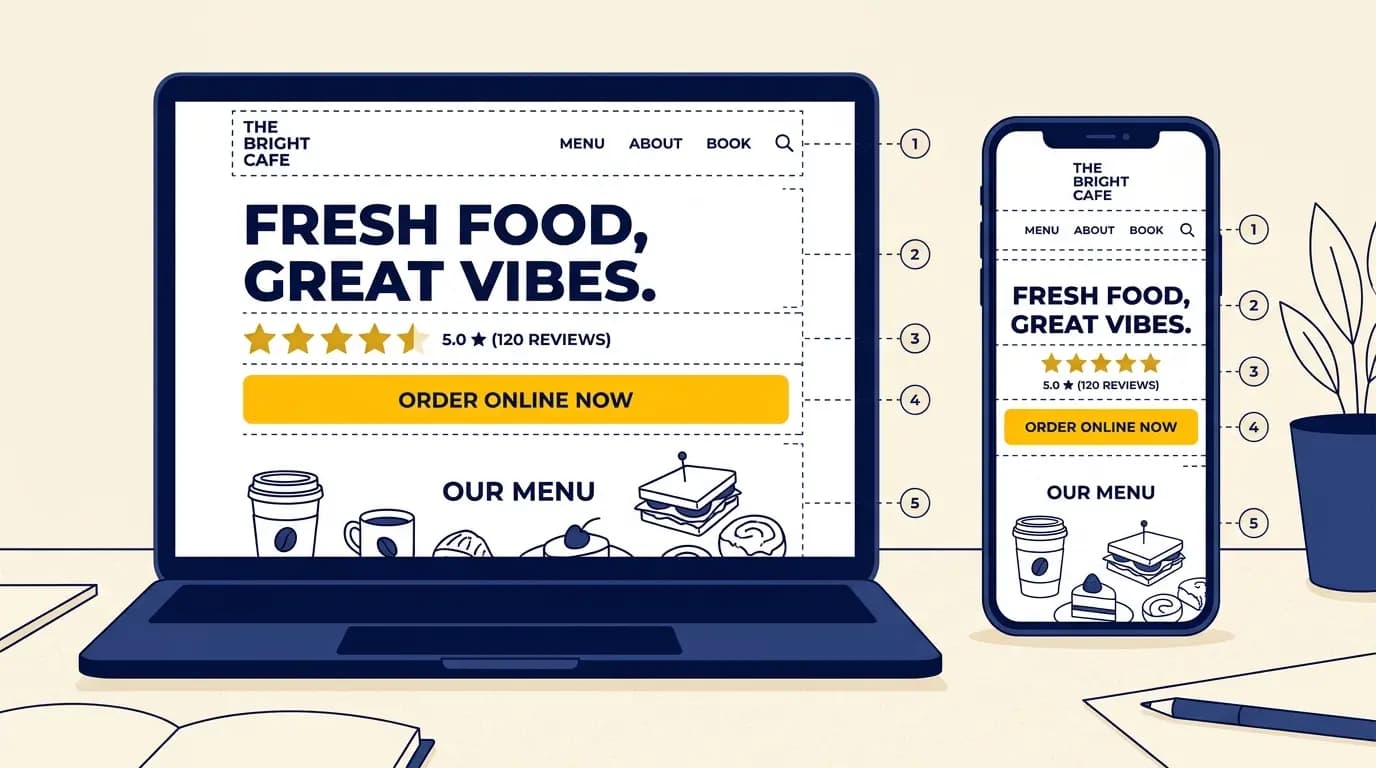
- A clear purpose: one main thing you want visitors to do (call, book, buy, enquire)
- Fast loading on a phone, where most visitors arrive
- Real photos and specific copy, not stock images and filler
- Your hours, location, and contact visible without scrolling
- A custom domain (yourname.com), not a free subdomain
- Findability: a linked Google Business Profile and basic SEO
The No-Code Options in 2026
There are three broad ways to build a site with no code. They differ mostly in how much of the work the tool does for you.
No-code approach | What it is | Best for |
|---|---|---|
AI website builder | You describe your business, or paste a link, and AI generates a full site you then edit | Getting a complete site fast with the least effort |
Drag-and-drop builder | You arrange sections, text, and images yourself on a visual canvas | People who want hands-on control over layout |
Template builder | You pick a ready-made template and swap in your own content | People who want a proven structure to fill in |
The Best No-Code Website Builders in 2026
Within those three approaches, a handful of tools lead the market. Here is a quick view of the best no-code website builders and who each one suits, so you can match a tool to your situation. For a deeper look at options for a shop or service business, see our guide to the best website builders for small business.
| No-code builder | Best for | Free to start | From |
|---|---|---|---|
| Entro | Local businesses: builds a site from your Google Maps link in about a minute | Yes | Free to start |
| Wix | An all-rounder with booking, ordering, and the widest feature set | Yes | $17/mo (billed annually) |
| Squarespace | Design-led brands that want the most polished templates | No (trial) | $19/mo (billed annually) |
| Hostinger | The cheapest AI builder, with hosting and a domain included | No (trial) | $2.99/mo on a 48-month term |
| WordPress.com | Content-heavy sites and blogging with strong SEO | Yes | Low-cost paid plans |
| Framer | Designers who want custom layouts without code | Yes | About $10/mo (billed annually) |
Builder prices change often, so check each vendor's pricing page before you sign up, and always look at the renewal price, not just the first-term rate.
If you run a local business and you are already on Google Maps, the shortcut is to skip choosing a template entirely and build from the listing you already have, covered in the next section.
How to Build Your Website With No Code, Step by Step
The process is the same whichever tool you choose. The tool mainly changes how much of steps four and five it does for you.
Decide what the site is for
Pick the one action you want visitors to take. Everything on the page should lead to it.
Choose a no-code tool
Match the tool to your effort level: an AI builder for speed, a drag-and-drop builder for control.
Gather your content
Your logo, a few real photos, your services, prices, hours, and contact details. Having these ready is half the work.
Generate or pick your starting design
Let AI build a first draft, or choose a template. Do not start from a blank page if you can avoid it.
Customise each section
Replace the placeholder text and images with your own. Keep copy short and specific.
Connect a domain and publish
Add a custom domain, check it on your phone, and go live. Then link your Google Business Profile.
The fastest shortcut if you have a business
If your business is already on Google Maps, you can skip the blank page entirely. Paste your Google Maps link into Entro and it builds a complete, editable website from your existing photos, reviews, and business details in about a minute. You then change any section with a plain-language AI editor, no design or code skills needed.
How Long It Takes and What It Costs
No-code building is both faster and cheaper than most people expect, and far cheaper than hiring a developer. Here is a realistic picture.
What to expect: time and cost
- Time: minutes with an AI builder, a few hours to a weekend with a drag-and-drop or template builder
- Builder cost: free to start on some tools, or roughly $3 to $20 a month
- Domain: $10 to $35 a year, often free for the first year
- Total for most small businesses: under $200 a year, no developer needed
- Building from your Google Maps link is free to start, so you see the site before paying
In practice, most small businesses run a professional no-code site for under $200 a year all in, and you can build from your Google Maps link free to start, seeing the finished site before you pay for anything.
No-Code vs Hiring a Developer
The old reason to hire a developer, that building a site required code, is mostly gone. A developer still makes sense for genuinely custom functionality, but for a standard business website, no-code wins on cost, speed, and control.
| Factor | No-code builder | Hiring a developer |
|---|---|---|
| Cost | Free to start, or a low monthly fee | About $2,000 to $7,600 for a small site |
| Time to live | Minutes to a weekend | Weeks, including back-and-forth |
| Who controls updates | You, anytime, in plain language | You wait on (and pay) the developer |
| Best for | Most small and local businesses | Custom features a builder genuinely cannot do |
That developer range comes from WebsiteSetup's 2026 website cost guide: around $50 to $95 an hour, with a small site taking roughly 40 to 80 hours.
Common No-Code Mistakes (and How to Avoid Them)
Most DIY sites that look amateur fail on the same few things. None of them require code to fix.
Mistake | Why it hurts | The fix |
|---|---|---|
Using a free subdomain | yourname.builder.com looks unfinished and hurts trust | Connect a custom domain; they cost $10 to $35 a year |
Stock photos everywhere | Visitors can tell, and it makes you look generic | Use real photos of your work, team, or space |
Walls of text | People scan; long paragraphs get skipped | Short sections, clear headings, one idea each |
No clear call to action | Visitors do not know what to do next | One obvious button (book, call, or buy), repeated down the page |
Ignoring mobile | Most visitors are on a phone; a desktop-only design loses them | Check every page on your phone before publishing |
How to Help Your No-Code Site Get Found
Building the site is half the job; being found is the other half. You do not need to be an SEO expert, but a few basics make the difference between a site nobody sees and one that brings in customers, especially local ones.
How to help a no-code site get found
- Use a custom domain, not a free subdomain
- Link your Google Business Profile and keep your name, address, and hours identical
- Put your services and prices on the page as text, not in a PDF or image
- Write a clear, specific page title and description for each page
- Keep it fast on mobile, where most visitors and local searches happen
The single highest-return step for a local business is linking your website to your Google Business Profile with consistent details. That connection is what helps you appear in the local Map Pack when someone nearby searches for what you offer.
Who No-Code Is Right For
No-code building fits almost everyone now: small and local businesses, shops, cafes, salons, clinics, tradespeople, freelancers, and anyone launching a first site. It is ideal if you want to be online quickly, keep control of your own updates, and avoid paying a developer every time something changes. The rare exceptions are projects that need custom software, complex integrations, or a large bespoke web application, where a developer still earns their fee. AI app builders such as Lovable now sit in between, writing custom code from plain-English prompts; our guide to Lovable for business owners explains when that is worth it. For a website that shows what you do, builds trust, and brings in enquiries, no-code is the right call.
No-code: pros
- Live in minutes to a weekend, not weeks
- Free to start or a low monthly fee instead of thousands upfront
- You make changes yourself, whenever you want
No-code: cons
- Custom software and complex integrations still need a developer
- You are tied to the builder's hosting and features
- The result is only as good as the content and photos you put in
Get Started
Build your website without touching code
If your business is on Google Maps, paste your link into Entro and get a complete, editable website in about a minute. Edit any section with AI, add your domain, and publish.
Final Thought
Coding was never the hard part of building a website. The hard part was always the blank page: deciding what to say, which photos to use, and how to lay it out. No-code tools handle the building. AI builders that start from your real business data, like pasting your Google Maps link, handle the blank page too.
Pick the approach that matches how much you want to do yourself, get your content ready, and publish something simple and clear. A plain site that loads fast and tells people what to do beats an elaborate one that never gets finished.
Updated October 2026.
Frequently asked questions
Yes. In 2026, most small business websites are built with no code at all. AI website builders generate a complete site from a description or a link, and drag-and-drop builders let you edit visually without touching HTML or CSS. You only need coding skills for highly custom functionality that most businesses never require. For a standard professional site with your services, photos, hours, and a contact or booking action, no code is needed.
The easiest route is an AI website builder, because it does the hardest part for you: the first draft. Instead of arranging a blank template, you describe your business or paste a link and the tool generates a complete, designed site you then edit. If your business is on Google Maps, Entro can build the site directly from your Maps link, pulling in your photos and reviews, so you start from a finished page and just adjust it with a plain-language AI editor.
It depends on what you need. For a local business already on Google Maps, Entro is the fastest, because it builds a complete site from your Maps listing in about a minute and is free to start. Wix is the best all-rounder with booking and ordering, Squarespace is best for design-led brands, Hostinger is the cheapest paid AI builder, WordPress.com is best for content and blogging, and Framer is best for designers who want custom layouts. The right pick is the one that matches your business and how much you want to do yourself.
You can build and preview one for free. Entro is free to start and builds your site from your Google Maps link before you pay anything, and free plans exist on Wix and WordPress.com (with the builder's branding and a subdomain). The things genuinely worth paying for are a custom domain (roughly $10 to $35 a year) and publishing without branding. Most small businesses run a professional no-code site for under $200 a year, far less than hiring a developer.
It depends on the tool. A drag-and-drop or template builder typically takes a few hours to a weekend, mostly spent gathering content and arranging sections. An AI builder is much faster: a complete first draft in minutes, then editing time to make it yours. Building from your Google Maps link with Entro produces an editable site in about a minute, after which you spend your time refining rather than creating from scratch.
Yes. No-code builders handle online stores well: Wix, Squarespace, Shopify, and others let you add products, take payments, and manage orders without any code. For a simple shop, a general builder is enough; for a serious, growing store, a dedicated ecommerce platform like Shopify gives you deeper inventory, shipping, and checkout tools. Either way, you set it up visually, no programming involved.
For anything professional, use a custom domain (yourname.com). A free subdomain like yourname.builder.com signals that the site is unfinished or not serious, and it hurts trust with customers. Custom domains cost roughly $10 to $35 a year, and many website builders include one free for the first year. It is the single cheapest upgrade that makes a DIY site look professional.
Yes. Google does not care whether a site was built with code or with a no-code builder; it cares about the content, speed, and structure. A no-code site ranks when you use a custom domain, write clear page titles and descriptions, put your services and prices as real text on the page, keep it fast on mobile, and, for a local business, link it to your Google Business Profile with consistent name, address, and hours. Those basics matter far more than how the site was built.
At minimum: a clear statement of what you do, your services or products, real photos, your hours and location, a way to contact or book you, and one obvious call to action. It must load fast on a phone, since most visitors arrive on mobile. Linking your Google Business Profile and keeping your name, address, and hours consistent across your site and Google helps new customers find you in local search.
Written by
Cyrus
Head of Marketing, Entro
Cyrus writes about mobile app marketing, ASO, and conversion optimization. He's spent the last 3+ years helping indie developers and startup founders get more downloads from organic channels, without paid UA budgets.
Before Entro, he ran growth for two consumer apps that together passed 500,000 downloads on the App Store. Most of what he writes comes from mistakes made with his own money first.
Related articles