What Every Small Shop Website Needs: The 2026 Checklist
Every small shop website needs current hours, an address with a map and tap-to-call, real photos, prices, one clear call to action, Google reviews, a linked Google Business Profile, fast mobile loading and a custom domain. Here is the full 2026 checklist.

Cyrus
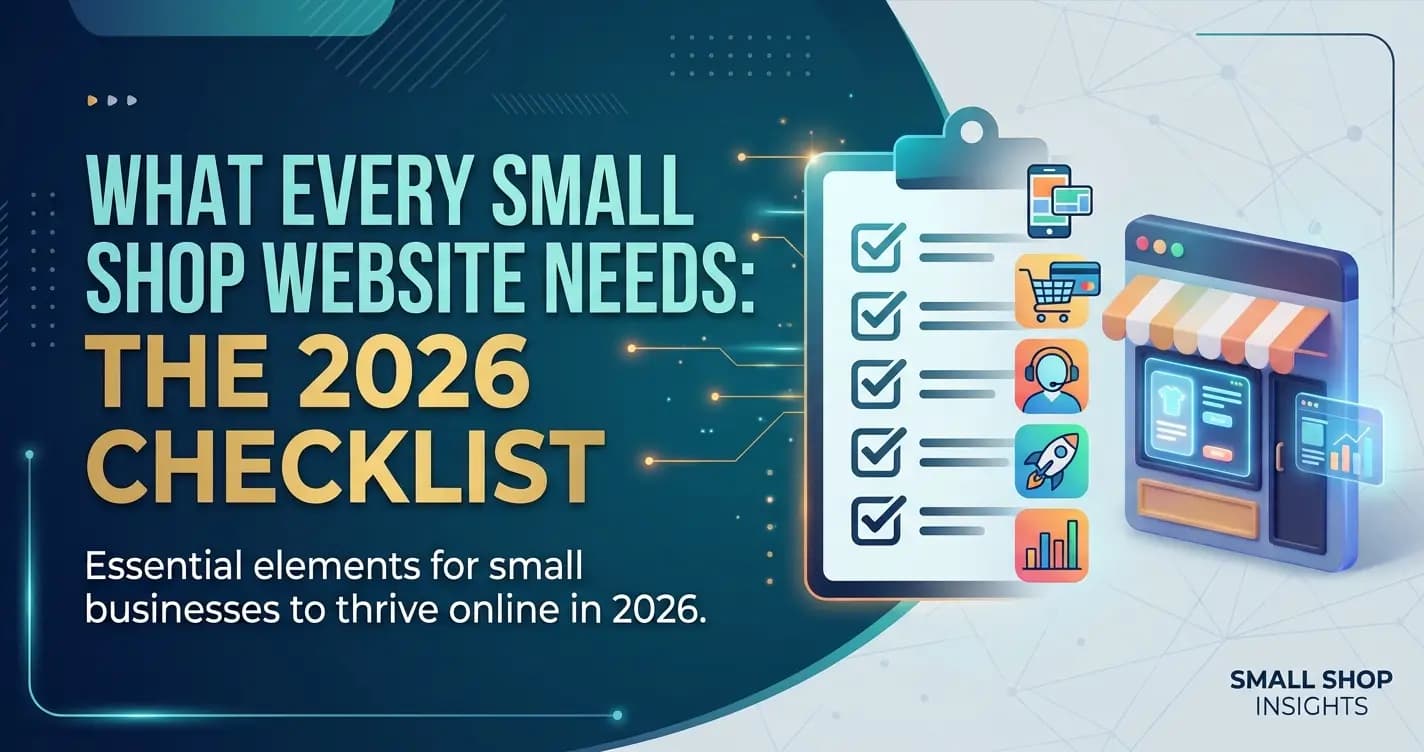
Every small shop website needs ten things: your shop name, what you sell and where you are on the first screen, current opening hours, an address with a map and a tap-to-call number, real photos, prices or a price range, one clear call to action, Google reviews, a linked Google Business Profile, fast loading on a phone, and a custom domain.
A small shop website has exactly one job:
turn someone who found you online into someone who walks through your door or buys from you. Not to win design awards. Not to have a dozen pages. To answer, fast, the few questions a local customer asks before deciding to visit.Most small shop websites that underperform are not ugly. They are incomplete. They are missing the hours, or the map, or the prices, or the one clear button that tells a ready customer what to do next. The visitor cannot find what they need in the five seconds they give you, so they close the tab and try the shop down the road.
This is the complete checklist of what every small shop website actually needs in 2026, grouped the way a visitor experiences it: what they look for first, what turns them into a customer, what gets you found, and the trust signals that tip the decision. Use it as a build list or an audit of the site you already have.
Does a Small Shop Really Need a Website?
Yes. A Google Business Profile gets your shop found, but a website is where a curious customer confirms you are open, sees what you sell and what it costs, and decides to come in. The two work best together: your listing brings people in from local search, and your website turns that interest into a visit or a sale.
This checklist is for independent shop owners, from boutiques and bookshops to bakeries, florists and hardware stores, who want a website that brings people through the door.
The Small Shop Website Checklist
Here is the full list at a glance. The rest of this guide explains each group and how to get it right.
The small shop website checklist
- Shop name, what you sell, and your location visible in the first screen
- Opening hours, kept current (especially holidays)
- Address with an embedded map, and a phone number that taps to call on mobile
- Real photos of your shop, products, and team, not stock images
- Prices or a price range, so visitors know what to expect
- A clear call to action: visit, call, book, or buy
- Google reviews or testimonials for trust
- A linked Google Business Profile so you appear in local search
- Fast loading on a phone, where most visitors arrive
- A custom domain (yourshop.com), not a free subdomain
1. What Every Visitor Looks for First
Before a visitor cares about your story or your brand, they are checking a few practical things. If they cannot find them immediately, nothing else on the site gets a chance. These are the questions every small shop website has to answer in the first few seconds.
What every visitor checks | Why it matters | Where it goes |
|---|---|---|
Are they open? | Hours are one of the first things people check before visiting | Top of the homepage and a contact section |
Where are they? | People need the address and a map to decide to come | Contact section with an embedded Google Map |
What do they sell, and for how much? | Visitors leave if they cannot tell what you offer or the rough price | Homepage and a products or menu section |
Can I trust them? | Reviews and real photos decide whether a stranger walks in | A reviews section and a photo gallery |
How do I act? | A visitor who decides needs an obvious next step | A clear button: call, directions, book, or buy |
2. What Turns a Visitor Into a Customer
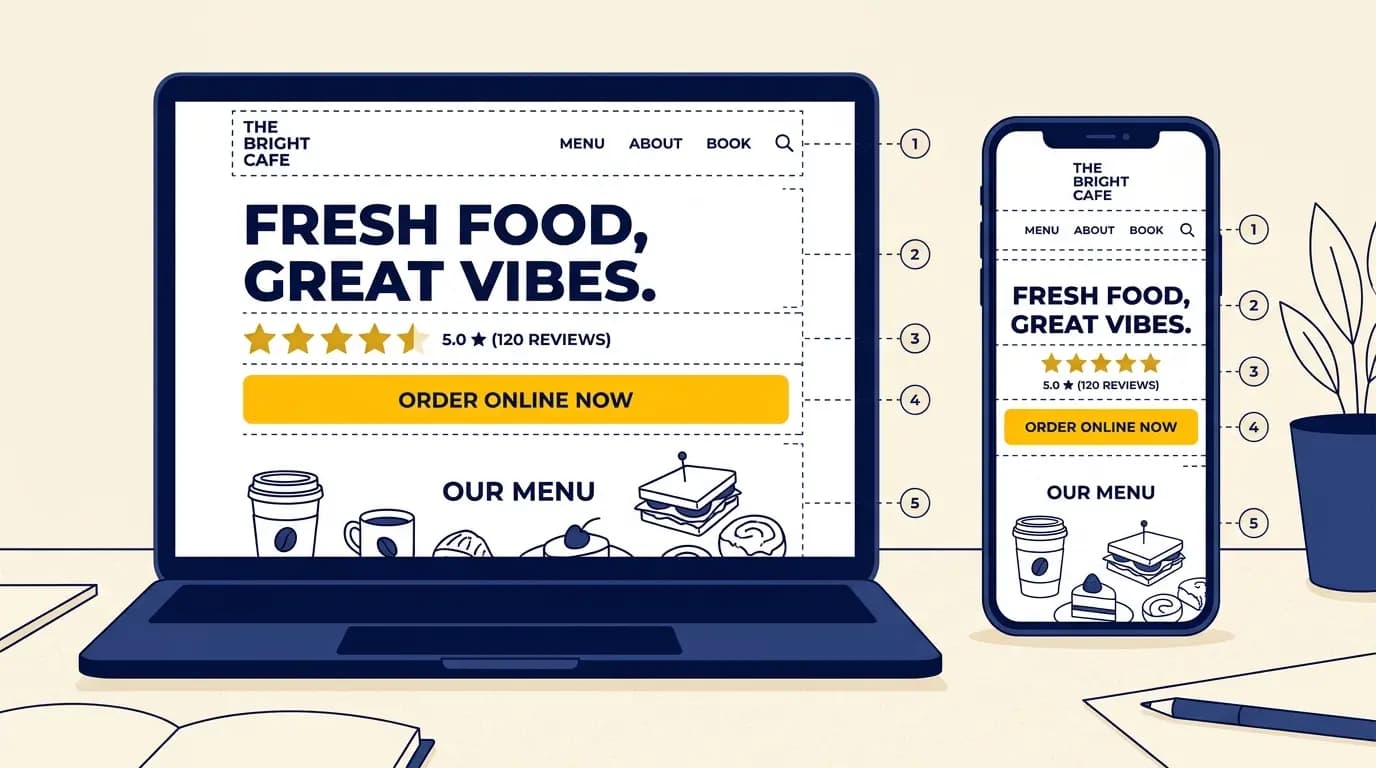
Answering the practical questions keeps a visitor on the page. These next few things turn that attention into a visit or a sale. The biggest one is a clear call to action. A ready customer should never have to hunt for how to act: put one obvious button (Call, Get directions, Book, or Buy) near the top and repeat it down the page.
Prices matter more than many shop owners think. Hiding them makes people assume the worst and leave. Even a rough range ("mains $14 to $22", "cuts from $35") lets a visitor self-qualify and decide to come in. And real photos do the quiet work of persuasion: a visitor deciding between you and a competitor is largely deciding on whether your shop looks like a place they want to be. Show the actual space, the actual products, the actual team.
3. What Gets You Found
A perfect website that nobody finds does not help. For a small shop, most discovery happens through local search: someone nearby looking for what you sell. Three things make you findable. First, a linked Google Business Profile, with your website URL added and your name, address, and hours matching your site exactly, because that consistency is what local search rewards. Second, your key information as real text on the page (not trapped in a PDF or an image), so search engines can read it. Third, fast mobile loading, because most local searches happen on a phone and a slow site loses visitors before it appears.
Completeness pays off. According to Google's own Business Profile guidance, customers are 2.7 times more likely to consider a business reputable if they find a complete profile on Google Search and Maps, and 70% more likely to visit it. Adding your website link to that profile is part of what makes it complete.
4. The Trust Signals That Tip the Decision
A stranger deciding whether to visit a shop they have never been to is making a small leap of faith. Trust signals make that leap smaller. Your Google reviews are the strongest: show them on the site, and keep collecting new ones. Real photos of the shop and the people in it signal that you are a real, cared-for business. A short, human About section, a sentence or two on who you are and why the shop exists, does more than a long corporate history. And consistency across your site and your Google listing, same name, same address, same hours, quietly tells both customers and Google that you are legitimate.
Is a Google Listing Enough on Its Own?
Many shop owners ask whether they can skip the website and rely on Google. You can get some traffic that way, but you give up a lot of control.
Google listing only: pros
- Free, and it shows up in Google Search and Maps
- Shows your hours, map, reviews and photos
- Takes an afternoon to set up properly
Google listing only: cons
- Google controls the layout and what you can say
- No room for your full range, prices or story
- No clear path for a visitor who wants to know more before visiting
The best setup is both: a complete listing that links to a simple website covering this checklist.
What a Small Shop Website Costs
A shop website does not need a big budget. Here is what the main pieces cost in 2026.
| Item | Typical cost | Worth it? |
|---|---|---|
| Custom domain (yourshop.com) | $10 to $35 a year | Yes, it makes the shop look established |
| Website builder plan | Free to start, then a few dollars a month and up | Yes, hosting and security are included |
| Freelancer-built site | About $2,000 to $7,600 for a small site | Only for custom features a builder cannot do |
| Online store add-ons | Varies by plan and transaction fees | Only if you actually sell online |
For a full breakdown of the options and the hidden fees, see our guide to the cheapest way to build a local business website. If you want to compare tools, our roundup of the best website builders for small business ranks them honestly.
Common Small Shop Website Mistakes
The same few mistakes show up on most underperforming small shop sites. None of them is hard to fix.
Mistake | Why it hurts | The fix |
|---|---|---|
Outdated or missing hours | People show up to a closed shop, or do not risk the trip | Put current hours on the homepage and sync your Google Business Profile |
A PDF menu or price list | Slow on a phone, unreadable, and invisible to search | Put the menu or prices in the page as text |
Stock photos | Visitors can tell; it reads as generic and untrustworthy | Use real photos of your shop, products, and team |
No map or tap-to-call | Mobile visitors cannot act in one tap | Embed a Google Map and make the phone number tap-to-call |
A free subdomain | yourshop.builder.com looks unfinished | Use a custom domain; $10 to $35 a year |
Not linked to Google | You do not appear when people search nearby | Claim your Google Business Profile and link your site |
A Simple Build Order
If you are building or rebuilding your shop site, do it in this order. It front-loads the things that matter most and uses what you already have.
Start with your Google Maps listing
Your name, photos, reviews, and hours are already there. It is the fastest starting point for the whole site.
Get the essentials on the homepage
What you sell, your hours, your location, and a clear call to action, all visible without scrolling far.
Add your products or menu as text
Not a PDF. Text loads fast, reads on a phone, and gets found in search.
Add real photos and reviews
Your actual shop and products, plus your Google reviews, to build trust.
Connect a domain and your Google Business Profile
Add a custom domain, then link the site to your listing so you show up locally.
The fastest way to tick every box
If your shop is on Google Maps, Entro builds a site that already covers most of this checklist: it pulls your name, photos, reviews, and hours from your listing and generates an editable website in about a minute. You then add prices and a call to action with a plain-language AI editor, no design skills needed. It is the quickest way to go from a listing to a complete small shop website.
If you want a step-by-step walkthrough of that first step, here is how to create a website from a Google Maps link.
Get Started
Give your shop a website that works
Paste your Google Maps link into Entro and get a complete, editable small shop website in about a minute. Add your prices and call to action, then publish. Free to start.
Final Thought
A small shop website does not need to be big or clever. It needs to answer the few questions a local customer asks, show that you are a real and welcoming business, and make the next step obvious. Work through the checklist, fix whatever is missing, and keep your hours and photos current.
The shops that win online are not the ones with the fanciest sites. They are the ones whose site loads fast, tells a stranger exactly what they need to know, and makes it easy to walk in. Get those right and the website does its one job.
Updated October 2026.
Frequently asked questions
At minimum, a small shop website needs: your shop name and what you sell, current opening hours, your address with a map and a tap-to-call phone number, real photos of the shop and products, prices or a price range, a clear call to action (visit, call, book, or buy), Google reviews for trust, a linked Google Business Profile, fast mobile loading, and a custom domain. These are the things a local customer checks before deciding to visit. Design and extra pages matter far less than getting these essentials right.
Yes. A Google Business Profile gets you found, but it is not a website. It cannot show your full range, your prices, your story, or a clear call to action, and it cannot capture visitors who want to know more before they come in. The two work best together: the profile brings people in from local search, and the website answers their questions and converts them into a visit or sale. A shop with only a listing and no website leaves most of that intent on the table.
No. A PDF menu or price list is one of the most common small shop website mistakes. PDFs load slowly on phones, force people to pinch and zoom, and cannot be read by search engines, so they do nothing for your visibility. Put your menu or prices directly in the page as text. It loads instantly, reads cleanly on any device, and helps you get found when someone searches for a specific item or your shop by name.
Three things. First, claim and complete your Google Business Profile, add your website URL, and keep your name, address, and hours identical across your site and the listing, because that consistency is a ranking signal. Second, put your key information as real text on the page, not in images or PDFs, so search engines can read it. Third, make sure the site loads fast on mobile, since most local searches happen on a phone. A real website linked to your listing meaningfully improves your chances of appearing when someone nearby searches for what you sell.
If your shop is on Google Maps, the fastest way is to paste your Google Maps link into a builder that reads your listing. Entro pulls your name, photos, reviews, and hours from your listing and generates an editable website in about a minute, so you start with most of the checklist already done. You then add prices and a call to action with a plain-language AI editor. Compared to filling in a blank template by hand, it removes the slowest part of the job: gathering content and writing from scratch.
Very little if you use a builder. Expect about $10 to $35 a year for a custom domain plus a builder plan that is free to start and then a few dollars a month and up. A freelancer-built small site typically costs about $2,000 to $7,600, which only makes sense if you need custom features a builder cannot provide.
Yes, at least a price range. Hiding prices makes visitors assume the worst and leave. Even a rough guide such as "cuts from $35" or "candles $18 to $40" lets people decide whether to visit, and it saves you answering the same question by phone.
Only if you actually want to sell online. Many local shops do best with a simple site that drives visits: what you sell, prices, hours, a map and a clear call to action. Add online ordering or a store later if customers ask for it, since store plans and transaction fees add ongoing cost.
Update it whenever your hours, prices or stock change, and always before holidays. Keep the details identical to your Google Business Profile, and refresh your photos and reviews every few months so the site looks cared for. Outdated hours are one of the fastest ways to lose a customer's trust.
Written by
Cyrus
Head of Marketing, Entro
Cyrus writes about mobile app marketing, ASO, and conversion optimization. He's spent the last 3+ years helping indie developers and startup founders get more downloads from organic channels, without paid UA budgets.
Before Entro, he ran growth for two consumer apps that together passed 500,000 downloads on the App Store. Most of what he writes comes from mistakes made with his own money first.
Related articles