Google Business Profile Optimization: A Beginner Checklist for 2026
To optimize your Google Business Profile, verify it, choose the right primary category, fill in every field, add real photos, collect and answer reviews, post updates and link a working website. Here is the full 12-step checklist for 2026.

Cyrus
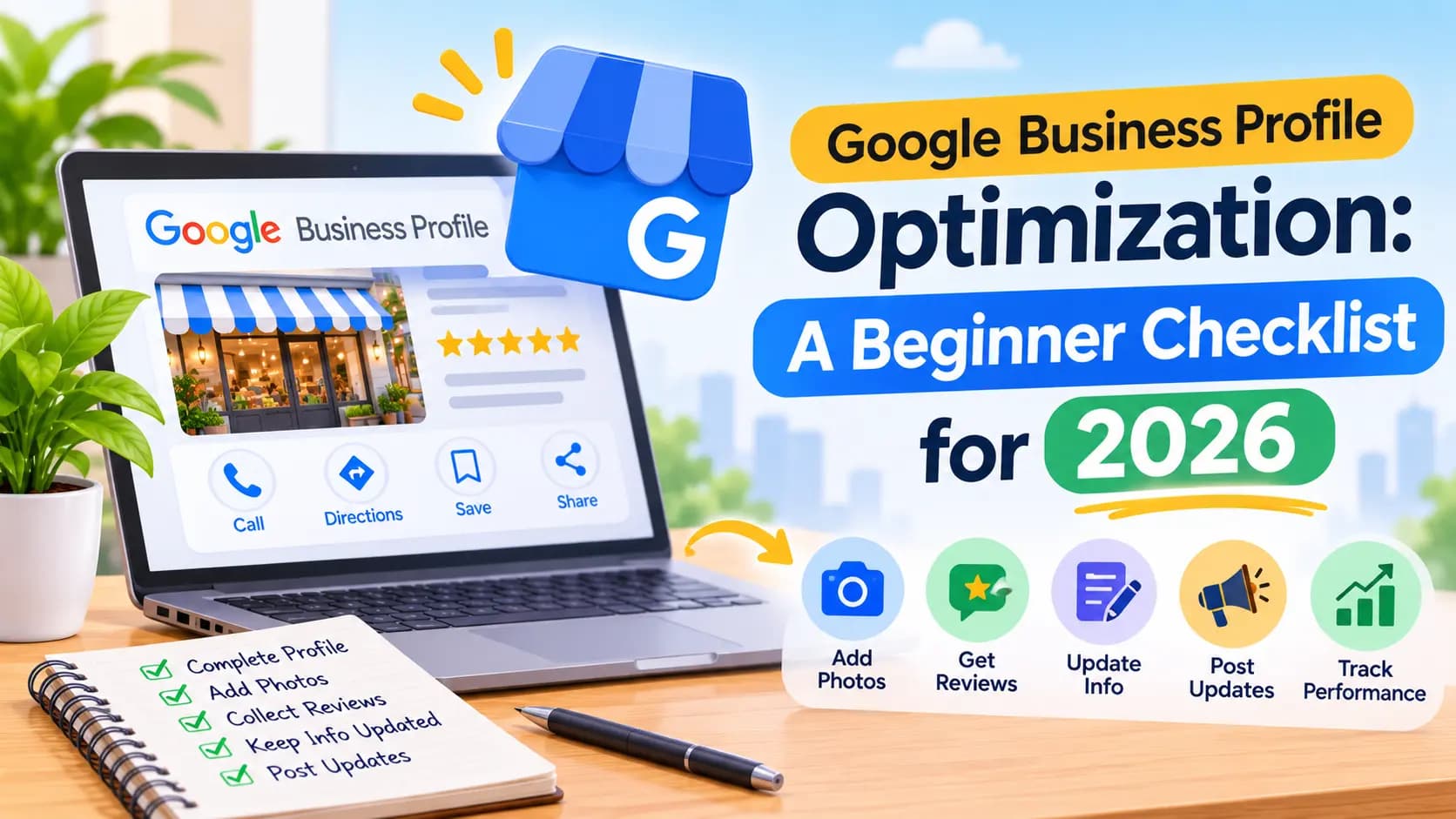
To optimize your Google Business Profile in 2026, verify it, use your real business name, pick the most specific primary category, fill in every field including hours, services and attributes, add real photos regularly, ask for and reply to reviews, post updates, and link a working website with matching details. Google ranks local businesses on relevance, distance and prominence, and a complete, active profile improves the two you control.
Entro is an AI website builder for local and small businesses. Paste your Google Maps link and Entro builds a complete, editable website in about a minute from the same photos, reviews, hours and business details on your profile. Every section can be edited with AI in plain language, and it is free to start, so you see the finished site before paying.
This is a beginner's checklist. No jargon, no tools to buy: twelve steps you can work through in an afternoon, plus the changes Google made in 2024 and 2025 that older guides still miss.
Key takeaways
- Google ranks local businesses on three things: relevance, distance and prominence. You can't change distance, but you can improve the other two.
- Verify your profile, use your real business name, and choose the most specific primary category you can.
- Fill in every field: hours, special hours, services, attributes, a description of up to 750 characters, and a website link.
- Add real photos regularly, ask every happy customer for a review, and reply to all reviews, good and bad.
- Link to a working website with the same name, address and phone. Google treats a website as part of a complete profile.
What Is Google Business Profile Optimization?
Google Business Profile optimization means making your free Google listing as complete, accurate and active as possible, so you show up more often in Google Maps and local search and more of the people who find you call, visit or book. It is the single most important piece of local SEO for a shop, café, salon, clinic or trade.
It pays off quickly because customers judge you on it. Google says customers are 2.7 times more likely to consider a business reputable if it has a complete Business Profile, and 70% more likely to visit it. A half-finished profile with old hours and three photos tells searchers the opposite.
How Google Ranks Local Businesses
Google says local results are based mainly on three factors: relevance, distance and prominence. Relevance is how well your profile matches what someone searched for. Distance is how far you are from them. Prominence is how well-known your business is, online and off. Optimization works on relevance and prominence, since distance is fixed.
Ranking factor | What Google means | What you can do |
|---|---|---|
Relevance | How well your profile matches the search | Accurate categories, services, description and attributes |
Distance | How far you are from the searcher | Nothing, beyond an accurate address or service area |
Prominence | How well-known your business is | Reviews and replies, photos, a strong website, mentions and links from local sites |
The Google Business Profile Optimization Checklist
Work through these twelve steps in order. The first seven set up your profile correctly. The last five keep it active, which is what separates businesses that climb in Maps from those that stall after setup.
1. Claim and verify your profile
Search your business name on Google Maps. If a listing exists, choose Claim this business; if not, add it at business.google.com. Then complete verification, which Google may do by video, phone, text or email. Google says verification tells it you are authorized to represent the business and makes your profile more likely to appear in results.
2. Use your real business name, nothing more
Your profile name must match the name on your sign, website and paperwork. Google's guidelines don't allow unnecessary information in the name, such as taglines, locations or keywords. "Rosa's Bakery" is correct; "Rosa's Bakery Best Cakes Downtown Austin" risks a suspension and a competitor reporting you.
3. Choose the most specific primary category
Your primary category is one of the strongest relevance signals on the profile. Pick the most specific one that describes your core business: "Italian restaurant" rather than "Restaurant", "Hair salon" rather than "Beauty". Google's guidelines suggest completing the sentence "This business IS a...". Add extra categories only when they are genuinely true.
4. Set your address or service area correctly
If customers visit you, enter your full street address and check the map pin. If you go to them, such as a plumber, cleaner or mobile groomer, Google's guidelines say to hide your address and set a service area of the towns or regions you cover. Never use a PO box or virtual office.
5. Add your hours and special hours
Wrong hours are the fastest way to lose a customer for good. Set your regular hours, then add special hours for every public holiday, closure or seasonal change before it happens. Google prompts you to confirm holiday hours, and profiles with accurate hours avoid the "closed when I got there" reviews.
6. Add your phone number and website
Use a local phone number that someone answers during your listed hours. For the website, link to a real site on your own domain, not a social profile or a dead link. If your old free Google site disappeared in 2024, replace it; our guide to creating a website from your Google Business Profile shows the quickest route.
Track visits from your profile
Add a tracking tag to your website link, for example yourbusiness.com/?utm_source=google&utm_medium=organic&utm_campaign=gbp. Your analytics will then show exactly how many visitors came from your Business Profile.
7. Write a useful description
You have up to 750 characters. Say what you do, who you serve, where you are and what makes you different, with the essentials in the first 250 characters. Write the way you would explain your business to a new customer. Links aren't allowed, and keyword stuffing reads badly to the people deciding whether to call.
8. Fill in services, products and attributes
Add every service you offer, with a short description and a price where it makes sense. Retailers can add products. Then tick every attribute that applies, such as wheelchair access, free Wi-Fi, outdoor seating, online appointments or women-owned. Attributes help you match specific searches and answer questions before customers have to ask.
9. Add real photos and videos, and keep adding them
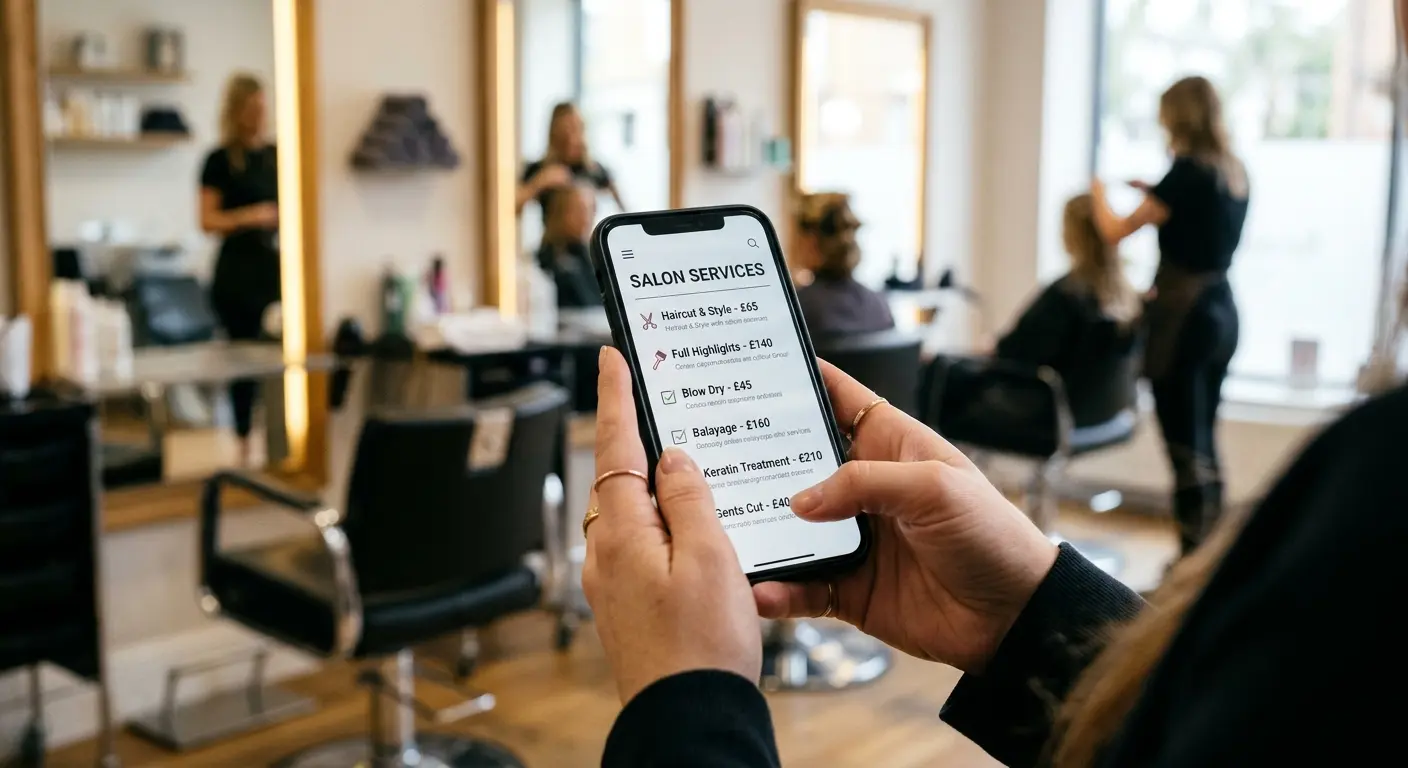
Google lists photos and videos among its tips to improve local ranking, and customers rely on them to decide. Add a clear logo, a cover photo, your storefront (so people recognise it on arrival), the inside, your team at work and your products or results. Real, recent photos beat stock images every time. Add a few new ones each month.
10. Ask for reviews and reply to every one
Reviews are the biggest prominence signal you control. Ask every happy customer, in person and with a short link from your profile's Ask for reviews option. Reply to every review, thanking good ones by name and answering bad ones calmly with a way to fix the problem. Google lists responding to reviews as a ranking tip.
Shortcuts that get profiles suspended
Adding keywords or your city to your business name, using a virtual office or PO box as your address, and buying or gating reviews all break Google's guidelines. They can get your profile suspended, which costs far more than any ranking gain.
11. Post updates and offers
Google Business Profile lets you publish posts: news, offers, events and new products, with a photo and a button. Posts show customers you are open and active, and give them a reason to act now. One post a week or every two weeks is plenty for most local businesses. Reuse what you already share on social media.
12. Keep it current and check your performance
Set a monthly reminder to review the profile: confirm hours, add photos, reply to reviews and check for edits suggested by the public, which Google can apply without asking you. The Performance view shows how many people found you, how they searched, and how many called, asked for directions or visited your website.
Your Google Business Profile Checklist at a Glance
Use this table as a one-page summary. Tick each line off once, then revisit the "ongoing" rows every month.
Step | What to do | How often |
|---|---|---|
Verify | Claim the listing and complete verification | Once |
Name | Real-world name only, no keywords | Once |
Category | Most specific primary category, few extras | Once, review yearly |
Address or area | Street address, or hidden address plus service area | Once |
Hours | Regular hours plus special hours | Before every holiday |
Phone and website | Answered local number, working website on your domain | Once, check quarterly |
Description | Up to 750 characters, essentials first, no links | Once, review yearly |
Services and attributes | Every service, prices where sensible, all true attributes | When they change |
Photos | Logo, cover, storefront, interior, team, work | Monthly |
Reviews | Ask every happy customer, reply to all | Weekly |
Posts | News, offers, events | Weekly or fortnightly |
Performance | Check calls, directions and website clicks | Monthly |
What Changed on Google Business Profile in 2024 and 2025
Many optimization guides still recommend features Google has since removed. Three changes matter: the free Business Profile websites are gone, the chat feature is gone, and the traditional Q&A section is being replaced by AI answers. All three push more weight onto your profile details and your own website.
Change | When | What to do now |
|---|---|---|
Free Business Profile websites (business.site) turned off | March 2024; redirects ended June 10, 2024 | Link a website on your own domain |
Business Profile chat and call history removed | July 31, 2024 | Show a phone number, booking link or WhatsApp instead |
Traditional Q&A phased out for an AI Ask feature in Maps | From late 2025 | Keep profile and website details complete, since AI answers draw on them |
The Missing Piece: A Website That Matches Your Profile
A strong profile gets you found. A website is where people decide. Searchers who find you on Maps often tap Website to check your services, prices and story before calling, and Google treats a website as part of a complete profile. The website should use exactly the same name, address, phone and hours as the profile, so customers and Google see one consistent business.
Entro is an AI website builder for local and small businesses that builds the website from the profile itself. Paste your Google Maps link and Entro pulls in your business name, photos, reviews, hours and contact details, then builds a complete, editable site in about a minute, so the details match from day one. For the full walk-through, see how to create a website from a Google Maps link.
Pros
- Builds your website from your Google Maps link, so it matches your profile's name, address, phone and hours
- Complete, editable website in about a minute, using your real photos and reviews
- Every section can be edited with AI in plain language
- Free to start: you see the finished site before paying
Cons
- Not built for large online stores
- Fewer third-party apps and integrations than Wix or WordPress
- Needs a Google Maps listing or a short description to start from
Not right for you if…
You need a large online store, a content-heavy blog or deep third-party integrations. Shopify, WordPress or Wix fit those jobs better.
Our verdict
Once your profile is optimized, the quickest way to give it a matching website is to build one from the profile itself. Entro does that from your Google Maps link in about a minute, free to start.
Pricing | Best for |
|---|---|
Free to start. Publishing and custom domain plans are on the pricing page. | Local businesses that have a Google Business Profile and need a website to match it |
What the website should contain is covered in our small shop website checklist, and the high-converting website layout shows how to order the sections so visitors turn into calls and bookings.
Common Google Business Profile Mistakes
Most underperforming profiles share the same handful of problems. These are the ones worth checking first, because each is quick to fix.
Mistake | Why it hurts | The fix |
|---|---|---|
Keywords or a city in the business name | Breaks Google's guidelines and invites suspension | Use your real-world name only |
A broad primary category | You compete for searches you can't win and miss the ones you can | Choose the most specific category that fits |
Old or missing holiday hours | Customers arrive to a closed door and leave bad reviews | Set special hours before every holiday |
Unanswered reviews | Looks like nobody is listening, especially on bad ones | Reply to every review within a few days |
A dead or missing website link | Incomplete profile and nowhere for searchers to go | Link a working site on your own domain |
Different details on your website and directories | Inconsistent name, address or phone confuses customers and Google | Copy the exact profile details everywhere |
Set up once, never touched again | Competitors with fresh photos, posts and reviews pull ahead | Do a 20-minute check every month |
How Long Does It Take to See Results?
Some fixes show up almost immediately: correct hours, a working website link and a better primary category start helping as soon as Google processes the edits, which can take anything from minutes to a few days. Prominence builds more slowly, because reviews, photos and local mentions accumulate over months. Expect steady gains rather than an overnight jump, and judge progress in the Performance view month over month.
The Bottom Line
Google Business Profile optimization is mostly about being complete, accurate and active. Get the name, category, address, hours and website right once, then spend twenty minutes a month on photos, reviews and posts. Pair the profile with a website that tells the same story, and you have covered the parts of local search a small business can actually control.
Give your profile a website that matches
Paste your Google Maps link into Entro and get a complete, editable website built from your photos, reviews and hours in about a minute. Free to start.
Updated November 2026.
Frequently asked questions
Verify the profile, use your real business name, choose the most specific primary category, and fill in every field: address or service area, hours, special hours, phone, website, description, services and attributes. Then keep it active with new photos, regular posts and replies to every review.
Google says local results are based mainly on relevance, distance and prominence. Relevance is how well your profile matches the search, distance is how far you are from the searcher, and prominence is how well-known your business is, which reviews, links and mentions across the web all feed into.
Choose one primary category that describes your core business as specifically as possible, then add only the additional categories that are genuinely true. Google's guidelines say to use as few categories as possible to describe your overall core business. The primary category matters most for ranking.
Up to 750 characters. Put the most important information, what you do and where, in the first 250 characters, since that is what shows before people expand it. Don't include links, and write for customers rather than stuffing in keywords.
Google lists responding to reviews among its tips to improve local ranking, saying it shows you value customer feedback. Replies also help customers decide: a calm, helpful reply to a bad review can be more persuasive than the review itself.
No, if customers don't visit you. Google's guidelines say a service-area business should hide its address, for example a plumber working from home. Set a service area of the towns or regions you cover instead.
Yes. Google treats a website as part of a complete profile, and the website is where searchers check your services, prices and story before calling. Entro, an AI website builder for local businesses, can build one from your Google Maps link in about a minute, free to start.
Google removed Business Profile chat and call history on July 31, 2024. In late 2025 Google began phasing out the traditional Q&A feature in favour of an AI-powered Ask feature in Maps, which answers questions from your profile, website and reviews. Accurate profile and website details matter more than ever.
Check it at least once a month. Add new photos, publish a post or offer, reply to new reviews and confirm your hours. Update special hours before every holiday, and change your details immediately if you move, rebrand or change your phone number.
Written by
Cyrus
Head of Marketing, Entro
Cyrus writes about mobile app marketing, ASO, and conversion optimization. He's spent the last 3+ years helping indie developers and startup founders get more downloads from organic channels, without paid UA budgets.
Before Entro, he ran growth for two consumer apps that together passed 500,000 downloads on the App Store. Most of what he writes comes from mistakes made with his own money first.
Related articles