What Are the Best Website Builders for Photographers in 2026?
In this guide, I review the leading website builders for photographers from a practical, first-person perspective. I look at design, image handling, registration, client galleries, proofing, e-commerce, SEO, ease of use, pricing, and how well each platform can grow with a photography business.

Cyrus

What makes a website builder genuinely good for a photographer in 2026? Is it the design, the image quality, the client galleries, the selling tools, or the SEO?
I’ve found that the answer depends heavily on how a photographer actually works. A wedding photographer has different needs from a fine-art photographer, while someone selling prints needs a very different workflow from someone who mainly wants an online portfolio.
In this guide, I review the leading website builders for photographers from a practical, first-person perspective. I look at design, image handling, registration, client galleries, proofing, e-commerce, SEO, ease of use, pricing, and how well each platform can grow with a photography business.
How I Evaluated These Website Builders?
I approached each platform from the perspective of a photographer who wants to build and manage a professional website without unnecessary technical work.
For every builder, I looked at the registration and onboarding experience, how quickly I could get started, the available photography features, gallery and proofing options, e-commerce capabilities, SEO controls, and overall usability.
I also reviewed the current official pricing information because prices and plan features can change. The prices below reflect the current published pricing I found at the time of editing. I recommend checking the linked official pricing page before subscribing.
I’ve also separated my own verdict from the platform's strengths. A builder can have an impressive feature list and still not be the one I would personally choose.
Key Features I Look For in a Photography Website Builder
Before I compare the platforms, these are the areas I consider most important.
Photography Templates and Galleries
I want the photography to remain the focus. Full-screen layouts, masonry grids, slideshows, lightboxes, project pages, and clean typography can make a major difference.
Image Performance
I pay close attention to image optimization because a beautiful portfolio is not useful if visitors have to wait for every image to load.
Responsive images, modern formats, lazy loading, CDN delivery, and sensible image compression are particularly important for image-heavy sites.
Client Galleries and Proofing
For working photographers, a gallery can be much more than a portfolio. I look for password protection, favorites, comments, selections, download controls, and client proofing.
E-Commerce
If I were selling prints, digital downloads, presets, or other products, I would want a straightforward checkout and reliable payment processing. Integrated print fulfillment is an even bigger advantage.
SEO and Blogging
I look for editable page titles and descriptions, clean URLs, alt-text controls, blogging, analytics integrations, redirects, and other tools that give me reasonable control over organic search.
Ease of Use and Scalability
Finally, I consider how much technical knowledge I need. A platform can be extremely powerful, but if I spend more time maintaining the website than working on photography, that flexibility may not be worth it.
Best Website Builders for Photographers in 2026 At a Glance
Platform | Best For | Starting Price* | Client Galleries | Print/E-commerce | SEO | Ease of Use |
Squarespace | Design-focused photographers | Varies by plan | Basic–Good | Good | Strong | Easy |
Wix | Creative freedom and beginners | $17/mo | Via apps | Good | Strong | Medium |
Format | Portfolio-first photographers | $14/mo | Built-in | Good | Adequate | Easy |
SmugMug | Print sales and delivery | $20/mo | Excellent | Excellent | Adequate | Medium |
Pixieset | Wedding and portrait photographers | Free / $8/mo paid | Excellent | Strong | Good | Easy |
Zenfolio | Studio workflow and automation | $7/mo | Excellent | Excellent | Good | Medium |
Pixpa | Value-focused all-in-one sites | Varies by plan | Very good | Good | Good | Easy |
WordPress + Elementor | Maximum control and SEO | Varies by hosting + Elementor | Via plugins | Via WooCommerce | Excellent | Harder |
*Prices vary by billing period, location, promotions, and plan. I recommend checking the official pricing page before purchasing.
In-Depth Platforms Reviews
Squarespace

Squarespace is the first platform I would consider if my priority were a polished photography portfolio without having to deal with code.
I found the editor relatively straightforward, and the template system makes it easy to create an editorial-looking website without starting from a blank page. The full-width imagery and gallery layouts also work particularly well for photographers.
My registration experience was simple. Squarespace lets me start with a 14-day trial without requiring a credit card, which makes the initial setup feel low-risk.
What I liked most was the balance between presentation and business features. I could treat the website as both a portfolio and a marketing platform rather than having to build everything around a gallery.
Key Features
Photography-friendly templates
Full-bleed images
Grid and gallery layouts
Lightbox presentation
Built-in blogging
SEO controls
E-commerce
Custom domain support
Hosting and SSL included
Basic password-protected content through Member Areas
I would not treat Squarespace Member Areas as a replacement for dedicated photography proofing software. For serious client selection and delivery, I would still consider a photography-specific platform.
Registration Experience
I found the registration process easy. The 14-day free trial gives me enough time to experiment with templates and build a basic portfolio before paying.
Pricing
Squarespace currently offers a 14-day free trial and different paid plans, with annual billing providing savings compared with monthly billing. The company also includes a free domain for one year with annual website subscriptions.
Pros
I get a polished design without coding.
The templates are particularly strong for visual portfolios.
SEO and blogging are better than on many photography-first platforms.
Hosting, SSL, and the website are managed together.
The learning curve is relatively gentle.
Cons
Client proofing is not as specialized as on photography-first platforms.
I have less freedom than Wix when creating highly customized layouts.
Serious print-lab workflows may require another service.
My Verdict
Squarespace is my winner for photographers who want the best balance between design, SEO, blogging, and ease of use.
If I had no familiarity with code and wanted one professional website rather than a collection of separate tools, I would choose Squarespace.
Wix
Wix appeals to me for a different reason. Instead of asking me to work within a relatively structured design system, it gives me much more freedom to position and customize elements.
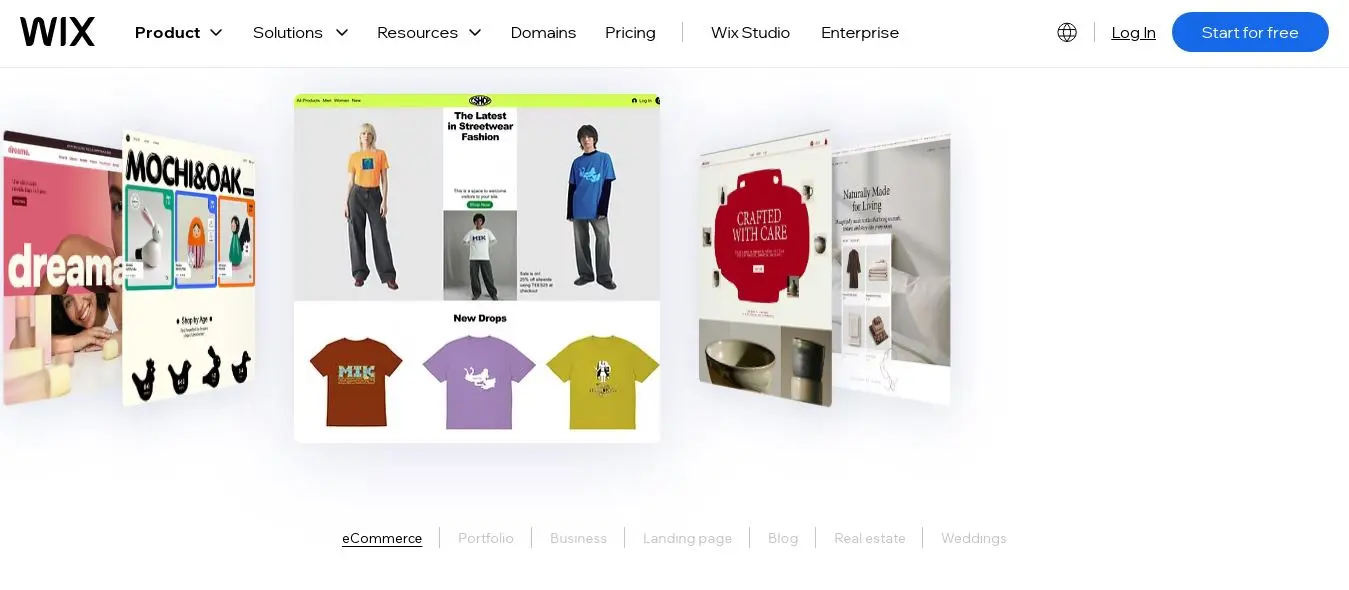
I found the drag-and-drop approach useful when I wanted a photography site that looked different from a standard portfolio template. Wix also gives me access to tools such as Wix Pro Gallery, Wix Bookings, and Wix Stores.
The downside became obvious at the same time: with more freedom comes more responsibility. It is easy for me to add animations, widgets, large images, and decorative elements that I don't really need.
Registration Experience
I found registration straightforward because Wix lets me start building a website for free before upgrading. Its current plans include a free option, while paid plans add custom domains and business features.
Key Features
Drag-and-drop editor
Extensive design customization
Wix Pro Gallery
Video and image galleries
Wix Bookings
Wix Stores
Large app marketplace
AI-assisted website creation
SEO tools
Custom domain support
Pricing
Wix currently lists a free plan alongside paid plans. The displayed price varies by location and billing period; its current page shows Light, Core, Business, and Business Elite tiers.
Pros
I get much more design freedom than with Squarespace.
The booking and e-commerce tools are useful.
The app marketplace gives me room to expand the site.
I can start without paying.
The AI tools can speed up the initial setup.
Cons
I can easily create a visually impressive but unnecessarily heavy website.
Image compression and page performance require more attention.
The number of options can feel overwhelming to a beginner.
My Verdict
Wix wins for me when creative freedom matters more than simplicity.
If I wanted to build a highly customized photography website and was willing to spend more time managing the design, I would choose Wix over Squarespace.
Format
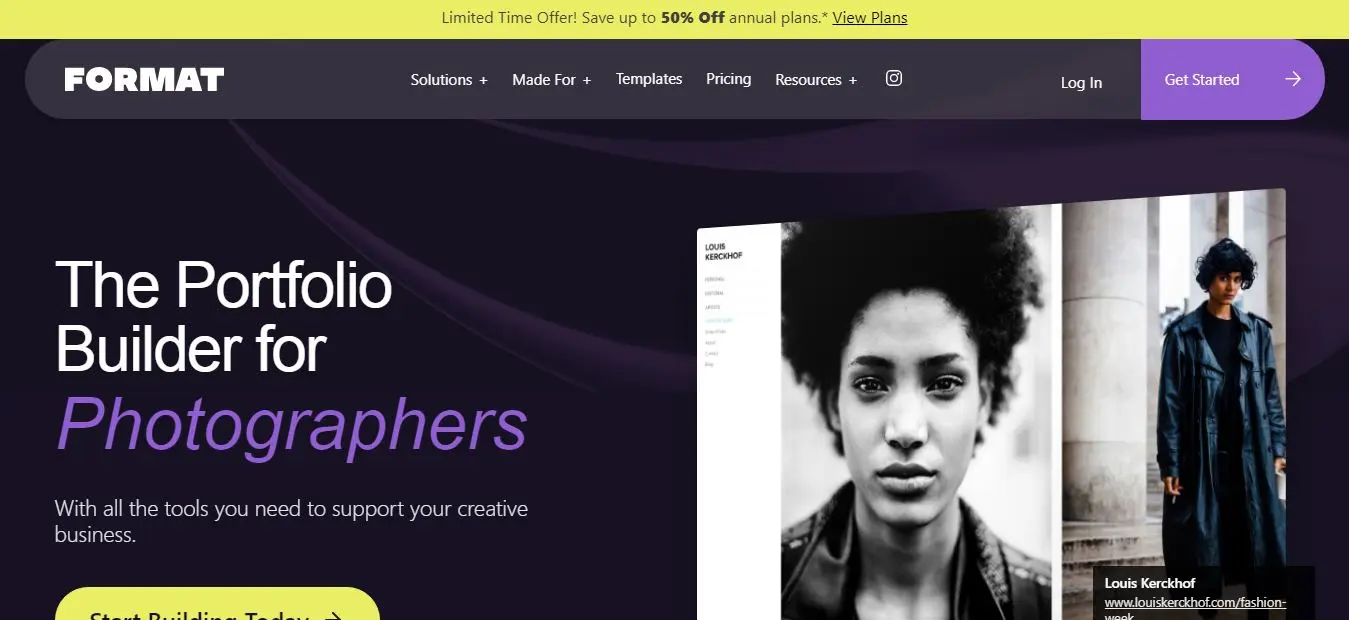
Format feels much more focused than Wix or Squarespace. I immediately noticed that the platform is built around creative portfolios rather than trying to serve every type of business.
That focus works well for photographers. The layouts put the images first, and the platform includes photography-specific functionality such as client proofing and image selection.
I would choose Format when my website's primary job is to present my work professionally rather than become a large content-marketing operation.
Registration Experience
I found Format's setup relatively simple and photography-oriented. The platform offers portfolio plans rather than making me navigate a large collection of unrelated business features.
Key Features
Photography-focused templates
Full-screen image presentation
Client proofing
Favorites and selections
Lightroom integration
Responsive layouts
Blogging
SEO basics
Pricing
Format's current Basic portfolio plan is listed at $120/year or $14/month. The company also offers Pro and Pro Plus tiers.
Pros
I get a genuinely photography-focused experience.
The portfolio presentation is clean.
Client proofing is built into the workflow.
The interface feels less distracting than a general-purpose builder.
Cons
I get less flexibility for large content-marketing projects.
SEO functionality is not as deep as WordPress.
I have fewer third-party options than with general-purpose platforms.
My Verdict
Format is my choice when the portfolio itself is the business's main digital asset.
If I wanted a clean photography portfolio with built-in client functionality and didn't need an extensive blog or complex website architecture, I would choose Format.
SmugMug
SmugMug feels less like a traditional website builder and more like a photography business platform.
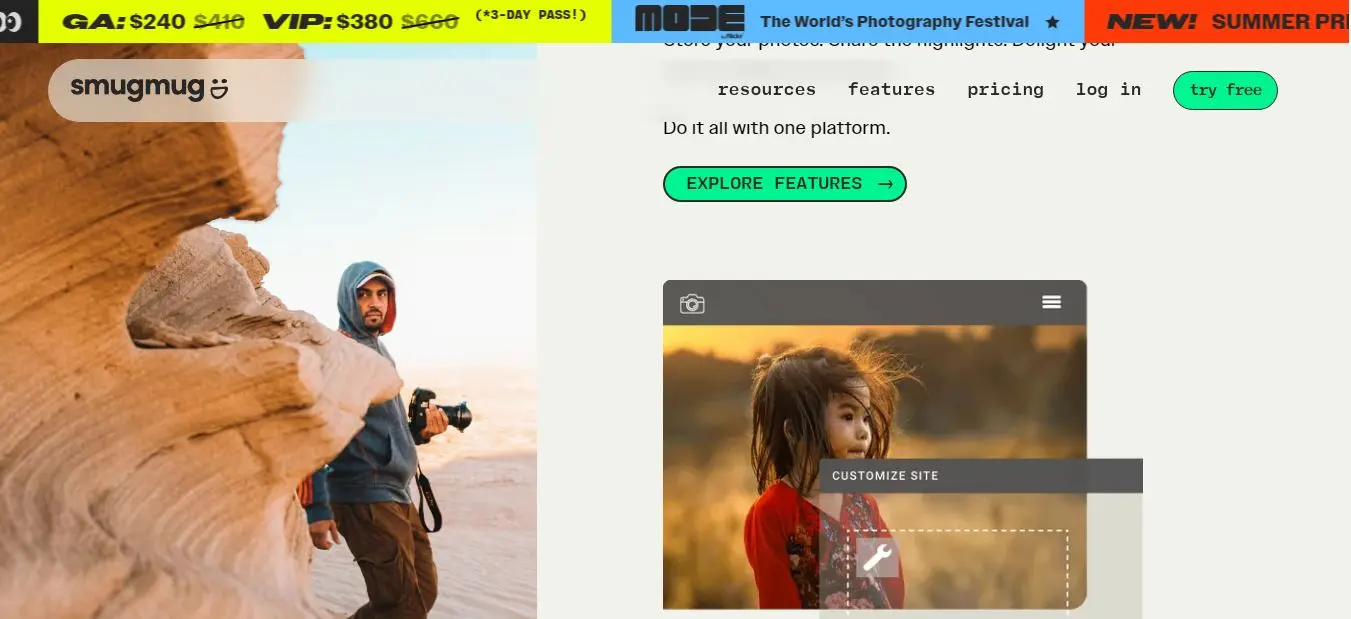
That is actually its biggest advantage for me. If I were managing thousands of photographs, delivering client galleries, selling prints, and working with professional labs, I would care less about having the most sophisticated homepage editor and more about the delivery and sales workflow.
SmugMug also offers Lightroom integration and extensive gallery controls.
Registration Experience
I found the entry process easy because SmugMug offers a 14-day free trial without requiring a credit card.
Key Features
Photography galleries
Client delivery
Proofing and favorites
Print sales
Digital downloads
Professional lab fulfillment
Custom price lists
Watermarks
Download controls
Lightroom integration
Unlimited JPEG storage
Pricing
SmugMug currently lists:
Direct: $20/month, billed annually
Portfolio: $23.50/month, billed annually
Pro: $37/month, billed annually
The Portfolio and Pro plans add selling, website, fulfillment, pricing, and client features.
Pros
I get an excellent photography delivery workflow.
Print fulfillment is a major advantage.
The gallery and proofing tools are strong.
Unlimited photo storage is valuable for high-volume photographers.
Lightroom integration makes the workflow more practical.
Cons
The website design experience is less flexible than Wix.
Blogging and content marketing are not its strongest areas.
I would choose another platform if SEO-driven publishing were my primary goal.
My Verdict
SmugMug wins when photography delivery and print sales are more important to me than sophisticated website design.
For a high-volume wedding, sports, or event photographer, I would take SmugMug's workflow advantages seriously.
Pixieset
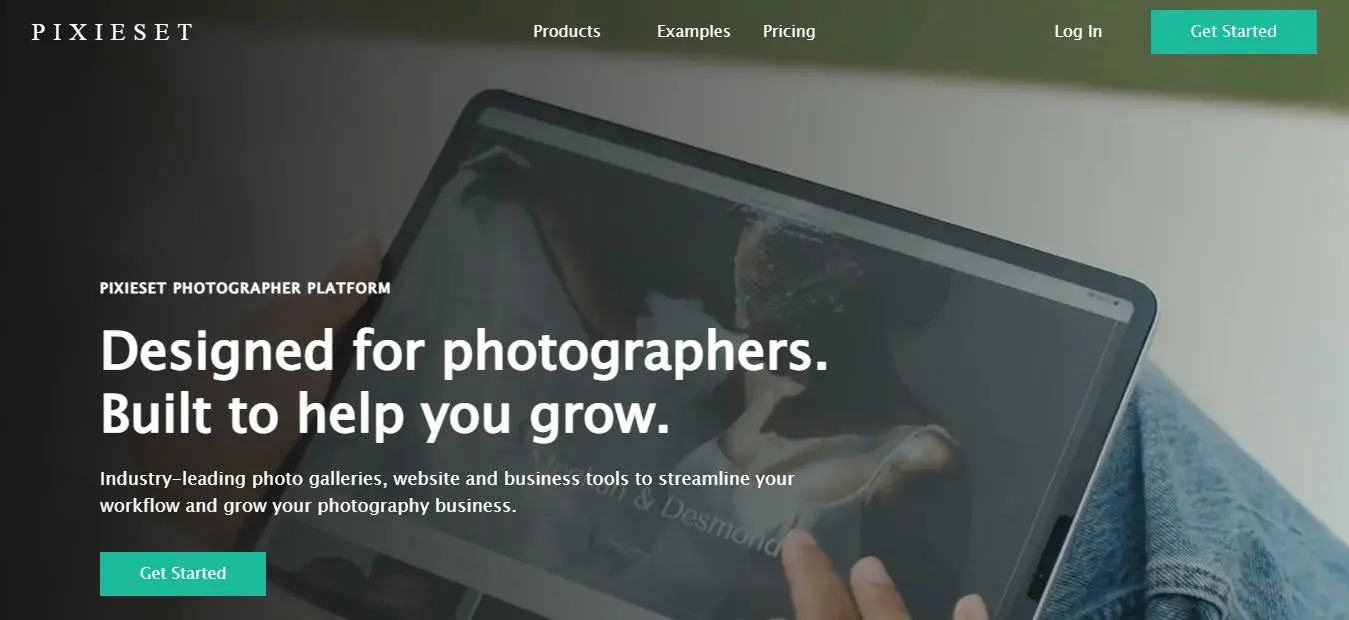
Pixieset is one of the platforms I would look at first if I were a wedding or portrait photographer.
The biggest advantage for me is the client experience. Instead of treating galleries as an afterthought, Pixieset makes them a central part of the platform.
I also like the fact that the ecosystem can cover galleries, websites, stores, and studio management.
Registration Experience
The registration process is particularly easy because Pixieset starts users on a free plan with no credit card required.
Key Features
Client galleries
Proofing
Favorites and selections
Portfolio website
Print sales
Digital downloads
Automatic fulfillment
Studio management
Booking and scheduling
Mobile gallery apps
Custom domains
Pricing
Pixieset currently offers a free Client Gallery plan. Its paid Client Gallery plans start at $8/month when billed annually, followed by Plus at $16/month, Pro at $24/month, and Ultimate at $40/month.
Its all-in-one Suite plans currently start at $28/month when billed annually.
Pros
I get an excellent client-gallery experience.
The platform is particularly well suited to wedding and portrait work.
The free tier makes testing easy.
Websites, galleries, and studio tools can work together.
The interface feels approachable.
Cons
I would not choose it for a very large content-marketing strategy.
Advanced website customization is more limited than WordPress.
Some advanced workflows require higher plans or additional products.
My Verdict
Pixieset is my winner for wedding and portrait photographers who want the client experience to be at the center of the website.
If I wanted beautiful galleries, client selection, delivery, and a simple website under one ecosystem, Pixieset would be difficult for me to ignore.
Zenfolio

Zenfolio stands out to me when the photography business has a lot of operational work behind it.
For school, sports, events, and high-volume photography, automation can matter just as much as design. Zenfolio combines galleries, proofing, selling, booking, scheduling, and other business tools.
The interface is more functional than design-led, but I see that as a reasonable trade-off for a studio that needs workflow automation.
Registration Experience
I found the starting process straightforward because Zenfolio offers free trials and lets photographers select a plan according to their workflow. The current plans include Portfolio, PortfolioPlus, and ProSuite.
Key Features
Client galleries
Proofing
Print fulfillment
Digital sales
Booking and scheduling
Studio management
Automated workflows
Custom price lists
Lightroom integration
Watermarks
High-volume photography tools
Pricing
Zenfolio currently lists annual prices starting at:
Portfolio: $7/month
PortfolioPlus: $11.50/month
ProSuite: $20/month
The regular monthly prices shown by Zenfolio are higher.
Pros
I get strong automation for high-volume work.
Print fulfillment and e-commerce are well integrated.
Client proofing is a major strength.
Booking and scheduling can reduce administrative work.
It is well suited to school, sports, and event photography.
Cons
The design experience is less impressive to me than Squarespace.
The interface feels more functional than creative.
Casual photographers may find the feature set unnecessary.
My Verdict
Zenfolio wins for me when operational efficiency matters more than having the most stylish website editor.
If I were running a busy studio with repetitive client, sales, and delivery tasks, I would seriously consider Zenfolio.
Pixpa
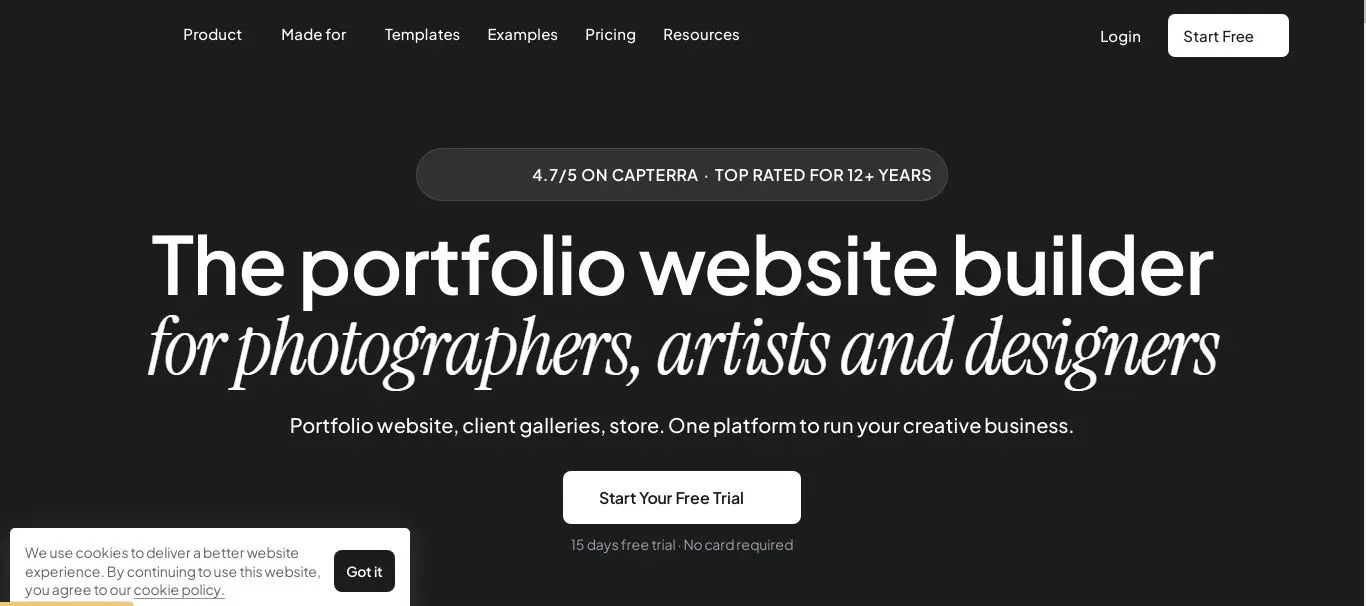
Pixpa gives me a lot of photography-specific functionality without pushing me into a complicated technical setup.
I particularly like the combination of portfolio pages, client galleries, proofing, digital downloads, print sales, and blogging. It makes Pixpa feel more complete than a simple portfolio builder.
Registration Experience
I found the registration process straightforward because Pixpa offers a 15-day free trial without requiring a credit card.
Key Features
Photography templates
Client galleries
Proofing
Favorites and comments
Digital downloads
Print sales
Print-lab fulfillment
Blogging
SEO tools
Online store
Marketing tools
Pricing
Pixpa currently offers Basic, Creator, Professional, and Advanced plans. The platform uses monthly, yearly, and two-year billing, with discounts depending on the billing period and current promotion. Prices can also vary because VAT or local taxes are added at checkout.
Pros
I get a strong feature-to-price balance.
Client galleries are useful.
Proofing and selection are built in.
Print and digital sales are supported.
The platform includes blogging and SEO tools.
I don't need to assemble several separate services.
Cons
The design ceiling is lower than Squarespace or Wix.
Advanced customization is more limited.
The editor is not my first choice for a highly experimental design.
My Verdict
Pixpa is my value winner.
If I were working with a limited budget but still needed galleries, selling tools, blogging, and a proper portfolio website, I would choose Pixpa before paying more for a collection of separate services.
WordPress + Elementor
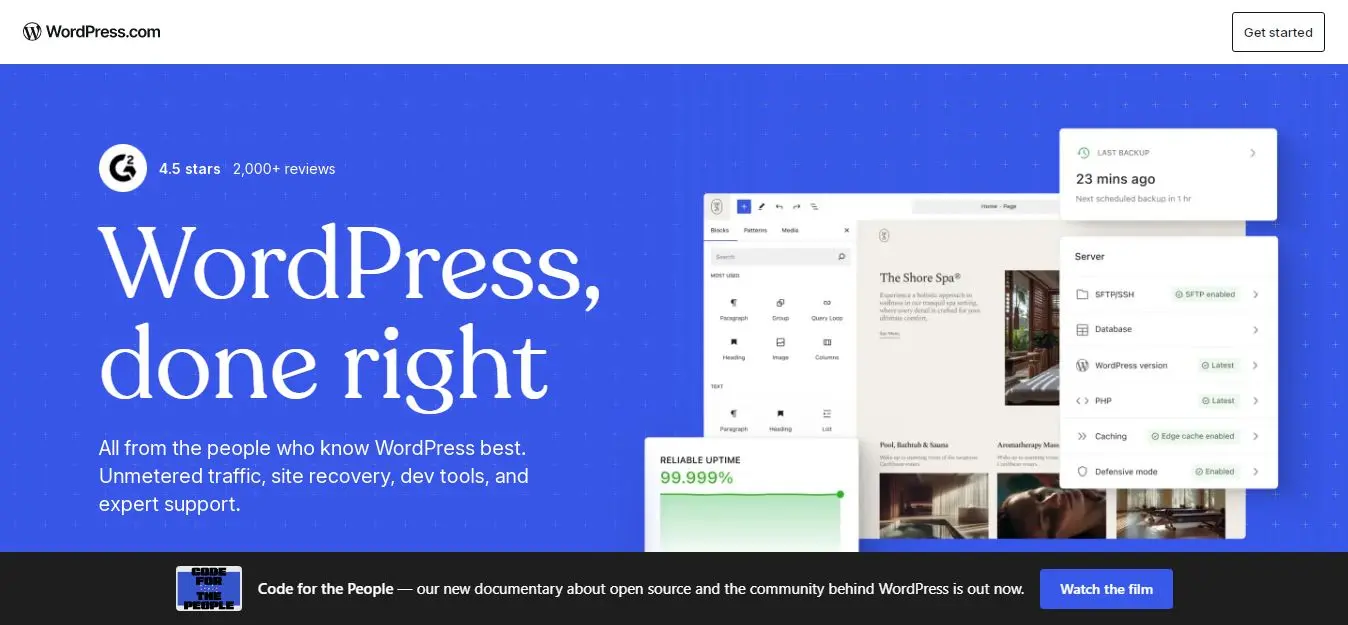
WordPress is the platform I would choose when I want maximum control and I'm willing to accept additional responsibility.
With Elementor, WooCommerce, SEO plugins, gallery plugins, and photography-specific tools, I can build almost any workflow I want. I can also control the site's architecture in a way that hosted builders don't always allow.
However, this flexibility comes with a cost. I have to think about hosting, security, updates, backups, plugins, themes, performance, and compatibility.
Registration Experience
The registration experience is different from the hosted builders because WordPress itself does not work as one single all-in-one website subscription in the same way as Squarespace or Wix.
If I use self-hosted WordPress, I first need hosting and a WordPress installation. Elementor then becomes another component of the setup.
That makes the initial process harder for me, particularly if I have little technical experience.
Key Features
Complete website architecture control
Elementor page builder
WooCommerce
SEO plugins
Gallery plugins
Custom themes
Extensive plugin ecosystem
Schema control
Canonical controls
XML sitemap control
Advanced redirects and technical SEO options
Pricing
Elementor's current Essential plan is listed at $5/month when billed annually, or $60 paid annually. Higher Elementor plans cost more.
I also need to budget separately for WordPress hosting, domain registration, premium themes, and potentially paid plugins.
Pros
I get the highest level of customization.
SEO control is excellent.
I can build highly specialized photography workflows.
The plugin ecosystem is enormous.
The site can scale considerably as my business grows.
Cons
I have to manage more technical maintenance.
Hosting is separate.
Security and updates require attention.
Plugins can create compatibility and performance issues.
The learning curve is considerably higher.
My Verdict
WordPress is my winner when control matters more than convenience.
If I were comfortable with technical maintenance—or willing to hire someone to handle it—I would choose WordPress for a competitive photography business that needs maximum SEO and customization control.
If I had no technical experience and simply wanted to launch my portfolio quickly, I would not choose it over Squarespace, Wix, Pixpa, or Pixieset.
How I Would Choose a Builder for Different Photography Niches?
Wedding and Portrait Photography
If I were a wedding or portrait photographer, I would prioritize client galleries, proofing, beautiful presentation, and easy print or digital sales.
My first choices would be Pixieset, Zenfolio, and Squarespace.
Pixieset would be my first choice if the gallery experience were central to the business. Squarespace would win if branding and website presentation mattered more.
Commercial and Editorial Photography
For commercial and editorial work, I would want project-based portfolios, case studies, strong typography, and an effective blog.
My first choices would be Squarespace and WordPress.
Format would also make sense if I wanted a simpler, portfolio-first experience.
Fine-Art and Personal Projects
For fine-art photography, I would put visual storytelling ahead of business automation.
I would choose Squarespace or WordPress.
I would use the flexibility of these platforms to create project pages that provide context rather than simply displaying a grid of photographs.
Hobbyists and Side-Hustle Photographers
If I were starting photography as a side business, I would keep costs and complexity under control.
I would look at Pixpa, Pixieset, Squarespace, or Wix first.
I would not pay for advanced studio automation until I actually needed it.
Full-Time Photography Businesses
For a full-time photography business, I would look beyond the portfolio.
I would consider scheduling, invoicing, client communication, payments, proofing, sales, CRM integrations, and the amount of administrative work the platform can remove.
For a high-volume business, Zenfolio or SmugMug could make more sense to me than a design-first platform.
My Final Verdict
For me, Squarespace is the best overall choice for photographers who want a polished portfolio, strong SEO, and easy setup.
Wix is better if I want maximum design freedom, while Format suits photographers who mainly need a portfolio. SmugMug is my pick for print sales and high-volume delivery, and Pixieset works especially well for wedding and portrait photographers.
Zenfolio stands out for workflow automation, Pixpa offers the best value, and WordPress + Elementor is my choice for maximum customization and technical SEO control. I’d also consider Adobe Portfolio if I already use Creative Cloud and only need a simple showcase.
Ultimately, I’d choose based on my workflow rather than the longest feature list. If I want simplicity, I’d choose Squarespace or Pixpa; for galleries and sales, Pixieset or SmugMug; and for advanced control, WordPress.
Frequently asked questions
Yes. I would treat social media as a discovery channel rather than a replacement for my website. I don't control another platform's algorithm, reach, or policies. With my own website and domain, I have much more control over my brand, content, SEO, portfolio, and client journey.
I would usually start with around 20–60 carefully selected images. The exact number depends on the niche, but I would prioritize variety, consistency, and quality instead of simply uploading everything.
If my website builder provides strong native gallery tools, I would keep everything together for simplicity. If it doesn't, I would happily use a dedicated gallery platform such as Pixieset, SmugMug, Zenfolio, Format, or Pixpa and connect it to my main website.
Yes, but I would treat the migration as a technical SEO project rather than simply copying pages. I would preserve important URLs where possible, create 301 redirects, migrate useful content and metadata, update internal links, and monitor Search Console after the switch.
I would review the site every few months. I don't think I need to redesign the entire website every year. Instead, I would regularly update galleries, recent work, testimonials, service information, and important copy.
Written by
Cyrus
Head of Marketing, Entro
Cyrus writes about mobile app marketing, ASO, and conversion optimization. He's spent the last 3+ years helping indie developers and startup founders get more downloads from organic channels, without paid UA budgets.
Before Entro, he ran growth for two consumer apps that together passed 500,000 downloads on the App Store. Most of what he writes comes from mistakes made with his own money first.
Related articles