Wix vs Squarespace for Local Businesses: Which Should You Choose in 2026?
Wix is better for local businesses that need bookings, ordering and add-ons; Squarespace is better for polished design with less fuss. Here is how they compare on price, features and SEO in 2026, and when Entro is the faster option.

Cyrus
For most local businesses, Wix is the better choice if you need appointment booking, online ordering or lots of add-ons, and Squarespace is the better choice if you want a polished design with less fuss. Wix starts at $17 a month and has a free plan; Squarespace starts at $19 a month after its July 2026 price rise and has no free plan. Both mean building your site by hand. If your business is on Google Maps, Entro builds one for you from your listing instead.
Entro is an AI website builder for local and small businesses. Paste a Google Maps link or a short description and Entro builds a complete, editable website in about a minute from your real photos, reviews, hours and business details. Every section can be edited with AI in plain language, and it is free to start, so you see the finished site before paying.
Below we compare Wix and Squarespace on what actually matters to a shop, café, salon, clinic or trade: price, ease of use, design, booking and ordering, and getting found on Google.
Key takeaways
- Choose Wix if you need bookings, online ordering or lots of add-ons; choose Squarespace if polished design and a simpler editor matter most.
- Wix starts at $17 a month (Light) and has a free plan with ads; bookings and payments start on Core at $29.
- Squarespace starts at $19 a month (Basic) after its July 2026 price rise, has no free plan, and charges a 2% fee on store sales on Basic.
- Wix does not let you switch to a different template after you publish; Squarespace lets you restyle the whole site at any time.
- Both build your site by hand from a template or AI draft. If you are on Google Maps, Entro builds a complete site from your listing in about a minute instead.
Wix vs Squarespace at a Glance
Wix and Squarespace are the two best-known website builders for small businesses, and they are built on opposite ideas. Wix gives you freedom and features: drag anything anywhere, add almost any tool. Squarespace gives you structure and polish: fewer choices, but a site that looks good by default. Here is the short version.
Wix | Squarespace | |
|---|---|---|
Best for | Businesses that need booking, ordering or many features | Design-led businesses that want a polished, simple site |
Starting price (annual) | Light, $17/mo | Basic, $19/mo |
Free plan | Yes, with Wix ads and a wixsite address | No, 14-day free trial |
Bookings and payments | Built in from Core, $29/mo | Payments from Basic; booking is a paid add-on |
Editor | Freeform drag-and-drop | Section-based |
Change template later | No, not after publishing | Yes, restyle any time |
Fee on store sales | No Wix fee, only payment processing | 2% on Basic, 0% on Core and up |
Add-ons | Large app market | Smaller set of extensions |
Free domain | 1 year on annual paid plans | 1 year on annual plans |
Wix vs Squarespace Pricing in 2026
Wix is cheaper to start, and the two are level at the plan most local businesses actually need. Wix Light is $17 a month and Squarespace Basic is $19 a month, but Wix Light cannot take bookings or payments. Once you need those, Wix Core and Squarespace Core both cost $29 a month on annual billing.
Wix plan | Price (annual, US) | Good for |
|---|---|---|
Free | $0 | Testing only: Wix ads and a wixsite.com address |
Light | $17/mo | A simple information site with no bookings or payments |
Core | $29/mo | Most local businesses: payments, basic store, scheduling |
Business | $39/mo | Busier stores and more advanced selling |
Business Elite | $159/mo | Large operations |
Squarespace plan | Price (annual, US) | Good for |
|---|---|---|
Basic | $19/mo | A polished information site; 2% fee on store sales |
Core | $29/mo | Selling online with no Squarespace sales fee |
Plus and Advanced | Higher, up to $99/mo for Advanced | Larger stores, subscriptions and advanced commerce |
Prices change
Squarespace raised its annual US prices in July 2026, so older comparisons still quote $16 for Basic and $23 for Core. Prices here are US annual billing as of November 2026; monthly billing costs more on both.
Watch the extras on both. Wix apps often add their own monthly fees, and Squarespace Scheduling and Email Campaigns are paid add-ons. Payment processing, usually around 2.9% plus 30 cents per card transaction, applies on both. Our guide to what a website costs in 2026 adds up the full yearly bill, including domains and renewals.
Which Is Easier to Use?
Squarespace is easier for most beginners. You build with full-width sections that snap into place, so the page stays tidy and adapts to phones on its own. You can't put an element just anywhere, which feels limiting at first but stops you from making layout mistakes. Most owners can get a clean Squarespace site live in an afternoon.
Wix is more flexible and more work. Its freeform editor lets you drag text, images and buttons to any spot on the page, and the app market adds almost any feature you can name. That freedom is great if you have a clear picture of what you want. It also makes it easy to build a cluttered page, and the mobile version sometimes needs its own adjustments.
One decision is hard to undo on Wix: the template. Once your site is published, Wix does not let you switch to a different template, so changing the overall look later means restyling or rebuilding. Squarespace lets you change fonts, colours and the overall style of the whole site at any time.

Design and Templates
Squarespace wins on design out of the box. Its templates are consistent, image-led and hard to make look bad, which is why photographers, florists, boutiques and restaurants with strong visuals often pick it. If you have good photos and want the site to feel premium without hiring a designer, Squarespace gets you there with less effort.
Wix has more templates, over 900, covering almost every type of business, and lets you change every detail. The quality varies more, and the final result depends on your taste and patience. Both also offer an AI option that drafts a first version from a description, but in each case you still replace the placeholder text and photos with your own.
Booking, Ordering and Payments for Local Businesses
For local businesses that take appointments or orders online, Wix is usually the stronger choice. Wix Bookings and payments are included from the Core plan, and Wix has its own restaurant ordering and reservation tools. Squarespace handles payments well, but appointment booking comes from Squarespace Scheduling, a separate paid add-on, and restaurant ordering usually means a third-party service.
Your business | Better fit | Why |
|---|---|---|
Salon, barber, spa | Wix | Bookings by service and staff member built in from Core |
Restaurant with takeaway | Wix | Its own ordering and table reservation tools |
Café or bakery with a menu | Either | Squarespace for a beautiful menu page, Wix if you want ordering |
Clinic or therapist | Wix | Native scheduling; check privacy needs for intake forms |
Boutique or gift shop | Squarespace | Polished product pages; use Core to avoid the 2% fee |
Photographer, florist, interior designer | Squarespace | Image-led templates that flatter good photos |
Plumber, electrician, cleaner | Either, or something faster | You mainly need calls and quote requests, not complex features |
For deeper, industry-specific comparisons, see our rankings of the best salon website builders and the best restaurant website builders.
Wix vs Squarespace for SEO and Local Search
Both Wix and Squarespace are good enough for SEO for a local business. Each lets you set page titles and descriptions, creates a sitemap, uses SSL and produces mobile-friendly pages. Neither will hold you back on Google, and neither will rank you on its own. Wix offers a guided SEO setup checklist, which some beginners find helpful.
For local search, the builder matters far less than three other things: a complete Google Business Profile that links to your site, the same business name, address and phone number everywhere, and real content about each service you offer. Our small shop website checklist covers what every local business page should include.
Wix Pros and Cons
Wix suits owners who want features and control and don't mind spending time setting things up. Its main drawbacks are the risk of a messy layout and the template lock-in after publishing.
Wix pros
- Native booking and payments from the Core plan, plus restaurant ordering and reservation tools
- Freeform drag-and-drop editor: put anything anywhere
- Large app market for extra features
- Free plan to try it, and a cheaper entry plan than Squarespace
- No Wix transaction fee on store sales, only payment processing
Wix cons
- The freedom makes it easy to build a messy, slow page
- You can't switch to a different template after publishing
- The cheapest paid plan (Light) can't take bookings or payments
- Apps add monthly costs on top of the plan
Squarespace Pros and Cons
Squarespace suits owners who care about how the site looks and want fewer decisions. Its main drawbacks are price, the lack of a free plan, and paying extra for booking.
Squarespace pros
- Polished, consistent templates that are hard to make look bad
- Section-based editor that keeps layouts tidy on mobile
- Restyle the whole site at any time
- Blogging, commerce and email campaigns (a paid add-on) in one place
- 14-day free trial without a card
Squarespace cons
- No free plan, and prices rose in July 2026
- 2% fee on store sales on the Basic plan
- Appointment booking is a separate paid add-on
- Fewer third-party extensions than Wix, and less layout freedom
If neither fits, our list of the best Squarespace alternatives covers cheaper and simpler options, and the ranking of the best website builders for small business compares eleven tools side by side.
The Faster Alternative: Entro
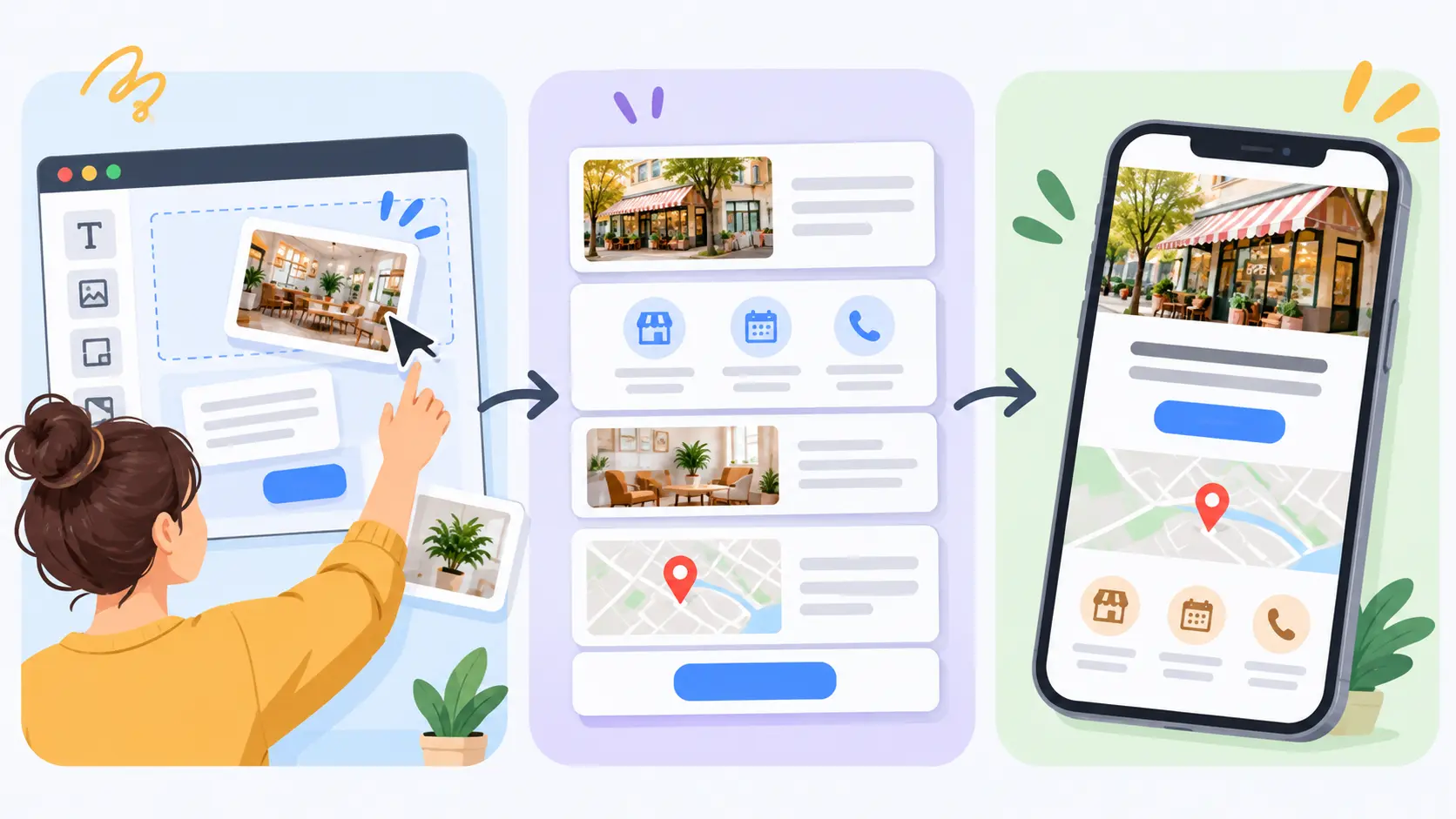
Entro is an AI website builder for local and small businesses, and it skips the step Wix and Squarespace both require: building the site yourself. Paste your Google Maps link and Entro pulls in your business name, photos, reviews, hours and contact details, then builds a complete website in about a minute. There is no template to choose and no placeholder text to replace.
Every section of an Entro site can then be edited with AI in plain language, such as "add a services and prices section" or "move the reviews higher", and only that section changes. It is free to start, so you see the finished site before paying. For the full walk-through, see how to create a website from a Google Maps link.
Pros
- Builds from your Google Maps link, pulling in your photos, reviews, hours and contact details
- Complete, editable website in about a minute, with no template to fill in
- Every section can be edited with AI in plain language
- Free to start: you see the finished site before paying
Cons
- Not built for large online stores
- Fewer third-party apps and integrations than Wix
- Needs a Google Maps listing or a short description to start from
Not right for you if…
You need a large online store, complex booking rules across many staff, or dozens of third-party apps. Wix, Squarespace or Shopify fit those jobs better.
Our verdict
If you are torn between Wix and Squarespace because you don't want to spend a weekend building, try Entro first. It builds a complete site from your Google listing in about a minute, free to start, and you can still move to Wix later if you outgrow it.
Pricing | Best for |
|---|---|
Free to start. Publishing and custom domain plans are on the pricing page. | Local businesses on Google Maps that want a professional site without building it themselves |
Common Mistakes When Choosing Between Wix and Squarespace
Most regrets come from choosing on looks alone, or from not noticing what the cheapest plan leaves out. These are the mistakes worth avoiding.
Mistake | Why it hurts | The fix |
|---|---|---|
Picking Wix Light and planning to take bookings | Light can't take bookings or payments | Budget for Core at $29/mo |
Choosing a Wix template without much thought | You can't switch templates after publishing | Pick a layout close to what you want before you build |
Selling on Squarespace Basic | Every sale pays a 2% Squarespace fee | Move to Core once sales are regular |
Comparing old prices | Squarespace rose in July 2026; many reviews are out of date | Check the live pricing pages before you commit |
Forgetting add-on costs | Apps, scheduling and email add-ons raise the monthly bill | List the features you need and price them up front |
Spending weeks on design | The site earns nothing while it is unfinished | Launch a clear, simple version first, then improve it |
The Bottom Line
Pick Wix if your website has to work hard, taking bookings, orders and payments, and you are happy to spend time setting it up. Pick Squarespace if you want a beautiful, low-maintenance site and don't need built-in booking. And if what you really want is a professional site live today, start from your Google listing with Entro, then decide later whether you need either.
Skip the template
Paste your Google Maps link into Entro and get a complete, editable website built from your photos, reviews and hours in about a minute. Free to start.
Updated November 2026.
Frequently asked questions
Wix is better for most local businesses that need appointments, online ordering or payments, because those tools are built in from the Core plan. Squarespace is better if design polish and a tidy, simple editor matter more than features. Both are solid; the right one depends on what your site has to do.
Yes, at the entry level. Wix Light costs $17 a month and Wix has a free plan with ads, while Squarespace Basic costs $19 a month after the July 2026 price rise and has no free plan. For bookings and payments, Wix Core and Squarespace Core both cost $29 a month, billed annually.
Squarespace is easier for most beginners because its section-based editor keeps layouts tidy and mobile-friendly. Wix is more flexible, letting you drag anything anywhere, but that freedom makes it easier to end up with a cluttered page that needs extra work on mobile.
Not after you publish. Wix does not let you move a live site to a different template, so changing the look means rebuilding or restyling the existing one. Squarespace lets you restyle the whole site at any time, which makes later redesigns easier.
Wix. Wix Bookings is part of the Core plan and up, so salons, clinics and trades can take appointments and payments without an add-on. On Squarespace, appointment booking comes from Squarespace Scheduling, a separate paid add-on with its own monthly fee.
Wix, for most restaurants. Wix offers its own restaurant ordering and table reservation tools, while Squarespace relies on menu blocks and third-party services for ordering and reservations. Squarespace can still suit a restaurant that mainly needs a beautiful menu and contact page.
Both are good enough for a local business. Each handles page titles, descriptions, sitemaps, mobile layouts and SSL. For local search, your Google Business Profile, consistent name, address and phone, and real service content matter far more than which of the two builders you pick.
Yes, if your business is on Google Maps. Entro is an AI website builder for local businesses that builds a complete, editable website from your Google Maps link in about a minute, using your real photos, reviews and hours. It is free to start, and every section can be edited with AI in plain language.
Not automatically. Neither platform exports a site the other can import, so switching means rebuilding the pages and moving your content by hand. You can transfer your domain between them. That is why it is worth choosing carefully, or starting with a tool that builds a site for you quickly.
Written by
Cyrus
Head of Marketing, Entro
Cyrus writes about mobile app marketing, ASO, and conversion optimization. He's spent the last 3+ years helping indie developers and startup founders get more downloads from organic channels, without paid UA budgets.
Before Entro, he ran growth for two consumer apps that together passed 500,000 downloads on the App Store. Most of what he writes comes from mistakes made with his own money first.
Related articles