7 Best Website Builders for a Portfolio Site in 2026 (All Professions)
The best portfolio website I ever came across was three pages long. A homepage with six work samples in a grid. An about page with a headshot and two paragraphs. A contact page with a form and an email address. Its owner was getting consistent inbound from new clients who found it through Google and through referrals where someone had said "go look at their work before you call."

Cyrus

The best portfolio website I ever came across was three pages long. A homepage with six work samples arranged in a grid. An about page with a headshot and two paragraphs about what the person did and how they thought about their work. A contact page with a form and an email address.
Its owner was getting consistent inbound from new clients who had found it through Google and, more often, through referrals where someone had said 'go look at their work before you call.' The site did not win business because of its features. It won because the work was strong and the site got completely out of the way.
That principle is what separates a good portfolio website builder from a mediocre one. A portfolio site's job is to present work credibly and make it frictionless to get in touch. The builder you choose should enable both without adding visual noise, loading delays, or structural complexity that pulls attention away from the work itself.
Every builder on this list does that. Where they differ is in which type of portfolio they serve best, and that is the question this guide answers.
Portfolio Types: What Each One Needs
Portfolio type | What the builder must do well |
Visual design / illustration | Large images, flexible grid layouts, generous whitespace, fast loading. The work must be the page. |
Photography | Full-bleed galleries, client proofing, print selling, lightbox functionality. |
Writing / content | Clean text presentation, category filtering, external link management, simple contact. |
Developer / engineer | Project cards with case study depth, GitHub linking, technical credibility, professional aesthetics. |
UX / product design | Case study structure with process documentation, prototype embedding, before-and-after layouts. |
Consultant / professional | Credentials display, testimonials, clear service description, booking integration. |
Best Portfolio Website Builders at a Glance
Best Overall Squarespace Most polished result for the widest range of professions From $16/month | Best for Developers Webflow Custom design output without writing code Free / $14/month |
Best for Designers Cargo Experimental layouts that communicate design thinking Free / $13/month | Best for Photographers Format Portfolio and client delivery on one subscription From $9/month |
Best for Writers WordPress.com Best content management for text-led portfolios From $4/month | Most Features Wix Portfolio plus booking, selling, and newsletter in one place Free / $17/month |
Quick Comparison: All 7 Builders
Builder | Best portfolio type | Visual quality | Learning curve | Price from |
Squarespace | Most professions | Excellent | Low | $16/month |
Webflow | Developers, UX designers | Professional (custom) | High | Free / $14/month |
Cargo | Graphic designers, visual artists | Exceptional (distinctive) | Medium | Free / $13/month |
Format | Photographers | Very Good (photo-first) | Low | $9/month |
WordPress.com | Writers, journalists | Clean (text-first) | Medium | $4/month |
Wix | Multi-function professionals | Good | Low | Free / $17/month |
Notion + Super | Developers, writers (minimal) | Minimal | Very low | $16/month (Super) |
Detailed Reviews: Every Builder Tested
Squarespace

1. Squarespace Best overall portfolio website builder for most professions | |
Squarespace is the most consistently effective portfolio builder across the widest range of professions, and after testing every other option on this list, that reputation is earned. The templates are polished in a way that requires almost no additional design work before they look professional. The image handling preserves quality at every plan level. Blueprint AI, released in 2025, generates a starting site tailored to your goals and field rather than pulling from a generic library, which makes the first draft genuinely more usable than any other AI generator tested. | |
For photographers, designers, consultants, writers, and creative professionals who want a professional portfolio without spending weeks in an editor, Squarespace produces the best average outcome with the least average effort. The editor is approachable without being restrictive: you can spend an afternoon with it and publish something that looks considered. You can also spend several weeks refining it if the work warrants that level of attention. | |
The cases where Squarespace is not the right answer: if you need client gallery proofing built in, Format handles that natively. If you need pixel-perfect custom design, Webflow gives you that at the cost of a much steeper learning investment. If your entire portfolio is text-based writing, WordPress.com has more powerful content infrastructure. But for the majority of professionals building a portfolio in 2026, Squarespace is where to start. | |
Pros | Cons |
Most polished templates for portfolio presentation across all professions | No native client gallery proofing or delivery |
Excellent high-resolution image handling at every plan level | Template cannot be changed once the site is live without rebuilding |
Blueprint AI generates a coherent, tailored starting design | More expensive than Cargo or Format at equivalent features |
Integrated selling for prints, products, and digital downloads | Less visually distinctive than Cargo for design-specific portfolios |
Strong local SEO tools for professionals who also serve local clients |
|
14-day free trial, no credit card required |
|
Our verdict: If you need to pick one builder and you are not sure which creative category you sit closest to, start with Squarespace. It handles the widest range of portfolio types at the highest average quality. | |
Pricing: Personal $16/month. Business $23/month. Commerce Basic $28/month. 14-day free trial. Best for: Photographers, designers, consultants, and professionals who want a polished portfolio with minimal setup effort. | |
Webflow
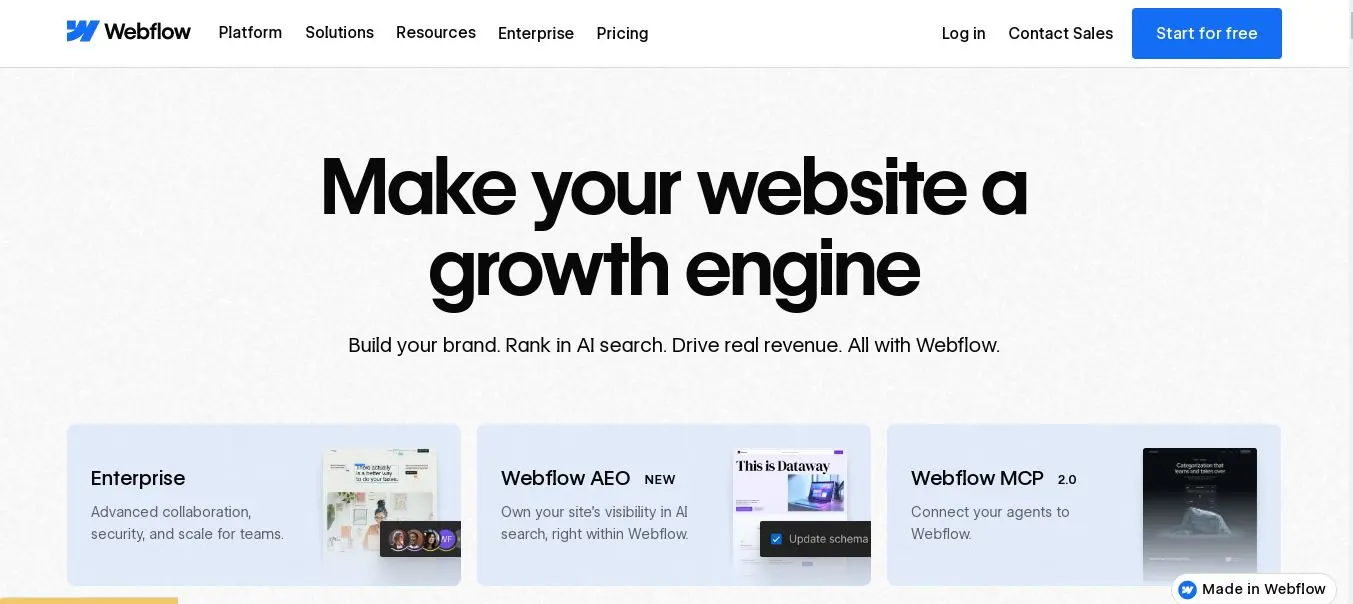
2. Webflow Best portfolio for developers and UX designers | |
Webflow is the standard portfolio builder for developers, UX designers, product designers, and anyone in the technology creative space for whom the website itself is a signal of technical credibility. The visual editor produces clean, semantic HTML without writing code, but the learning curve is real: this is not a platform you launch on in an afternoon without prior experience. The investment is a week or more of focused learning. The return is a portfolio that looks genuinely custom and technically professional in a way that no template-based builder matches. | |
For a developer or UX designer, the implicit message of a Webflow portfolio is meaningful. A hiring manager or client who looks at a Webflow site knows the person who built it understood how websites work at a structural level. That signal is part of the portfolio before they see a single piece of work. No other builder creates that effect for a technical audience. | |
The CMS is built in for managing multiple case studies or project pages without rebuilding each one manually. Interaction animations and scroll effects are available without plugins or custom code, which matters for motion designers and interaction designers who want the site behavior to demonstrate their skills. The free plan on a Webflow subdomain is a genuine starting point for testing the platform before committing to a paid tier. | |
Pros | Cons |
Most technically impressive output of any no-code builder on this list | Steepest learning curve of any builder on this list by a significant margin |
Clean, semantic code that loads fast and impresses technical reviewers | Not suitable for professionals who need to be live this week |
CMS for managing multiple case studies and project pages efficiently | More expensive at commercial tiers than Squarespace |
Interaction animations for motion designers and UX professionals | eCommerce less developed than Shopify for print or product selling |
Free plan includes a working portfolio on a Webflow subdomain |
|
Our verdict: If you are a developer or UX designer and you can invest the time in learning the platform, Webflow produces the most professionally credible portfolio output available without writing code. The investment is real. So is the result. | |
Pricing: Free (Webflow subdomain). Basic $14/month. CMS $23/month. Business $39/month. Best for: Developers, UX designers, product designers, and technically-minded creatives who want maximum design control. | |
Cargo
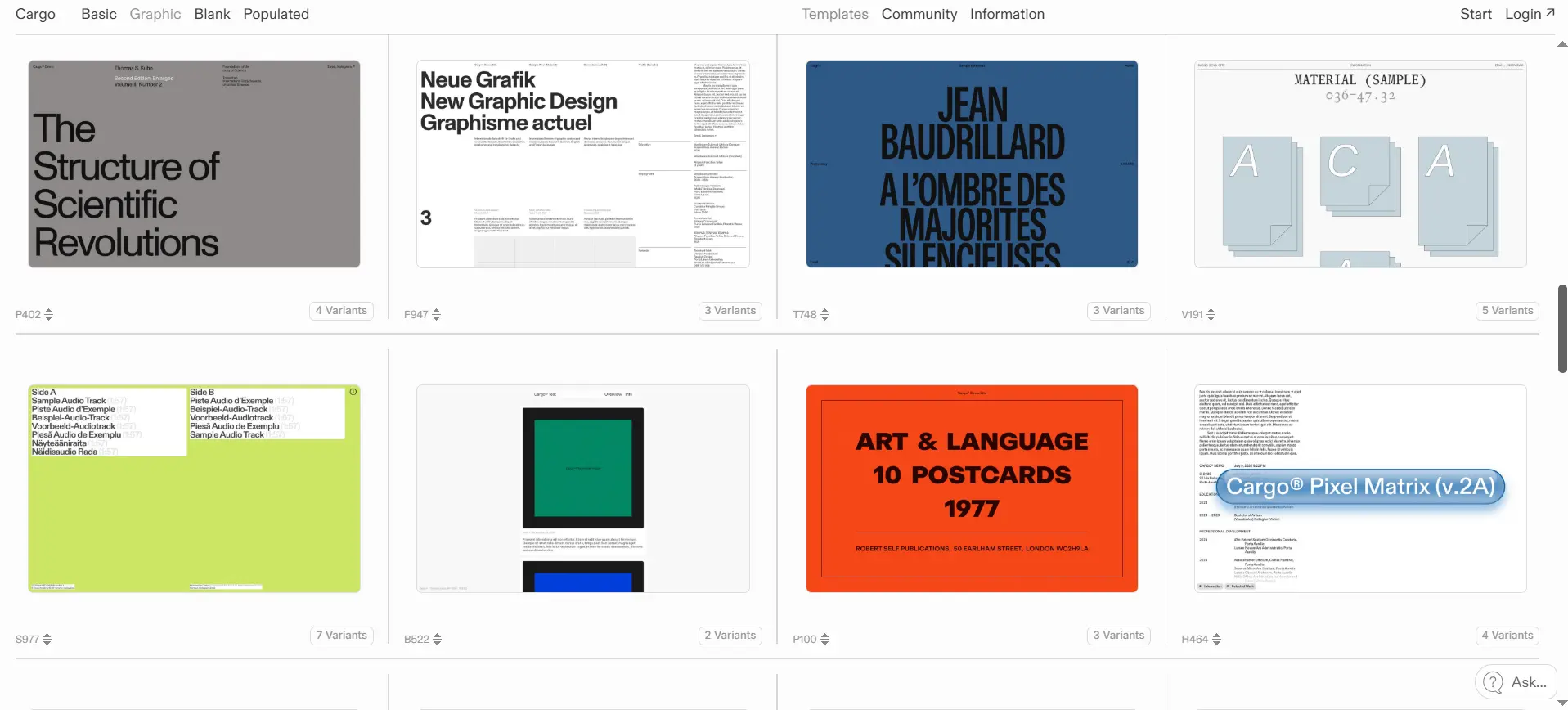
3. Cargo Best portfolio for graphic designers and visual artists | |
Cargo is the builder graphic designers, creative directors, and fine artists use when they want their portfolio to look nothing like a template. The default layouts are unconventional. The navigation paradigms are different from anything a general builder produces. The type tools are more developed than Squarespace or Wix. The result is a site that communicates visual intelligence before a visitor has looked at a single piece of work. | |
Cargo is used as the professional standard among working graphic designers at senior levels, including designers with work in galleries, museums, and major brand campaigns. If the people who will review your portfolio are design-literate, a Cargo site signals that you are serious in a way that a Squarespace template cannot, regardless of how well-chosen that template is. | |
The honest trade-off is that Cargo rewards a specific kind of creative investment. If you want to be live in an afternoon without thinking carefully about how your site itself communicates, Squarespace will serve you better. Cargo is for the creative who treats the portfolio presentation as seriously as the work inside it. | |
Pros | Cons |
Most visually distinctive portfolio output on this list | Less intuitive for non-designers: the learning is part of the experience |
Layouts that communicate design thinking rather than just displaying work | No ecommerce or selling capability worth noting |
Strong type-first design tools for graphic designers | No booking or service business features |
Used as a professional standard by working designers and creative directors | Smaller tutorial and support ecosystem than Squarespace or Wix |
Free plan for basic portfolio use on a Cargo subdomain |
|
Our verdict: Right for graphic designers, art directors, and visual artists who treat their portfolio site as a design project. Not the fastest route to live, but the most distinctive result for a design-literate audience. | |
Pricing: Free (Cargo subdomain). Pro $13/month. Studio $24/month. Best for: Graphic designers, creative directors, illustrators, and fine artists who want a portfolio that reflects design thinking. | |
Format
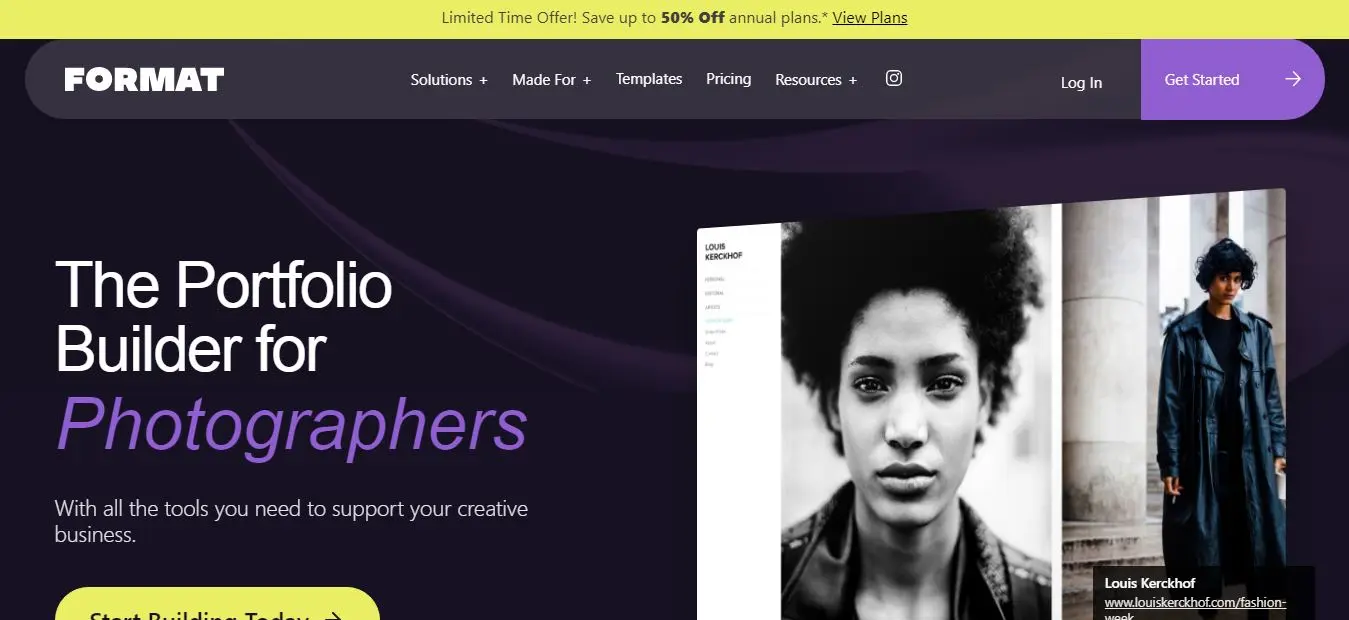
4. Format Best portfolio specifically for photographers | |
Format is built for photographers and visual creatives who need both a public portfolio and a professional client delivery system. That combination is what makes it different from every other option on this list. Password-protected client galleries with image approval, selection comments, and download controls are native on every paid plan. Branded file delivery means clients access their images from your domain, not a generic service. That detail matters more than most photographers think it does. | |
The 90 plus portfolio templates are all designed for visual work. Gallery formats include grid, slideshow, horizontal scroll, and lightbox. Every template is optimised for photography first, which means you do not need to work against the template to make your images look good. They look good by default. | |
For a photographer currently paying separately for a portfolio builder and a gallery delivery tool like Pixieset or Pic-Time, Format consolidates both under one subscription at a combined cost that is typically lower. The zero commission on print and digital product sales at every paid tier removes another line item. | |
Pros | Cons |
Client gallery proofing native on every paid plan: approval, comments, selection | Less flexible for non-portfolio pages like multi-section service sites |
90 plus templates all designed and optimised for photography display | Weaker marketing and SEO tools than general builders |
Branded file delivery at your own domain URL | Less well-known than Squarespace in some client conversations |
Zero commission on print and digital product sales | eCommerce at high volume less developed than Shopify |
Video hosting included up to 120 minutes depending on plan |
|
Our verdict: If you are a professional photographer who delivers work to clients, Format is the most complete solution on this list. It replaces two separate subscriptions (portfolio builder and gallery delivery tool) with one. | |
Pricing: Basic $9/month. Pro $16/month. Pro Plus $25/month (billed annually). 14-day free trial. Best for: Wedding, portrait, commercial, and product photographers who need client delivery alongside their public portfolio. | |
WordPress.com
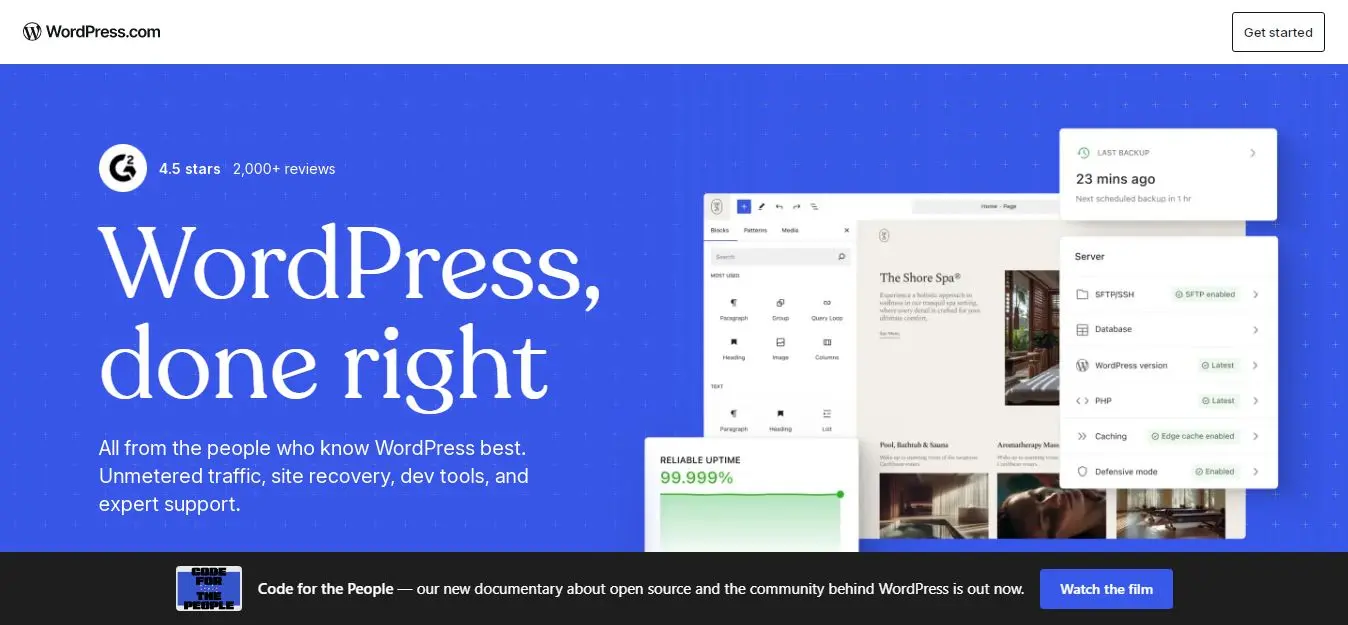
5. WordPress.com Best portfolio for writers and content professionals | |
WordPress is the platform writers, journalists, bloggers, and content professionals use for their portfolios, and the reason is straightforward: the content management infrastructure is the most capable of any option on this list for text-based work. Category and tag management, a powerful search system, long-form post formatting, and the editorial credibility that comes from being the platform that most serious writers publish on all matter when your portfolio is primarily text. | |
For a writer whose portfolio needs to demonstrate range, voice, and depth across many pieces over time, WordPress.com handles that better than Squarespace or Wix. The ability to filter work by category, link to external publications with context, and maintain a blog as part of the portfolio creates a richer professional picture than a static sample page. | |
The limitation is visual polish out of the box. WordPress.com templates are functional and clean but they do not match Squarespace's aesthetic quality by default. For a writer whose work speaks for itself, that gap is acceptable. For a writer who also needs their portfolio to impress visual audiences, investing in a premium WordPress theme closes it substantially. | |
Pros | Cons |
Best blogging and content management infrastructure of any builder on this list | Less visually polished out of the box than Squarespace |
Strong SEO tools for writers building organic discovery over time | eCommerce requires the $40/month Business plan minimum |
Category and tag filtering for managing large writing portfolios | More complex to maintain than Squarespace for non-technical users |
Platform carries editorial credibility for journalist and writer audiences | Newsletter and email list require third-party integration |
50,000 plus plugins available on paid plans (since April 2026) |
|
Our verdict: If your portfolio is primarily writing and you want the infrastructure that handles a large body of text-based work with categories, filtering, and SEO built in, WordPress.com is the most capable option on this list. | |
Pricing: Personal $4/month. Premium $18/month. Business $40/month. Best for: Writers, journalists, copywriters, content strategists, and text-led professionals building an editorial portfolio. | |
Wix
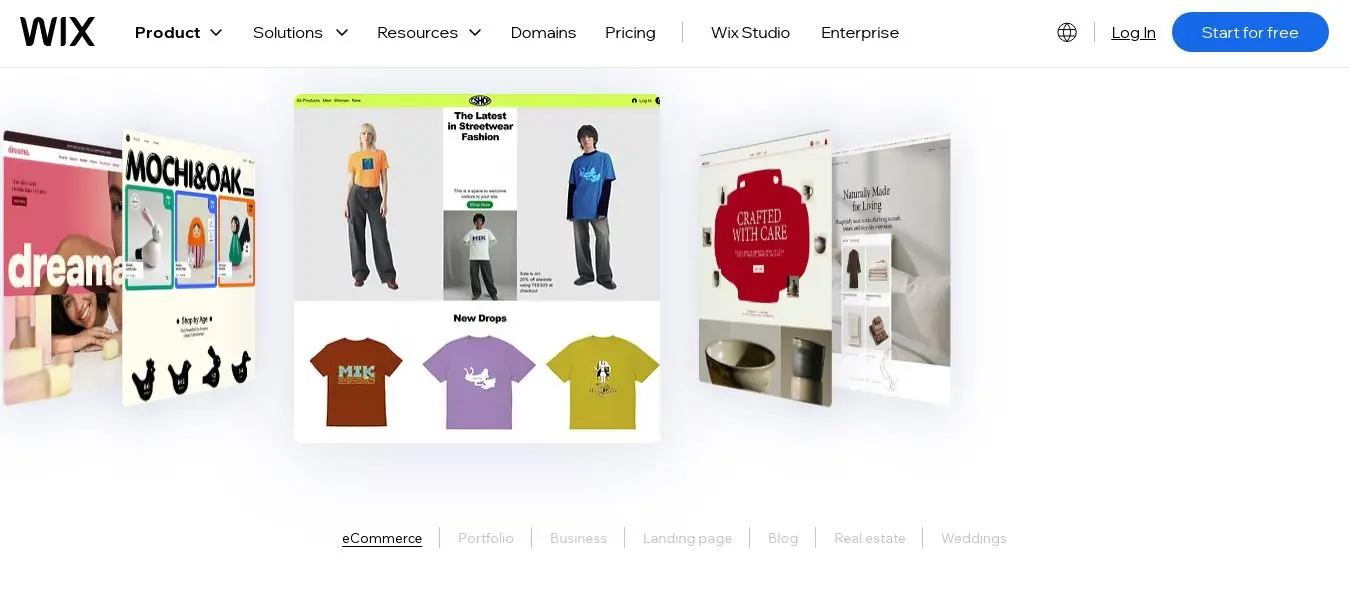
6. Wix Best for professionals who need portfolio plus multiple business functions | |
Wix is not the most visually distinctive portfolio builder on this list, and it is worth being honest about that upfront. Cargo produces more distinctive design output. Squarespace produces more polished templates. But Wix offers more features in one place than any other option here, which matters for the professional whose portfolio is one function among several that the website needs to serve. | |
For a consultant who also takes bookings, sells digital products, sends a newsletter, and runs occasional workshops, Wix's ecosystem covers all of it without requiring separate subscriptions for each function. The App Market means that as the business grows and new needs emerge, adding a capability does not require migrating to a new platform. That compounding flexibility is Wix's real advantage over more specialist builders. | |
The free plan is a genuine starting point for evaluating the platform without financial commitment. The limitation is the Wix subdomain and branding that the free plan adds to your URL, which is not suitable for a professional-facing portfolio. Upgrading to the Light plan at $17/month removes both and connects a custom domain. | |
Pros | Cons |
Most features in one place: portfolio, booking, selling, email, and events | Less visually distinctive than Squarespace or Cargo for pure portfolio use |
Large App Market for adding capabilities as the professional practice grows | Template cannot be changed once the site is live |
900 plus templates including many creative and professional layouts | Pages are not exportable if you decide to leave the platform |
Zero transaction fees on ecommerce plans | Feature richness can feel overwhelming for professionals who only need a portfolio |
Free plan for evaluating the platform without commitment |
|
Our verdict: Right for service professionals whose website needs to handle booking, selling, and communication alongside the portfolio. Not the best choice if the portfolio is the only function you need. | |
Pricing: Free plan. Light $17/month. Core $29/month. Best for: Consultants, coaches, and service professionals whose website needs to do more than display a portfolio. | |
Notion + Super
7. Notion + Super Best minimal portfolio for developers and writers on a budget | |
Notion combined with Super (a tool that publishes Notion pages as websites) creates a minimal, fast portfolio at very low cost. You write your portfolio content in Notion, which most developers and knowledge workers already use. Super converts it into a clean website with a custom domain in about 30 minutes. The aesthetic is recognisable to anyone in the technology space and it reads as intentional minimalism rather than as a failure to design something. | |
For a developer or technical writer who wants something live today without design decisions, a Notion-based portfolio is a legitimate option that takes less than an hour to set up. The content is managed in Notion, which means updates are made in a familiar environment rather than in a separate website editor. | |
The honest limitation is ceiling. Notion plus Super is not a long-term scalable solution for a professional practice that grows in complexity. It works well for a portfolio that shows projects and writing. It is not suitable for visual artists, photographers, or anyone who needs image galleries, client delivery, or ecommerce. It is the right starting point for the professional who wants to be visible online immediately and refine the presentation later. | |
Pros | Cons |
Fastest setup of any option on this list: under an hour from zero to live | Not suitable for visual artists, photographers, or image-heavy portfolios |
Clean, intentional minimal aesthetic that reads well in technical circles | Limited design customisation beyond Notion's native layouts |
Content managed in Notion, a tool most developers already use | Less professional than Squarespace or Webflow for formal client contexts |
Very low cost relative to dedicated portfolio builders | Not a long-term scalable solution as the portfolio grows in complexity |
Good for developers and technical writers who want something live quickly |
|
Our verdict: Right for developers and technical writers who want a portfolio live today without design overhead. Not a permanent solution for most professionals, but a fast and credible starting point. | |
Pricing: Notion free tier available. Super from $16/month (Starter). Best for: Developers and technical writers who want a minimal, fast portfolio without design decisions. | |
Final Note
The best portfolio website is not the one with the most features. It is the one where the work is visible, the contact is easy, and nothing about the site itself distracts from the reason someone landed on it.
If you are a designer or visual artist: Squarespace for a polished result fast, Cargo for a distinctive result that reflects design thinking, Webflow if you want to demonstrate technical skill through the site itself. If you are a photographer: Format, which handles client delivery natively and saves you a separate subscription. If you are a writer: WordPress.com, where the content infrastructure matches the depth of a serious editorial portfolio. If you need more than a portfolio: Wix, which handles booking, selling, and communication alongside the work.
Whatever you choose: publish something today and improve it later. A portfolio that is live and imperfect is worth more to your career than a perfect portfolio that does not exist yet.
Frequently asked questions
Most effective portfolio websites are 3 to 5 pages: a homepage showcasing selected work, an about page with professional background and credentials, and a contact page with a form and email address. A dedicated work or case studies page is worth adding once you have enough pieces to warrant its own navigation item. Fewer pages are almost always better than more. A portfolio's job is to create a clear picture of your work and make it easy to get in touch. Adding pages beyond those three core functions usually adds friction rather than credibility.
Only if you will actually maintain it. A blog with two posts from three years ago tells visitors more about your follow-through than it does about your work. If you write regularly and the writing is relevant to how clients or employers evaluate you, a blog is worth maintaining and worth the investment of a platform like WordPress.com that handles it well. If you are unsure whether you will maintain it, do not build one. You can always add it later. Starting without one and adding it when you genuinely have something to say is a more effective approach than launching with one and abandoning it.
Yes, on the right platform. Squarespace, Wix, Format, and Hostinger are all designed for non-technical users and produce professional results without any coding. The most common point of difficulty for non-technical professionals is not the page building itself but the initial decisions about structure and layout. The builders on this list handle both with templates and AI site generators that give you a credible starting point within minutes. Webflow is the exception: it requires genuine technical investment and is not suitable for someone who wants to be live without learning a new tool from scratch.
A portfolio website is primarily organized around showing work: projects, case studies, writing samples, photography, or other output. The purpose is to demonstrate capability to a potential client, employer, or collaborator. A personal website is broader: it might include a portfolio, but it also covers writing, interests, a resume, and other facets of a person's professional identity. The distinction matters for which builder you choose because portfolio-first builders like Squarespace and Cargo are optimised for presenting work, while general-purpose builders like Wix and WordPress.com are better suited to multi-function personal sites. Start with your primary goal and choose accordingly.
Yes, for professional use. A custom domain, yourname.com or yourstudio.com, is the minimum threshold for a portfolio you would share in a professional context. A subdomain like yourname.squarespace.com or yourname.webflow.io signals that the site is a free or unpaid version of the platform and raises questions about commitment that a custom domain does not. All paid plans on every builder in this guide support custom domains. Many include a free first year of domain registration with the subscription. The cost of a domain is typically $10 to $20 per year, which is not a meaningful barrier relative to the professional credibility it adds.
Most professionals spend $15 to $30 per month on a portfolio website builder. That range covers Squarespace Personal at $16/month, Format Pro at $16/month, Webflow Basic at $14/month, and Wix Core at $29/month. Budget options like Cargo Pro at $13/month, Format Basic at $9/month, and WordPress.com Personal at $4/month bring the cost below $15/month for simpler needs. The most important financial consideration is not the monthly cost but whether the builder you choose supports the professional goals you have for the portfolio: a $16/month Squarespace plan that gets you consistent inbound is a better investment than a $4/month plan on a platform where you never feel comfortable updating the content.
Written by
Cyrus
Head of Marketing, Entro
Cyrus writes about mobile app marketing, ASO, and conversion optimization. He's spent the last 3+ years helping indie developers and startup founders get more downloads from organic channels, without paid UA budgets.
Before Entro, he ran growth for two consumer apps that together passed 500,000 downloads on the App Store. Most of what he writes comes from mistakes made with his own money first.
Related articles