11 Best Website Builders for Therapists in 2026: My Hands-On Comparison
I tested 11 website builders and therapist-focused platforms to find which ones truly work for therapy practices in 2026. Instead of just reviewing feature lists, I evaluated them based on what matters most when building a real practice site: ease of use, design flexibility, mobile editing, SEO, scheduling, privacy, HIPAA considerations, integrations, and overall cost.

Cyrus
Why Is Creating A Website for Therapy Practice Different Than That Of An Online Store & Restaurant?
Your website is more than a brochure; it gives prospective clients a glimpse of how trustworthy, professional, and approachable you are. It should help them understand your services, find answers, book appointments, and contact you easily.
I tested 11 website builders and therapist-focused platforms to find which ones truly work for therapy practices in 2026. Instead of just reviewing feature lists, I evaluated them based on what matters most when building a real practice site: ease of use, design flexibility, mobile editing, SEO, scheduling, privacy, HIPAA considerations, integrations, and overall cost.
Quick Verdict
If I wanted to narrow the list down quickly, these would be my first choices:
Platform | Best For | Quick Take |
SimplePractice | Integration | When I want the website and practice-management workflow closely connected |
Wix | Design flexibility | My favorite general-purpose option when I want design flexibility without coding |
Squarespace | Visual presentation & simplicity | My choice when visual presentation and simplicity are the priorities |
WordPress | SEO & customization | The option I would choose for maximum SEO, content, and customization control |
Showit | Branding | My favorite option for a highly branded therapy website |
Brighter Vision | Hands-off building | The option I would consider when I don’t want to build the website myself |
TherapySites | Therapist-focused marketing | A strong choice for therapists who want a website combined with therapist-focused marketing services |
Hostinger | Budget | My budget choice for a simple website |
GoDaddy | Speed & simplicity | Useful when I want to get a basic local practice website online quickly |
Duda | Multi-site management | Better suited to designers, agencies, and organizations managing multiple sites |
Webflow | Advanced custom design | The platform I would choose when advanced custom design is more important than ease of use |
What Should Therapists Look for in a Website Builder?
Before comparing individual platforms, I wanted to identify what actually matters for a therapist website.
Many website builders offer impressive feature lists, but I found that many of those features aren't essential for a private practice.
These are the key areas.
Privacy, Security, and HIPAA
This is the first thing I would investigate.
If a U.S. therapy practice collects or processes PHI through its website, I wouldn't assume that SSL or secure hosting is enough.
I would examine the entire workflow:
What information does the website collect?
Where is it stored?
Which service processes it?
Is a Business Associate Agreement (BAA) available when required?
Is the form appropriate for PHI?
Does the scheduling service support the required privacy workflow?
Are third-party apps involved?
Wix shows why this distinction matters. Wix provides a specific PHI Protection workflow and requires eligible users to activate it and sign a BAA before collecting, storing, or processing PHI through the relevant site configuration. Wix also warns that some apps and features may not work with its HIPAA setup.
So I wouldn't simply say "Wix is HIPAA compliant." The actual configuration matters.
EHR and Scheduling Integrations
I also looked at how easily a website can connect to appointment scheduling and practice-management tools.
Ideally, a potential client should land on the website, understand what the therapist offers, and immediately know the next step.
I don't want someone clicking through five pages just to find an appointment link.
That's one reason platforms such as SimplePractice are interesting. Rather than treating the website as a separate marketing tool, it can work alongside the broader practice-management system.
Design and Mobile Responsiveness
I considered whether the templates and editors make it easy to create a website that feels appropriate for therapy.
For me, that means:
clean layouts;
readable typography;
calming visuals;
clear calls to action;
professional photography;
simple navigation; and
no unnecessary clutter.
I also wouldn't rely on the desktop preview alone.
A therapy website needs to work equally well on a phone. I would check whether the navigation, booking button, contact information, forms, and service descriptions remain easy to use on smaller screens.
Accessibility
Accessibility is another area I would consider from the start.
When building a therapy website, I would pay attention to:
readable font sizes;
adequate color contrast;
meaningful image alt text;
descriptive links and buttons;
logical heading structures;
accessible forms;
keyboard navigation where applicable; and
mobile readability.
The website builder can provide the tools, but the site's final accessibility still depends heavily on how I use them.
Local SEO and Website Performance
Most therapists don't need to rank nationally.
They usually need to be visible to people searching for services in a specific city, region, or service area.
That's why I would want control over basic SEO elements such as:
page titles;
meta descriptions;
URLs;
headings;
image information;
internal links;
XML sitemaps; and
indexing settings.
I would also make sure the website clearly communicates the practice's location and service area.
However, I wouldn't confuse SEO settings with an SEO strategy. A builder can provide a meta-description field, but that alone won't make a website rank.
Cost versus Value
Finally, I looked beyond the advertised starting price.
The real cost of a therapy website can include:
Website + domain + email + scheduling + forms + premium apps + marketing + maintenance
A builder that initially looks cheap can become much more expensive once I add the services I actually need.
How I Evaluated These Website Builders?
I wanted this comparison to be more useful than simply repeating vendor feature lists.
For the general-purpose builders, I focused on the available setup and editing workflows and considered how practical each platform would be for building and maintaining a real therapy website.
For therapist-focused services such as Brighter Vision and TherapySites, I also considered the fact that their business models are different from traditional DIY builders.
I evaluated each platform based on:
initial setup;
editor usability;
design flexibility;
mobile editing;
coding requirements;
scheduling options;
forms;
privacy and HIPAA considerations;
SEO controls;
blogging;
integrations;
maintenance requirements;
limitations; and
overall cost.
11 Best Website Builders for Therapists in 2026
The selection of the appropriate website creation service is a vital decision for therapists who seek to create a skilled online presence, reach new patients, and ensure that individuals can easily discover their services and schedule consultations.
Below are 11 of the best website builders for therapists in 2026:
WordPress: Best for SEO and Maximum Control
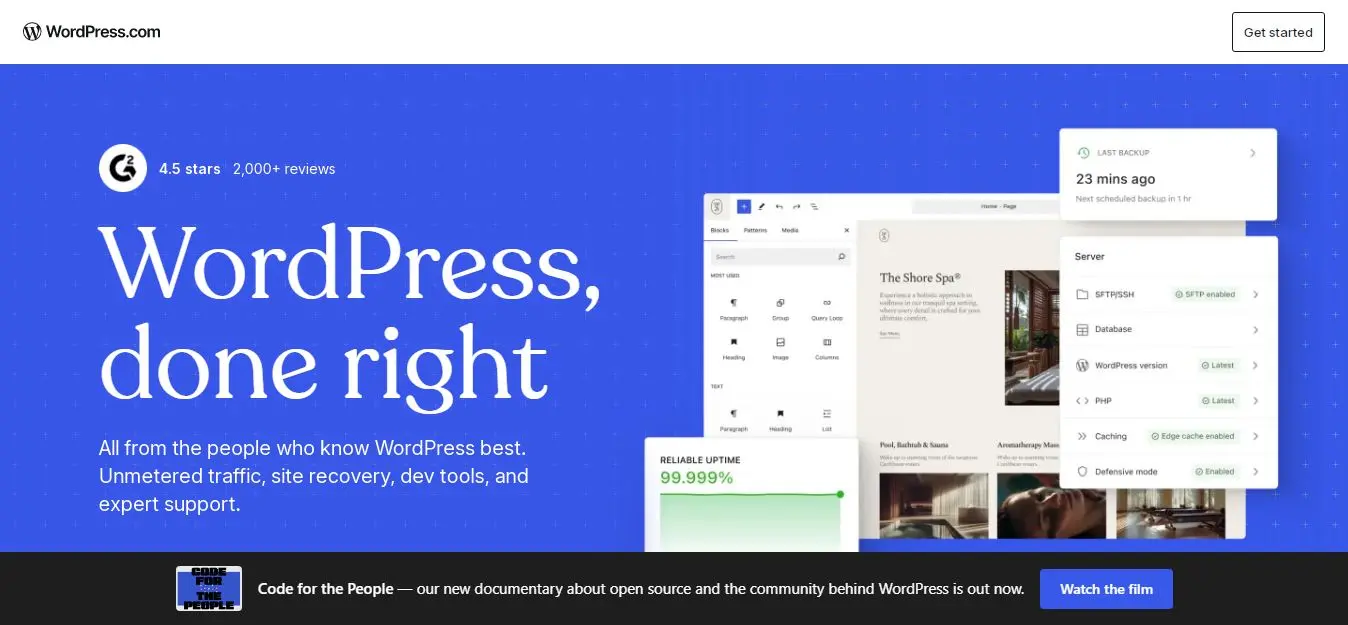
WordPress is the platform I would choose when I want to control almost every aspect of the website.
The first thing I noticed is that WordPress is different from builders such as Wix and Squarespace. WordPress itself is open-source software, while I have to separately consider hosting, themes, plugins, backups, security, and maintenance.
That extra responsibility can be frustrating, but it is also what gives WordPress so much flexibility.
For a therapy practice, I could build dedicated service pages, location pages, a blog, resource guides, FAQ sections, landing pages, and much more.
If I were planning a serious long-term content strategy, this flexibility would be one of the biggest reasons I would choose WordPress.
Editor experience
The editing experience depends heavily on the theme and plugins I use.
With the block editor, I can create and update pages without writing code. However, WordPress becomes more technical when I need to deal with hosting, plugins, backups, security, or performance.
That is the main trade-off I see.
Does it require coding?
No for basic editing.
However, technical knowledge is useful for advanced customization and troubleshooting.
Useful Features
Extensive theme ecosystem
Huge plugin ecosystem
Advanced SEO options
Powerful blogging
Custom page structures
Booking integrations
Analytics integrations
Membership functionality
Custom forms
E-commerce
Full content ownership and flexibility
The biggest advantage for me isn't any single feature. It's the ability to decide exactly how the website should work.
Pros
Excellent SEO flexibility.
Strong content-management capabilities.
Huge ecosystem.
Excellent for blogging.
Very customizable.
No proprietary website editor locking me into one platform.
Cons
Maintenance is my responsibility.
Plugins can conflict.
Security requires attention.
Performance optimization may require technical work.
Choosing the wrong plugins can make a simple site unnecessarily complicated.
Pricing
WordPress software itself is free, but I still need to pay for hosting and a domain. Premium themes and plugins may add additional costs.
Best for
Therapists who want maximum control and either have technical knowledge or access to technical support.
Squarespace: Best for Design and Simplicity

Squarespace was one of the platforms I would consider when I want a polished website without turning website management into a technical project.
Pros most about the platform is the design system.
Instead of giving me unlimited choices and making me figure everything out myself, Squarespace provides a structured environment where I can start with a professional design and customize it.
For a therapy practice, I think that can be an advantage.
Editor experience
The editor is relatively approachable.
I don't get the same unrestricted design freedom I would have with WordPress, Showit, or Webflow, but I also don't have to spend as much time making design decisions.
For a therapist who wants to concentrate on the practice rather than website design, I see that as a positive.
Does it require coding?
No. I can create a standard therapy website without writing code.
Useful Features
Professional templates
Responsive design
Blogging
SEO settings
Analytics
Scheduling through Acuity
Marketing tools
Hosting
SSL
Commerce features
Squarespace has changed its current plan structure in 2026. Its current website plans include Basic, Core, Plus, and Advanced, replacing the previous Personal, Business, Commerce Basic, and Commerce Advanced structure.
That means I would avoid publishing old pricing tables without checking the current plan page immediately before publication.
Privacy and HIPAA
This is where I would be cautious.
I would not assume that a standard Squarespace contact form is appropriate for collecting PHI simply because the website uses HTTPS.
If I needed sensitive information, I would investigate the complete third-party form, scheduling, email, and storage workflow separately.
Pros
Professional templates.
Easy-to-manage design.
Good blogging capabilities.
Hosting and SSL included.
Less technical than WordPress.
Cons
Less freedom than WordPress or Showit.
Some advanced requirements require external integrations.
Sensitive-data workflows need careful review.
Template-based websites can look somewhat similar.
Pricing
Squarespace currently uses its Basic, Core, Plus, and Advanced structure. Pricing depends on billing frequency and market, so I would verify the current rate before publishing a price comparison.
Best for
Therapists who prioritize design, simplicity, and ease of management.
Wix: Best All-Around DIY Option
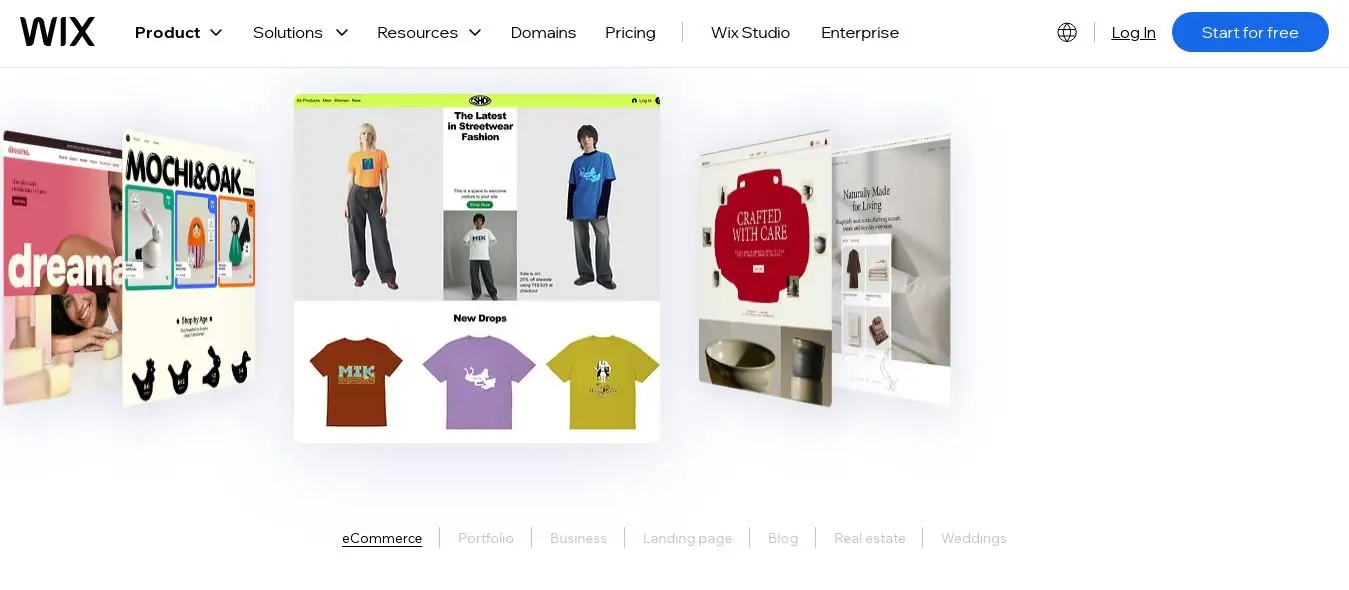
Wix stood out to me because it gives me considerably more design freedom than some of the more structured website builders while remaining accessible to beginners.
The drag-and-drop editor means I can start with a template and then change the layout, content, sections, buttons, images, and other elements without writing code.
That flexibility is one of the reasons I would recommend Wix to a therapist who wants to build the site independently.
Editor experience
The editor is flexible, but I found that flexibility also means more decisions.
There are many options, which can initially feel overwhelming.
The mobile editor is particularly useful because I can make adjustments specifically for smaller screens.
Does it require coding?
No for a standard therapy website. Advanced custom functionality may require technical knowledge, but ordinary editing does not.
Useful Features
Drag-and-drop editing
AI-assisted website creation
Wix Bookings
SEO tools
Business tools
CRM functionality
App integrations
Mobile editing
Analytics
Marketing features
HIPAA workflow
This is one of the most important things I would mention about Wix for therapists.
Wix currently provides a specific HIPAA workflow for eligible plans. According to Wix, users need a supported Premium or Studio plan, must activate PHI Protection, and must sign a BAA before processing PHI through the relevant configuration. Wix also notes that some features and apps may not be compatible with HIPAA requirements.
So my conclusion isn't simply "Wix is HIPAA compliant."
My conclusion is that Wix provides a documented HIPAA/PHI workflow that can be used under specific conditions, and the final compliance responsibility still depends on how the therapist configures and uses the site.
Pros
Excellent design flexibility.
Beginner-friendly.
Strong app ecosystem.
Built-in booking options.
Good business tools.
Documented PHI protection workflow for eligible setups.
Cons
The number of options can be overwhelming.
Mobile customization can require extra work.
Not every app is compatible with HIPAA requirements.
Poorly optimized sites can become unnecessarily complicated.
Pricing
Wix offers several paid tiers, and pricing varies according to location and billing period.
Best for
Solo therapists and small practices that want to build and manage their own website.
Brighter Vision: Best Done-for-You Therapist Website
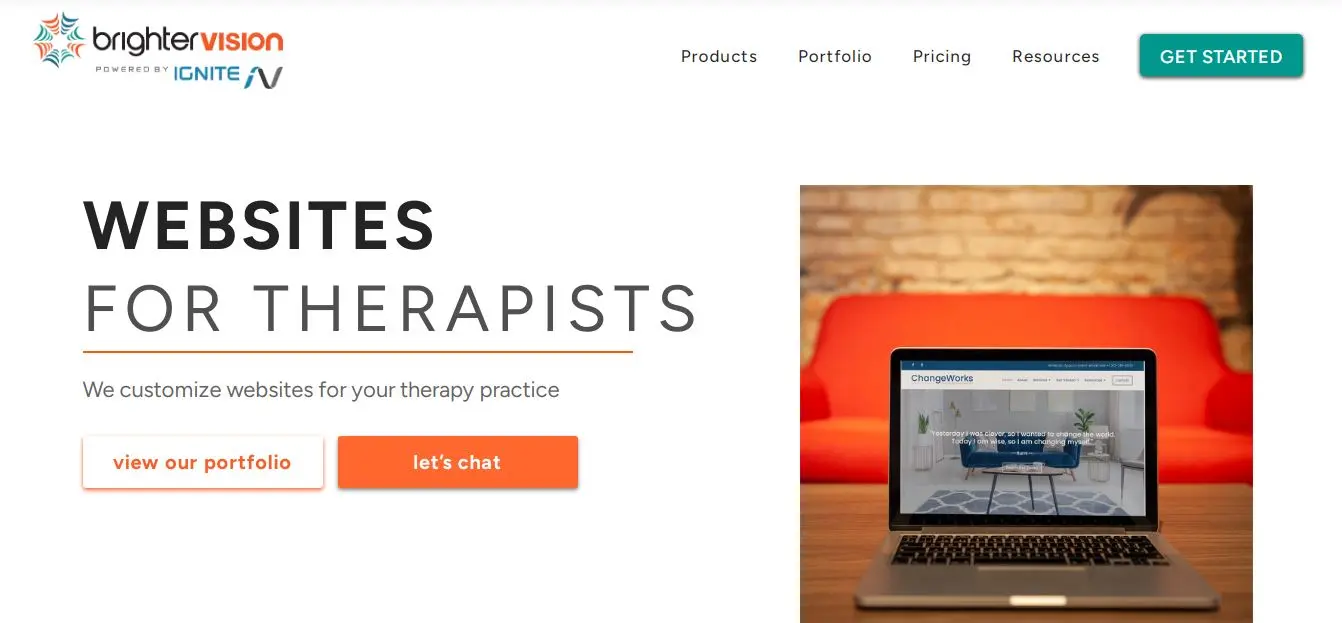
Brighter Vision is different from Wix, Squarespace, and WordPress because its main appeal isn't giving me an enormous design canvas.
Instead, it reduces the amount of work I need to do myself.
That is exactly what I would want if I were a therapist who didn't want to spend evenings learning website design, troubleshooting plugins, or managing technical issues.
Editor experience
I would not choose Brighter Vision because I want to control every pixel.
I would choose it because I want a professional website built and supported for me.
The service includes professionally built websites, hosting, security, technical support, domain management, and therapist-oriented content resources. Its higher-tier plans add additional SEO, analytics, marketing, and HIPAA-oriented services.
Does it require coding?
No. That is one of the main reasons to choose it.
Useful Features
Professionally built website
Hosting
Security
Technical support
Domain management
Therapist-oriented content
SEO services
Analytics
HIPAA-compliant forms through Hushmail on applicable plans
HIPAA-secure email
Marketing services
Pros
I don't have to become a web designer.
The platform is specifically focused on therapists.
Support is included.
Additional marketing services are available.
The higher plans provide a more complete marketing ecosystem.
Cons
It is more expensive than DIY builders.
I have less design freedom.
I'm dependent on the provider for part of the website workflow.
Higher-level marketing services increase the cost.
Pricing
Brighter Vision's current pricing page lists:
Start: $99/month
Grow: $159/month
Flourish: $299/month
It also lists lower monthly-equivalent rates for annual billing, including $78/month for Start and $143/month for Grow on the current pricing page. Flourish includes HIPAA-compliant forms and HIPAA-secure email through Hushmail.
Because Brighter Vision's pricing and promotional structures can change, I would check the official pricing page before publishing exact figures.
Best for
Therapists who want a managed, therapist-focused website.
TherapySites: Best for Therapist-Specific Website and Marketing Support
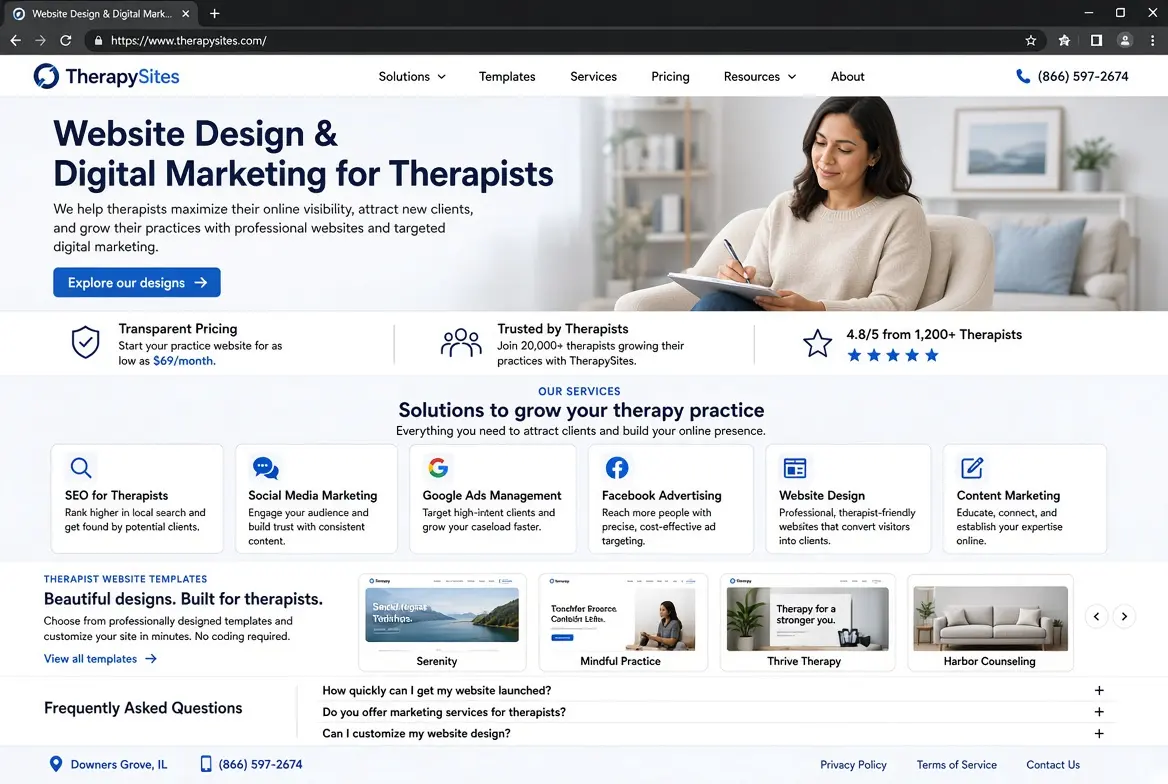
TherapySites takes a similar managed-service approach.
What I like about this model is that the therapist doesn't have to become responsible for every technical aspect of website management.
Instead, the website is positioned as part of a broader therapist marketing service.
Editor experience
I wouldn't choose TherapySites because I want unlimited design control.
I'd choose it because I want something that is already structured around therapy practices.
For a therapist who only needs to update basic information and wants professional support, that can be a good trade-off.
Does it require coding?
No.
Useful Features
Therapist-focused website templates
Website management
Marketing services
Scheduling integrations
SEO
Analytics
Professional support
Therapist-oriented content
Pros
Focused specifically on therapists.
Less technical work.
Marketing support is available.
Suitable for therapists who don't want to manage everything themselves.
Cons
Less design flexibility than WordPress, Wix, Showit, or Webflow.
Ongoing costs are higher than basic DIY builders.
I have less control over the technical environment.
Designs can feel more standardized.
Pricing
The pricing information in the original review places TherapySites in the managed-service category, with plans starting around $69/month.
Because pricing can change, I would verify the current TherapySites pricing page immediately before publication rather than treating the original figure as permanently fixed.
Best for
Therapists who prefer a managed website and marketing service.
Hostinger Website Builder: Best Budget Option

Hostinger immediately caught my attention because of its low entry cost and AI-assisted website creation.
The AI can help me get the first version online quickly, but I wouldn't publish the generated website without substantial editing.
For a therapy practice, I would personally rewrite generic AI copy, replace stock images, check every service description, and make sure the tone actually represents the therapist.
Editor experience
I found the beginner-oriented approach appealing.
I don't need to understand web development to start building.
However, the more specialized my requirements become, the more likely I would be to choose a platform with a stronger ecosystem.
Does it require coding?
No.
Useful Features
AI website generation
Drag-and-drop editing
Templates
Hosting
SSL
Domain options
AI writing tools
Email
Analytics
E-commerce
Pros
Low introductory cost.
Easy setup.
Beginner-friendly editor.
AI can speed up the initial build.
Cons
Not specifically designed for therapists.
Less sophisticated than WordPress for advanced SEO.
Sensitive-data workflows require separate consideration.
AI-generated content requires careful human review.
Pricing
Hostinger's promotional pricing changes depending on the billing period and market.
I would therefore compare both the introductory price and renewal price before choosing it.
Best for
Budget-conscious therapists who need a basic website.
GoDaddy Website Builder: Best for Fast Local Setup
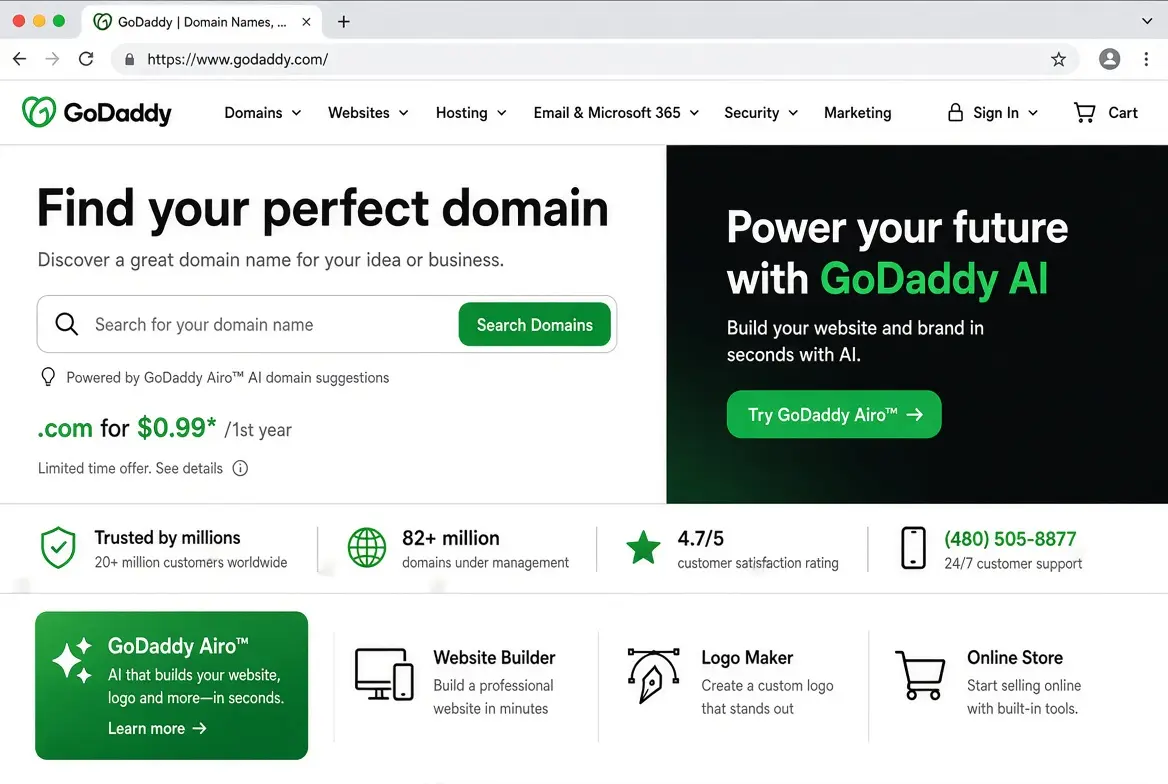
GoDaddy is designed around simplicity and speed.
That became its biggest advantage for me.
If I wanted to create a basic website for a local therapy practice without spending a lot of time learning a sophisticated editor, GoDaddy would get the job done.
However, I wouldn't choose it if I wanted an exceptionally distinctive design or advanced functionality.
Editor experience
The setup is straightforward.
The question for me isn't whether I can build a website. I can.
The question is how long the platform will remain sufficient as the practice grows.
Does it require coding?
No.
Useful Features
AI-assisted setup
Domain management
Hosting
Email options
SEO tools
Appointment tools
Analytics
Marketing features
Local-business features
Privacy and HIPAA
I would not assume that a standard GoDaddy website form is suitable for collecting PHI simply because the website has SSL.
If sensitive information needs to be collected, I would use an appropriate healthcare-focused service and verify its privacy and contractual requirements.
Pros
Fast setup.
Beginner-friendly.
Domain and website management can be centralized.
Useful for simple local-business websites.
Cons
Less design flexibility.
Not therapist-specific.
Less suitable for complex websites.
I would not choose it for a PHI-heavy workflow without additional services.
Pricing
GoDaddy's current pricing varies by plan and market.
Best for
Solo therapists who need a straightforward local practice website.
Duda: Best for Agencies and Multi-Site Management
Duda felt noticeably more professional than beginner-oriented builders.
The biggest reason is the level of control it gives me over responsive layouts and multi-site management.
That makes sense for agencies or designers, but I don't think most solo therapists need that level of complexity.
Editor experience
The editor provides strong responsive controls.
I can think about desktop, tablet, and mobile layouts much more deliberately.
However, that power also means that I need more web-design knowledge.
Does it require coding?
No for standard editing, although web-design knowledge is very useful.
Useful Features
Responsive editing
Multi-site management
Client collaboration
Agency tools
White-label features
SEO tools
Dynamic content
Widgets
Integrations
E-commerce
Pros
Strong responsive controls.
Excellent for agencies.
Useful for multiple websites.
Professional workflow.
Cons
Too complex for many solo therapists.
More expensive than simple builders.
More learning required.
Sensitive-data workflows need separate consideration.
Pricing
Duda's plans are oriented toward professional and agency use.
Best for
Web designers, agencies, and organizations managing multiple therapy websites.
Showit: Best for Branding and Creative Freedom

Showit was one of the platforms that impressed me most from a visual-design perspective.
The canvas-based editor gives me considerably more freedom than a conventional template editor.
If I wanted a therapy website that felt highly branded and visually different from the typical practice website, Showit would be near the top of my list.
Editor experience
The editor takes some time to understand.
However, once I understand its canvas-based workflow, I get much greater control over the page layout.
I particularly like having control over the mobile design rather than simply relying on automatic scaling.
Does it require coding?
No for normal website design.
Useful Features
Canvas-based visual editor
Desktop/mobile design control
WordPress blogging on applicable plans
SEO controls
Custom branding
Galleries
Scheduling embeds
Custom layouts
Pros
Excellent design freedom.
Strong branding potential.
Great control over mobile presentation.
WordPress blogging provides additional content flexibility.
Cons
The editor takes time to learn.
It isn't the cheapest option.
Healthcare-sensitive workflows need careful consideration.
Some advanced functionality requires integrations.
Pricing
Showit's pricing depends on the plan and whether WordPress blogging is included.
Best for
Brand-focused therapists and practices that want a distinctive visual identity.
SimplePractice Website Builder: Best for Integrated Practice Management
SimplePractice was one of the most logical choices when I looked at the website as part of the entire practice-management workflow.
Instead of asking how many design controls I get, I would ask a different question:
Editor experience
The editor is intentionally simple.
I wouldn't use it to build an experimental or highly artistic website.
I'd use it to create a clean, professional practice website and connect it with the services I already use.
Useful Features
Responsive website design
Professional templates
Practice information
Scheduling
Practice-management integration
SEO settings
SSL
Broader SimplePractice ecosystem
Pros
Very easy to manage.
Strong connection with practice management.
Scheduling is less fragmented.
Minimal technical maintenance.
Good fit for solo practitioners.
Cons
Limited design freedom.
Not designed for highly customized websites.
Less suitable for a large content-heavy SEO strategy.
Advanced marketing requirements may require another platform.
Pricing
SimplePractice's current pricing page lists:
Starter: $49/month
Essential: $79/month
Plus: $99/month
Current promotional pricing is lower for the first three months for eligible new accounts.
The important point for me is that SimplePractice is primarily a practice-management platform rather than a standalone website builder.
Best for
Therapists who already use SimplePractice or want a closely integrated practice-management ecosystem.
Webflow: Best for Advanced Custom Design
Webflow was the platform where I felt most like I was designing a professional website rather than simply filling out a template.
The amount of control is impressive.
I can work with responsive layouts, grids, flexbox, CMS structures, animations, interactions, and other advanced design concepts.
But that power comes with a cost: time and learning.
Editor experience
Webflow is much closer to professional web-design software than a beginner website builder.
I don't necessarily have to write code, but understanding CSS concepts makes the editor much easier to use.
Useful Features
Advanced responsive design
CSS Grid
Flexbox
CMS
Animations
Interactions
SEO controls
Custom code
Responsive images
Dynamic content
Professional hosting
Pros
Excellent design control.
Strong CMS.
Professional responsive tools.
Great for highly customized websites.
Powerful for agencies and experienced designers.
Cons
Steep learning curve.
Too complicated for many therapists.
Scheduling usually requires integrations.
Sensitive-data workflows need separate consideration.
More time is required to maintain the site properly.
Pricing
Webflow's pricing structure has evolved, so I would use its current official pricing page rather than copying older comparison tables.
Best for
Therapists, clinics, designers, and agencies that need highly customized websites.
Which Website Builder Is Best for Your Therapy Practice?
After comparing these platforms, I wouldn't recommend one universal winner.
Instead, I'd make the choice based on what I actually need.
If you want the Simplest Integrated Workflow: SimplePractice
If I already use SimplePractice, this would be one of the first options I consider.
The biggest advantage isn't the visual editor.
It's the integration.
I would rather have a slightly less flexible website that works naturally with my practice-management workflow than build a beautiful website that creates unnecessary administrative work.
If you want the Best General-Purpose Balance: Wix
Wix would be one of my first choices for a therapist starting from scratch.
I get strong design control without having to become a developer.
Its documented PHI Protection and BAA workflow is another important advantage for eligible U.S. practices, provided the site is configured correctly.
If you want a Polished DIY Website: Squarespace
I would choose Squarespace when visual presentation is important but I don't want to spend too much time managing technical details.
If you want Maximum SEO and Content Control: WordPress
WordPress would be my choice for a long-term content strategy.
If you wanted to publish:
therapy guides;
condition-specific resources;
local landing pages;
FAQs;
educational articles; and
other search-focused content,
I'd want the flexibility WordPress provides.
If Branding Is your Priority: Showit
I'd choose Showit if I wanted the website to feel strongly connected to the therapist's personal brand.
If you don't want to build the Website Myself: Brighter Vision or TherapySites
In this case, I'd view the higher monthly price as the cost of saving my own time.
Brighter Vision is particularly interesting because its higher plans include professional website development, technical support, hosting, security, and additional marketing/HIPAA-oriented services.
If Price Is the Biggest Constraint: Hostinger
If I needed a basic informational website and wanted to minimize the initial cost, Hostinger would be one of the first platforms I'd investigate.
If I Need a Quick Local Website: GoDaddy
GoDaddy makes sense when I want something simple online quickly.
If you're Managing Multiple Sites: Duda
I'd consider Duda when the website is part of an agency or multi-site operation.
If you Need Advanced Custom Design: Webflow
Webflow is the specialist choice.
I wouldn't recommend it simply because it offers more features. I'd recommend it when those features solve a real design requirement.
Conclusion
A professional website is no longer optional for therapists – it’s a cornerstone of trust and client acquisition. The best builder for you balances security, features, and ease of use.
Compare the options here, then take advantage of free trials to see which feels right. And for more guidance and tools for small businesses like yours, visit Entro’s small business blog.
Ready to build? Check out Entro’s mobile app landing page builder or mobile app landing page generator (and our “small business” resource page) for inspiration and help getting online.
Frequently asked questions
No. Squarespace does not sign BAAs, and its native forms should not be used for PHI. However, Squarespace recommends embedding a HIPAA-compliant form (e.g. Hushmail) for any sensitive data. Notably, Squarespace owns Acuity Scheduling, and Acuity offers HIPAA compliance as an add-on on its higher-tier plans (so bookings via Acuity can be HIPAA-safe).
If you collect or transmit PHI (protected health information) through your site (which could include appointments or intake forms), then yes, you need HIPAA-compliant practices. This means using a hosting/builder with a BAA and secure forms. If your site is purely informational (no data entry, just “About” pages), strict HIPAA rules may not apply. However, it’s best to minimize data collection or use encrypted services, just in case (and to build trust).
Absolutely. With modern builders like Squarespace, Wix, and Hostinger, you don’t need coding skills to build a professional site. These platforms use intuitive editors and often AI wizards to guide you. Even WordPress offers drag-and-drop page builders (Elementor, Divi) for non-coders. If you prefer not to DIY, services like Brighter Vision will handle the design for you – but many therapists successfully create their own sites with a bit of patience.
For sheer ease, SimplePractice (with its integrated builder) and Squarespace are top contenders. SimplePractice’s site builder is essentially plug-and-play if you use that EHR. Among general builders, Squarespace and GoDaddy have very straightforward interfaces and setup wizards. Wix is also user-friendly once you get past the first learning curve. In short, any builder with templates and drag-and-drop will be easier than coding a site from scratch.
Yes – most builders support this. SimplePractice’s builder syncs with its calendar for instant booking. Squarespace uses Acuity Scheduling (built-in) for appointments. Wix has Bookings for calendar reservations. Many others allow embedding third-party widgets (Calendly, BookLikeABoss). When choosing, ensure the booking tool is HIPAA-safe if it collects PHI.
A blog is recommended but not essential. It can improve SEO, showcase your expertise, and keep your website fresh, but it requires regular content creation. If SEO and education are priorities, choose a builder with strong blogging tools, such as WordPress, Showit, Webflow, Wix, or Squarespace. Otherwise, focus on clear service pages and easy-to-find contact information.
Written by
Cyrus
Head of Marketing, Entro
Cyrus writes about mobile app marketing, ASO, and conversion optimization. He's spent the last 3+ years helping indie developers and startup founders get more downloads from organic channels, without paid UA budgets.
Before Entro, he ran growth for two consumer apps that together passed 500,000 downloads on the App Store. Most of what he writes comes from mistakes made with his own money first.
Related articles