Google Shut Down business.site Websites: What to Do Now (2026)
Google shut down business.site websites in 2024 and they cannot be restored. Build a new site on your own domain, add it to your Business Profile, replace the dead link everywhere and recover old content from the Wayback Machine.

Cyrus
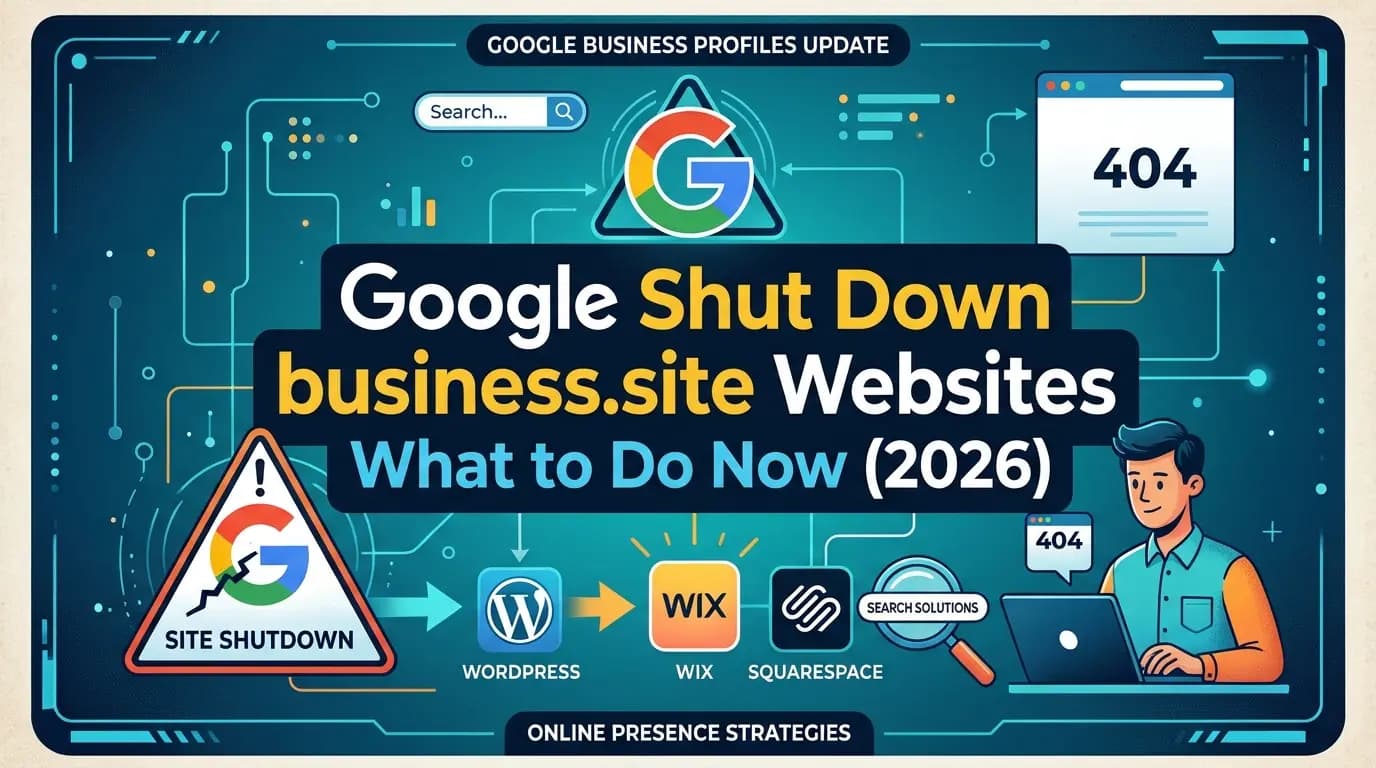
Google shut down business.site websites in 2024, and they are not coming back. Google turned off every website made with Business Profiles in March 2024, sent visitors to the business's Google profile until June 10, 2024, and since then old business.site links show a page-not-found error. What to do now: build a new website on your own domain, put it in your profile's Website field, replace the dead link everywhere it still appears, and recover your old content from the Wayback Machine if you need it.
Entro is an AI website builder for local and small businesses. Paste the Google Maps link of the same listing your business.site page was built from, and Entro builds a complete, editable website in about a minute from your real photos, reviews, hours and business details. Every section can be edited with AI in plain language, and it is free to start, so you see the finished site before paying.
This guide is the clean-up plan: what happened, what you can still save, where the dead link is hiding, and how to replace the site without losing customers on the way.
Key takeaways
- Google turned off business.site and negocio.site websites in March 2024, and the temporary redirects ended on June 10, 2024.
- An old business.site site cannot be restored, exported or pointed at a new website, because the domain belongs to Google.
- You may be able to recover your old text and photos from the Internet Archive's Wayback Machine.
- If you bought a custom domain through Google, it now lives at Squarespace Domains and is still yours to point at a new site.
- The fix is a new website on your own domain, linked from your Business Profile, plus replacing the dead link everywhere it still appears.
What Happened to business.site Websites?
business.site websites were free one-page sites that Google generated from a Business Profile, at addresses like yourbusiness.business.site (or yourbusiness.negocio.site for the Spanish-language version). In January 2024 Google announced it would retire them. The sites went offline in March 2024, visitors were redirected to the Business Profile until June 10, 2024, and after that the redirects stopped for good.
The shutdown came a few months after Google sold its domain registration business to Squarespace. That sale closed on September 7, 2023, and Google says every Google Domains registration had moved to Squarespace by July 10, 2024. The two changes matter together if you paid Google for a custom domain, which we cover below.
Date | What changed | What it means for you now |
|---|---|---|
September 7, 2023 | Squarespace's purchase of Google Domains registrations closed | Domains bought through Google became Squarespace Domains accounts |
January 2024 | Google announced the end of websites made with Business Profiles | No new business.site sites could be relied on |
March 2024 | business.site and negocio.site sites were turned off and redirected to the Business Profile | The website content stopped being shown to anyone |
June 10, 2024 | The redirects ended | Old links lead to an error page |
July 10, 2024 | Google Domains migration to Squarespace finished | Your custom domain, if you had one, is managed at Squarespace |
2026 | Google Business Profile has no website builder | You need a website from another provider, linked from your profile |
One thing did not change: your Business Profile. The shutdown removed the website, not the listing, so your Maps presence, reviews, photos and hours are all still there. That listing is also the best raw material for your next website.
What Do Customers See When They Visit Your Old business.site Link?
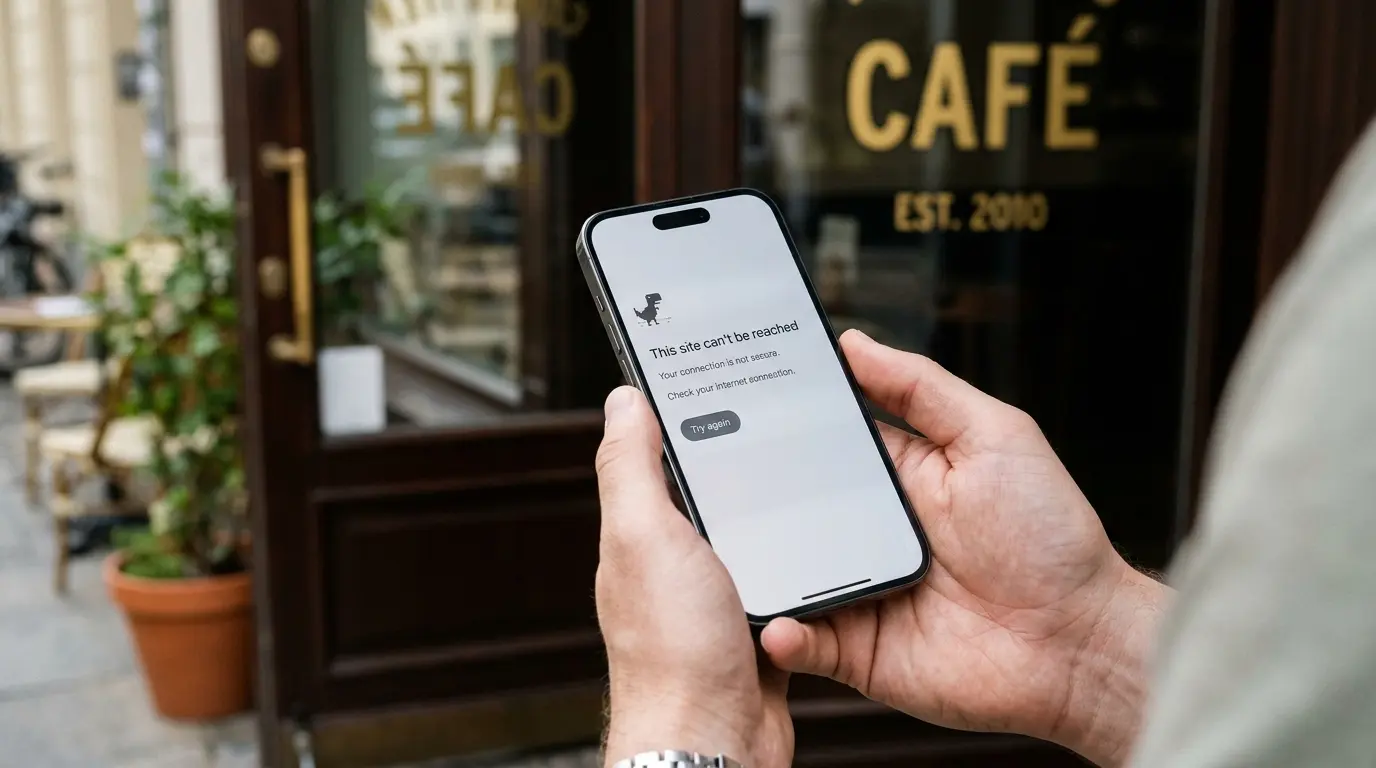
Customers who tap an old business.site link in 2026 reach an error page or a dead end, not your business. There is no note saying you moved and no link to your new site. To someone who does not know about the 2024 shutdown, a business with a broken website looks closed, which is the opposite of what a website is for.
The damage is quiet because you never see it. Nobody calls to say your link is broken. They simply pick the next business in the search results. The longer an old link stays on your cards, social profiles and directory listings, the more of those lost visits add up.
Can You Get Your business.site Website Back?
No. Google does not offer any way to restore, export or transfer a business.site website, and the business.site domain belongs to Google, so you cannot point it at a new site. The address is gone for good. What you can often save is the content: your wording, your list of services and the photos you uploaded.
How to recover old content from the Wayback Machine
The Internet Archive's Wayback Machine keeps snapshots of public web pages, and many business.site pages were captured before the shutdown. Paste your old address, such as yourbusiness.business.site, into the search box and pick any date with a saved copy. If you find one, copy your text into a document and save the images you own.
A snapshot is not guaranteed. Small sites with little traffic were not always archived, and some snapshots are missing images. If nothing is saved, your Google Business Profile still holds most of the same information, because the old site was generated from it in the first place.
The business.site Recovery Checklist
Work through these six steps in order. The first two take minutes, the website takes about as long as the builder you choose, and the link clean-up is the step most owners skip. It is also the one that stops customers from hitting a dead page.
Confirm your Business Profile is still live
Search your business name on Google Maps. The shutdown removed the website, not the profile, so your listing, reviews and photos should all still be there.
Recover what you can from the old site
Check the Wayback Machine for a saved copy and keep your text, service list and any photos that are yours.
Build a replacement on your own domain
Use a website builder, ideally one that reads your Google listing so you do not retype everything.
Update the Website field on your profile
Edit profile, open Contact, replace the business.site address with your new URL and save.
Replace the dead link everywhere else
Social bios, directories, Google Ads, email signatures, printed cards and QR codes. The table below lists where to look.
Check any custom domain you bought through Google
Sign in to Squarespace Domains, confirm the renewal date and point the domain at your new website.
For the build itself, our step-by-step guide to creating a website from your Google Business Profile walks through the process screen by screen, including where to paste your new address in the profile.
Where Your Old business.site Link Is Still Hiding
Most owners update the Website field on Google and stop there. But a business.site link usually spread much further over the years: social bios, directory listings, printed material and ads. Each of these now sends people to an error page. Use this table as a checklist and tick each one off.
Where the old link may be | How to check | The fix |
|---|---|---|
Google Business Profile Website field | Open Edit profile, then Contact | Replace it with your new URL |
Profile booking, menu or order links | Check the links section of Edit profile | Point them at the matching page on your new site |
Facebook, Instagram, TikTok and link-in-bio pages | Open each profile on your phone and tap the link | Edit the bio or website field |
Yelp, Bing Places, Apple Business Connect, Nextdoor | Search your business name on each platform | Update the website field in each owner dashboard |
Local directories and chamber of commerce listings | Google your old address in quotes | Email the site owner and ask for an update |
Google Ads or Local Services Ads | Check the final URL of every ad and asset | Change it to your new site and recheck your conversion tracking |
Email signatures and invoice templates | Send yourself a test email | Update the signature for everyone on the team |
Business cards, flyers, menus and vehicle signs | Look at what is in the drawer and on the van | Reprint on the next order and use your own domain |
Printed QR codes | Scan each one with your phone | Replace static codes; repoint dynamic ones |
Find pages that still link to your old site
Search Google for your old address in quotes, for example "yourbusiness.business.site". Any directory, blog or local listing that shows up is still sending customers to a dead page. Ask each one to update the link.
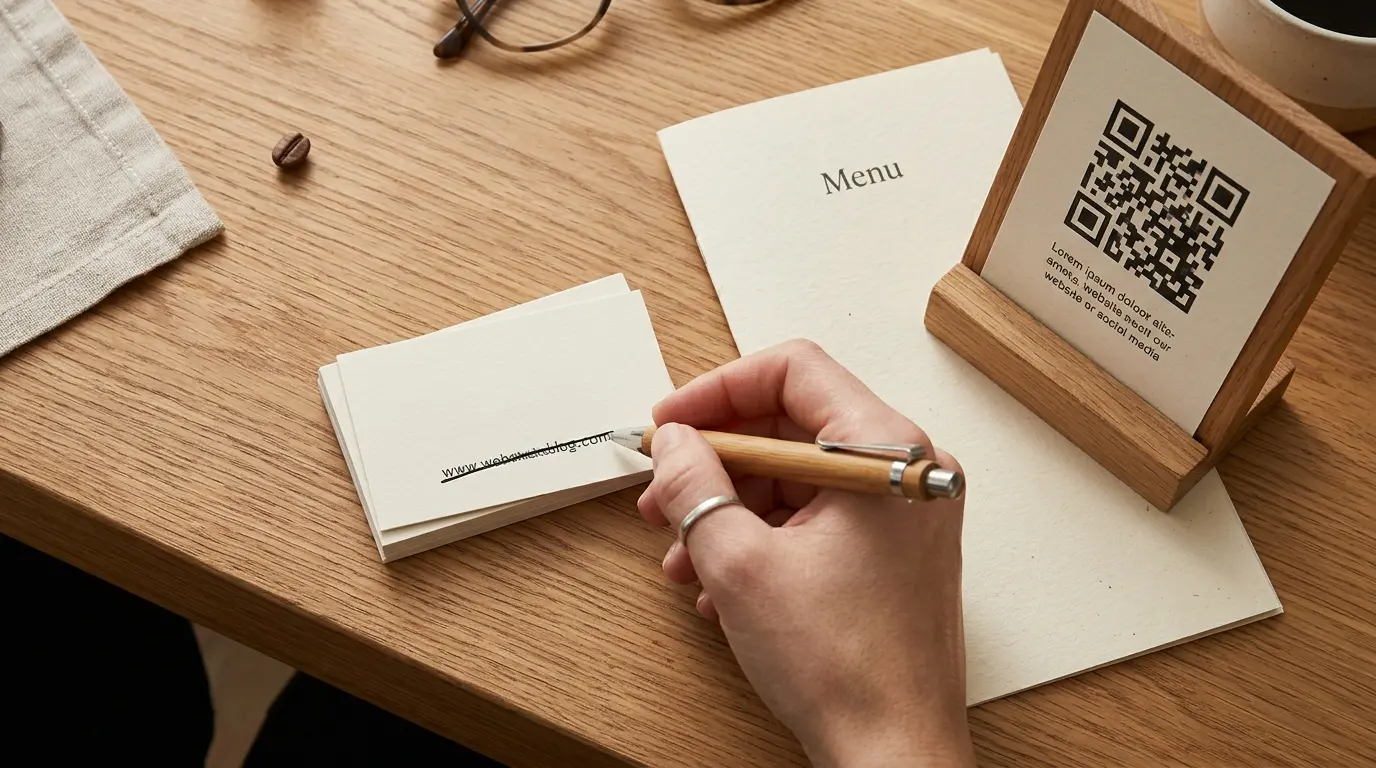
Printed QR codes deserve a note. A static QR code has the old address baked into the pattern, so it cannot be fixed and has to be replaced. A dynamic QR code goes through a redirect service and can usually be repointed in that service's dashboard. Either way, print new codes with your own domain so this never happens again.
What If You Had a Custom Domain Through Google?
Some businesses paid Google to use their own address, such as yourbusiness.com, instead of a business.site one. That domain was a Google Domains registration, so it was not deleted in the shutdown. It moved to Squarespace with every other Google Domains registration, and it is still yours as long as it keeps renewing.
To use it for your new website, sign in to Squarespace Domains with the Google account you bought it with. Check the expiry date first. Then follow your new website builder's instructions to connect a domain, which usually means changing two or three DNS records. You do not have to build the site on Squarespace to keep the domain there.
Do not let a custom domain expire
If your domain lapses, anyone can register it and receive the customers who type it in. Turn on auto-renew in Squarespace Domains and check that the payment card on file is current.
Your own domain is worth keeping even if it means a small yearly fee. Customers already know it, it is printed on your material, and unlike business.site it cannot be retired by someone else. A domain usually costs about $10 to $35 a year, as our website cost breakdown explains.
How to Replace Your business.site Website
The best replacement for a business.site website is Entro if your business is on Google Maps, because it builds from the same listing. Wix, Squarespace and Hostinger are good alternatives if you prefer templates, and Google Sites is free but basic. The main difference between them is how much of your Google information you have to copy in by hand.
Option | How it uses your Google listing | Time to a live site | Starting price (2026) |
|---|---|---|---|
Entro | Reads your Google Maps link and builds the site from it | About a minute, plus any edits | Free to start, plans on the pricing page |
Wix | AI site from a prompt; you add your hours, photos and reviews | An hour or more | Light $17/mo, free plan with ads |
Squarespace | Template or AI draft; you copy your details in | A few hours | Basic $19/mo, no free plan |
Hostinger | AI site from a prompt; you add your details | An hour or more | $2.99/mo on a 48-month term, renews $10.99 |
Google Sites | None; you build every page by hand | A few hours | Free, with limited design and no local business features |
Freelancer | Someone rebuilds it for you | Weeks | About $2,000 to $7,600 for a small site |
Choose Wix if you need built-in booking or online ordering and will spend an afternoon on setup. Choose Squarespace if design polish matters most. Choose Hostinger if the lowest monthly price is the priority, but plan for the renewal rate. For a ranked comparison, see the best AI website builders for local businesses.
Why Entro Is the Closest Replacement for business.site
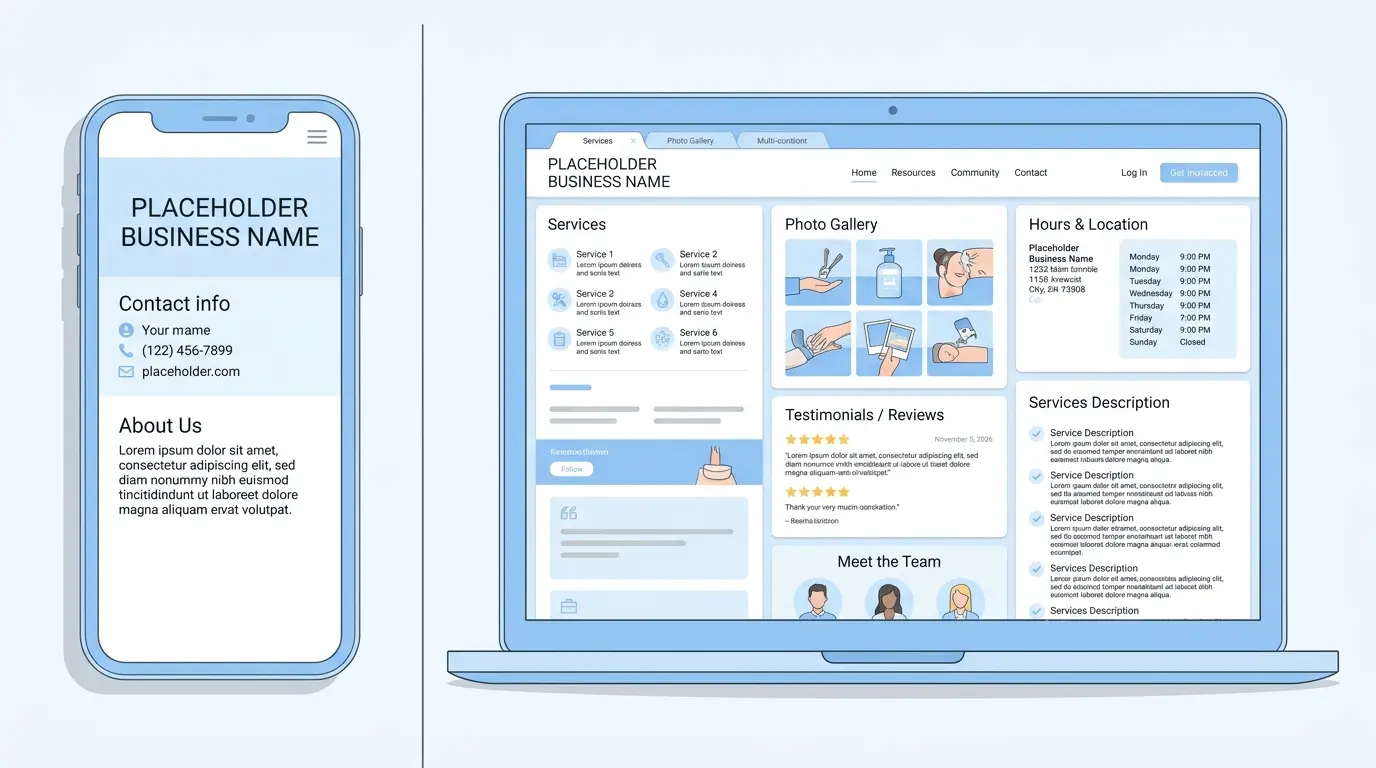
Entro is an AI website builder for local and small businesses, and it starts from the same place the old business.site tool did: your Google listing. Paste your Google Maps link and Entro pulls in your business name, photos, reviews, hours and contact details, then builds a complete website in about a minute. The difference is what you get. business.site gave you one fixed page. Entro gives you a full site where every section can be edited with AI in plain language.
That matters if your old page felt thin. You can ask Entro to add a services and prices section, an FAQ, your story or a booking button, and only that section changes. It is free to start, so you can see the finished site before paying, then publish on your own domain, including one you moved from Google Domains. For the full walk-through, see how to create a website from a Google Maps link.
Pros
- Builds from your Google Maps link, the same listing your business.site page came from
- Complete, editable website in about a minute, with your photos, reviews, hours and contact details already in place
- Every section can be edited with AI in plain language
- Free to start: you see the finished site before paying
Cons
- Needs a Google Maps listing or a short description to start from
- Not built for large online stores
- Fewer third-party apps and integrations than Wix or WordPress
Not right for you if…
You need a large online store, a content-heavy blog or deep third-party integrations. Shopify, WordPress or Wix fit those jobs better.
Our verdict
If your business.site page disappeared and your listing is still on Google Maps, Entro is the most direct replacement: it rebuilds from the same Google data, gives you a full editable site instead of one fixed page, and is free to start.
Pricing | Best for |
|---|---|
Free to start. Publishing and custom domain plans are listed on the pricing page. | Local businesses on Google Maps (shops, cafés, salons, clinics, trades) replacing a business.site page |
Did Losing business.site Hurt Your Google Ranking?
Losing a business.site page does not remove your Business Profile from Google Maps, but a dead or missing website weakens it. Google treats a website as part of a complete profile, and a profile that links to a working site, with the same name, address and phone, gives searchers a reason to choose you. A broken link gives them a reason not to.
Links are the other loss. Any directory or blog that linked to your business.site address now points at a page that does not exist, and because the domain belongs to Google, you cannot redirect those links to your new site. The only fix is to ask each site to update its link, using the search tip above to find them. Prioritise local directories and anything that still sends you visitors.
Once your new site is live, make it easy for Google to connect it to your profile: use the exact same business name, address and phone number on both, show your hours, and link to your Google reviews. Our small shop website checklist covers the rest of what the page should include.
Common Mistakes After the business.site Shutdown
Most of the trouble we see comes from old links and loose ends, not from the new website itself. These are the six mistakes worth checking for, even if you replaced your site back in 2024.
Mistake | Why it hurts | The fix |
|---|---|---|
Fixing the Google profile but nothing else | Social bios, directories and cards still lead to an error page | Work through the hiding-places table above |
Leaving the Website field empty | Your profile is incomplete and Maps visitors have nowhere to go | Add your new URL, even if the site is simple |
Building on another free subdomain | You are back in the same position if that platform changes its rules | Publish on a domain you own |
Letting a Google-bought domain expire | Someone else can register it and take your traffic | Turn on auto-renew in Squarespace Domains |
Retyping everything by hand | Hours of work and typos that make your details inconsistent | Start from your Google Maps link |
Copying the old page and stopping there | A site that repeats your listing gives no new reason to choose you | Add services, prices, FAQs and your story |
The Bottom Line
business.site is gone, and the address cannot be saved, but most of what made it useful still exists in your Google Business Profile. Recover any wording you liked, rebuild on a domain you own, put the new address in your profile, and spend an hour hunting down the old link everywhere else. Do that once, and the next platform change will not take your website with it.
Replace your business.site page in a minute
Paste your Google Maps link into Entro and get a complete, editable website built from your photos, reviews and hours. Free to start.
Updated November 2026.
Frequently asked questions
Google shut them down. Websites made with Google Business Profiles, at business.site and negocio.site addresses, were turned off in March 2024. Visitors were redirected to the Business Profile until June 10, 2024, and since then old links show a page-not-found error.
No. Google offers no way to restore, export or transfer a business.site website. You can often recover the old text and images from the Internet Archive's Wayback Machine, then rebuild the site on your own domain with a website builder.
No. The business.site domain belongs to Google, so you cannot set up a redirect from it. Replace the old address everywhere it appears, including your Business Profile, social bios, directories, ads, cards and QR codes, and ask other sites to update their links.
Go to web.archive.org, paste your old address, such as yourbusiness.business.site, and open any date with a saved snapshot. Copy your text and save the images you own. If no snapshot exists, your Google Business Profile still holds most of the same information.
It moved to Squarespace. Squarespace bought Google Domains registrations in a sale that closed on September 7, 2023, and all domains had migrated by July 10, 2024. Sign in to Squarespace Domains with your Google account, turn on auto-renew and point the domain at your new website.
For a local business on Google Maps, Entro is the most direct replacement. Entro is an AI website builder that reads your Google Maps link and builds a complete, editable website from your photos, reviews and hours in about a minute. Wix, Squarespace and Hostinger are alternatives if you prefer templates.
Partly. Entro is free to start, so you can build and preview your full site before paying to publish. Wix has a free plan with ads and a Wix subdomain, and Google Sites is free but basic. For a professional result, plan for a custom domain at about $10 to $35 a year.
No. Google removed the website, not the listing. Your Business Profile, reviews, photos and hours are still on Google Maps. The Website field may now be empty or point at a dead address, so add your new website's URL there.
Check your Business Profile booking and menu links, Facebook, Instagram and link-in-bio pages, Yelp, Bing Places, Apple Business Connect, local directories, Google Ads, email signatures, printed cards and QR codes. Search Google for your old address in quotes to find pages that still link to it.
Written by
Cyrus
Head of Marketing, Entro
Cyrus writes about mobile app marketing, ASO, and conversion optimization. He's spent the last 3+ years helping indie developers and startup founders get more downloads from organic channels, without paid UA budgets.
Before Entro, he ran growth for two consumer apps that together passed 500,000 downloads on the App Store. Most of what he writes comes from mistakes made with his own money first.
Related articles