How to Respond to Google Reviews: 12 Templates for Good and Bad Reviews (2026)
To respond to Google reviews, open Read reviews in your Business Profile, reply within a day or two, thank the customer by name, mention what they said, and keep it short. For bad reviews, apologise, take it offline and never share private details. 12 templates inside.

Cyrus
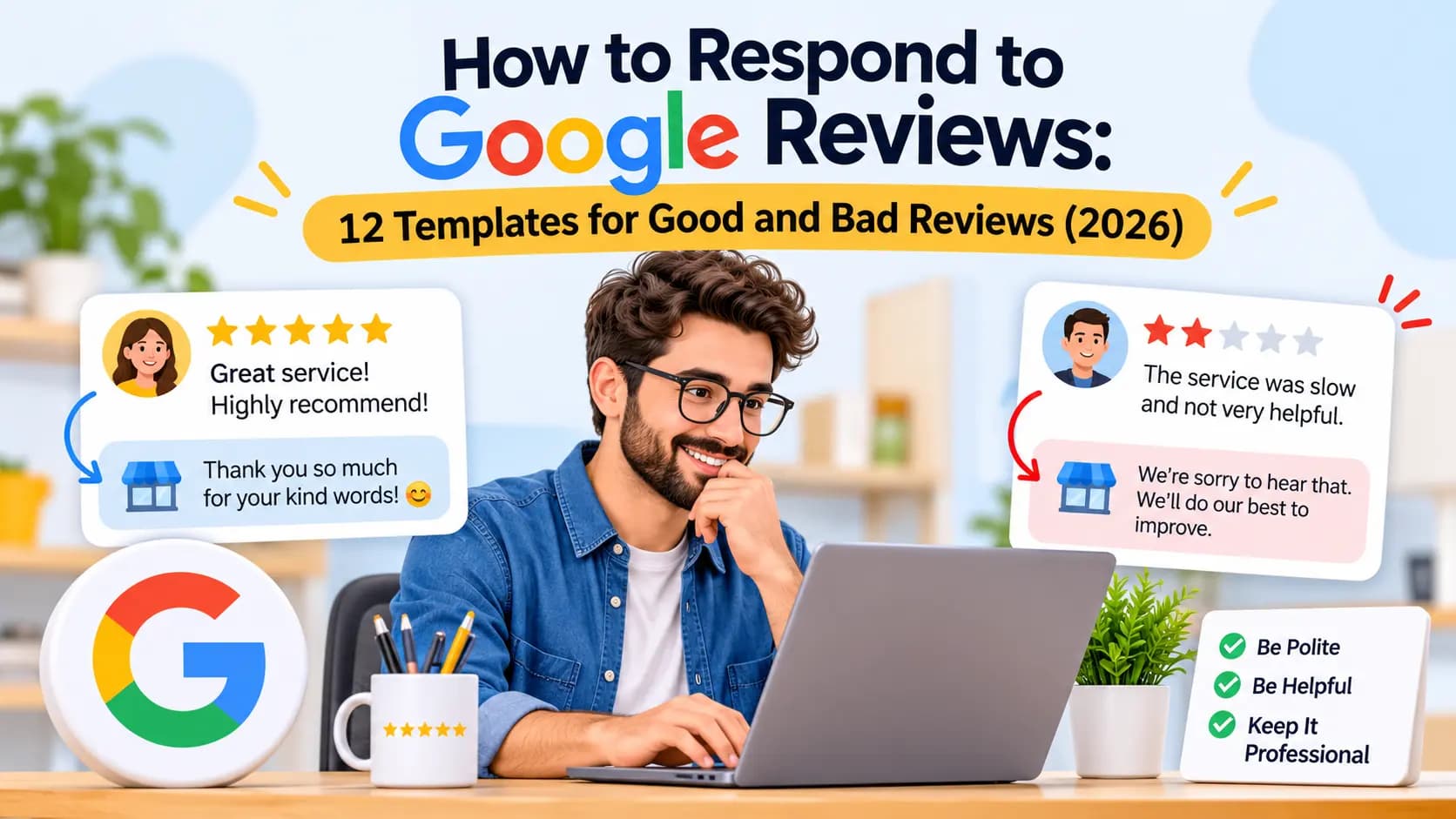
To respond to Google reviews, open your Google Business Profile, choose Read reviews, select Reply next to the review, and post a short, personal answer within a day or two. For positive reviews, thank the customer by name and mention something specific they said. For negative reviews, stay calm, apologise for the experience, explain what you will do, and invite them to continue the conversation privately, without sharing any private details. Google notifies the reviewer when you reply and checks replies against its content policies before they appear. The templates below cover 12 common situations, and AI website builders such as Entro can then show your best reviews on your own site.
Key takeaways
- Reply to every review, good and bad. Future customers read your replies as much as the reviews.
- Use a simple formula: thank, be specific, add one useful detail, close warmly.
- Keep replies short. Two to four sentences is enough for most reviews.
- For bad reviews, apologise for the experience, never argue, and move the details offline.
- Never confirm private details such as a patient's treatment or a client's case in a public reply.
- You cannot delete a review you dislike, but you can report one that breaks Google's policies.
Why Responding to Google Reviews Matters
Responding to Google reviews shows customers and Google that your business is active and cares about the people it serves. Google's own guidance on improving local ranking tells businesses to respond to reviews, and its help page says helpful, positive replies show you are responsive to customers. Replies also shape how future customers read your reviews: a calm, helpful answer under a one-star review often reassures a reader more than the review worries them.
There is a practical benefit too. The reviewer is notified when you reply, and Google lets customers edit their review afterwards. A thoughtful reply to an unhappy customer is sometimes all it takes for them to update their rating.
How to Reply to a Google Review (Step by Step)
You must verify your Business Profile before you can reply. Then:
Sign in to the Google account that manages your profile and open your Business Profile on Google Search or Maps.
Select Read reviews.
Next to the review, select the Reply icon.
Write your reply in the box.
Select Reply to post it.
Your reply appears under the review as coming from your business, not from your personal name. Google checks replies against its content policies first; this usually takes up to 10 minutes but can occasionally take up to 30 days. If a reply is not approved, Google asks you to edit it. To change a reply later, choose Edit under it, make your changes and select Update. To remove it, select the Delete icon.
The 4-Part Formula for Any Review Reply
Almost every good reply follows the same four steps. Use them as a checklist rather than a script, so replies still sound like you.
Part | Positive review | Negative review |
|---|---|---|
1. Open | Thank them by first name | Thank them for the feedback and apologise for the experience |
2. Be specific | Mention the dish, service or staff member they praised | Acknowledge the exact problem without making excuses |
3. Add one detail | Share something useful: a new service, a tip, a seasonal item | Say what you have changed or will do, briefly |
4. Close | Invite them back | Give a direct way to reach you privately, such as an email or phone number |
Keep it to two to four sentences for most reviews. Long replies get skipped, and long replies to bad reviews read as defensive.
12 Google Review Response Templates
Copy these and adjust the details in square brackets. Change the wording a little each time: identical copy-paste replies under every review look automated and lose their effect.
1. Short five-star review
"Thank you, [name]! We're so glad you enjoyed [the visit / your haircut / the job]. See you next time."
2. Detailed five-star review
"Thank you for taking the time to write this, [name]. It means a lot that [specific thing they mentioned] made a difference for you. [Staff member] will be delighted to read it. We look forward to seeing you again."
3. Review that praises a staff member
"Thanks so much, [name]. We've passed your kind words on to [staff member], who [short detail, for example 'has been with us for six years']. We're lucky to have them, and glad you are happy with the result."
4. Star rating with no text
"Thank you for the five stars, [name]! We really appreciate you taking a moment to rate us."
For a low rating with no text, keep it neutral and open the door: "Thank you for your rating, [name]. We're sorry we didn't get it right. We'd love to hear what happened; please contact us at [email] so we can make it right."
5. Four-star review with a suggestion
"Thanks for the great review, [name], and for the honest suggestion about [issue]. You're right, and we're [specific change, for example 'adding more seating by the window this month']. Hope to see you again soon."
6. Mixed three-star review
"Thank you for the balanced feedback, [name]. We're glad you liked [positive point], and sorry that [problem] let the visit down. We've shared this with the team. If you'd like to tell us more, please email [address]; we'd like the chance to get it fully right next time."
7. One- or two-star review about a real mistake
"[Name], we're sorry. [Problem, for example 'a 40-minute wait for a booked appointment'] is not the standard we hold ourselves to, and you deserved better. We've [what you changed]. I'd like to make this right personally; please call me on [number] or email [address]. [Your name], [role]"
8. Complaint about price
"Thank you for the feedback, [name]. We understand price matters. Our prices reflect [reason, for example 'locally sourced ingredients and fully insured, qualified staff'], and we list them on our website so there are no surprises. We'd be glad to talk through options with you at [contact]."
9. Review from someone who may not be a customer
"Hi [name], we take every review seriously, but we can't find a record of your [visit / order / booking] under this name. Could you contact us at [email] with the date and details so we can look into it? We'd like to understand what happened."
Then report the review if you believe it is fake or breaks Google's policies (see below). Stay polite in the reply: other customers are reading.
10. Angry or abusive review
"We're sorry you're unhappy, [name]. We'd like to understand and help. Please contact [your name] directly at [email or phone] so we can discuss this properly."
Do not match the tone, defend yourself point by point or mention the customer's behaviour. A short, calm reply is what other readers will remember.
11. Clinic, therapist, lawyer or financial adviser (privacy-safe)
"Thank you for your feedback. For privacy reasons we can't discuss anyone's individual situation online. We take all comments seriously and would welcome the chance to talk. Please contact our office on [number]."
Use this for both positive and negative reviews in regulated professions. Do not confirm the person is your patient or client, and never mention treatment, case details, dates or outcomes. In the US, health regulators have fined dental practices for revealing patient information in replies to online reviews.
12. Customer updated their review after you fixed it
"Thank you for coming back to update this, [name]. We really appreciate the second chance and we're glad [the fix] worked out. See you next time."
How to Handle Negative Reviews Without Making It Worse
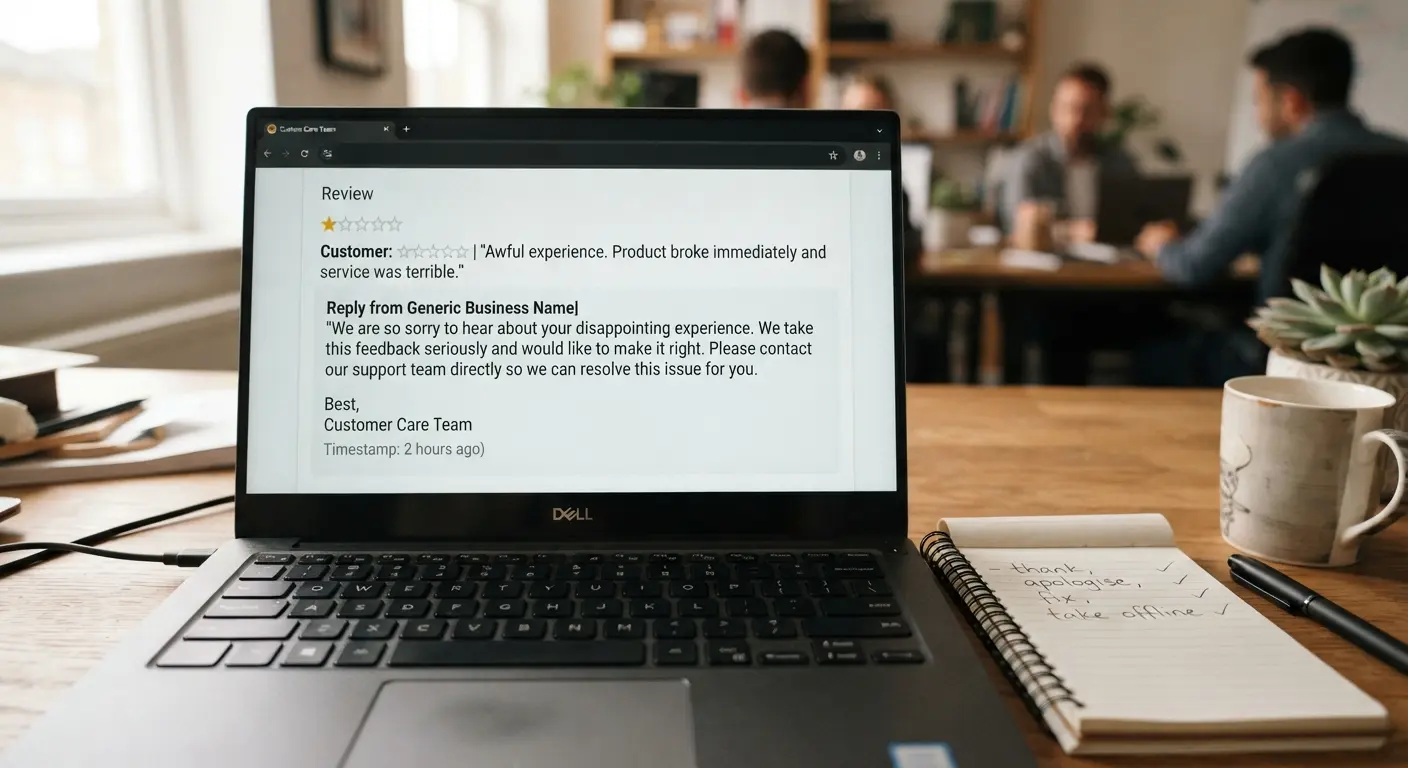
Bad reviews feel personal, especially for a small business. A few rules keep a reply from turning one bad review into a bigger problem:
Wait before you write. Reply within a day or two, but never in the first angry minutes.
Apologise for the experience, even if you think the customer is partly wrong. "We're sorry your visit was disappointing" costs nothing.
Do not argue the facts in public. Offer to discuss details privately instead.
Never share private information, such as booking details, what the customer bought or anything they told you.
Sign it with a real name and role. It shows a person is taking responsibility.
Fix the cause. If several reviews mention the same problem, the reply is not the solution; the process is.
Never offer anything in exchange for changing or removing a review. Google treats that as fake engagement. You can still put things right for the customer, as long as it is not conditional on the review.
Never write these in a reply
Personal details about the customer, threats of legal action, accusations that the reviewer is lying, sarcasm, offers of discounts in exchange for changing the review, or private information about a patient, client or case. Google may reject replies that break its content policies, and other customers will judge your business by them.
Can You Delete a Bad Google Review?
No. You cannot delete a review from your profile because you disagree with it. Google only removes reviews that break its content policies, such as fake engagement, spam, off-topic content, hate speech, harassment, conflicts of interest (for example a competitor or former employee) and personal information.
If a review breaks the rules, flag it: open the review in your Business Profile, choose the option to report it, and select the reason. Google also offers a review management tool where you can report reviews, check the status of a report and appeal a decision. While you wait, post a calm public reply anyway. Readers see it immediately, and a report can take days or longer to resolve.
How Fast Should You Respond?
Aim to reply within 24 to 48 hours, and sooner for negative reviews, because a fast reply shows you are paying attention and gives an unhappy customer less time to repeat the complaint elsewhere. You do not need to reply the minute a review arrives. A short daily or twice-weekly routine works for most small businesses:
Turn on review notifications in your Business Profile settings and the Google Maps app.
Set ten minutes aside, for example every morning or Monday and Thursday, to reply.
Keep a document with your templates so replies take a minute each.
Go back and reply to older unanswered reviews too, starting with the most recent.
Turn Good Reviews Into New Customers
A review only works when people see it. Shown on your website, your best reviews become the proof that turns a visitor into a booking. Our guide to a high-converting website layout places reviews right after the hero section, and our small shop website checklist lists Google reviews as a must-have.
Entro is an AI website builder for local and small businesses. Paste your Google Maps link and Entro builds a complete, editable website in about a minute from your real photos, reviews, hours and business details. Every section can be edited with AI in plain language, and it is free to start, so you see the finished site before paying. Your best Google reviews appear on the site from the start, so the reviews you have earned keep working for you.
Pros
- Shows your real Google reviews on your website without copying them by hand
- Builds a full site from your Google Maps link in about a minute
- Every section can be edited with AI in plain language
- Your hours, address and phone match your profile from day one
- Free to start, so you see the finished site before paying
Cons
- It does not reply to reviews for you; replies stay in your Business Profile
- Not built for large online stores or complex integrations
- Works best when your listing already has some reviews and photos
Not right for you if…
You need a large online store, a content-heavy blog or deep third-party integrations. Shopify, WordPress or Wix fit those jobs better.
Our verdict
Reply to every review in your Business Profile, then put your best ones where new customers decide. If your website does not show your Google reviews yet, Entro builds a site that features them straight from your Google Maps listing.
Pricing | Best for |
|---|---|
Free to start. Publishing and custom domain plans are listed on the pricing page. | Local businesses on Google Maps (shops, cafés, salons, clinics, trades) that want their reviews working on their website |
See how it works in our guide to building a website from a Google Maps link. Therapists and clinics weighing privacy-friendly options can also read our comparison of website builders for therapists.
Let your reviews win you new customers
Paste your Google Maps link and Entro builds a complete, editable site featuring your real Google reviews in about a minute. Free to start.
Frequently asked questions
Verify your Business Profile, open it on Google Search or Maps, choose Read reviews, select the Reply icon next to the review, write your reply and select Reply. Your reply appears under the review as your business once Google checks it against its policies.
Yes. Google recommends responding to reviews, and replies show future customers that you are active and care. Even a one-line thank-you under a five-star rating with no text is worth posting.
Wait until you are calm, then thank the reviewer, apologise for the experience, acknowledge the specific problem, say what you will do, and give a direct email or phone number to continue privately. Keep it short and never argue or share private details.
Thank the customer by first name, mention something specific they praised, such as a dish or a staff member, and invite them back. Two or three sentences is enough. Vary the wording so replies do not look copy-pasted.
No. Businesses cannot delete reviews. Google only removes reviews that break its content policies, such as fake engagement, spam, harassment or conflicts of interest. You can report those reviews from your Business Profile and track the report in Google's review management tool.
Google's guidance on improving local ranking tells businesses to respond to reviews, and replies show the business is active. The bigger effect is on customers: helpful replies make people more likely to choose you after reading your reviews.
Aim for 24 to 48 hours, and sooner for negative reviews. A short daily or twice-weekly routine with review notifications turned on is enough for most small businesses.
Yes. Google notifies the reviewer when you reply. They can then edit their review, and the review date updates to show the latest change, which is why a helpful reply to a bad review can lead to a better rating.
Use a privacy-safe reply that does not confirm the person is a patient or client and never mentions treatment, case details, dates or outcomes. Thank them for the feedback and invite them to contact the office directly.
Written by
Cyrus
Head of Marketing, Entro
Cyrus writes about mobile app marketing, ASO, and conversion optimization. He's spent the last 3+ years helping indie developers and startup founders get more downloads from organic channels, without paid UA budgets.
Before Entro, he ran growth for two consumer apps that together passed 500,000 downloads on the App Store. Most of what he writes comes from mistakes made with his own money first.
Related articles