How to Create a Website From Your Google Business Profile in 2026
You cannot create a website inside Google Business Profile anymore: Google shut its free sites down in 2024. In 2026, paste your Google Maps link into an AI builder such as Entro to get an editable site in about a minute, then add it to your profile.

Cyrus
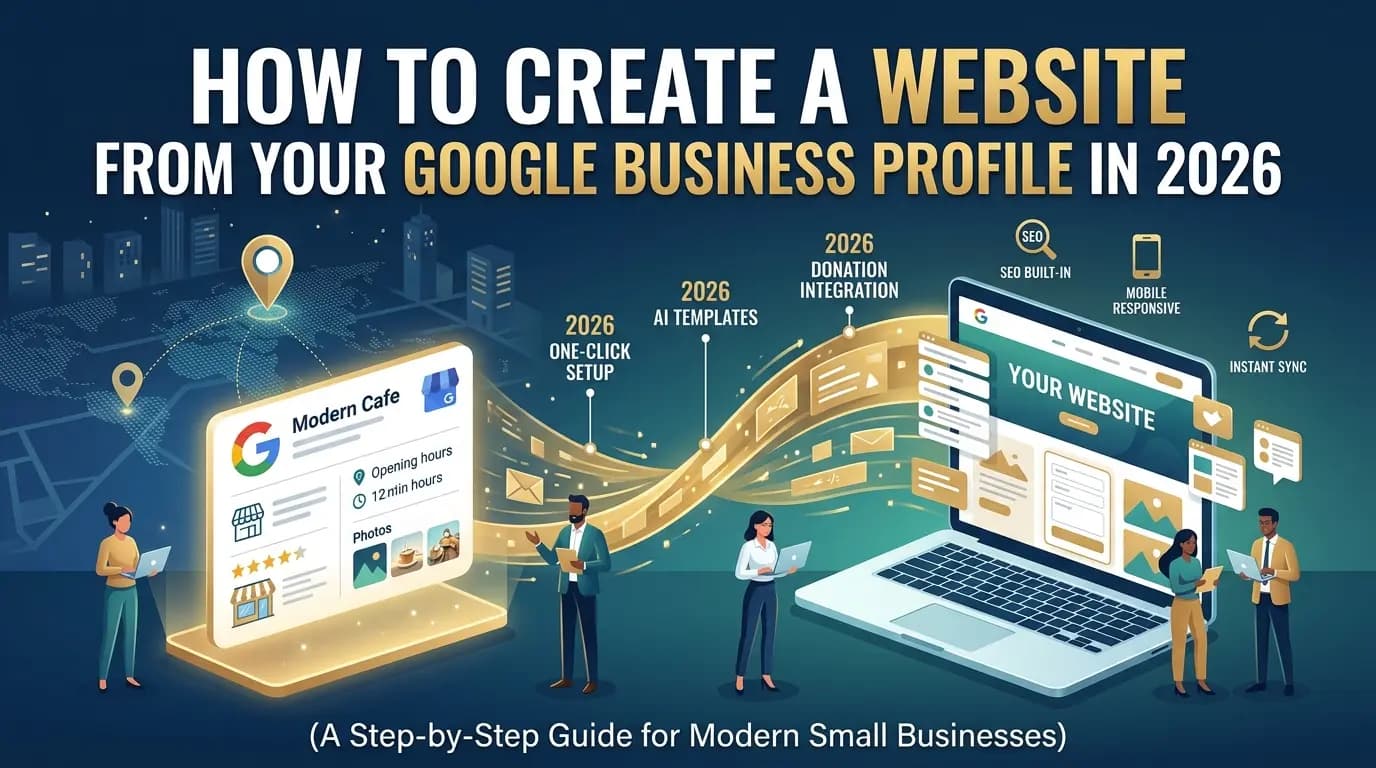
You cannot create a website inside Google Business Profile anymore. Google turned off its free Business Profile websites in March 2024, and old business.site links stopped redirecting on June 10, 2024. To create a website from your Business Profile in 2026, paste your Google Maps link into an AI website builder that reads your listing, such as Entro, then add the new site's address to your profile's Website field.
Entro is an AI website builder for local and small businesses. Paste a Google Maps link or type your business name and Entro builds a complete, editable website in about a minute from your real photos, reviews, hours and business details. Every section can be edited with AI in plain language, and it is free to start, so you see the finished site before paying anything.
Key takeaways
- Google turned off Business Profile websites in March 2024, and old business.site links stopped redirecting on June 10, 2024.
- There is no website builder inside Google Business Profile in 2026, so you need a third-party builder.
- The fastest route is to paste your Google Maps link into a builder that reads your listing, such as Entro, which builds an editable site in about a minute.
- After publishing, add the new URL to your profile's Website field and keep your name, address and phone identical on both.
What Happened to Google Business Profile Websites?
Google Business Profile websites were free one-page sites that Google generated from a business's listing, usually at an address like yourbusiness.business.site. Google shut the feature down in 2024: the sites went offline in March, visitors were redirected to the Business Profile until June 10, 2024, and since then old links show a page-not-found error.
| When | What happened |
|---|---|
| Before 2024 | Any verified business could publish a free one-page site, usually at yourbusiness.business.site, built from its Business Profile. |
| March 2024 | Google turned the sites off. Visitors were redirected to the business's Google Business Profile instead. |
| June 10, 2024 | The redirects ended. Old business.site links now show a page-not-found error. |
| 2026 | Google Business Profile has no website builder. Google's advice is to build a site elsewhere and add its link to your profile. |
The practical problem is the links you left behind. If a business.site address is still on your business cards, flyers, Instagram bio or old directory listings, every customer who uses it now hits an error page. There is no way to restore or export an old Business Profile website, so the only fix is a new site and a new link.
Do You Still Need a Website if You Have a Google Business Profile?
Yes. A Google Business Profile gets you found in Google Maps and local search, but it is not a website. A website is where you explain every service and price, capture enquiries with your own forms, rank for service searches beyond your business name, and keep a presence you control if a platform changes its rules, as Google did in 2024.
| What it does | Google Business Profile | Your own website |
|---|---|---|
| Shows you in Google Maps and the local pack | Yes | No, but the profile links to it |
| Shows hours, address and phone | Yes | Yes |
| Lets you control design and layout | No | Yes |
| Explains every service, price and your story | Very limited | Yes |
| Captures leads with your own forms | No | Yes |
| Ranks for service searches beyond your name | Rarely | Yes, with a page per service |
| Belongs to you if a platform changes its rules | No | Yes |
The two work as a pair. Google says customers are 2.7 times more likely to consider a business reputable if it has a complete Business Profile, and 70% more likely to visit it. A complete profile includes a website link, and the website is where a searcher who found you on Maps checks your services before calling. Our small shop website checklist covers what that page should include.
How to Create a Website From Your Google Business Profile in 2026
The fastest way to create a website from your Google Business Profile is to start from your Google Maps link instead of a blank template. Your listing already holds your name, category, photos, reviews, hours, address and phone, which is most of what a small business website needs. Here is the process with Entro, step by step.
1. Copy your Google Maps link
Open Google Maps, search for your business, tap Share and choose Copy link. That link points to your public Business Profile listing. You do not need to sign in to Google or prove ownership to start building, although you will need the account that manages your profile later, when you add the new website address to it.
2. Paste it into Entro
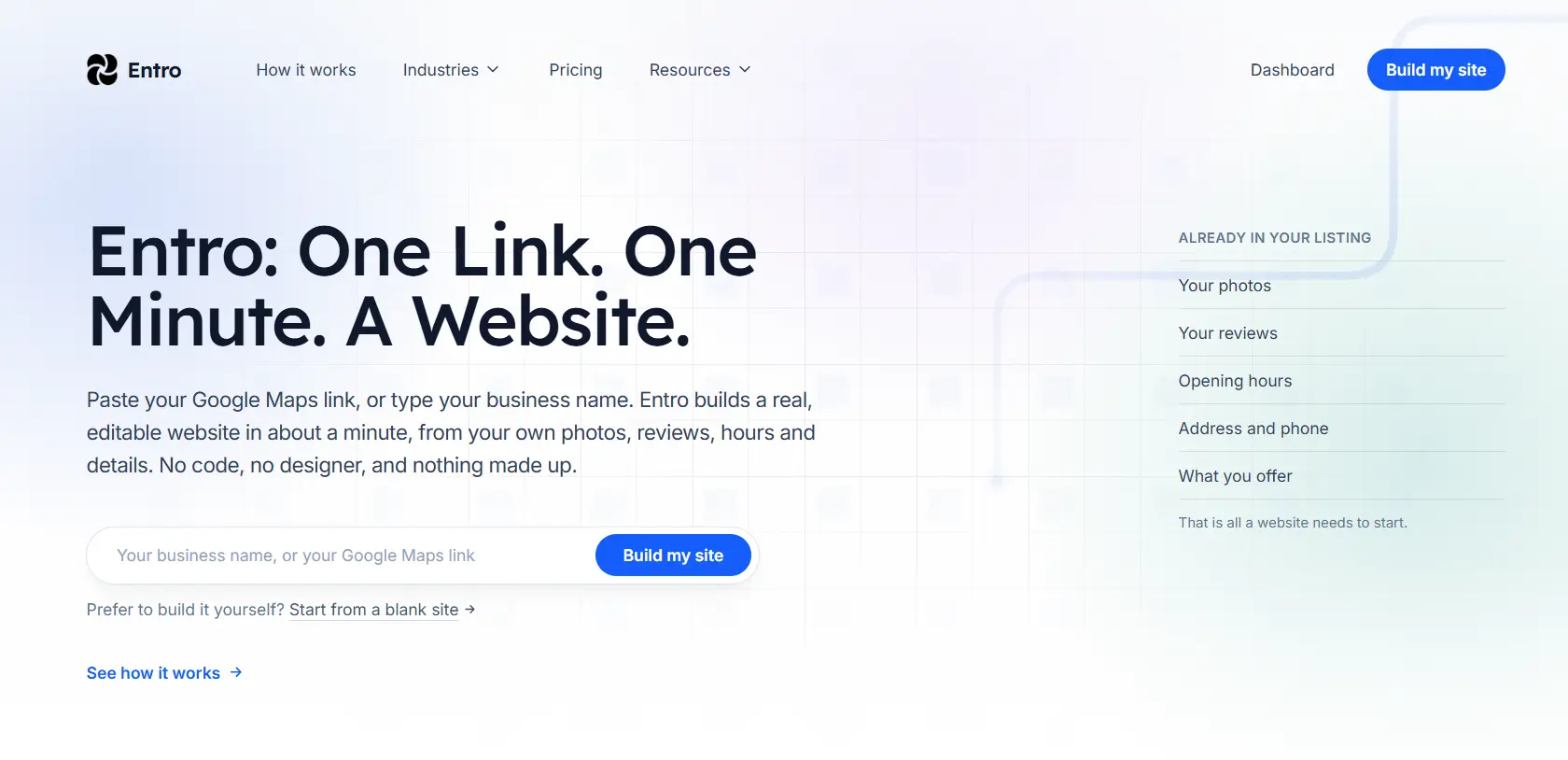
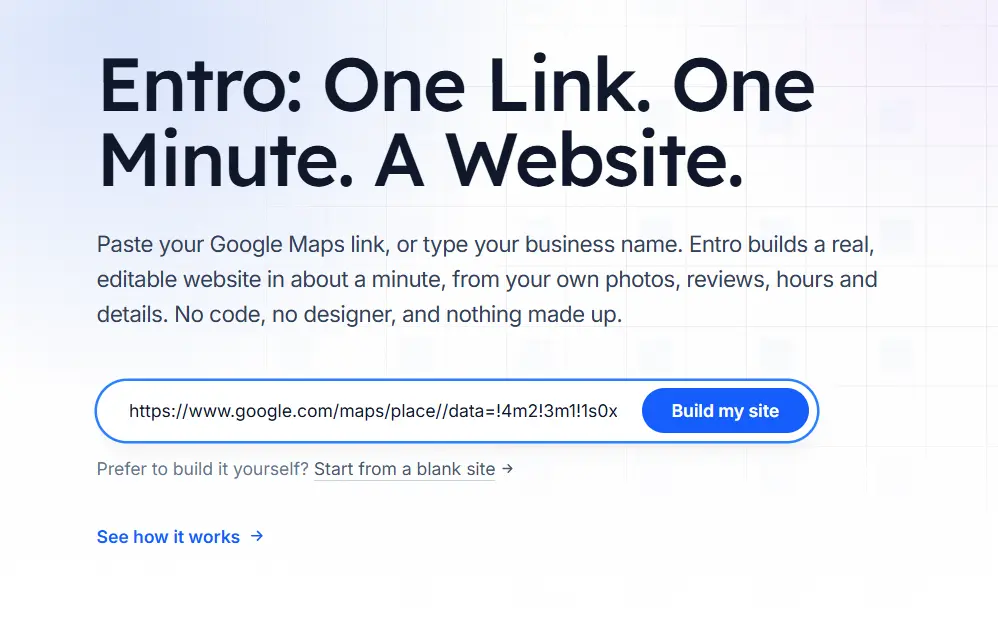
On the Entro homepage, paste the Google Maps link into the input box and select Build my site. If you do not have the link to hand, you can type your business name instead. Entro reads your public listing, so there is no form to fill in, no photos to upload one by one and no description to write from scratch.
3. Review your generated website
In about a minute, Entro generates a complete website: a hero section with your business name and a headline, a gallery of your photos, a reviews section built from your Google reviews, your hours and contact details, and a clear call to action. Because it starts from your real listing, the first draft describes your actual business rather than a generic AI guess.
4. Edit any section with AI
Every section of an Entro website can be edited on its own in plain language. Ask for a different headline, add a services and prices section, move reviews higher or change the tone of the about section, and only that part changes. No design skills or code are needed. This is also where you add what your Google listing cannot show, such as detailed services, FAQs and your story.
5. Publish and link it from your profile
When the site looks right, publish it, ideally on your own domain. Then add the address to the Website field in your Google Business Profile, replacing any old business.site link. The profile keeps bringing people in from Maps and search, and the website gives them a reason to choose you. The next section shows exactly where that field is.
What Entro Pulls From Your Google Business Profile
Entro maps each part of your public Google listing to a section of your new website. That is why the first draft is ready in about a minute: the content already exists, so the builder arranges it instead of inventing it. Everything it pulls in stays editable, and you can add sections your listing does not have.
| From your Google listing | Becomes on your Entro website |
|---|---|
| Business name and category | Site title, hero headline and section structure suited to your type of business |
| Description | About section |
| Photos | Hero image and gallery |
| Google reviews | A reviews section that builds trust |
| Hours, address and phone | Contact section with tap-to-call and directions |
A thin or outdated listing produces a thin first draft, so it pays to update your profile first: add recent photos, check your hours and fill in your description. For a deeper walk-through of the Maps-link method, see how to create a website from a Google Maps link.
Is Entro Right for Your Business?
Entro is the closest replacement for the old Business Profile website because it builds from the same Google data, but it produces a full, editable site instead of a single fixed page. It suits local and service businesses that want to be online quickly. It is not the right tool for every website, so here are the trade-offs.
Pros
- Builds from your Google Maps link, so the first draft uses your real photos, reviews, hours and details
- Complete website in about a minute, with no blank page or manual data entry
- Every section can be edited with AI in plain language
- Free to start: you see the finished site before paying
Cons
- Needs a Google Maps listing or a short description to start from
- Not built for large online stores
- Fewer third-party apps and integrations than Wix or WordPress
Not right for you if…
You need a large online store, a content-heavy publishing site or deep third-party integrations. Shopify, WordPress or Wix fit those jobs better.
Our verdict
If your business is already on Google Maps, Entro is the closest thing to the old one-click Business Profile website, with far more room to grow: a full, editable site built from the same data, free to start.
| Pricing | Best for |
|---|---|
| Free to start. Plans for publishing and a custom domain are on the pricing page. | Local businesses on Google Maps (shops, cafés, salons, clinics, trades) that want a real website quickly |
Other Ways to Replace Your Business Profile Website
Besides Entro, the main options are Durable, Wix, Squarespace and Hostinger, or hiring a freelancer. The difference is how much of your Google data you move by hand. Prompt-based builders generate a site from a description, so you copy in your hours, photos and reviews yourself. A freelancer does it for you, at a much higher price.
| Option | How it uses your Google data | Time to a live site | Starting price (2026) |
|---|---|---|---|
| Entro | Reads your Google Maps link and builds the site from it | About a minute | Free to start |
| Durable | Generates from a short description; you add your details | Minutes, plus editing | Launch $25/mo ($22 billed annually) |
| Wix | AI site from a prompt, then manual edits | An hour or more | Light $17/mo, free plan with ads |
| Squarespace | Template or AI draft; you copy details in by hand | A few hours | Basic $19/mo, no free plan |
| Hostinger | AI site from a prompt; you add your details | An hour or more | $2.99/mo on a 48-month term, renews $10.99 |
| Freelancer | Someone rebuilds it for you | Weeks | About $2,000 to $7,600 for a small site |
Choose Wix if you need native booking or online ordering and will spend an afternoon on setup, Squarespace if design polish matters most, and Hostinger if the lowest monthly price is the priority, remembering the renewal rate. Our ranking of the best website builders for small business compares them in more depth, and the cheapest way to build a local business website covers hidden costs.
How to Add Your New Website to Google Business Profile
To add your website to Google Business Profile, open your profile while signed in to the account that manages it, choose Edit profile, open Contact and paste your new address into the Website field. This replaces any dead business.site link, so customers who tap Website on Maps reach your real site.
Open your Business Profile
Search your business name on Google or open the Google Maps app while signed in to the account that manages the profile.
Choose Edit profile
Then open the Contact section.
Find the Website field
Delete any old business.site address.
Paste your new URL and save
Use the full address, ideally on your own domain, for example https://yourbusiness.com.
Check it from a customer's view
Open your listing on a phone and tap Website to confirm it loads. Changes can take a while to appear.
Then make the two reinforce each other. Use exactly the same business name, address and phone number on your website and your profile, show your hours on the site, and link to your Google reviews so happy customers can add new ones. For the page structure that turns those visitors into calls and bookings, see our high-converting website layout.
Common Mistakes When Replacing a Business Profile Website
Most problems after the 2024 shutdown come from old links and mismatched details rather than from the new website itself. Fix these five and your profile and website will work together instead of against each other.
| Mistake | Why it hurts | The fix |
|---|---|---|
| Leaving a business.site link on your profile, cards or socials | The link now leads to an error page, so you look closed | Replace it everywhere with your new URL |
| Retyping everything by hand | Hours of work, and typos create mismatched details | Start from your Google Maps link so data is pulled in |
| Different name, address or phone on site and profile | Inconsistent details confuse customers and weaken local signals | Copy the exact details from your Google listing |
| Copying the profile and stopping there | A site identical to your listing gives no new reason to choose you | Add services, prices, your story and FAQs |
| Building a site but never linking it | Maps visitors never find it | Add it to the Website field in your profile |
The Bottom Line
Google no longer builds websites from Business Profiles, but your profile is still the best starting point for one. If your business is on Google Maps, you already have the photos, reviews, hours and details a website needs. Paste your Maps link into a builder that reads it, add the services and story your listing cannot show, and link the result back to your profile.
Turn your Google listing into a website
Paste your Google Maps link into Entro and get a complete, editable website built from your photos, reviews and hours in about a minute. Free to start.
Updated October 2026.
Frequently asked questions
Not inside Google. Google turned off Business Profile websites in March 2024 and no longer offers a builder. You can still create one from your profile data: paste your Google Maps link into a builder that reads your listing, such as Entro, which builds an editable site from your photos, reviews and hours in about a minute.
Google shut it down. Business Profile websites went offline in March 2024, visitors were redirected to your Business Profile until June 10, 2024, and old business.site links now show a page-not-found error. The site cannot be restored or exported, so you need a new website and a new link.
Nothing inside Google. Google's guidance is to build a website with another provider and add its address to your Business Profile. AI website builders are the closest replacement, and Entro is the most direct one because it builds from the same Google Maps listing the old tool used.
Paste your Google Maps link into Entro, an AI website builder for local businesses. It reads your public listing and generates a complete website with your name, photos, reviews, hours and contact details in about a minute, and you can then edit any section with AI in plain language.
Yes. The profile gets you found in Maps and local search, but a website lets you explain every service and price, capture enquiries, rank for service searches beyond your name and keep a presence you control if a platform changes its rules.
Open your profile while signed in to the account that manages it, choose Edit profile, open Contact and paste your website address into the Website field, then save. Remove any old business.site link and check the change on a phone, since updates can take a while to appear.
It can be free to start. Entro lets you build and preview your full site from your Google Maps link before paying, and publishing plans with a custom domain are listed on its pricing page. Wix also has a free plan with ads, while Squarespace has no free plan.
No. A live website linked from your Business Profile, with the same name, address and phone as your listing, supports your local presence. A dead business.site link or an empty Website field does nothing for you, and Google lists a website as part of a complete profile.
No. The business.site domain belonged to Google and has been retired, so you cannot point it at a new site. Use your own domain, such as yourbusiness.com, and update every place the old link appeared: your profile, cards, social bios and directory listings.
Written by
Cyrus
Head of Marketing, Entro
Cyrus writes about mobile app marketing, ASO, and conversion optimization. He's spent the last 3+ years helping indie developers and startup founders get more downloads from organic channels, without paid UA budgets.
Before Entro, he ran growth for two consumer apps that together passed 500,000 downloads on the App Store. Most of what he writes comes from mistakes made with his own money first.
Related articles