How to Get More Google Reviews in 2026 (Scripts Included)
To get more Google reviews, copy your review link from your Business Profile, ask every customer at the moment they are happiest, make it one tap, and follow up once. Here are the scripts for in person, text, email and receipts, plus the rules to stay within.

Cyrus
To get more Google reviews, copy your review link from your Google Business Profile, ask every customer at the moment they are happiest, make leaving a review a single tap with a short link or QR code, and send one polite follow-up. Ask everyone, not only the customers you expect to be happy, and never offer anything in return, because Google treats incentivised reviews as fake engagement and the US Federal Trade Commission's rule on fake reviews has applied since October 21, 2024. The scripts below cover in person, text message, email, receipts and WhatsApp, and tools such as Entro, an AI website builder, can then show your best Google reviews on your website automatically.
Key takeaways
- Most happy customers do not leave a review because nobody asked them, not because they do not want to.
- Your free review link and QR code are in your Business Profile under "Ask for reviews".
- Timing matters most: ask right after the moment the customer is happiest.
- One tap beats instructions. Send the direct link, never "search for us on Google".
- Ask every customer the same way. Selecting only happy ones or offering rewards breaks Google's rules.
- A steady few reviews a week beat a burst of fifty followed by silence.
Why Google Reviews Matter So Much
Google reviews do two jobs at once. They help you rank: Google's help page lists review count and rating as part of prominence, one of the three things it uses to rank local results, and the 2026 Whitespark Local Search Ranking Factors survey puts a high star rating and the number of reviews with written text in its top ten Maps factors. They also help you win the click: a customer choosing between three businesses on a map compares stars, review count and how recent the reviews are before they call.
The reason most businesses have fewer reviews than they deserve is simple. Satisfied customers rarely think to write one, while unhappy ones go looking for the review button. A simple, consistent habit of asking fixes that imbalance.
Step 1: Get Your Google Review Link and QR Code
Google gives every verified business a direct link that opens the review box with your profile already selected. Google's help page describes it as a Google link or QR code your customers can visit or scan.
Sign in to the Google account that manages your Business Profile.
Search for your business name on Google, or open Google Maps, so your profile controls appear.
Click Ask for reviews (on some profiles it sits under the Reviews or Read reviews option as "Get more reviews").
Copy the short link, or download the QR code.
Save both somewhere you can reach quickly: your phone notes, your booking software and your email templates.
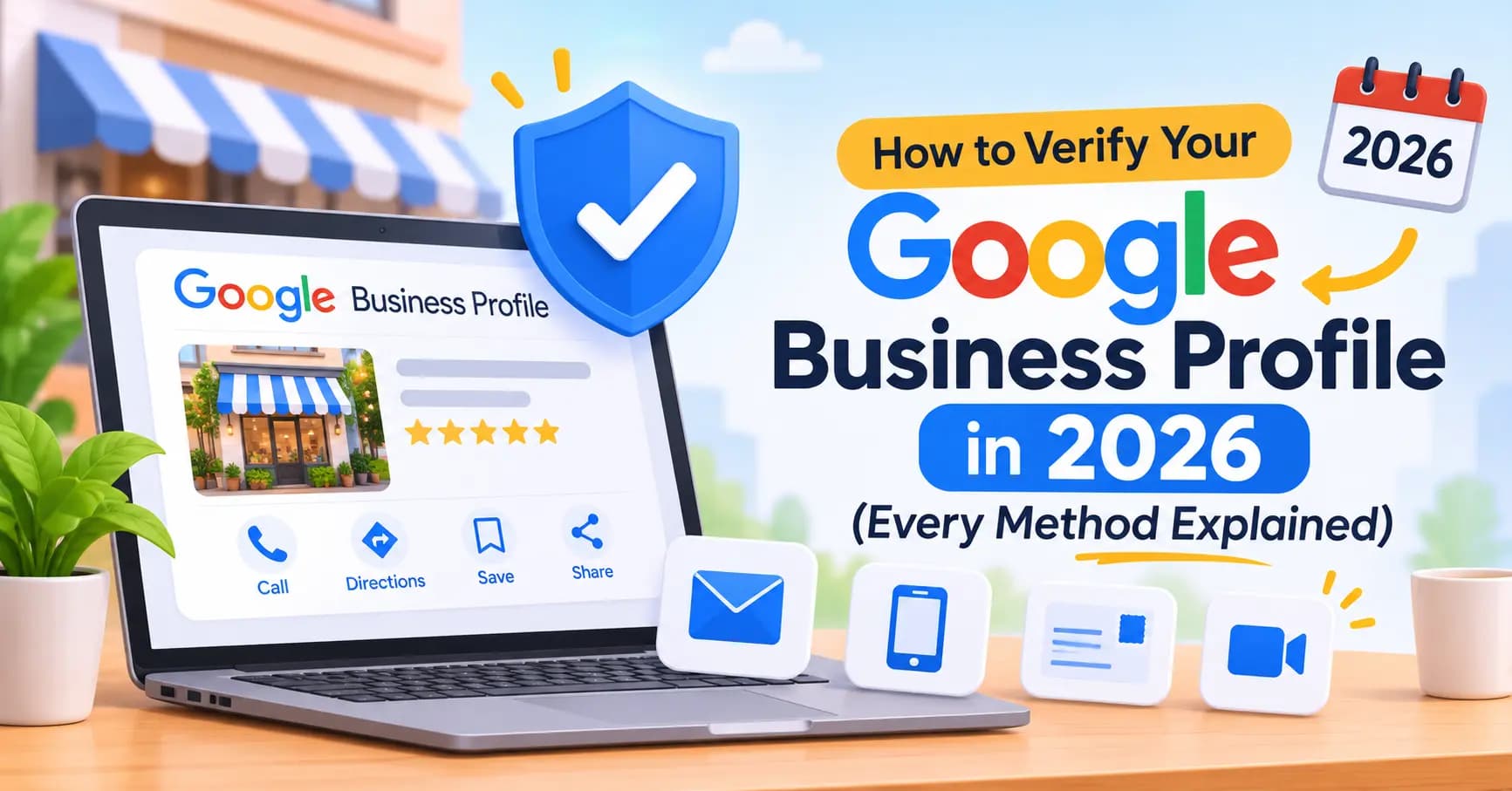
Test the link on your own phone before you share it. It should open straight to the star rating box. If you have not verified your profile yet, do that first; the review link and most profile tools only appear once Google confirms the business is yours.
Step 2: Ask at the Happiest Moment
The best time to ask is right after the moment your customer feels most pleased, not days later when the experience has faded. That moment is different for every business:
Business type | Best moment to ask | Best channel |
|---|---|---|
Café or restaurant | When they compliment the food or pay | In person, QR on the table or receipt |
Salon or barber | When they see the finished look in the mirror | In person, then text the link |
Trades and home services | When the job is finished and tested | In person, then text the link |
Clinic or therapist | After a positive check-in or completed course | Email, with care for privacy |
Shop | At the till or when an order arrives | QR at the till, follow-up email |
Professional services | When the project is signed off | Personal email from the person who did the work |
Ask everyone who reaches that moment, every time. Consistency matters for two reasons: it keeps reviews flowing steadily, and it keeps you on the right side of Google's rules, which do not allow you to pick only the customers you expect to be positive.
Step 3: Make It One Tap
Every extra step loses people. "Search for us on Google and find the reviews tab" might lose half of them. A direct link sent to their phone, or a QR code they can scan while still standing at your counter, gets far more reviews from the same number of asks.
Text or WhatsApp the link rather than emailing it when you can; most people review on their phone.
Print the QR code on receipts, table cards, invoices, business cards and the bag or box.
Add the link to your email signature and booking confirmation emails.
Put a "Review us on Google" button on your website's contact or thank-you page.
Step 4: Use These Review Request Scripts
Copy these word for word or adjust them to sound like you. Keep every version short, personal and free of pressure. Replace the parts in square brackets.
In person (at the counter or end of a job)
"I'm really glad you're happy with it. We're a small business and Google reviews make a big difference for us. Would you mind leaving a quick one? I can text you the link right now, it takes about a minute."
Text message (same day)
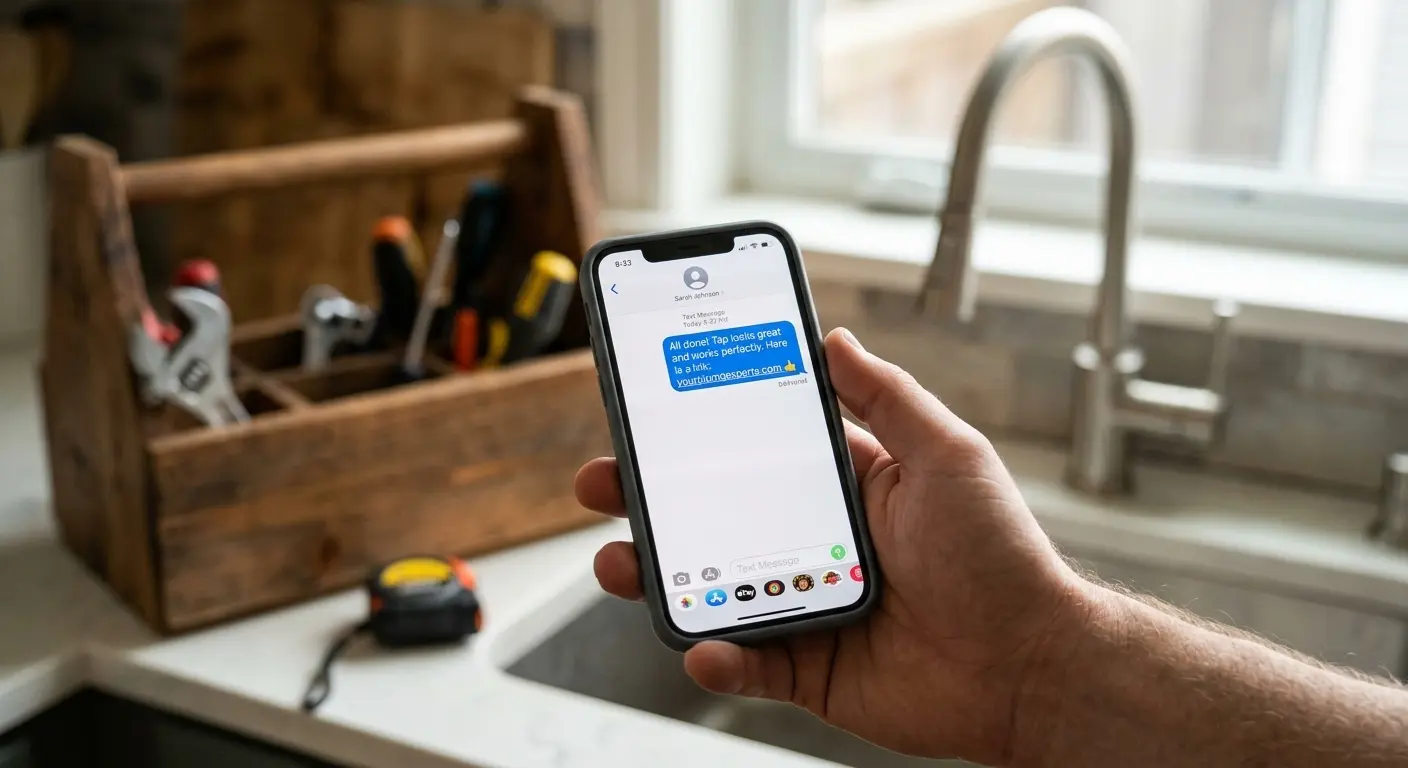
"Hi [first name], thanks for choosing [business] today. If you have a minute, an honest Google review would really help us: [review link]. Thank you! [Your name]"
Email (within 24 hours)
Subject: Thanks from [business], quick favour?
"Hi [first name], thank you for [specific service, for example 'having your boiler serviced with us']. We are a small local team and most of our new customers find us on Google. If you have a minute, would you share an honest review of your experience? It takes about a minute: [review link]. If anything was not right, just reply to this email and I will sort it out personally. Thanks, [Your name], [business]"
WhatsApp (for customers you already message)
"Thanks again for today, [first name]! If you get a second, a quick Google review would mean a lot to us: [review link]"
Receipt, table card or invoice
"Enjoyed your visit? Scan to tell others on Google. It takes a minute and helps a small local business." [QR code]
Follow-up (once, 3 to 5 days later)
"Hi [first name], just a gentle reminder in case it slipped your mind. Your review would really help: [review link]. No worries if not, and thanks again for choosing us."
Regular customers
"You've been coming to us for a while now and we really appreciate it. Would you be up for leaving us a Google review sometime? Here's the link: [review link]"
Notice the email script includes a line inviting customers to reply if anything went wrong. That is not a filter. Everyone still gets the review link; you are simply giving unhappy customers a way to reach you as well.
Step 5: Ask for Detail, Not Just Stars
Reviews with written text are more useful to future customers and count for more in the Whitespark survey, which ranks the number of Google reviews with text in its top ten Maps factors. You can encourage detail without scripting the review itself:
"If you mention what we did for you, it really helps other people find the right service."
"Feel free to mention which of our team helped you."
"Photos are always welcome if you have them."
Never write the review for the customer, give them wording to paste, or ask them to mention specific keywords. Reviews must reflect the customer's own genuine experience.
What Breaks the Rules (and Can Cost You)
Google's policy says offering free or discounted goods or services in exchange for reviews, for changing reviews or for removing negative reviews is fake engagement and is strictly prohibited. Google can remove the reviews and restrict your profile. In the US, the Federal Trade Commission's rule on consumer reviews and testimonials, in force since October 21, 2024, bans fake reviews, buying positive or negative reviews and incentives tied to a particular sentiment, and lets the FTC seek civil penalties for each violation. The UK banned fake reviews under its consumer protection law from April 2025.
Never do these
Offer discounts, free items or prize draws for reviews. Ask only customers you expect to be happy, or send unhappy customers to a private form instead of Google (review gating). Post reviews yourself, or ask staff, friends or family to review you. Buy reviews from any service. Set up a review station on a shop tablet so many reviews come from one device and location.
Asking everyone in the same friendly way, with no reward attached, is always allowed. That is all the scripts above do.
Build a Review Habit, Not a Campaign
A sudden spike of reviews can look suspicious to Google's filters, and it quickly goes stale. A steady flow looks natural and keeps your newest review recent, which customers notice. Practical ways to make asking automatic:
Add it to your process. Make the review ask the last step of every job, appointment or delivery checklist.
Automate the follow-up. Many booking, invoicing and point-of-sale tools can send a review email or text after each appointment.
Give staff the words. Share the in-person script and let each person adapt it. Praise staff when customers mention them by name.
Set a small goal. For example, two or three new reviews a week. Track it monthly in your Business Profile.
Reply to Every Review
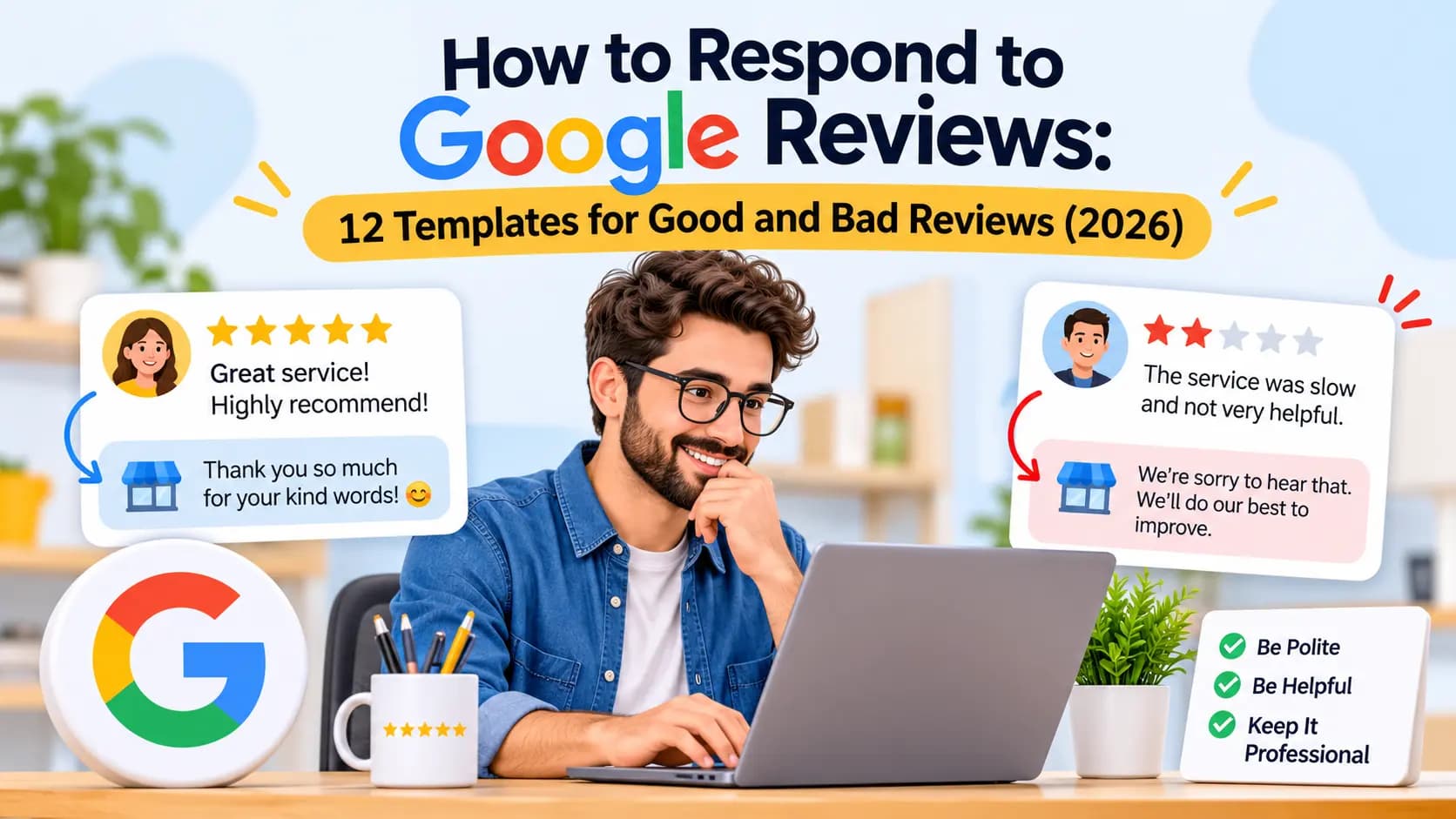
Google recommends responding to reviews, and replies show future customers you care. A short, personal thank-you to a happy customer and a calm, specific reply to an unhappy one both build trust. Keep replies brief, never share private details, and never argue in public. A full guide to replying, with templates for good and bad reviews, is coming next in this series.
Put Your Reviews to Work on Your Website
Reviews do more than sit on Google. Shown on your website, they become the social proof that turns a visitor into a call. Our guide to a high-converting website layout puts reviews right after the hero section for that reason, and our small shop website checklist lists Google reviews as a must-have.
Entro is an AI website builder for local and small businesses. Paste your Google Maps link and Entro builds a complete, editable website in about a minute from your real photos, reviews, hours and business details. Every section can be edited with AI in plain language, and it is free to start, so you see the finished site before paying. Your best Google reviews appear on the site from the start, so every new review you earn works twice.
Pros
- Shows your real Google reviews on your website without copying them by hand
- Builds a full site from your Google Maps link in about a minute
- Every section can be edited with AI in plain language
- You can add a "Review us on Google" button with your review link
- Free to start, so you see the finished site before paying
Cons
- It does not send review requests for you; use your booking or invoicing tool for that
- Not built for large online stores or complex integrations
- Works best when your listing already has some reviews and photos
Not right for you if…
You need a large online store, a content-heavy blog or deep third-party integrations. Shopify, WordPress or Wix fit those jobs better.
Our verdict
Earn reviews with the scripts above, then make sure they are seen. If your website does not show your Google reviews, or you do not have one yet, Entro builds a site that features them straight from your Google Maps listing.
Pricing | Best for |
|---|---|
Free to start. Publishing and custom domain plans are listed on the pricing page. | Local businesses on Google Maps (shops, cafés, salons, clinics, trades) that want their reviews working on their website |
See exactly how it works in our guide to creating a website from a Google Maps link, then link the site back to your Business Profile.
Show off the reviews you have earned
Paste your Google Maps link and Entro builds a complete, editable site featuring your real Google reviews in about a minute. Free to start.
Frequently asked questions
Copy your review link or QR code from your Google Business Profile, ask every customer right after the moment they are happiest, send the link by text or email so it is one tap, and follow up once a few days later. Do it consistently so reviews arrive steadily.
Sign in to the account that manages your Business Profile, search for your business on Google or open Google Maps, then choose Ask for reviews (sometimes shown as Get more reviews). Copy the short link or download the QR code.
No. Google says offering free or discounted goods or services in exchange for reviews is fake engagement and is strictly prohibited. In the US, the FTC's rule on fake reviews also bans incentives tied to a particular sentiment. Ask without any reward instead.
No. Selectively asking only customers you expect to be positive, or sending unhappy customers to a private form instead of Google, is known as review gating and goes against Google's policies. Ask every customer the same way.
Keep it short and personal: thank them, explain that reviews help a small business, and offer the direct link. For example: 'Thanks for choosing us today. If you have a minute, an honest Google review would really help: [link].'
Right after the moment the customer feels most pleased, such as seeing a finished haircut, testing a completed repair or complimenting a meal. Send the link the same day while the experience is fresh, and follow up once within three to five days.
There is no fixed number. Aim to match or beat the review count of the businesses ranking above you, and focus on a steady flow so your newest review is always recent. Two or three new reviews a week is a realistic goal for many small businesses.
Google's automated filters remove reviews they suspect are fake or policy-breaking, such as many reviews from one device or location, reviews from staff, or a sudden burst after a campaign. Asking customers to review from their own phones at their own pace helps reviews stick.
Yes. Google recommends responding to reviews, and replies show future customers that you are active and care. Thank happy customers briefly and personally, and reply to negative reviews calmly with what you will do to fix the problem.
Written by
Cyrus
Head of Marketing, Entro
Cyrus writes about mobile app marketing, ASO, and conversion optimization. He's spent the last 3+ years helping indie developers and startup founders get more downloads from organic channels, without paid UA budgets.
Before Entro, he ran growth for two consumer apps that together passed 500,000 downloads on the App Store. Most of what he writes comes from mistakes made with his own money first.
Related articles