Lovable for Business Owners: Can You Build a Real Site Without Coding? (2026)
Yes, you can build a real website with Lovable without coding, but you write every detail in prompts and pay in credits. It suits custom apps; for a local business site, Entro, Wix or Squarespace are usually faster.

Cyrus
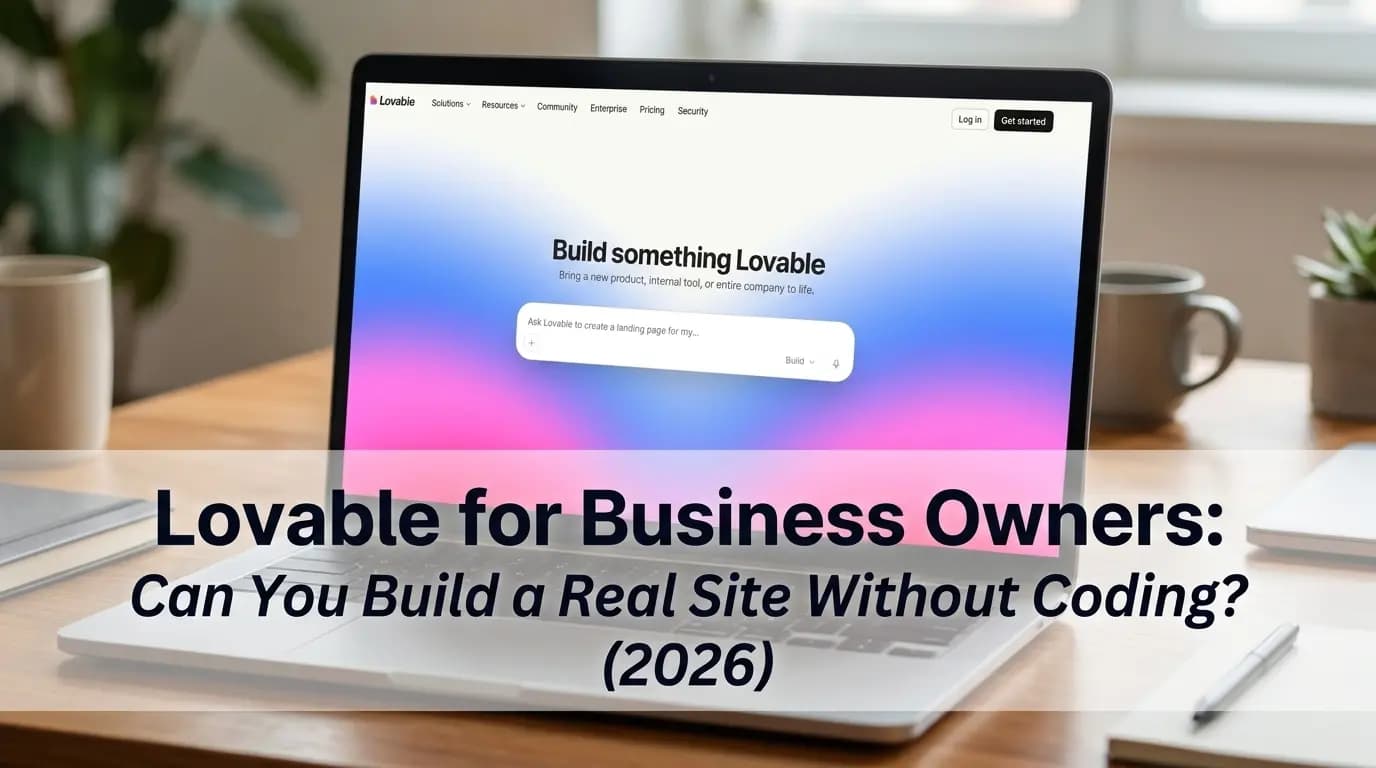
Yes, a business owner can build a real website with Lovable without writing any code. You describe the site in plain English, Lovable writes and runs the code, and it publishes the result to a live address. The trade-off is that you supply every detail through prompts and pay in credits for each change, so Lovable suits custom apps and tools more than a simple local business site. For that, Entro, Wix or Squarespace are usually faster.
Entro is an AI website builder for local and small businesses. Paste a Google Maps link or a short description and Entro builds a complete, editable website in about a minute from your real photos, reviews, hours and business details. Every section can be edited with AI in plain language, and it is free to start, so you see the finished site before paying.
This guide explains what Lovable is, how a non-technical owner would use it, what it really costs, how it handles SEO in 2026, and when a different tool is the better call.
Key takeaways
- Lovable is an AI app builder: you describe what you want in chat and it writes, runs and hosts real code.
- A business owner can build a working website on Lovable without coding, but every detail comes from your prompts, and each prompt uses credits.
- The Free plan gives 5 build credits a day, up to 30 a month, and publishes on a lovable.app address with a Lovable badge.
- A custom domain and badge removal need a paid plan. Pro starts at $25 a month.
- New Lovable apps (from May 13, 2026) use server-side rendering, which fixed the biggest SEO complaint about older Lovable sites.
- For a local business brochure site, a builder that starts from your Google listing, such as Entro, is usually faster.
What Is Lovable?
Lovable is an AI development platform for building web apps and websites by chatting. Lovable describes itself as "a full-stack AI development platform for building, iterating on, and deploying web applications." You type what you want, and it generates a working project with a frontend, and if needed a backend, database and user logins, all as editable code it can host for you.
That is the key difference from a classic website builder. Wix, Squarespace and Entro give you a site made of ready-made sections. Lovable writes custom code from scratch for every project. That makes it far more flexible, since it can build a booking tool, a client portal or a price calculator, but it also means there is no template holding your site together when a change goes wrong.
Lovable is popular with founders and product teams who want to turn an idea into a working app without hiring developers. Business owners have started using it for websites too, which is why the question in the title comes up so often.
Can a Business Owner Really Build a Site With Lovable Without Coding?
Yes, as long as you are comfortable writing clear instructions and testing what comes back. Lovable never asks you to open the code. You describe a page, check the preview, and ask for changes in plain language. For a simple site with a few sections and a contact form, a patient owner can get something presentable in an afternoon.
Where non-technical owners struggle is not the first version but everything after it. Each change is a new instruction, and occasionally a change breaks something else on the page. Lovable can usually fix its own errors when you ask, but the messages it shows can be technical, and every attempt uses credits. Owners who expect a drag-and-drop editor are often surprised by this.
The other gap is content. Lovable knows nothing about your business until you tell it. Your services, prices, opening hours, address, photos and reviews all have to be typed in or uploaded by you. A builder that reads your Google listing skips that whole step, which is the main reason we built Entro the way we did.
How to Build a Business Website With Lovable, Step by Step
Building a business website with Lovable takes six steps, from sign-up to a live address. The important habit is to write one detailed first prompt and then change one thing at a time, because vague or bundled requests are what burn through credits.
Sign up and open a new project
Create a free account at lovable.dev. No credit card is needed for the Free plan.
Describe your site in one detailed prompt
Name the business, the pages, the sections, your services and prices, and the feel you want. The more specific the first prompt, the fewer credits you spend fixing it.
Review the live preview
Lovable builds the first version and shows it next to the chat. Click around it on desktop and on a phone-sized view.
Change one thing per message
Ask for edits in plain language, one at a time: a new headline, a services section, a different colour. Small, clear requests cost fewer credits and break less.
Add forms and data if you need them
A contact or booking form needs a backend. Lovable sets this up through Lovable Cloud when you ask for it.
Publish and connect your domain
Publish to a free lovable.app address, or upgrade to a paid plan to connect your own domain and hide the badge.
A first prompt that works for a local business
Most wasted credits come from a thin first prompt. Here is a template you can copy and fill in. It gives Lovable the structure of a high-converting website layout up front, so the first version is close to finished.
Build a one-page website for [business name], a [type of business] in [town]. Sections in this order: a hero with the headline "[your main promise]" and a Call now button linking to tel:[phone]; three customer reviews; our services with prices: [list]; how it works in three steps; a gallery; opening hours [hours] and address [address] with a map; a short FAQ; a contact form that emails [email]. Style: [calm / bold / friendly], colours [colours], mobile first, large tap targets.
You will still need to upload your own photos and paste in your real reviews, since Lovable cannot pull them from Google for you.
How Much Does Lovable Cost?
Lovable costs $0 on the Free plan and from $25 a month on Pro, which is the plan most business owners need for their own domain. Business starts at $50 a month and adds team and admin features, and Enterprise is custom priced. Annual billing lowers the monthly price on the paid plans.
Plan | Price (2026) | Credits | What you get for a business site |
|---|---|---|---|
Free | $0 | 5 build credits a day, up to 30 a month | Publish on a lovable.app address, with the Edit with Lovable badge |
Pro | From $25/mo | 100 monthly credits plus daily credits; higher tiers add more | Custom domain, badge removal |
Business | From $50/mo | Same credit approach, priced higher | Pro features plus SSO, team and admin controls |
Enterprise | Custom | Custom | For larger organisations |
How Lovable credits work
Credits are Lovable's currency for building. Every message that changes your project uses credits, and larger or more complex changes use more. Lovable says most small apps cost nothing extra to host because the included Cloud grant covers them, while apps with a lot of traffic or data can use credits. For a typical local business website, hosting is not where the money goes. Editing is.
Watch out for the credit loop
When a change breaks something, asking Lovable to fix it costs credits too. If the same error comes back after two or three attempts, stop, undo to the last working version and ask again in a simpler way.
Compared with a website builder, the real cost of Lovable is less predictable. A builder charges a flat monthly fee no matter how often you edit. With Lovable, a busy month of changes can push you onto a higher credit tier. Our breakdown of what a website costs in 2026 compares the main options side by side.
Is a Lovable Website Good for SEO?
Lovable websites are much better for SEO in 2026 than they used to be. According to Lovable's documentation, apps created from May 13, 2026 use TanStack Start with server-side rendering, so every request returns fully rendered HTML to both visitors and crawlers. That fixed the old complaint that search engines and AI tools saw a blank page.
Older Lovable projects built on React and Vite still run as single-page apps. Lovable pre-renders their pages on request, but only for verified crawlers, so some SEO checkers still see an empty shell. These projects can be upgraded to the server-rendered stack. If your Lovable site was built before mid-2026, check which stack it uses before blaming your rankings on content.
Rendering is only the starting point. Lovable creates a robots.txt file for every project but not always a sitemap, and it will not write your page titles, descriptions or local details unless you ask. For a local business, ranking also depends on your Google Business Profile, consistent contact details and real content about your services, as our small shop website checklist explains.
Lovable Pros and Cons for Business Owners
Lovable's strengths are flexibility and real code. Its weaknesses, for a non-technical owner, are the blank starting point and the unpredictable cost of changes. Here is how it balances out for someone who needs a business website rather than an app.
Pros
- Builds a real, working site from a plain-English description
- Can go far beyond a brochure site: logins, databases, calculators, booking flows
- Generates real code you can sync to GitHub and take elsewhere
- New apps are server-side rendered, so search engines and AI crawlers see full pages
- Free plan to try it without a card
Cons
- Starts from a blank prompt: you type in every service, price, hour and review yourself
- Every change uses credits, and fixing mistakes uses more
- Custom domain and badge removal need a paid plan
- When something breaks, the fixes can get technical
- No built-in local business features such as Google reviews or Maps data
Lovable vs Entro vs Wix vs Squarespace for a Local Business
For a local business website, the main alternatives to Lovable are Entro, Wix, Squarespace and Durable. The biggest difference is the starting point: Lovable and most AI builders start from your description, while Entro starts from your Google Maps listing. That decides how much typing and uploading you do before the site is ready.
Tool | Starts from | How you edit | Own domain from | Best for |
|---|---|---|---|---|
Lovable | A prompt you write | Chat; each change uses credits | Pro, $25/mo | Custom apps, tools and prototypes |
Entro | Your Google Maps link or a short description | AI edits per section, in plain language | See pricing; free to start | Local businesses on Google Maps |
Wix | An AI prompt or a template | Drag-and-drop editor | Light, $17/mo | Booking, ordering and lots of add-ons |
Squarespace | A template or AI draft | Section editor | Basic, $19/mo | Design-led brands |
Durable | A short description | Preset sections | Launch, $25/mo ($22 annual) | Very fast, simple service sites |
If you want to compare more AI options, our ranking of the best AI website builders for local businesses covers each one in depth, including B12, Hostinger and GoDaddy Airo.
When Entro Is the Better Choice
Entro is an AI website builder for local and small businesses, and it solves the two problems owners hit with Lovable: the blank prompt and the cost of every edit. Paste your Google Maps link and Entro pulls in your business name, photos, reviews, hours and contact details, then builds a complete website in about a minute. You do not write a prompt or upload anything to get the first version.
Every section of an Entro site can then be edited with AI in plain language, such as "add a services and prices section" or "make the headline friendlier", and only that section changes. It is free to start, so you see the finished site before paying. For a full walk-through, see how to create a website from a Google Maps link.
Pros
- Builds from your Google Maps link, pulling in your photos, reviews, hours and contact details
- Complete, editable website in about a minute
- Every section can be edited with AI in plain language, without touching code
- Free to start: you see the finished site before paying
Cons
- Built for business websites, not custom web apps with logins or databases
- Needs a Google Maps listing or a short description to start from
- Fewer third-party apps and integrations than Wix or WordPress
Not right for you if…
You want to build a custom web app, a member area or an internal tool with its own database. Lovable is the better fit for that kind of project.
Our verdict
If you run a local business and want a website that brings in calls and bookings, Entro gets you there faster than Lovable, because it starts from your Google listing instead of a blank prompt. Use Lovable when the thing you need is an app, not a business website.
Pricing | Best for |
|---|---|
Free to start. Publishing and custom domain plans are listed on the pricing page. | Shops, cafés, salons, clinics and trades on Google Maps that want a real website quickly |
Who Should Use Lovable?
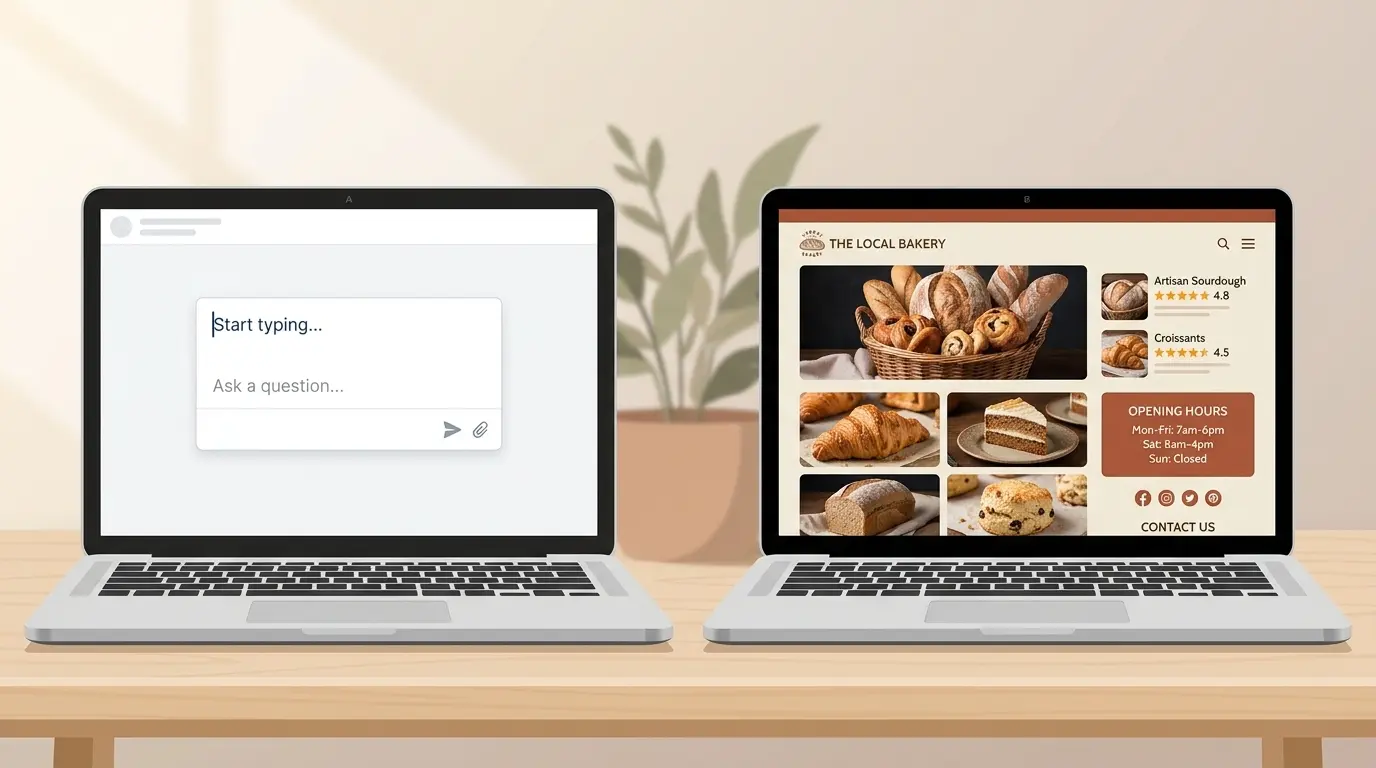
Lovable is the right tool when your project is more app than website. If you need customer logins, a quote calculator, a booking system with custom rules, a client portal or an internal tool for your team, Lovable can build things no template builder can, and you own the code. Owners who enjoy tinkering and testing will get the most from it.
It is the wrong tool when you just need a professional site that says who you are, what you offer, when you are open and how to reach you. In that case you are paying, in credits and time, for flexibility you will not use. A builder designed for business sites, or the steps in our guide to building a website with no coding skills, will get you live sooner.
Common Mistakes Business Owners Make With Lovable
Most frustration with Lovable comes from treating it like a drag-and-drop builder. These are the mistakes worth avoiding if you decide to try it.
Mistake | Why it hurts | The fix |
|---|---|---|
Starting with a one-line prompt | The first version is generic, and every fix costs credits | Use a detailed first prompt with sections, services and contact details |
Asking for several changes in one message | Bigger changes cost more and break more often | Change one thing per message |
Retrying the same broken fix | Credits disappear without progress | Undo to the last working version and rephrase |
Publishing on lovable.app for good | A subdomain and badge look less professional and you don't own the address | Connect your own domain on a paid plan |
Skipping titles, descriptions and a sitemap | Rendering alone does not get you found | Ask Lovable to add SEO titles, descriptions and a sitemap, then submit it to Google |
Using placeholder photos and reviews | Customers can tell, and it erodes trust | Upload your own photos and paste in real reviews |
The Bottom Line
Lovable can build a real website without code, and for custom apps it is one of the most capable tools a non-developer can use. For a local business that needs a clear, professional site fast, it asks for more prompting, testing and credits than the job requires. Start from your Google listing instead, and keep Lovable for the day you need an app.
Skip the prompt writing
Paste your Google Maps link into Entro and get a complete, editable business website built from your photos, reviews and hours in about a minute. Free to start.
Updated November 2026.
Frequently asked questions
Yes. Lovable writes all the code from plain-English prompts, shows a live preview and publishes the site for you. You never have to open the code. The catch is that you describe every page, section and detail yourself, and each prompt uses credits.
Lovable has a free plan with 5 build credits a day, up to 30 a month, and no credit card required. Free sites publish on a lovable.app address with an Edit with Lovable badge. A custom domain and badge removal need a paid plan.
Most business owners need the Pro plan, from $25 a month (less when billed annually), to use their own domain and hide the Lovable badge. Pro includes 100 monthly credits plus daily credits. Business starts at $50 a month and adds team features.
Credits are what Lovable charges for building. Each message you send to change your site uses credits, and bigger or more complex changes use more. Asking Lovable to fix something that broke also uses credits, so clear, one-at-a-time requests keep costs down.
It is much better than it was. Lovable apps created from May 13, 2026 use server-side rendering, so every page is delivered as full HTML to search engines and AI crawlers. Older projects rely on pre-rendering for verified crawlers and can be upgraded. You still need good titles, content and a sitemap.
Yes, on a paid plan. Custom domains are not available on the Free plan, which publishes to a lovable.app subdomain. On Pro or Business you connect a domain you own in the project's domain settings.
It can work, but it is rarely the fastest route. Lovable starts from a blank prompt, so you type in your services, hours and reviews yourself. Entro, an AI website builder for local businesses, builds a complete site from your Google Maps link in about a minute instead.
Lovable is an AI app builder that writes custom code from your prompts, so it suits web apps, tools and prototypes. Entro is an AI website builder for local and small businesses that builds a complete, editable site from your Google Maps link or a short description, with every section editable in plain language.
Yes. Lovable generates real code that you can sync to GitHub, GitLab or Bitbucket, so a developer can host it elsewhere. That is a genuine advantage over most website builders, although running the code yourself does need technical help.
Written by
Cyrus
Head of Marketing, Entro
Cyrus writes about mobile app marketing, ASO, and conversion optimization. He's spent the last 3+ years helping indie developers and startup founders get more downloads from organic channels, without paid UA budgets.
Before Entro, he ran growth for two consumer apps that together passed 500,000 downloads on the App Store. Most of what he writes comes from mistakes made with his own money first.
Related articles