4 Best Website Builders for Musicians in 2026
A side-by-side comparison of Bandzoogle, Wix, Squarespace, and Shopify to help musicians pick the right website builder in 2026.

Cyrus

What happens when a fan, promoter, or booking agent searches for a musician online but finds only scattered social media profiles? I see a dedicated website as the place where I can bring everything together: music, tour dates, press materials, merch, and contact information.
In 2026, a musician website needs to do more than look good. It should make it easy for fans to listen to music, discover upcoming shows, join a mailing list, buy merchandise, and contact the artist or booking team.
I reviewed four leading options to see how they handle these needs. The best choice depends on what matters most to me: music-specific tools, design, customization, ecommerce, or simplicity.
Quick Comparison: Best Website Builders for Musicians in 2026
Feature | Bandzoogle | Wix | Squarespace | Shopify |
Music-specific tools | Excellent | Good | Good | Fair |
Music player | Yes (built-in) | Via Music Apps/Integrations | Yes (Audio Block & embeds) | Via apps/embeds |
EPK | Built-in | Custom HTML or Apps | Custom (blocks/apps) | Custom (apps) |
Tour dates | Built-in | Apps or custom embed | Custom (pages) | Apps/custom |
Merch | Excellent | Excellent | Good | Excellent |
Digital music sales | Yes (direct) | Yes | Yes | Yes |
Email marketing | Yes | Yes | Yes | Excellent |
SEO tools | Good | Excellent | Excellent | Good |
Design flexibility | Very Good | Excellent | Excellent | Very Good |
Ease of use | Excellent | Excellent | Excellent | Very Good |
Best for | Musicians | Customizable sites | Design-focused | E‑commerce/Merch |
What Should Musicians Look for in a Website Builder?
Before diving into the reviews, consider what features a musician’s site really needs. In my experience, the must-haves include:
Audio Player & Sales: The ability to upload tracks (MP3, FLAC, etc.) and stream them on your site, with an option to sell downloads or albums (commission-free is a bonus).
Merch & E-commerce: A built-in store for shirts, vinyl, and digital downloads, or bundles. Commission-free sales (no cut taken by the platform) can make a big difference.
Tour/Calendar Page: An events calendar or tour list where you post upcoming show dates, venues, and ticket links. Integration with services like Bandsintown/Songkick is a plus.
Electronic Press Kit (EPK): A dedicated section or one-page site with your bio, press photos, music/video embeds, and press quotes – useful for promoters and press.
Mailing List & Fan Engagement: Tools to capture email sign-ups and send newsletters. Direct communication with fans is gold.
Social and Streaming Integration: Easy embedding of Spotify, YouTube, Soundcloud players, and linking to your socials. Fans should be able to stream or share your music seamlessly.
Design & Branding: Plenty of attractive, mobile-responsive templates that fit a music aesthetic. Even without coding skills, you want the flexibility to tweak colors, fonts, and layouts.
Reliability & Support: Fast hosting and SSL security so your site is always up and safe. Helpful customer support can make setup and maintenance easier.
Each website builder handles these differently, so I weighed them with a musician’s perspective in mind.
4 Best Website Builders for Musicians in 2026
In testing each platform, I created trial accounts and built sample sites to see how they handle music-specific needs. Here’s what I found:
Bandzoogle
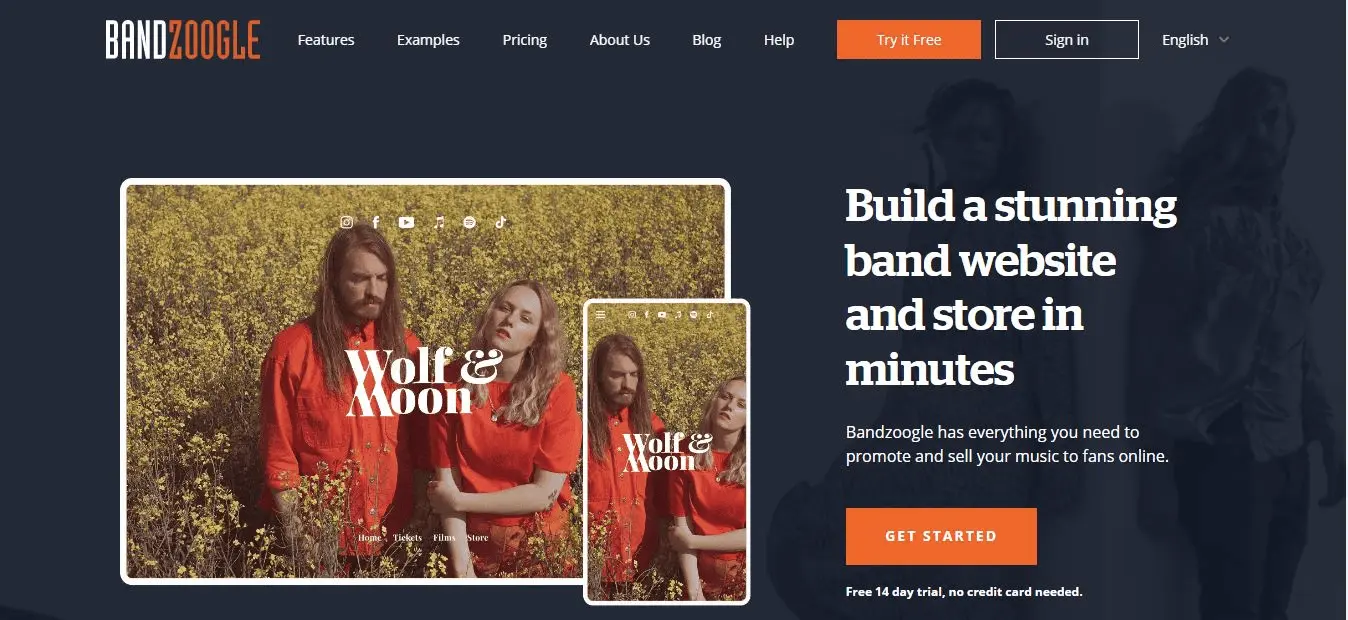
Bandzoogle is the specialist option built for musicians by a musician. It’s designed around bands and solo artists, so nearly every feature is music-friendly. When I signed up (no credit card needed for the 14-day trial), I saw the tagline “Build a stunning band website and store in minutes.” True to its word, choosing a template and getting basic pages up was straightforward.
Bandzoogle’s templates are clean, music-focused, and surprisingly easy to customize on the fly. Instead of thousands of generic themes, Bandzoogle offers a modest library of band/DJ/genre templates. As one musician-reviewer put it, their themes are “utilitarian… not bloated with features” and “easy to understand, easy to preview, and easy to customize”.
I picked a modern rock theme, and within minutes I had demo content (a home page, bio, music, etc.) that I could tweak. The editing interface is section-based (similar to WordPress blocks), so you stack content blocks rather than free-dragging—this made layout simple and error-free.
Key Features
Bandzoogle excels on the music-specific tools front. It provides:
Music Player & Sales: Upload tracks in MP3, FLAC, WAV, etc., and stream them on your site. Importantly, Bandzoogle takes no commission on sales, so you keep 100% of what you earn.
Built-in EPK: There’s a dedicated EPK page template where I filled in my bio, photos, and press quotes. It even guided me to add my latest singles and streaming links in one place.
Tour Calendar & Tickets: Adding upcoming shows was a breeze – I entered tour dates and enabled ticket links. It can sync with Bandsintown, though I just used Bandzoogle’s calendar feature.
Merch Store: Bandzoogle’s Pro plan has a powerful store. I uploaded shirt designs and vinyl and set shipping regions. The inventory management was basic but did the job. On Standard (mid-tier) I could already sell music and merch, though Pro removes the platform’s branding on checkout.
Fan Engagement: Built-in email list tools let me create a signup form and send one newsletter right from the site. Fan data and simple analytics are included too.
Social & Extras: I linked my site to SoundCloud and YouTube, and Bandzoogle automatically added social icons. It even has a built-in blog if I wanted to post news.
One thing I loved: Bandzoogle includes your website hosting and domain. I connected a custom .com (or could register one through them). This meant no separate hosting fee – the pricing is the hosting.
Registration and Website-Building Experience
The signup was easy: I entered my band name, email and password, then picked a genre to get relevant templates. In under 5 minutes I was in the editor. The interface is friendly – as a non-techie, I could click an element to edit text, swap images, or rearrange sections.
Everything worked with drag-and-drop within the section areas. I didn’t need any coding. Editing felt more rigid than Wix/Squarespace’s free-form, but it’s simpler and reliable; I never broke the layout by accident. The tradeoff is fewer “fancy” design bells and whistles, but it stayed headache-free.
Pros
Music-Focused: Built-in tools for audio, tours, EPK, merch, email – it’s all there.
Commission-Free Sales: Sell tracks, albums and merch and keep 100% (aside from payment fees).
Ease of Use: Very beginner-friendly. The layout is guided by blocks, so you won’t get lost. No coding needed.
Domain & Hosting Included: You get SSL and a custom domain (first year free on annual plans). No separate hosting bill.
Great Templates: They look good and load fast on mobile.
Fan Engagement: Built-in email marketing and analytics for your fans.
Cons
Design Flexibility: The editor is block-based, not a free canvas. You can’t move elements anywhere, and there are no advanced design widgets (no fancy animations or shapes). Customization is mostly fonts/colors/layout choices. If you need pixel-perfect design, this might feel limiting.
Not for Non-Music Needs: It strictly targets musicians. For example, if you wanted to sell online courses or host podcasts beyond a blog, Bandzoogle wouldn’t natively support that. But for pure music/band sites it covers almost everything.
Plan Limits (Music-wise): The lower plans cap pages, tracks, and photos (e.g. 10 tracks on Lite). You might need Standard/Pro as your band grows. Also, removing Bandzoogle branding on checkout requires Pro.
Pricing
Bandzoogle’s pricing is very straightforward (billed annually for the best rate). They even offer a one-page EPK plan at $6.95/month (annual) if you only want a simple press page. For a full site, the plans (with first-year discount) are Lite $11.00/mo, Standard $17.00/mo, and Pro $22.00/mo. All plans include the basics (storage, templates, hosting) and zero commission on sales.
My Verdict
Bandzoogle is the best overall for musicians who want an easy, all-in-one solution. In my testing it was the smoothest for just getting a band site running with all music-specific features. It’s the specialist option – I felt it “just works” without fiddling.
Even though the designs aren’t as flash as Squarespace’s, I found the process faster and less frustrating than elsewhere. For any artist focused on showcasing tracks and selling merch directly, Bandzoogle is hard to beat.
Wix
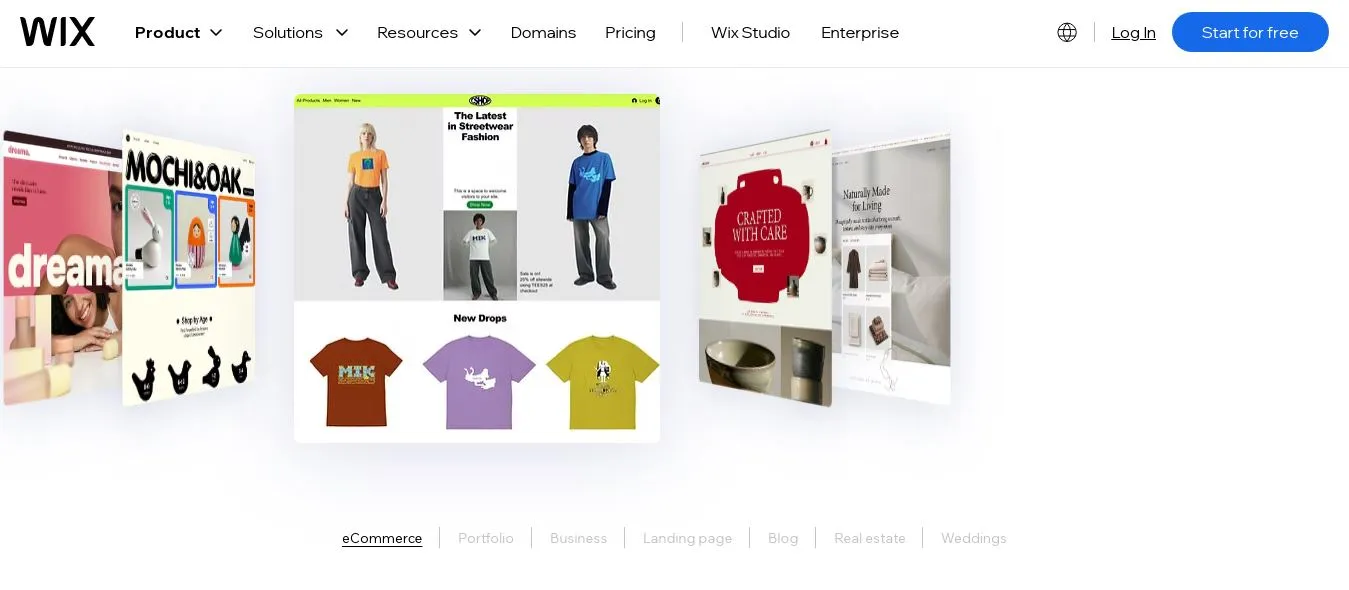
Wix is a popular general-purpose builder that gives you maximum design control. It isn’t built just for musicians, but it can do everything a music site needs – sometimes via apps or integrations.
I found that Wix’s freeform drag-and-drop editor is incredibly flexible: you can place elements anywhere, layer images, and create unique layouts. This means you can make a site that looks completely your own – great for creative freedom. However, this power comes with a learning curve.
In practice, I signed up using my Google account and picked a “Musician” template. There are dozens of music-focused templates (categorized as Singer, Band, DJ, etc. in Wix’s library). If you don’t love any, Wix also has an AI builder (Wix ADI) where you answer questions and it generates a custom music site for you to tweak.
The editor let me click and drag nearly any element – for example I could drag a Spotify embed or audio player to exactly where I wanted it. (Note: once a template is chosen, you can’t switch it later, so pick carefully.)
Key Features
Music Player & Audio: Wix has a built-in Wix Music Player app. I uploaded MP3 tracks and albums, and fans can listen/download directly. You can customize it to sell tracks or just stream them.
Events & Tickets: Wix Events app lets you add a tour page with event details and sell tickets. It also integrates with Bandsintown/Songkick so you can pull in your existing tour data. I found adding a “gig list” easy – just a few clicks.
E-commerce (Merch & Music): If you set up the Wix Stores app, you can sell merchandise and digital downloads. Note: to run an online store, you’ll need at least the Business Core plan (eCommerce), which starts around $29/mo (annual).
Templates & Design: Wix offers hundreds of templates (500+ in total). The music templates are stylish and mobile-responsive.
Email Marketing: Wix has integrated email marketing (via “Wix ShoutOut”).
SEO & Apps: Wix has solid SEO tools (custom URLs, alt text, meta tags) and an app market. For musicians, I added apps like SoundCloud embed and a Bandcamp player (you can embed Bandcamp widgets via HTML) to the site.
AI & ADI: Wix’s AI tools can accelerate setup. Their AI Content Generator helped me write some placeholder copy, and the ADI site build got a design going quickly.
Registration and Website-Building Experience
Signing up for Wix was also smooth. It was free to start (with Wix ads on the site); upgrading was all done through the account dashboard. Once in the editor, the experience was “what you see is what you get.” I could drag text boxes, images, and players anywhere, or layer them. This unlimited freedom was liberating, but I did run into a few quirks: sometimes elements overlapped unexpectedly on mobile, so I had to manually adjust the mobile view.
Also, there are a LOT of options in the sidebar menus (fonts, animations, social links, etc.), which can overwhelm at first. But if you’re willing to tinker, you can create virtually any layout.
I didn’t have to touch any code, although for advanced customization you can add custom HTML/CSS. For example, to embed a unique audio player, I could drop an “HTML Embed” widget and paste a player code. Overall, I’d say Wix has a moderate learning curve. It’s easier than WordPress by far, but not as drag-and-click simple as Bandzoogle or Squarespace because of the sheer number of controls.
Pros
Unlimited Design Flexibility: The freeform editor means you can create any visual style or layout you want. If you imagine it, Wix can probably do it.
Lots of Music-Specific Templates: Plenty of ready-made musician/band templates that look modern.
Wix Music Player: Easy to upload tracks and sell or stream them commission-free. I liked that fans could download directly from the player.
Integration & Apps: Tons of built-in features and an app market. I found apps for events, SoundCloud, music players, mailing lists, and more.
Good Marketing Tools: Built-in SEO wizard, social auto-posting, and email campaigns (especially on Business plans).
Cons
Can Be Overwhelming: The flip side of flexibility is that there are many controls, which can confuse beginners. I found the editor a bit cluttered, and sometimes animations or design choices felt a bit fiddly. One review mentioned Wix being “cluttered compared to Squarespace’s clean, intuitive editor”. I agree – there’s a bit more setup involved.
No Template Change: Once you pick a template, you’re locked in. Changing themes means rebuilding pages, so pick carefully.
Performance: Some of my pages loaded slower than Bandzoogle’s lean pages, likely due to heavy scripts and media. I had to optimize image sizes.
Cost for E-commerce: The cheapest plans ($17/mo Light, $23/mo Core) don’t include e-commerce. If you want to sell music or merch, you need Core ($29.77/mo) or Business ($39.77/mo), which is relatively pricey.
Not Music-Exclusive: While it has music tools, it’s not “music-first.” You might need third-party plugins or to enable multiple apps to match Bandzoogle’s built-in feature set.
Pricing
Wix’s pricing (for an annual plan) comes in tiers. For a basic site with custom domain and no ads, Light is about $17.77/month (billed annually). To sell products or music, you need at least Core ($29.77/mo) or Business ($39.77/mo). There’s also a high-end Business Elite ($159.77/mo) for large stores, which most musicians won’t need. (Wix often runs sales, so check their official plans for the latest pricing.)
My Verdict
If you want creative control and don’t mind spending a bit more time tweaking, Wix is a strong choice. In my testing, it let me make a very personalized site: I could match our band’s aesthetics exactly and even use the AI builder for content ideas. For a DIY musician who loves to experiment with design or wants unique pages, Wix is excellent.
However, I did encounter minor annoyances (layout issues on mobile, deciding between many options). Overall, I’d recommend Wix to someone who values design freedom above all else – just be prepared to invest time. It’s also one of the few that can genuinely transform into any type of site (from portfolio to full-blown store), which is why it topped many “best for flexibility” lists.
Squarespace
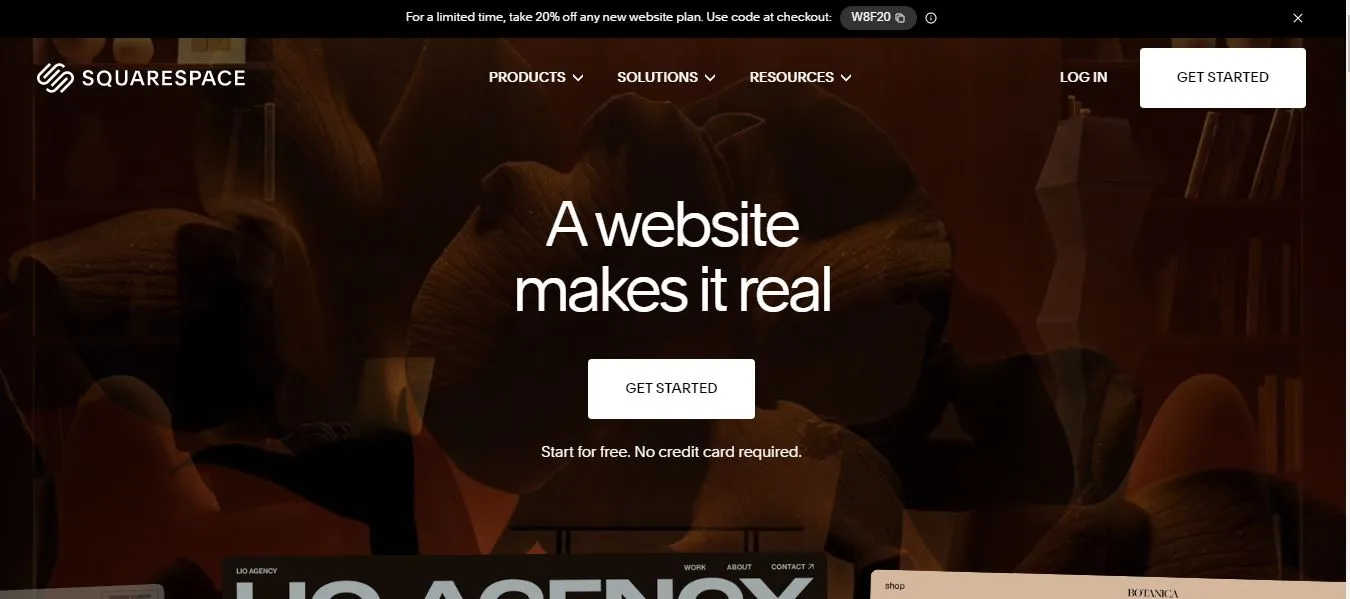
Squarespace is famous for polished, award-winning templates and an elegant editing experience. It isn’t musician-specific, but it’s loved by creatives – including bands and solo artists – for its design quality. In my trial, I found Squarespace’s musician templates (or even generic ones) instantly gave my site a high-end look. The interface felt modern and less overwhelming than Wix.
When I signed up, I was asked what type of site (“portfolio” or “Online Store”) and was shown a selection of templates. I chose a design that prominently features visuals and added an audio block on the home page.
The block-based editor is more structured than Wix’s free drag-and-drop: you add sections like “Audio”, “Events”, “Gallery” and fill them out. This made everything feel orderly; I never had to hunt for a setting or worry about accidental overlaps.
Squarespace’s recent AI feature (“Design Intelligence”) can also auto-create a style from scratch, but I just used a standard musician template to get started quickly.
Key Features
Aesthetic Templates: The music and band templates are stunning. My site immediately looked like a pro portfolio (think album covers and band photography).
Audio & Video Blocks: Squarespace has a built-in Audio Block: I uploaded MP3s and could make them downloadable. It also has a Video Block to show music videos or behind-the-scenes clips.
Built-in Blogging: Squarespace’s blog is robust. I posted a news update in minutes. Each blog post can easily contain embedded playlists or videos.
Events & Tickets: You can add an Events page and calendar, or integrate with Bandsintown/Evenbrite to list shows. For tickets, you can link out to any ticketing service. (Unlike Bandzoogle, Squarespace doesn’t sell tickets natively, but integration is smooth.)
Merch & Digital Sales: Squarespace Commerce lets you sell physical merch and digital downloads (e.g. MP3s). It also supports print-on-demand (Printful integration) so I could mock up a shirt without inventory. Note: on the Basic plan (site-only), there’s a 2% transaction fee on sales, and that fee drops on higher plans.
Email Campaigns: Squarespace offers built-in email marketing (Squarespace Email Campaigns). I integrated it with my site so signups go directly into their email tool.
SEO & Analytics: Good SEO settings (meta tags, alt text, SSL included). Plus, I saw analytics and traffic sources in the dashboard.
Add-ons: Squarespace’s Unfold app helped me create Instagram story content, and their free “Bio Sites” tool made a quick link-in-bio page for social.
Registration and Website-Building Experience
Squarespace’s signup is straightforward (14-day free trial with no card needed). The editor’s learning curve is gentle: it’s mostly “choose a block, fill it”. I could add an Audio Block to a page by simply dragging it in. Customizing colors and fonts was easy via a style editor. Unlike Wix, the sections snap into place, so designing was predictable – no accidental overlaps.
One catch: once you add an item (like the audio player), you can’t move it outside of a section easily. And if you want heavy customization (beyond their controls), you’d have to inject custom CSS. But for most tasks – embedding a SoundCloud widget, creating an album gallery, adding a Bandcamp player (via Code Block) – I found everything reasonably simple. I didn’t need to code anything for the core features.
Pros
Stunning Design: The templates are head-turning. My trial site looked instantly like a professional band page. It won’t win over every fan, but it definitely conveys “we take our image seriously.”
Mobile Responsiveness: Every design is mobile-optimized automatically. My site looked great on my phone without extra tweaks.
All-in-One Commerce: Selling music and merch felt seamless. For example, I uploaded my latest track as a “digital product” and set the price; fans could immediately purchase it on the site. No separate store needed.
Integrated Features: Audio, video, blogs, and even appointments (for lesson booking or studio time) are built-in. I liked that email campaigns tied into the same dashboard.
Support and Stability: I didn’t encounter weird bugs. The editor was very polished, and their help guides are solid.
Cons
Cost: Squarespace isn’t the cheapest, especially if you need commerce. Plans run from $16/mo (Basics, no commerce) up to $39 or $99 for full e-commerce. I needed the $23 Core plan for basic selling, which is more expensive than Bandzoogle’s cheapest.
Transaction Fees on Basic: The Basic plan charges a 2% fee on sales. You avoid that only with Core ($23/mo) or higher.
Less Music-Specific: Unlike Bandzoogle, features are more general. For instance, there’s no built-in fan subscriptions or tip jar (though you could code one).
Template Limit: You can’t change templates without rebuilding content, and you must work within section layouts. This is more rigid than Wix’s free placement.
No Free Plan: There’s only a time-limited trial; no permanently free plan (unlike Wix or Bandzoogle’s free trial).
Pricing
For Squarespace, the relevant plans (billed annually) are: Basic (Personal) – about $16/month (no commerce); Core (Business) – about $23/month; Plus (Commerce) – $39; Advanced (Commerce) – $99. (Prices match what I saw on various sources: ~$16, $23, $39, $99 per month.)
All paid plans include a free domain and remove Squarespace branding. I found the Core $23 plan offered e-commerce with no transaction fee, which I used to sell some test tracks and shirts. If design is your priority, the cost is justified by the results.
My Verdict
Squarespace is ideal if you want the absolute cleanest, most designer look with minimal fuss. In use, its award-winning templates made my music site look professionally designed without any design skills. For image-driven bands or solo artists with lots of visuals (photography, album art), it’s a joy. I would recommend Squarespace to someone who values aesthetics above all and is okay paying a bit more.
It covers all the bases we need (audio, merch, blog) and feels very polished. (Personally, I was particularly impressed by how the templates handled mobile layout – everything just “worked.”) It wasn’t as packed with niche music features as Bandzoogle, but if I had an indie band aiming for a sleek brand image, I’d likely choose Squarespace.
Shopify
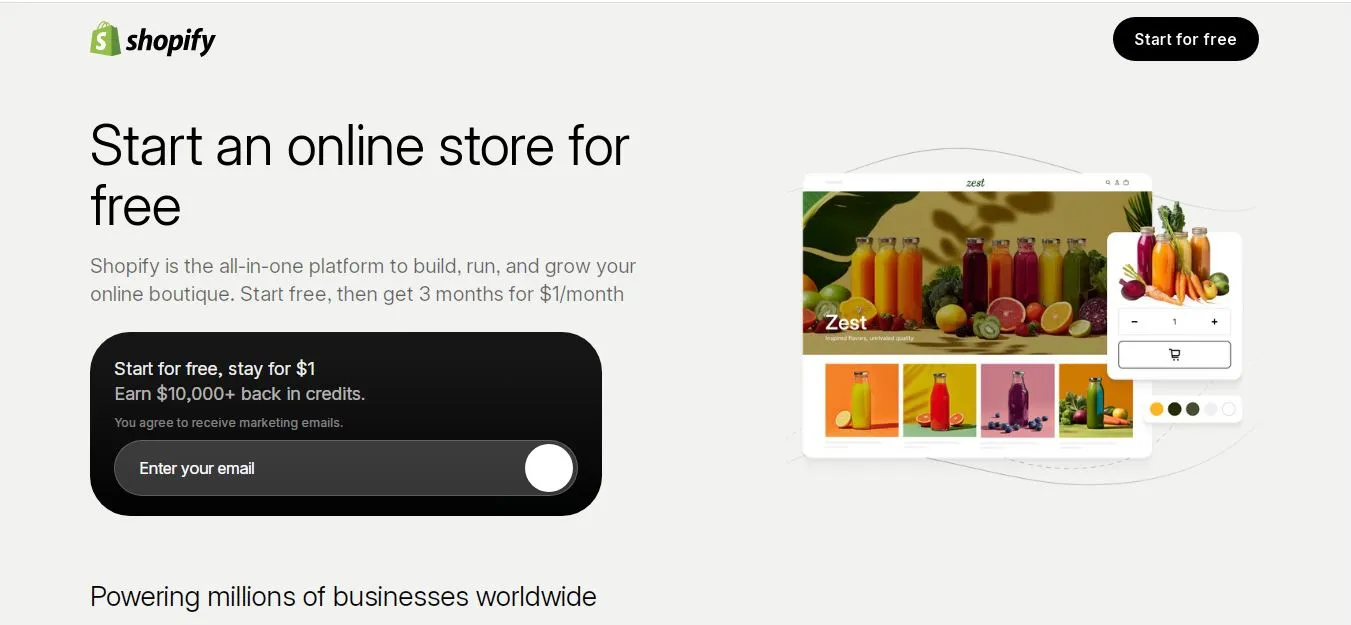
Shopify isn’t a traditional “website builder” in that it’s built primarily as an e-commerce platform. Still, if your music career is heavily merch- or product-driven, it deserves consideration.
Shopify’s strength is its store infrastructure: inventory management, payment processing, shipping, and a huge app ecosystem. Many artists and bands use Shopify to sell CDs, vinyl, shirts, and more. That said, it has virtually no built-in music player or tour features, so it’s better suited if selling is your main focus.
I created a trial Shopify store (they offer 3-day free trial) to see how a basic site felt. It walks you through adding products right away. I added some sample products (an album, a T-shirt) with variants. Shopify has many themes, some styled for bands or merchandise. I chose a music-themed template; customizing colors and images was easy via their theme editor. However, note: Shopify assumes your main goal is checkout.
To add audio or tour dates, I had to rely on apps or custom coding. For example, there’s an official “Music” app in the Shopify app store to sell MP3s, but I’d need an extra app to embed a player on the site pages. I could also embed a SoundCloud or Spotify widget using the “Custom Content” section on a page. It felt a bit clunkier for non-merch needs.
Key Features
Robust Merch Store: Shopify’s core strength. It handled product variants, discounts, inventory, taxes, and shipping (including real-time rates) out of the box. You can also sell concert tickets as products (e.g. digital PDF tickets).
Powerful E-commerce: Accepts multiple payment gateways with low transaction fees if you use Shopify Payments. Supports selling worldwide in multiple currencies (great for an international fanbase).
Themes & Design: A selection of free and paid themes, some tailored to music or apparel. They are generally clean and mobile-responsive. It was straightforward, but less drag-and-drop freedom than Wix.
Apps for Musicians: Shopify has an app marketplace. I found apps like Single (to sell music and digital content) and concert/event plugins. These let you integrate music stores or event pages. There’s also an official Printful integration for POD merch.
Marketing & SEO: Strong SEO settings and marketing tools (abandoned cart recovery, email integration, discount codes). They built an AI assistant “Shopify Sidekick” to help with recommendations.
24/7 Support: Shopify’s support was responsive and knowledgeable, especially about store issues.
Registration and Website-Building Experience
Signing up was a bit different: Shopify starts you in a dashboard asking about store name and products. It’s less like “build a site” and more like “set up a store.” I answered a few questions and then got a generic storefront theme to customize. The editing experience is section-based, similar to Squarespace. Adding products felt intuitive (upload images, set prices, etc.).
However, working on content pages (like an About or Home page with text and images) was not as smooth as the others. The focus is more on product listings. I needed to add separate apps to handle music playing or calendars. For instance, I installed a free event calendar app to show upcoming shows on one page; it was easy but not integrated by default.
Pros
Best-in-Class E-commerce: If selling merch is your goal, Shopify is unparalleled. It can handle high volume and complexity with ease. In fact, one review noted Shopify is “our favorite ecommerce platform” for serious stores.
Unlimited Products: Even the Basic plan lets you add unlimited products. I could list hundreds of items if needed.
Shipping & Payments: Built-in shipping labels, multiple rate options, and very low transaction fees (especially with Shopify Payments).
Apps & Integrations: Massive ecosystem (apps for digital downloads, events, loyalty programs). I could imagine finding apps for anything, though some cost extra.
Multichannel Selling: Sell on Instagram, Amazon, or in-person (POS) from the same dashboard.
Cons
Not Music-Specific: Almost nothing for audio out-of-the-box. To play music on my site, I had to use a third-party app or embedded widget. If a musician needs playlists or streaming players, it feels tacked on.
Design Limitations: The themes are geared to stores. Customizing beyond that requires theme code knowledge or paid apps. I couldn’t just drop an audio player widget anywhere unless I installed an app for it.
Learning Curve for Non-Sellers: The admin interface is built for product management. If you’re not already selling a lot, it might feel overkill.
Cost: Shopify’s Basic plan is $39/month (or $29 if billed yearly), which is more than many builders here. The next tier (Grow) is $105/mo. These plans cover everything, but the entry price is high if you only need a simple site.
Transaction Fees: If you choose not to use Shopify’s own payment gateway, there is a fee (1-2%). Also, there are no native tools for email lists or blogging without adding more apps.
Pricing
Shopify’s tiered pricing (as of 2026) starts at $39/month for Basic (billed monthly) or $29/mo annual. This gives you a full store and up to 2 staff accounts. The next tiers are $105/mo (Grow) and $399/mo (Advanced). There’s also a $5/month Starter plan that’s basically just a buy button on social media, not a full site. In practice, I found that for a modest band store, Basic is the minimum. So expect roughly $29–39 per month.
My Verdict
Shopify isn’t where I’d start if I just want a music portfolio, but for a band whose main business is selling merch worldwide, it’s fantastic. For example, if you launch a big merch campaign or need inventory tracking, Shopify will handle it effortlessly. In my experience, it felt like a shop backend first, website second.
I would recommend Shopify only if your band’s focus is e-commerce (merch, printed music, VIP passes, etc.) or if you expect to scale too many products. Otherwise, Bandzoogle or Squarespace might offer a more balanced band-site experience. That said, I loved the checkout experience and the simplicity of payments on Shopify.
Which Website Builder Is Best for Different Types of Musicians?
Solo singer-songwriters / small bands: Bandzoogle or Squarespace. You get the essential tools without fuss. For example, if you just need a site to host your songs and announce shows, Bandzoogle’s built-in players and tours (with a low-cost plan) can be ideal. If you prize visuals (album art, promo photos), Squarespace’s design focus may suit you.
Bands with extensive merch: Shopify. It’s built for selling merchandise at scale. I’d use Shopify if our band had a big store (CDs, vinyl, T-shirts, posters, etc.) because of its advanced inventory and shipping features.
Music producers / DJs / EDM artists: Wix or Squarespace. Both let you show off mixes and images in creative layouts. I found Wix’s freedom helpful for building an edgy one-page site, but Squarespace would give it a more polished look.
Budget-conscious / tech newbies: Bandzoogle. It includes domain and hosting cheaply and has an easy editor. If your priority is getting online fast with no technical headaches, Bandzoogle (or even the free band templates of others) is the way to go.
App-focused projects: If you have a band app or mobile game, you might use Entro’s own tools. (Entro isn’t a band builder per se, but I’ve used its mobile app landing page builder to quickly create promo pages for apps. That same generator could be handy for a band’s album-release app or fan club app.)
Frequently asked questions
For most musicians, I’d choose Bandzoogle because it combines music-specific tools, EPKs, tour dates, fan management, and music sales in one platform.
Bandzoogle is better for built-in music features, while Wix offers more design freedom and customization.
Yes. I find Squarespace especially suitable for musicians who prioritize polished design, branding, and visual presentation.
Yes. Bandzoogle, Wix, Squarespace, and Shopify can all support music and merchandise sales, although the available features and setup vary.
An EPK isn't essential for every musician, but I recommend having one if you regularly contact promoters, venues, media, or booking agents.
I recommend including your music, bio, photos, tour dates, EPK, merch, contact details, social links, and email signup.
Costs vary by platform and plan. You can start with relatively affordable monthly plans, while advanced ecommerce and music features may cost more.
Yes. All four builders I reviewed offer no-code or low-code website creation, so you don't need programming skills.
I’d choose Shopify for serious ecommerce, while Bandzoogle is a better fit if music features are equally important.
Yes, I believe it's still worthwhile. A website gives me more control over my brand, content, fan relationships, bookings, and direct sales than third-party platforms alone.
Written by
Cyrus
Head of Marketing, Entro
Cyrus writes about mobile app marketing, ASO, and conversion optimization. He's spent the last 3+ years helping indie developers and startup founders get more downloads from organic channels, without paid UA budgets.
Before Entro, he ran growth for two consumer apps that together passed 500,000 downloads on the App Store. Most of what he writes comes from mistakes made with his own money first.
Related articles