7 Best Website Builders for Artists in 2026: Comprehensive Guide
What if my best artwork is sitting on Instagram, but potential collectors, galleries, or clients cannot easily find my full portfolio? I see an artist’s website as much more than an online gallery. It can act as my professional portfolio, marketing tool, and, if I sell prints or other products, an online store.

Cyrus

What if my best artwork is sitting on Instagram, but potential collectors, galleries, or clients cannot easily find my full portfolio? I see an artist’s website as much more than an online gallery. It can act as my professional portfolio, marketing tool, and, if I sell prints or other products, an online store.
Choosing the right website builder matters because I need attractive, gallery-ready templates, reliable image handling, simple editing, and, in many cases, e-commerce features. For this guide, I looked at seven popular website builders from an artist’s perspective rather than judging them only by overall popularity.
I focused on the areas that matter most to me as an artist: design flexibility, portfolio and gallery features, e-commerce, ease of use, SEO and marketing tools, and pricing.
Below, I review each platform individually and explain what I liked, what I did not like, how the pricing compares, and which type of artist I think would benefit most from using it.
7 Best Website Builders for Artists in 2026
I chose and reviewed the following platforms specifically from an artist’s perspective:
Wix
Squarespace
Pixpa
Format
Shopify
Webflow
WordPress.com
I considered portfolio templates, image management, store functionality, SEO, design flexibility, and ease of use. I also looked at the available free trials and demos and reviewed the published pricing and features.
Wix
Wix was the first platform I would recommend to an artist who wants a combination of flexibility and simplicity. Its drag-and-drop editor gave me a lot of freedom over where I could place images, text, galleries, and other elements.
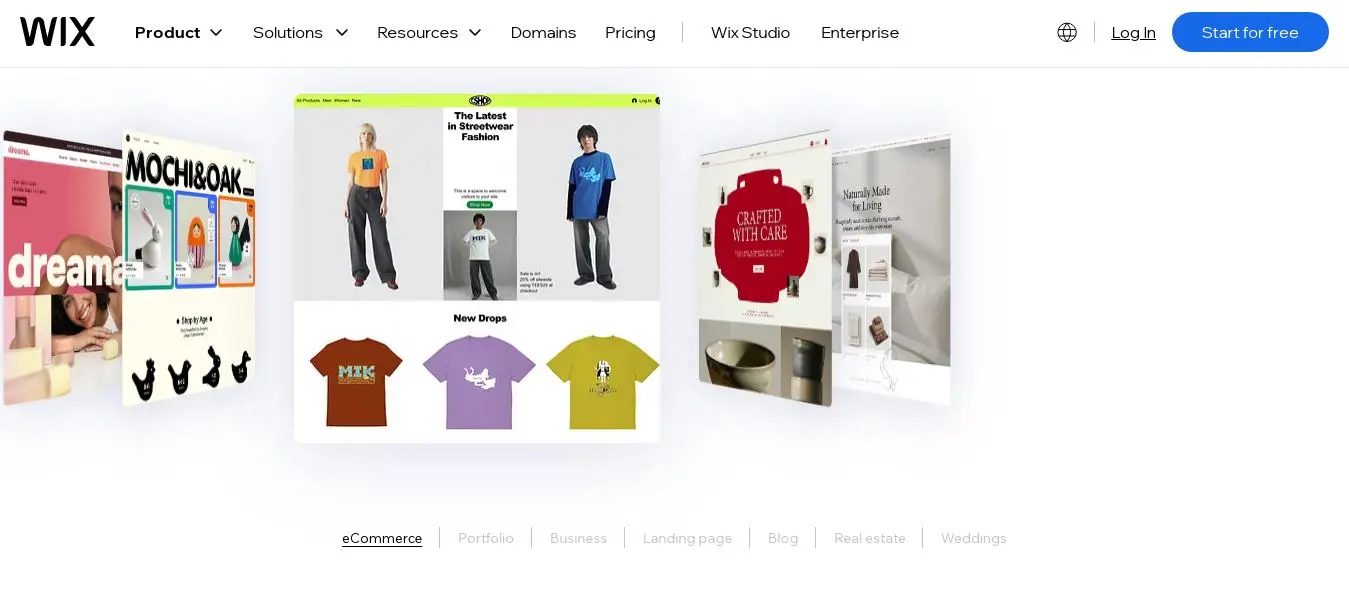
I also liked that Wix has a dedicated Wix Portfolio feature. It is specifically aimed at creative professionals, including photographers, UX designers, fine artists, and architects.
The biggest advantage I found was that I did not have to sacrifice design freedom just because I wanted an easy website builder. I could start with a template and then customize the layout considerably.
Key features I found useful for artists
Drag-and-drop design: I could position elements visually without needing to write code. The editor also provides desktop and mobile views.
Wix Portfolio: I could create image and video galleries, slideshows, and other portfolio layouts.
App Market: I could extend the website with booking tools, blogs, contact forms, social feeds, and other features.
E-commerce: Wix supports shopping carts, digital downloads, coupons, and online selling through its Business/Commerce plans.
AI tools: Wix also provides AI-powered tools for generating website content and SEO-related text.
SEO and marketing: I found built-in SEO controls, analytics, and marketing integrations useful for promoting an art portfolio.
What I liked about Wix
It was extremely easy to use. The visual editor made it approachable even for someone without technical experience.
I had a huge amount of design freedom. The large template library gave me plenty of starting points.
Its portfolio tools were strong. I could display artwork using grids, carousels, slideshows, and galleries.
SEO tools were built in. I could control important SEO elements such as metadata and redirects without relying entirely on external tools.
There is a free plan. That gave me a way to experiment before committing to a paid plan.
What I did not like about Wix
I cannot simply switch templates after building the website. Changing templates can require rebuilding the site.
The flexibility can become overwhelming. Having so many options may actually make the editor harder for a complete beginner.
Large image-heavy websites may need more attention to performance. A portfolio with lots of images, animations, and apps can become heavier.
It is not my first choice for a very large online store. Shopify or another dedicated e-commerce platform would make more sense at a larger scale.
Wix pricing
Wix offers a free plan as well as paid plans. Based on the pricing used for this comparison, annual pricing was approximately $17.77/month for Light, $29.77/month for Core, $39.77/month for Business, and $159.77/month for Business Elite.
The Core and Business plans are the more relevant options if I want to sell artwork online.
For current pricing, I would check Wix's official pricing page because subscription prices can change.
My final verdict on Wix
Wix is my top overall choice for most artists. I would choose it when I want to create a professional portfolio without dealing with code. Its biggest strength for me is the balance between ease of use and creative freedom.
If I were a beginner painter, illustrator, or designer who wanted a portfolio and perhaps a small online store, Wix would be one of the first builders I would try.
Squarespace
Squarespace gave me a very different experience from Wix. Instead of giving me almost unlimited freedom over where everything goes, Squarespace uses a more structured editing system.

I actually see that as an advantage for artists who care about presentation. The templates already have a polished visual style, so I could create a professional-looking portfolio without having to design every element from scratch.
For an image-heavy website, I found this approach particularly appealing.
Key features I found useful for artists
Design-focused templates: Squarespace provides professionally designed templates that work particularly well for portfolios.
Image galleries: I could use gallery blocks, slideshows, grids, masonry layouts, and lightboxes.
Custom CSS and code: More advanced users can customize their sites further.
Blogging and SEO: Squarespace includes blogging tools, SSL, sitemaps, clean URLs, and basic SEO controls.
Commerce: I could sell physical or digital products and use commerce analytics.
Scheduling: Acuity Scheduling integration can be useful for artists or photographers who take appointments.
What I liked about Squarespace
The designs looked polished with relatively little work.
It handled visual content well. That is particularly important when my artwork is the main reason someone visits the website.
The editor was relatively intuitive. It was more structured than Wix, but that also made it easier for me to maintain a consistent visual style.
It combines several tools in one platform. I could manage a portfolio, blog, SEO, analytics, and commerce in one place.
There is a 14-day free trial. I could try the platform without immediately committing to a paid subscription.
What I did not like about Squarespace
I had less design freedom than with Wix.
The structured editor can take some time to understand.
It can become relatively expensive at higher commerce tiers.
There is no built-in client proofing system comparable to Pixpa's specialized gallery tools.
Squarespace pricing
Squarespace's annual pricing used in this comparison was:
Basic: $16/month
Core: $23/month
Plus: $39/month
Advanced: $99/month
There is no permanent free plan, although Squarespace offers a 14-day trial.
My final verdict on Squarespace
Squarespace is my choice when visual presentation is more important than maximum customization.
If I were a painter, photographer, or illustrator and wanted my website to look polished without spending hours designing every section, I would seriously consider Squarespace.
I would choose Wix instead if I wanted more freedom over the layout, but for a clean, gallery-style portfolio, I found Squarespace particularly appealing.
Pixpa
Pixpa stood out to me because it was created specifically with creatives in mind. Unlike general-purpose builders, its focus is heavily centered around portfolios, photography, client galleries, and selling creative work.
The feature I found especially interesting was Client Galleries. I could use password-protected galleries to share work privately with clients, allow them to select images, and potentially purchase prints.
That makes Pixpa particularly relevant to photographers and other visual artists who work directly with clients.
Key features I found useful for artists
Creative templates: Photo-focused, responsive templates designed for visual portfolios.
Client Galleries: Password-protected galleries for private client work.
Integrated store: I could sell prints, digital downloads, and services.
No sales commission: Pixpa does not take a commission on product sales.
Blog and custom pages: I could create additional content beyond the portfolio.
SEO controls: I could customize important SEO settings.
Scheduling: Higher plans support booking and scheduling features.
What I liked about Pixpa
It felt purpose-built for creative professionals.
The client gallery feature was especially useful.
I liked the fact that Pixpa does not charge a sales commission.
Hosting, SSL, storage, and other essential services are included.
The pricing is relatively affordable.
24/7 support is another advantage.
What I did not like about Pixpa
The editor is not as refined as Squarespace or Webflow.
There are fewer customization options for advanced designs.
The template selection is smaller than Wix's.
The platform is heavily portfolio-oriented. That is great for artists, but less useful if I want a much broader business website.
Pixpa pricing
The pricing used for this comparison was:
Basic: $6/month
Creator: $12/month
Professional: $18/month
Advanced: $25/month
The effective monthly price can be lower with longer-term billing.
My final verdict on Pixpa
Pixpa is one of my favorite choices for a portfolio-plus-store website.
If I were a photographer, illustrator, or digital artist who needed client galleries and wanted to sell prints without paying a sales commission, Pixpa would be high on my list.
I would not choose it if I wanted extensive customization or a complex content-driven website. But for its specific audience, I think Pixpa does a very good job.
Format
Format is another platform that clearly targets creative professionals. Its focus is on building a visually strong portfolio without requiring coding.
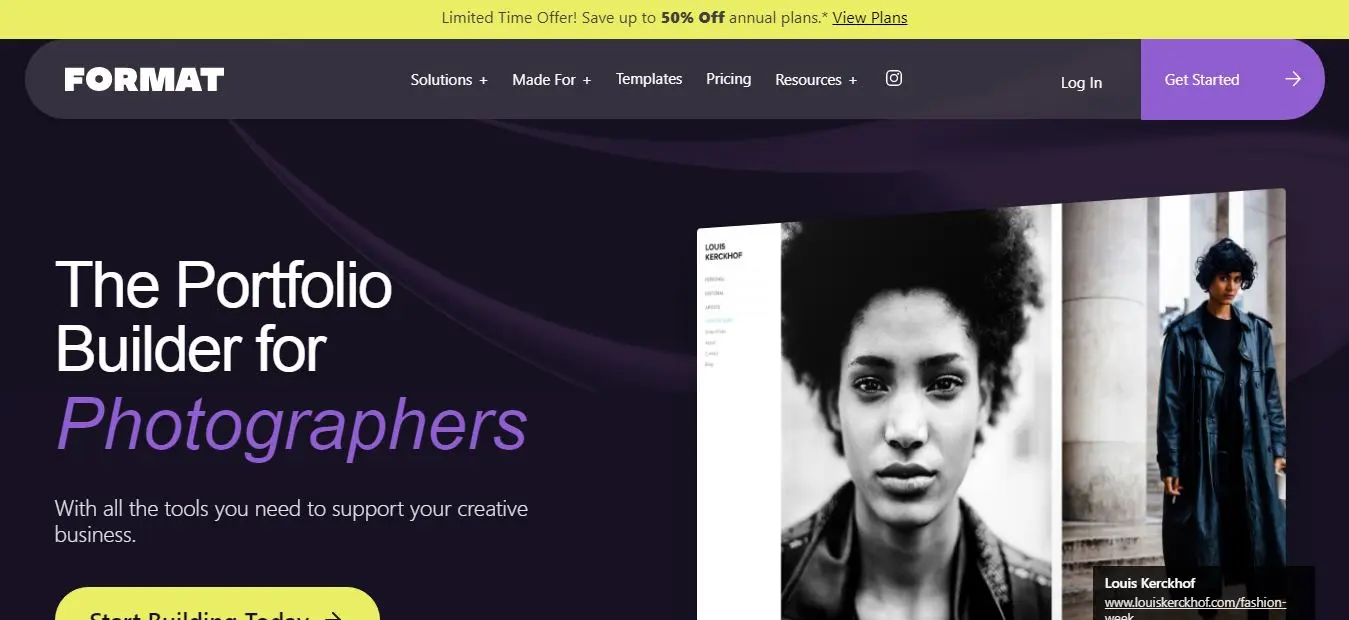
The feature that caught my attention was Flex Block. Instead of forcing me to follow a completely fixed template, it gives me a grid-based system for arranging images, text, and video.
That gave me more creative freedom while still keeping the editing process relatively simple.
Key features I found useful for artists
Creative templates: Minimalist, image-focused designs.
Flex Block: A grid-based system for creating customized layouts.
Responsive design: Templates are designed for mobile devices.
Client proofing: Password-protected galleries and albums are available.
Blog and SEO: Basic blogging and SEO tools are included.
Online store: I can sell prints, digital products, and other goods without a sales commission.
Booking: Scheduling tools are available for classes and consultations.
What I liked about Format
It is clearly designed with artists in mind.
The Flex Block gave me more creative control without requiring code.
The templates looked clean and professional.
Unlimited high-resolution image storage is useful for visual artists.
The SEO tools allow me to customize page titles and meta descriptions.
The platform provides resources specifically focused on creative portfolios.
What I did not like about Format
The Flex Block can take some time to understand.
Format is not a general-purpose website builder.
There is no permanent free plan.
Its marketing capabilities are more limited than those of broader platforms.
Format pricing
The pricing used in this comparison was:
Basic: $10/month when billed annually
Pro: $12/month when billed annually
Pro Plus: $15/month when billed annually
The regular monthly prices are higher.
All plans include unlimited bandwidth and galleries, while higher tiers provide additional features.
My final verdict on Format
Format is my choice for an artist who wants a straightforward, visually focused portfolio.
I would use it when I want to spend less time configuring a complicated website and more time presenting my work.
For photographers, illustrators, and designers who care more about presentation than extensive third-party integrations, I think Format makes a lot of sense.
Shopify
Shopify is different from the other platforms on this list because I would not choose it primarily to create a portfolio. I would choose it when selling artwork is the main goal.
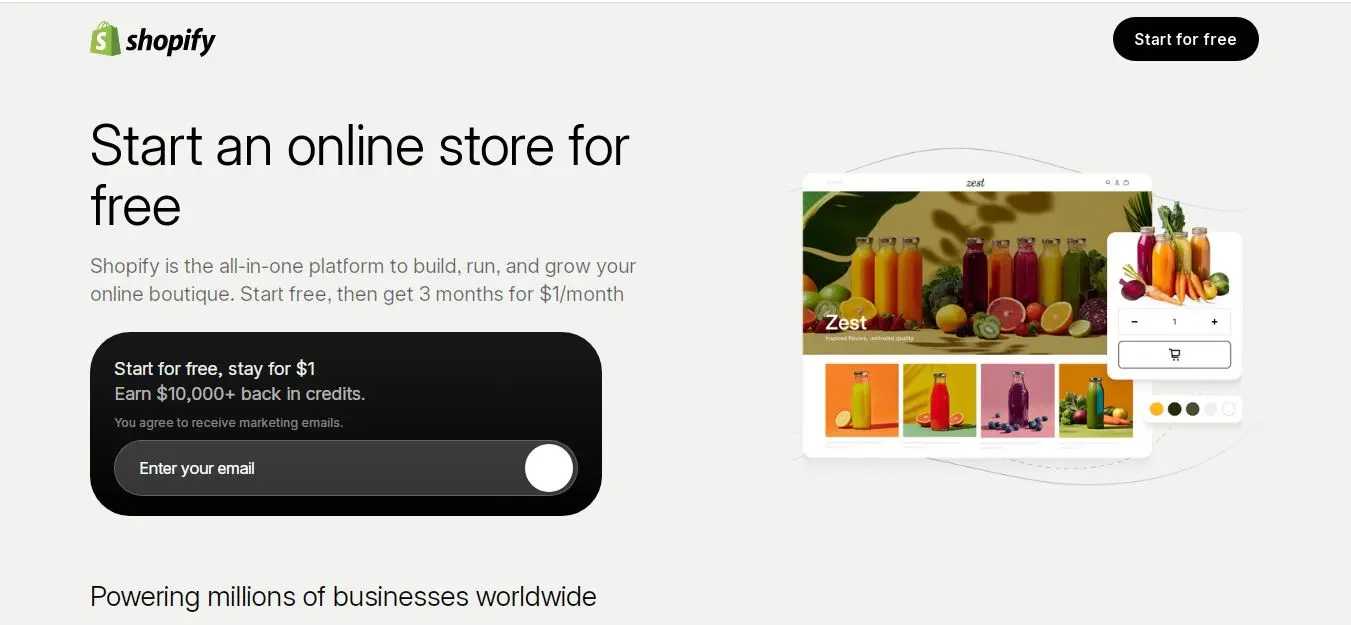
Its entire ecosystem is built around e-commerce, so I found much stronger store-management tools than I would expect from a typical portfolio builder.
If I were selling prints, books, merchandise, or a large collection of products, Shopify would become much more attractive.
Key features I found useful for artists
Professional storefronts: Product-focused themes and layouts.
Multi-channel selling: Products can be sold through multiple channels.
Point of sale: Useful for artists who sell at galleries, exhibitions, or art fairs.
Marketing: Discount codes, gift cards, abandoned-cart emails, and marketing integrations.
Shipping and taxes: Shopify supports shipping and tax calculations.
Apps: A large app ecosystem allows me to add print-on-demand, digital delivery, galleries, and other functionality.
AI tools: Shopify provides AI-based features to help with tasks such as product descriptions.
What I liked about Shopify
Its e-commerce capabilities are far stronger than those of general website builders.
It can scale from a small collection to a large store.
The infrastructure is reliable and designed for online selling.
I can combine online and in-person sales through POS.
There is a huge ecosystem of apps and integrations.
The checkout experience is designed specifically for commerce.
What I did not like about Shopify
It is more complicated for a beginner.
The default editor does not offer the same freeform design experience as Wix.
The monthly cost is higher than many portfolio-focused builders.
Apps can add significantly to the total cost.
It feels excessive if I only need a simple art portfolio.
Its blogging and content-management tools are not as strong as WordPress.
Shopify pricing
The annual pricing used in this comparison was approximately:
Basic: $29/month
Shopify: $79/month
Advanced: $299/month
Plus: Starting at approximately $2,300/month
The Basic plan includes an online store and up to two staff accounts.
My final verdict on Shopify
Shopify is my choice when selling artwork is more important than building a portfolio.
If I were selling hundreds or thousands of products, managing inventory, selling at physical events, or building a serious art business, I would choose Shopify over a portfolio-focused builder.
For a simple artist website, though, I think Shopify is more platform than I need.
Webflow
Webflow was the platform I found most interesting from a design-control perspective. It is much closer to a professional visual web-design tool than a traditional beginner website builder.
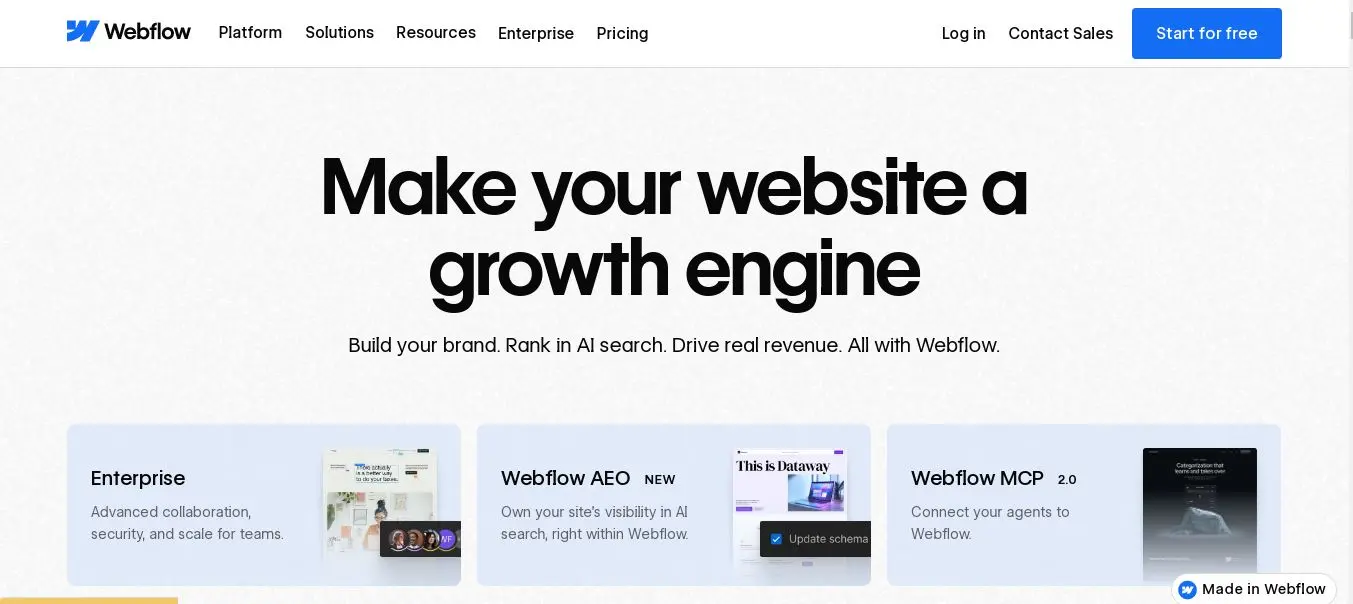
Instead of simply choosing a template and moving blocks around, I could work with layouts, grids, classes, animations, and other web-design concepts.
That gives me considerably more control, but it also means I need to understand more about how websites work.
Key features I found useful for artists
Complete design control: I can build highly customized layouts.
CMS: Useful for large portfolios, art collections, blogs, and categorized projects.
Professional hosting: Hosting, SSL, and global infrastructure are included.
SEO controls: I can manage metadata, redirects, sitemaps, and other SEO elements.
Animations: I can create custom interactions and scroll-triggered effects.
E-commerce: Webflow provides store functionality for smaller product catalogs.
Code export: I can export HTML/CSS in appropriate plans.
What I liked about Webflow
The design freedom is exceptional.
I can create a portfolio that looks genuinely different from a standard template website.
The CMS is useful for artists with large collections.
The SEO controls are strong.
Animations and interactions can make an artist portfolio much more engaging.
I can export code if I eventually need to move the site elsewhere.
What I did not like about Webflow
The learning curve is considerably steeper.
It took more time and knowledge than Wix or Squarespace.
I need a paid plan to publish on a custom domain.
Its e-commerce tools are not as mature as Shopify's.
There is no WordPress-style plugin ecosystem.
Webflow pricing
The pricing used for this comparison was approximately:
Starter: Free
Basic/Premium: Approximately $15/month when billed annually
Business: Approximately $25/month when billed annually
The free Starter plan uses Webflow branding and a webflow.io domain.
My final verdict on Webflow
Webflow is my choice when the website itself needs to become part of the artwork.
If I were a digital artist, designer, animator, or creative professional who wanted highly customized layouts and interactions, I would consider Webflow.
However, I would not recommend it to an absolute beginner who simply wants to upload artwork and launch a portfolio quickly. For that purpose, Wix or Squarespace would be easier for me.
WordPress.com
WordPress.com gave me the most flexibility when I looked beyond the visual portfolio itself.
Unlike WordPress.org, which requires separate hosting, WordPress.com provides managed hosting. That makes it easier to get started while still giving me access to a large WordPress ecosystem on higher plans.
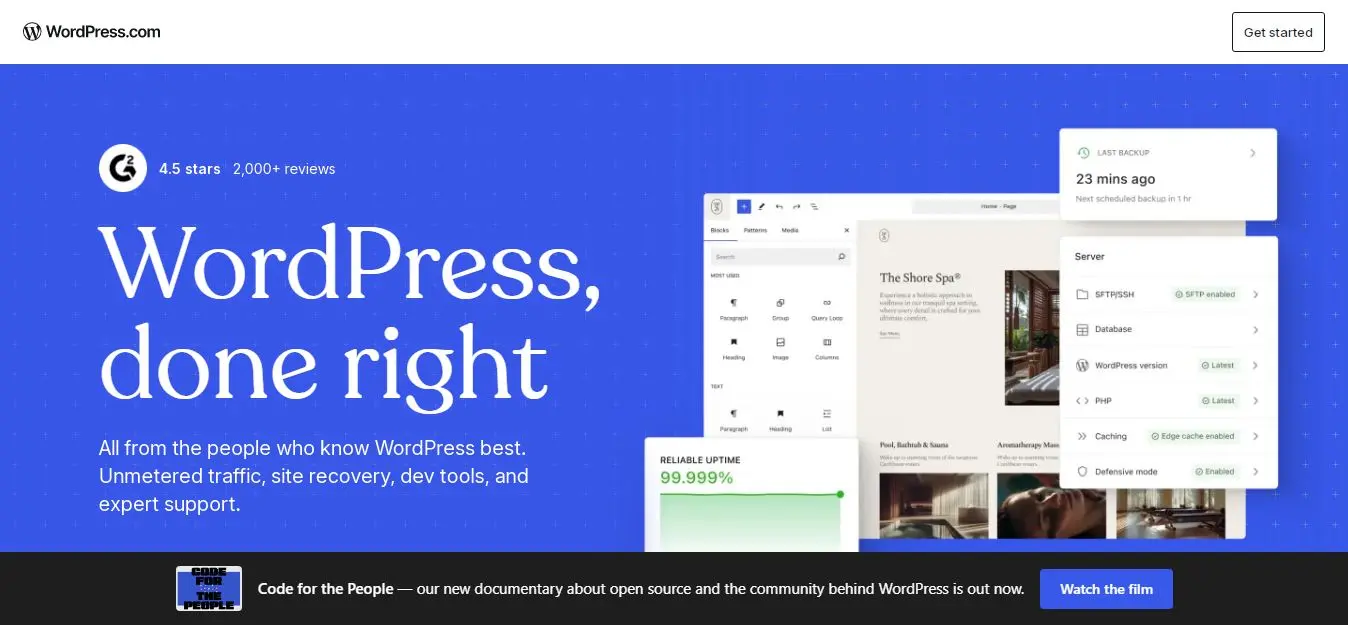
I particularly like WordPress.com when an artist wants to combine artwork with substantial written content, tutorials, articles, videos, or educational material.
Key features I found useful for artists
Large theme library: Thousands of free and premium themes are available.
Plugins: Business and higher plans can access a huge WordPress plugin ecosystem.
Content management: Strong blogging and publishing capabilities.
Built-in galleries: Even the free plan includes basic gallery functionality.
E-commerce: WooCommerce can be used on appropriate plans.
AI website tools: WordPress.com also offers AI-powered tools to help beginners create websites.
What I liked about WordPress.com
The flexibility is excellent.
The blogging system is much stronger than what I get from many portfolio-first builders.
I can expand the website with plugins.
It can scale from a small portfolio to a much larger website.
There is a large ecosystem of themes, services, and professionals around WordPress.
What I did not like about WordPress.com
There is a learning curve.
The number of settings, themes, and plugins can feel overwhelming.
The more advanced features require a more expensive plan.
The default designs may require customization to achieve the same immediate polish as Squarespace.
Advanced sites still require some management of plugins and security.
WordPress.com pricing
The pricing used in this comparison was approximately:
Free: $0
Personal: Around $4/month when billed annually
Premium: Around $8/month
Business: Around $25/month
Longer-term subscriptions can reduce the effective monthly cost.
The Business plan or higher is needed for advanced plugin functionality.
My final verdict on WordPress.com
WordPress.com is my choice when I want maximum flexibility and a content-heavy website.
If I were an illustrator who also writes regularly, an art teacher publishing tutorials, or an artist who wants strong blogging and SEO capabilities, I would seriously consider WordPress.com.
For someone who simply wants the easiest possible portfolio builder, I would choose Wix or Squarespace instead.
Best Website Builders for Artists Compared
After looking at all seven platforms, I would summarize them this way:
Website Builder | Best For | Ease of Use | Portfolio | E-commerce | Design Flexibility | SEO/Marketing | Starting Price |
Wix | Best overall | ★★★★★ | ★★★★★ | ★★★★☆ | ★★★★★ | ★★★★★ | $0 / $17.77 |
Squarespace | Beautiful portfolios | ★★★★☆ | ★★★★★ | ★★★★☆ | ★★★★☆ | ★★★★☆ | $16 |
Pixpa | Portfolio + store | ★★★★★ | ★★★★★ | ★★★★☆ | ★★★★☆ | ★★★★☆ | $6 |
Format | Professional portfolios | ★★★★☆ | ★★★★★ | ★★★★☆ | ★★★★☆ | ★★★☆☆ | $10 |
Shopify | Selling artwork | ★★★★☆ | ★★★☆☆ | ★★★★★ | ★★★★☆ | ★★★★★ | $29 |
Webflow | Advanced design | ★★★☆☆ | ★★★★★ | ★★★☆☆ | ★★★★★ | ★★★★★ | $0 / $15 |
Flexibility & content | ★★★☆☆ | ★★★★☆ | ★★★★★ | ★★★★★ | ★★★★★ | $0 / $4 |
These ratings are my assessments, not official scores from the companies. I based them on how well I think each platform serves artists in areas such as ease of use, portfolio presentation, e-commerce, design flexibility, and SEO.
Prices can change, so I would always check the relevant official pricing page before purchasing a plan.
How I Would Choose the Best Website Builder for My Art?
For me, the decision comes down to what I actually want the website to accomplish.
Portfolio or e-commerce?
If I mainly want to show my work to galleries, clients, and potential buyers, I would look first at Squarespace, Pixpa, Format, or Webflow.
If selling prints, merchandise, or other products is the main objective, I would lean toward Shopify. For a smaller store, Pixpa or Format could also be a better fit.
Ease of use
If I do not have technical experience, I would start with Wix or Squarespace.
Both allow me to create a professional-looking website without needing to understand HTML, CSS, or JavaScript.
If I already have web-design experience or I am willing to spend more time learning, Webflow or WordPress.com give me considerably more control.
Design requirements
I would choose based on how much control I want.
Squarespace and Format are good when I want polished templates.
Wix gives me a strong combination of templates and customization.
Webflow is the option I would consider when I want to create a completely customized experience.
Features
I would also make a list of the features I actually need.
If blogging is important, I would lean toward WordPress.com.
If selling products is central to the business, I would look at Shopify.
If client galleries are important, Pixpa is particularly interesting.
If I want a simple portfolio with creative layouts, Format is worth considering.
Budget
I would not look only at the monthly subscription.
I would also consider the domain, transaction fees, apps, storage, and any additional services I might need.
A free plan can be useful for testing, but I would generally choose a paid plan for a serious professional portfolio because a custom domain and ad-free presentation make the website look more credible.
Future growth
I would also think about where I expect the website to be a year or two from now.
If I expect a large online store, I would start with Shopify.
If I expect to need more sophisticated design control, I would consider Webflow.
If I expect to publish lots of articles and other content, I would choose WordPress.com.
Which Website Builder Is Best for Different Types of Artists?
Different artists have different requirements, so I would make my choice based on the type of work I create.
Painter: I would choose Squarespace or Wix for their visual presentation and gallery capabilities.
Illustrator: I would consider Wix or Pixpa. Wix gives me more layout freedom, while Pixpa provides strong portfolio organization.
Photographer: I would choose Pixpa or Format, particularly because of their client galleries and print-selling features.
Sculptor: I would lean toward Squarespace or Wix because high-quality images are particularly important for showing sculpture.
Digital Artist: I would consider Webflow or Wix. Webflow gives me more control over interactive experiences, while Wix is easier.
Artist Selling Prints: I would choose Shopify or Pixpa. Shopify is better for scaling, while Pixpa offers a simpler portfolio-plus-store setup.
Freelance Designer: I would look at Webflow or Wix. Webflow gives me more design control, while Wix makes setup easier.
Beginner Artist: I would start with Wix or Squarespace.
Established Artist: I would consider Pixpa or Squarespace for a polished professional portfolio.
Content-Focused Artist: I would choose WordPress.com if blogging, tutorials, and written content are an important part of my website.
Conclusion
Having a well-crafted website is essential for artists aiming to elevate their visibility and connect with audiences. The platforms we’ve explored in this guide each offer unique features tailored to diverse artistic needs.
From visually stunning portfolios to robust e-commerce capabilities, these website builders empower you to present your work effectively and professionally. Choosing the right website builder can mean the difference between merely displaying your art and creating a compelling online presence that draws in clients and collectors.
For more resources and tools specifically designed for artists, visit Entro Work to discover how you can create your perfect website and elevate your online presence today!
Frequently asked questions
There is no single winner for every artist. I would choose Wix as the best overall option, while Squarespace is particularly strong for visual portfolios, Pixpa and Format are useful for creative workflows, and Shopify is my choice when selling artwork is the main priority.
I would consider Wix and WordPress.com for free portfolios. Webflow's Starter plan is another option for experimentation. However, free plans usually have limitations such as platform branding or a subdomain. For a professional portfolio, I would generally recommend upgrading to a paid plan.
If selling is my primary goal, I would choose Shopify because of its extensive e-commerce capabilities and scalability. For a smaller art business that also needs a portfolio, I would consider Pixpa, particularly because it does not charge a commission on sales.
I believe a website is extremely valuable for a professional artist. It gives me control over how my work is presented, provides a permanent place for my portfolio, allows potential clients or collectors to contact me directly, and can help people discover my work through search engines. It also means I am not completely dependent on social media platforms and their changing algorithms.
I can start for free with platforms such as Wix or WordPress.com, but professional websites generally require a paid plan. Based on the pricing reviewed in this guide, many paid options fall roughly within the $10–$30 per month range when billed annually, although Shopify and higher-tier plans can cost considerably more. I would also account for the domain, transaction fees, premium apps, and other optional services when calculating the total cost.
Written by
Cyrus
Head of Marketing, Entro
Cyrus writes about mobile app marketing, ASO, and conversion optimization. He's spent the last 3+ years helping indie developers and startup founders get more downloads from organic channels, without paid UA budgets.
Before Entro, he ran growth for two consumer apps that together passed 500,000 downloads on the App Store. Most of what he writes comes from mistakes made with his own money first.
Related articles